
截图
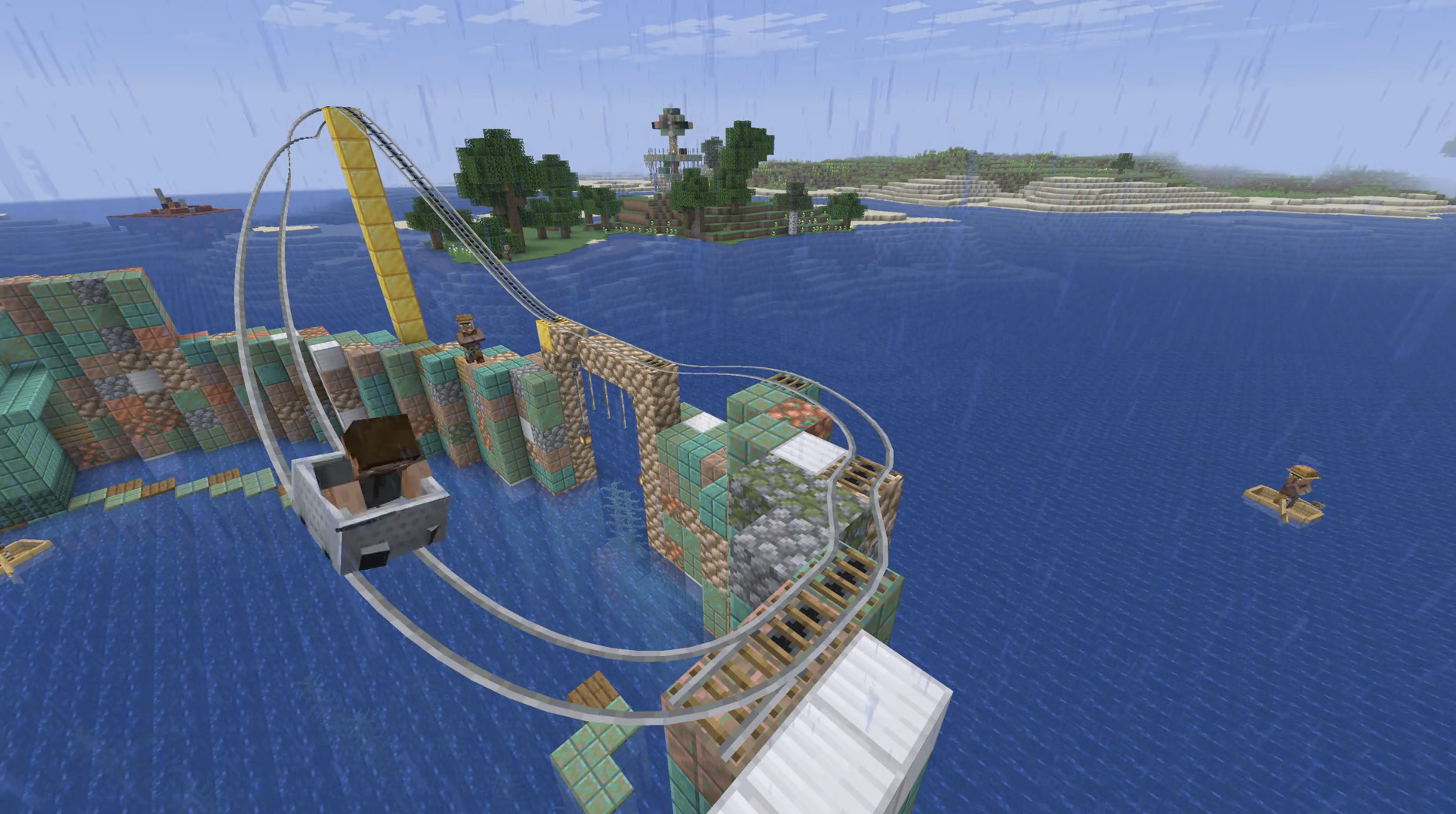
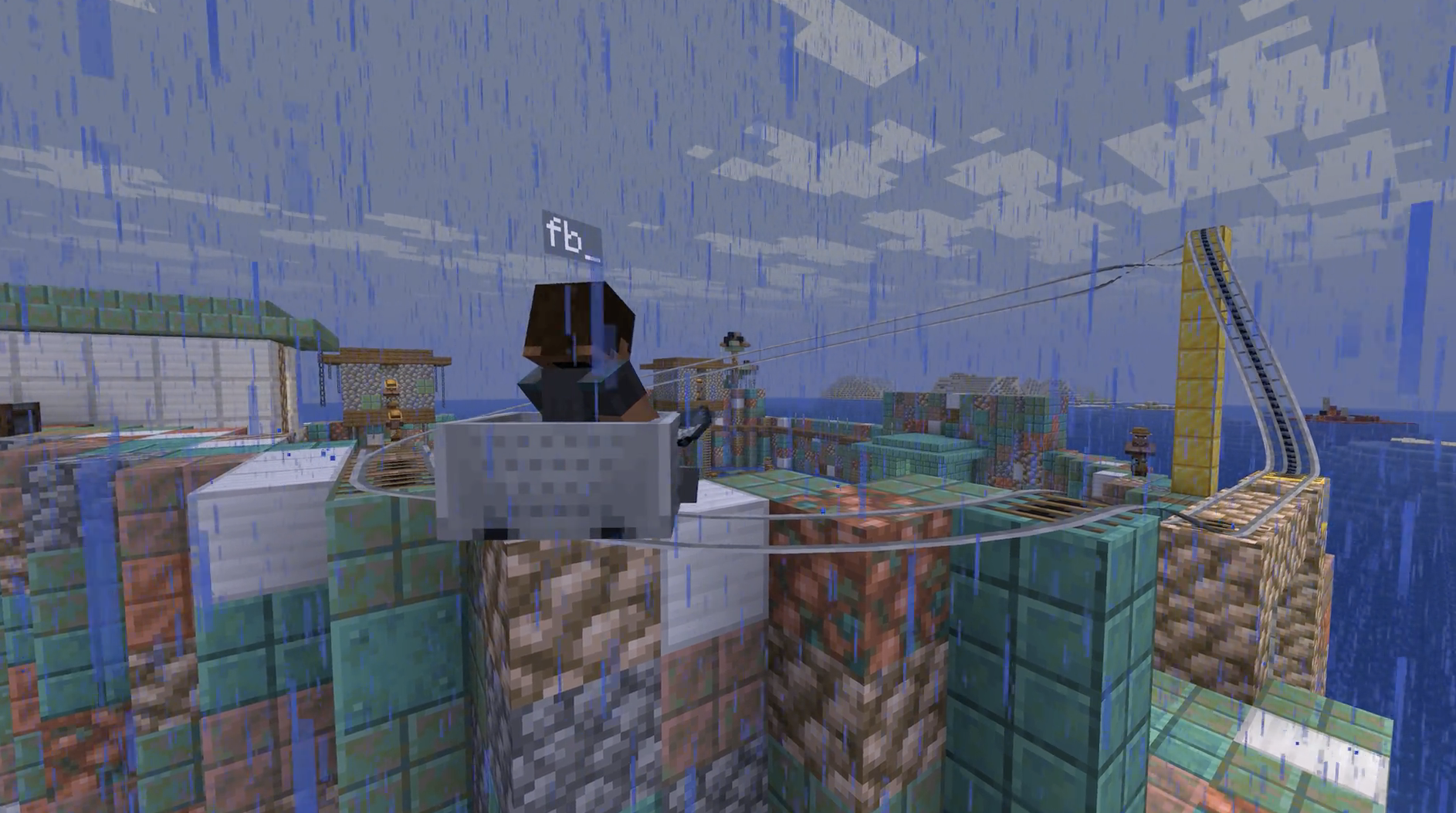
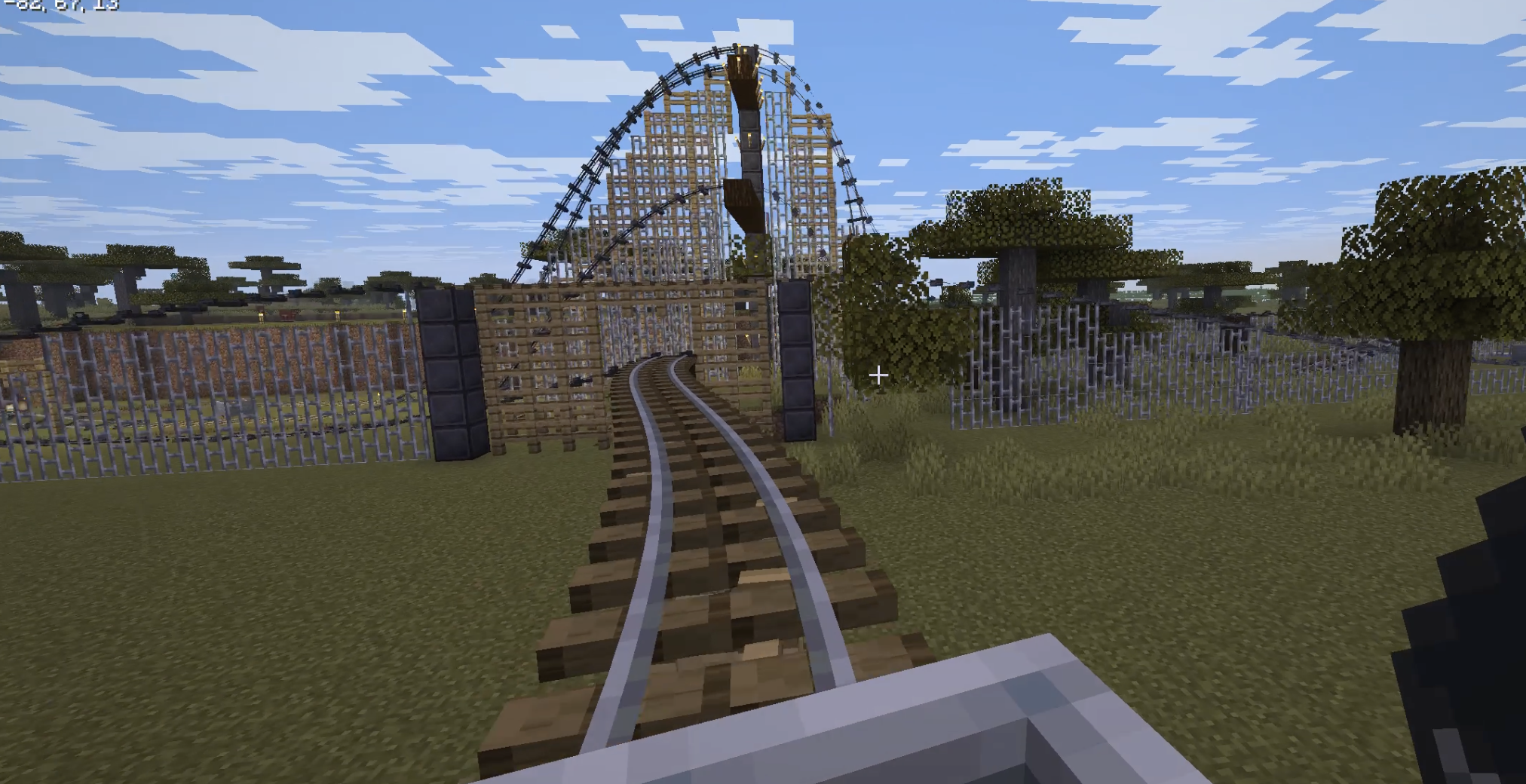
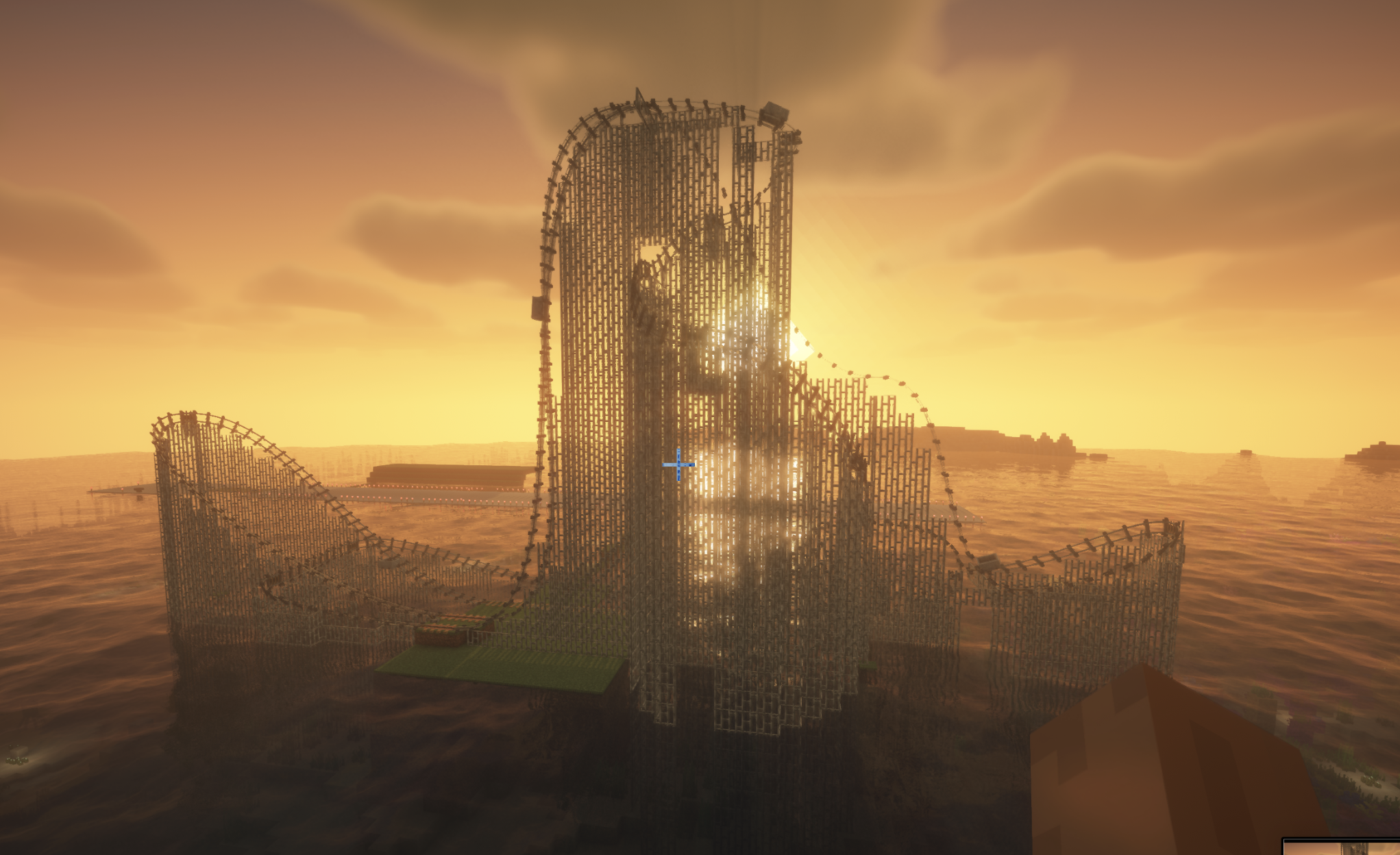
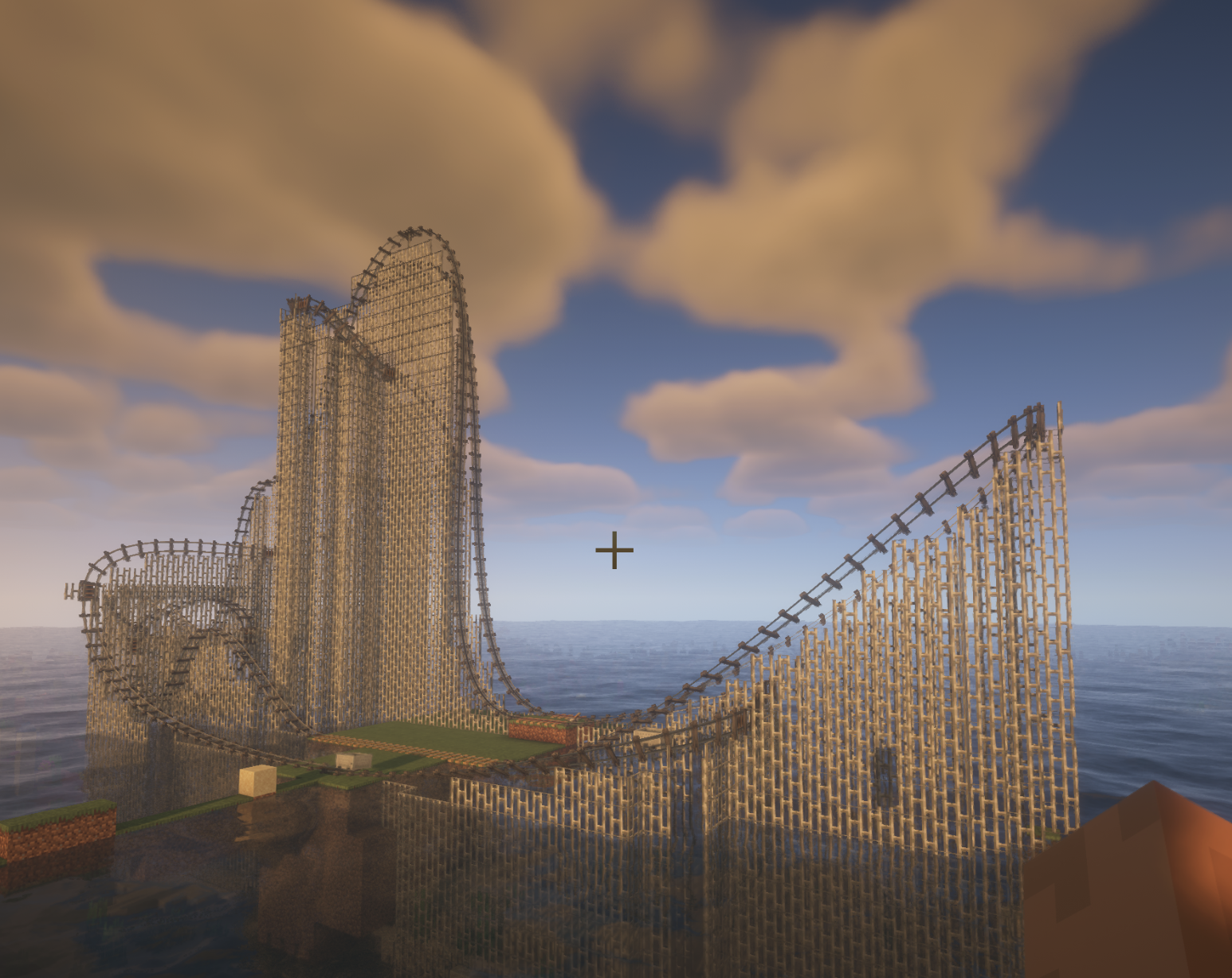
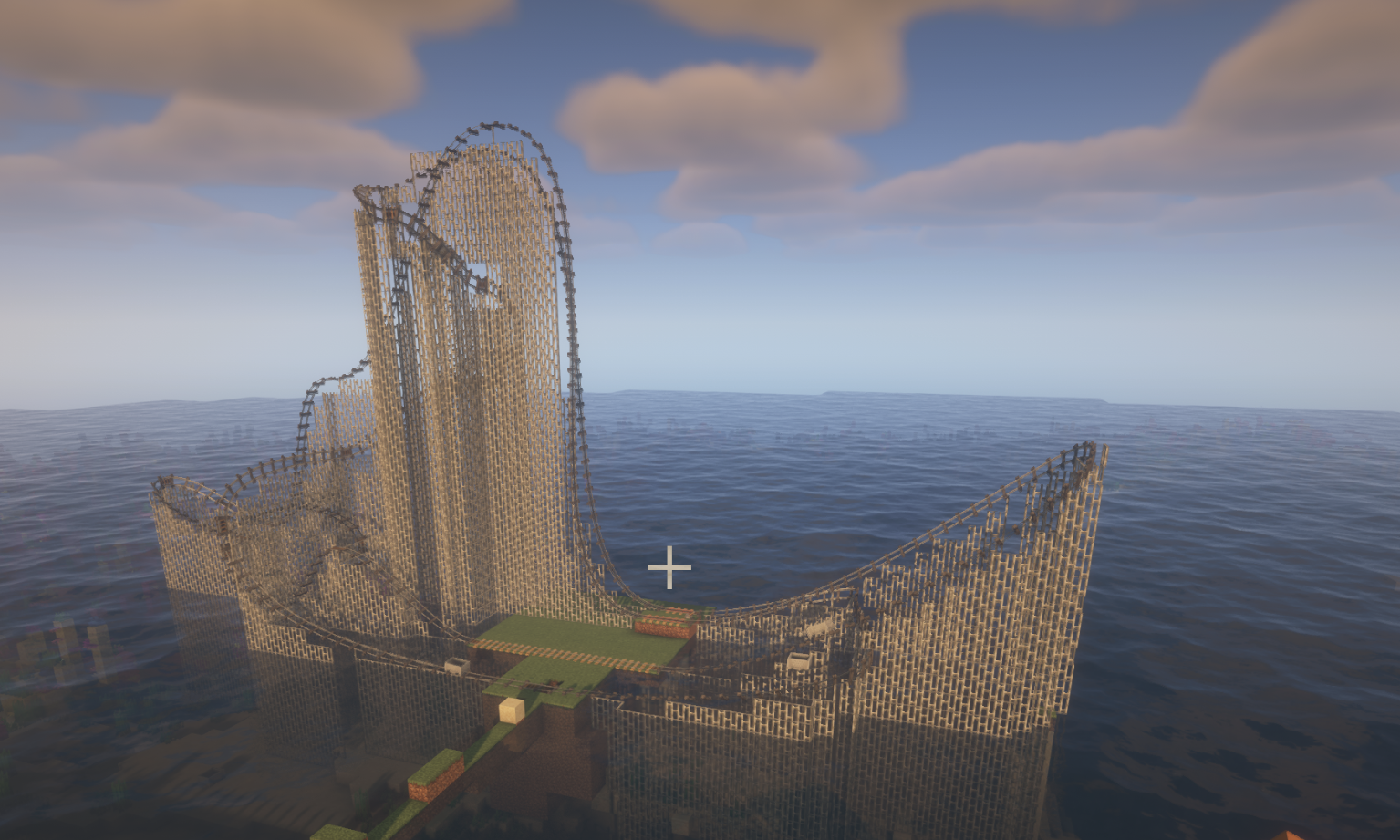
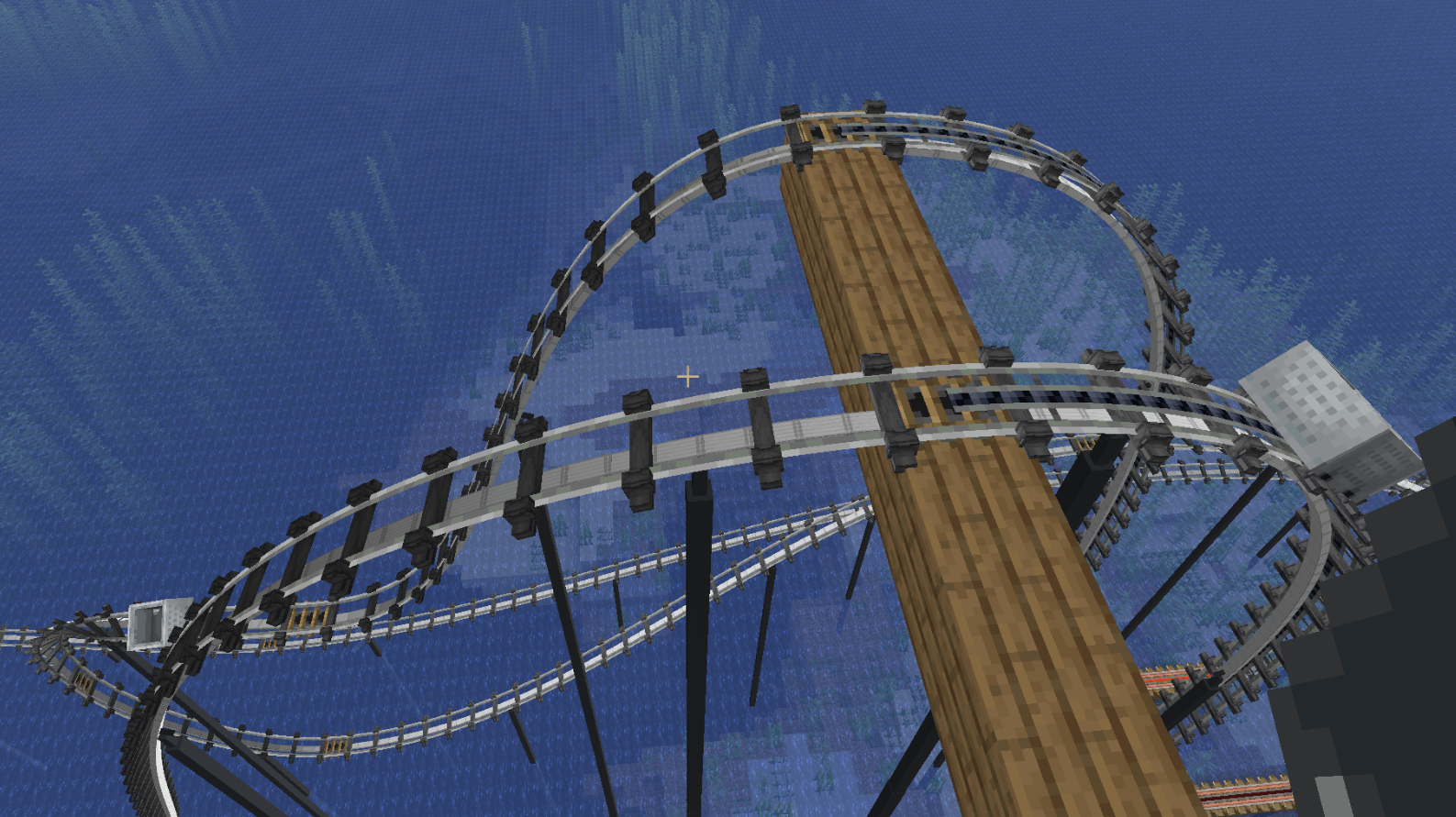
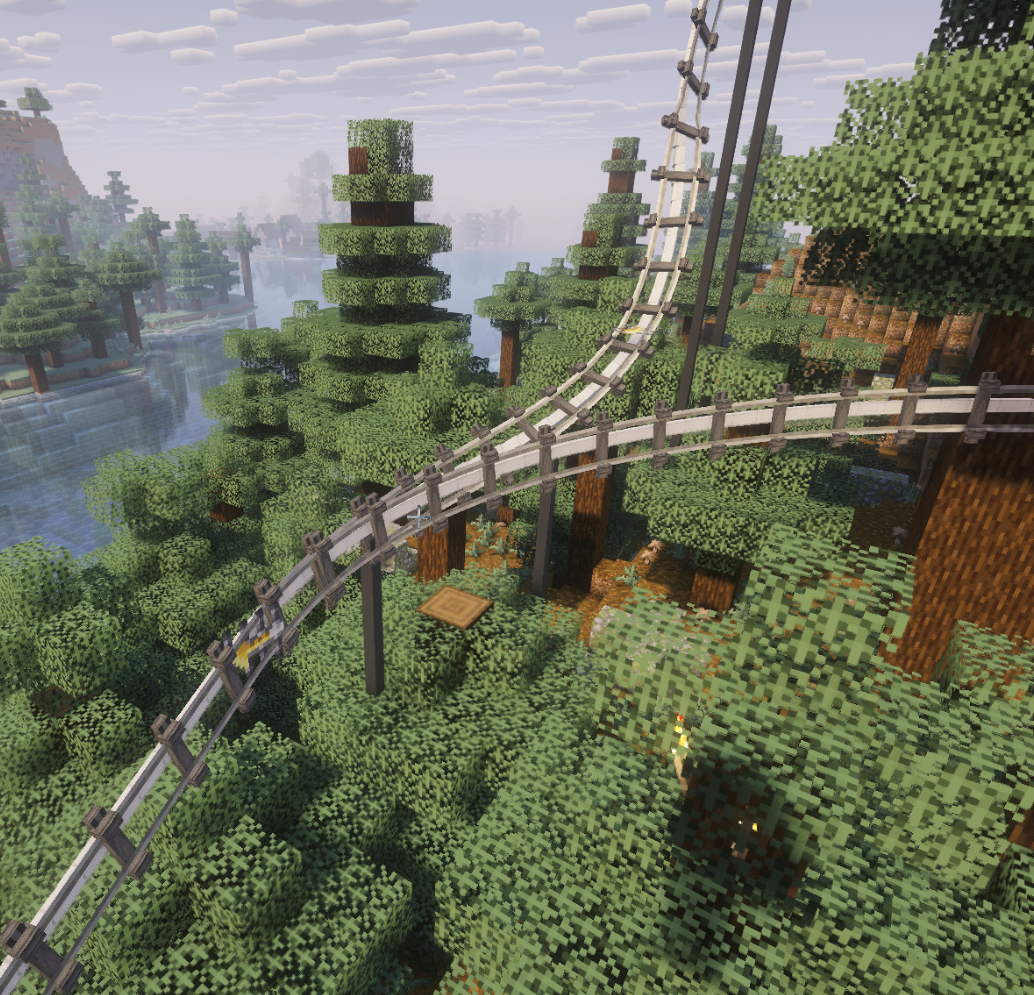
介绍
Splinecart
Splinecart adds smooth, realistically curved railway tracks (composite curves / splines) to Minecraft. Minecarts travel on them without jerking, with full banking and speed physics.
Main elements and mechanics
1. Track Ties
- Wooden (Wood Track Ties), Steel (Steel Track Ties), and Classic:
- Can be placed on blocks and in mid-air.
- Automatic alignment to look direction: floor (down), wall (forward), ceiling (up).
- Empty-hand click rotates the tie.
- Regular ties act as detector rails (emit Redstone signal 15 while a minecart passes).
- Steel ties generate a third powered rail plus support pillars; wooden ties create wooden beams and posts.
2. Connecting tracks and variants
- The Track item joins two ties into a smooth path.
- Regular Track: standard smooth riding and corner smoothing.
- Chain Drive Track: pulls the minecart at constant speed uphill (ideal for roller coasters).
- Magnetic Track: when powered by Redstone it accelerates sharply; when unpowered it brakes the minecart to a stop even on steep slopes.
- Seamless transition with vanilla tracks: a minecart smoothly enters from splines onto regular rails and vice versa without losing momentum or camera rotation.
3. Turnouts / Switches
- Two tracks can leave or enter a single tie at the same time.
- The tie automatically becomes a Redstone-controlled switch:
- State 0 (no signal): minecart follows the main track (1st exit).
- State > 0 (Redstone powered): minecart immediately turns onto the alternate track (2nd exit).
- Detector-rail function is disabled on a switch — lever/dust state changes take effect instantly, even with a whole train of minecarts following one another.
Commands (/splinecart)
| Command | Effect |
|—|—|
| /splinecart banking <on \| off \| toggle> | Enables/disables track and minecart banking on curves. |
| /splinecart supports <none \| wood \| metal \| steel \| auto> | Sets the style of supports and pillars built under new tracks. |
| /splinecart build line <x1 y1 z1> <x2 y2 z2> [type] [supports] [banking] | Automatically places and connects a straight track segment between coordinates. |
| /splinecart build path <pos1> <pos2> ... [type] [supports] [banking] | Builds a continuous multi-point route through the given coordinates. |
| /splinecart connect <x1 y1 z1> <x2 y2 z2> [type] [supports] [banking] | Connects two existing ties with the specified track type. |
(Available types in commands: default, chain_drive, magnetic)
All four player-obtainable items have shaped crafting recipes in Survival. The Track Follower is a hidden entity spawned by tracks and is not crafted.
Track Ties
Description: Interact to rotate when placed.
Unlocks when you pick up a Stick or any Wooden Slab.
Crafting (makes 8):
[Wooden Slab] [Wooden Slab]
[Wooden Slab] [Stick] [Wooden Slab]
[Wooden Slab] [Wooden Slab]
Any wooden slab works in every slot marked Wooden Slab.
Track
Description: Links two Track Ties blocks together.
Unlocks when you pick up a Rail or Iron Block.
Crafting (makes 4):
[Iron Block]
[Rail]
[Iron Block]
Chain Drive Track
Description: Track variant that pulls minecarts.
Unlocks when you pick up an Activator Rail, Chain, or Iron Block.
Crafting (makes 4):
[Iron Block]
[Chain] [Activator Rail] [Chain]
[Iron Block]
Magnetic Track
Description: Track variant that accelerates or slows minecarts.
Unlocks when you pick up a Powered Rail, Iron Block, or Copper Block.
Crafting (makes 4):
[Iron Block]
[Copper Block] [Powered Rail] [Copper Block]
[Iron Block]
The magnetic track’s strength follows the redstone signal powering its Track Ties block.
常见问题
peterwolf’s Splinecart 支持哪些 Minecraft 版本?
peterwolf’s Splinecart 支持 Minecraft Java 版 1.20.1–26.3,共 6 个版本,可用的加载器:Fabric / Forge / NeoForge。下载时注意选择和你游戏版本一致的文件。
peterwolf’s Splinecart 怎么安装?
先用 PCL2 或 HMCL 启动器安装对应版本的 Fabric / Forge / NeoForge,再把下载的 .jar 文件放进游戏目录的 mods 文件夹,重新启动游戏即可。开启了版本隔离的,mods 文件夹在 versions/版本名 下面。运行环境:客户端和服务端都要装。
peterwolfpl 的其他作品
查看全部 →
PeterWolf’s Planes
Peter Wolf’s Planes adds a fully‑steerable biplane to Minecraft, bringing a lightweight, vintage‑style aviation experience to the game.
PeterWolf’s Planes
Peter Wolf’s Planes adds a fully‑steerable biplane to Minecraft, bringing a lightweight, vintage‑style aviation experience to the game.

Minecart Chain
Minecart Chain lets you connect minecarts together using iron chains and build simple vanilla-style trains. A furnace minecart can act as the engine, while an automatic brake lever appears on top of it when it is linked to another cart.

Peterwolfs Realistic Tree Felling
PeterWolf's Realistic Tree Felling replaces Minecraft's static tree cutting with a smooth, physical tree-felling animation.
评论
登录后评论和评分