
Polished Dark GUI
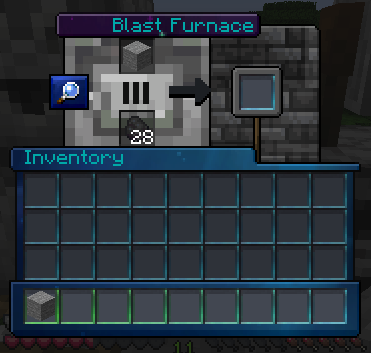
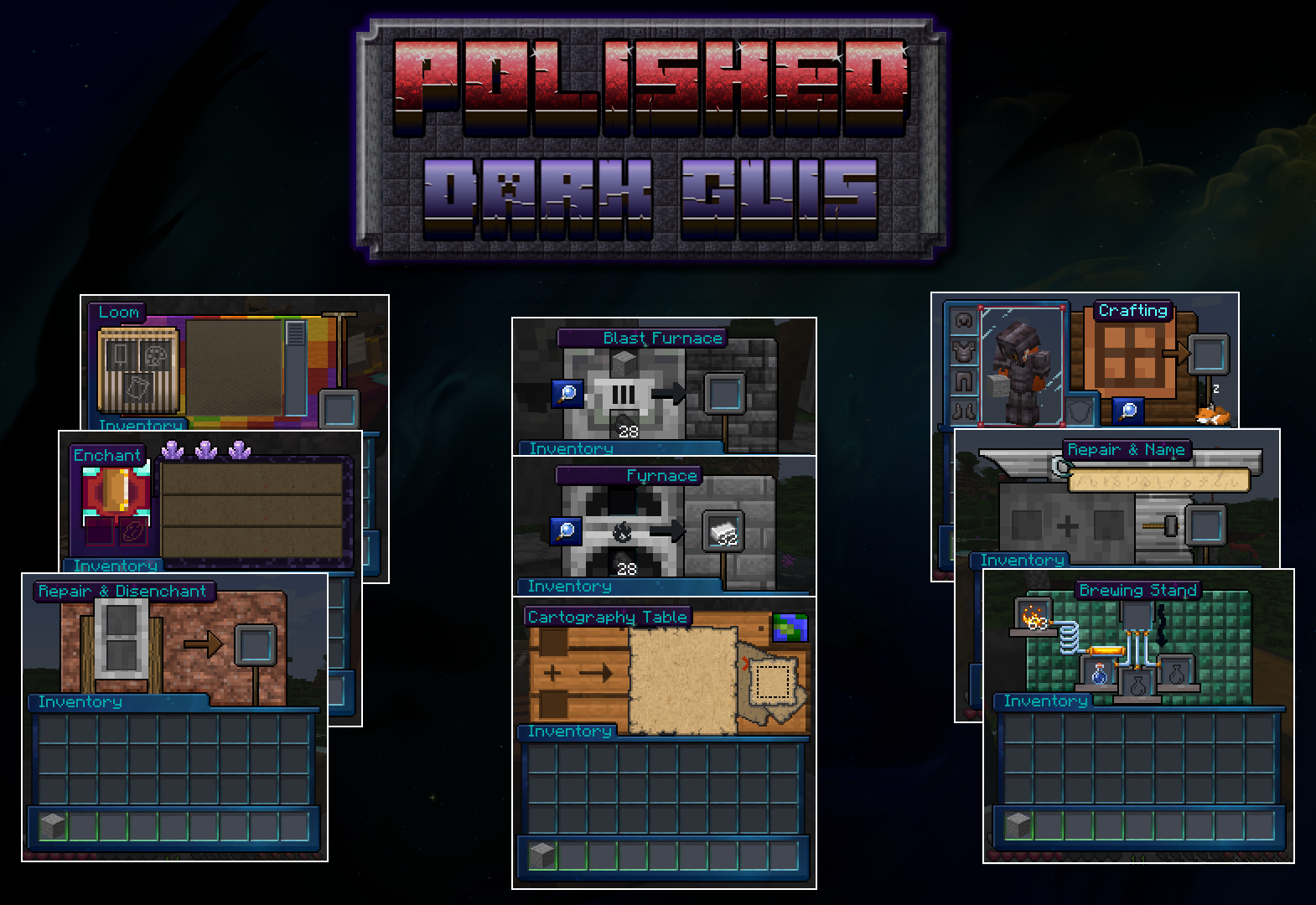
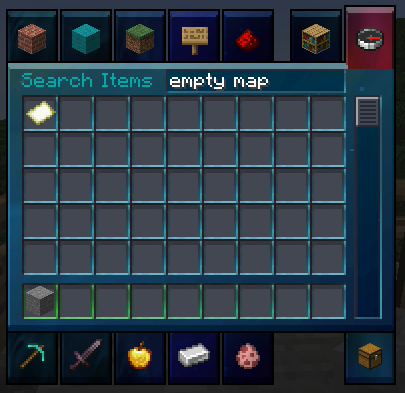
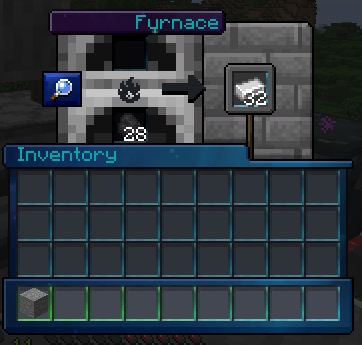
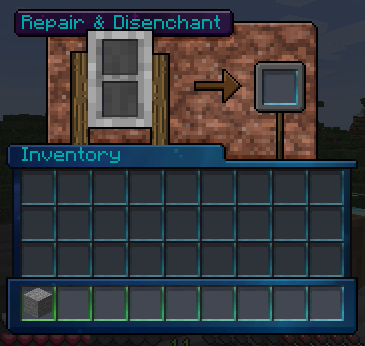
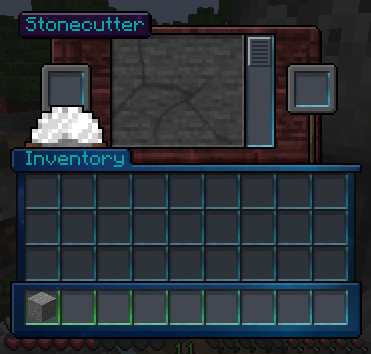
An extensive GUI rework for dark mode! Based on Fancy GUI and inspired by the best.
截图



介绍
Minecraft with dark menus
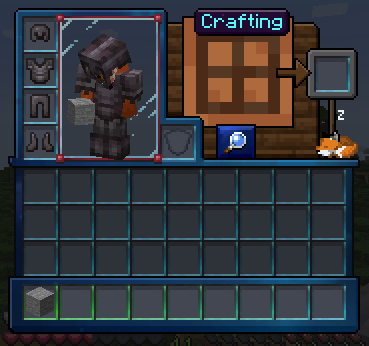
This is a resource pack to improve the menus in Minecraft. It focuses on in-game menus, but also edits the menu buttons and the HUD. It does not replace the Title or Realms logo.

Extra features
When used with Optifine or OptiGUI:
- Ender chest appearance
- Shulker box appearance
When used with Optifine or Animatica:
- animated fox in the survival inventory
- animated cat in chests and other generic containers
To have all features using Optifine alternatives, install both OptiGUI and Animatica.
Installation
Resource packs are supported directly by Mojang, meaning they work with every mod platform (Forge, Fabric, etc.) as well as vanilla minecraft (even Realms). In the modrinth app, you can click your instance or make a new one, then type in “Polished Dark GUI” and click Add Content.
To manually install any resource pack, you need to go the resourcepacks folder. If you didn’t change the install location, this is how to do it:
- Press the Windows key and type %appdata% then open the first result
- Open the folder called .minecraft which should be near the top
- Open the folder inside it called resourcepacks
- Copy this zip file into that location. DO NOT EXTRACT IT
Maintenance
I want to maintain this for future versions, but I won’t backport it. I might extend it to other modded GUIs depending on popularity. I don’t plan on backporting. If you want to contribute tweaks, I’ll evaluate and include them or an edited version of them under the license of this mod, and you will get credit.
常见问题
Polished Dark GUI 支持哪些 Minecraft 版本?
Polished Dark GUI 支持 Minecraft Java 版 1.20.1–1.21.3,共 10 个版本。下载时注意选择和你游戏版本一致的文件。
Polished Dark GUI 怎么安装?
把下载的 .zip 文件(不用解压)放进游戏目录的 resourcepacks 文件夹,进游戏后在「选项 → 资源包」里把它移到右边启用。
评论
登录后评论和评分