
截图
介绍
中文介绍正在准备中,下面暂时显示原文。
Applied Web Terminal

Move your AE terminal to the web!
Dependencies
Usage
- Download the latest version of this mod from Releases and install the dependencies
- If you are playing in single-player mode:
- Enter your single-player world
- Run the command
/appwebterminal resources renderto generate frontend resources (only needs to be run once) - If you are playing on a server:
- Create a new single-player world
- Run the command
/appwebterminal resources renderto generate frontend resources (only needs to be run once) - Upload the
aeKeyResourcesfolder from your game root directory to your server - Connect the
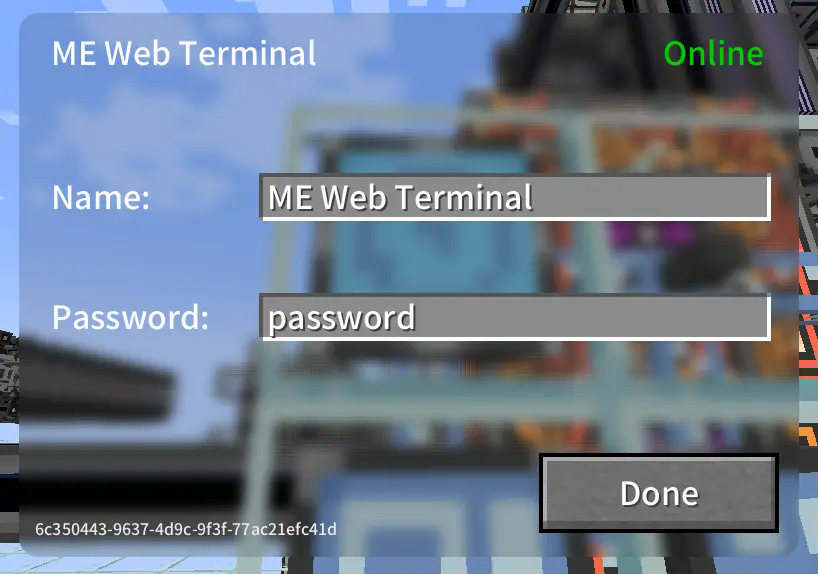
ME Web Terminalto the AE network - Right-click to open the GUI and configure the name and password
- Open your web browser, access the network terminal address, and log in with the password
- All done!
Images
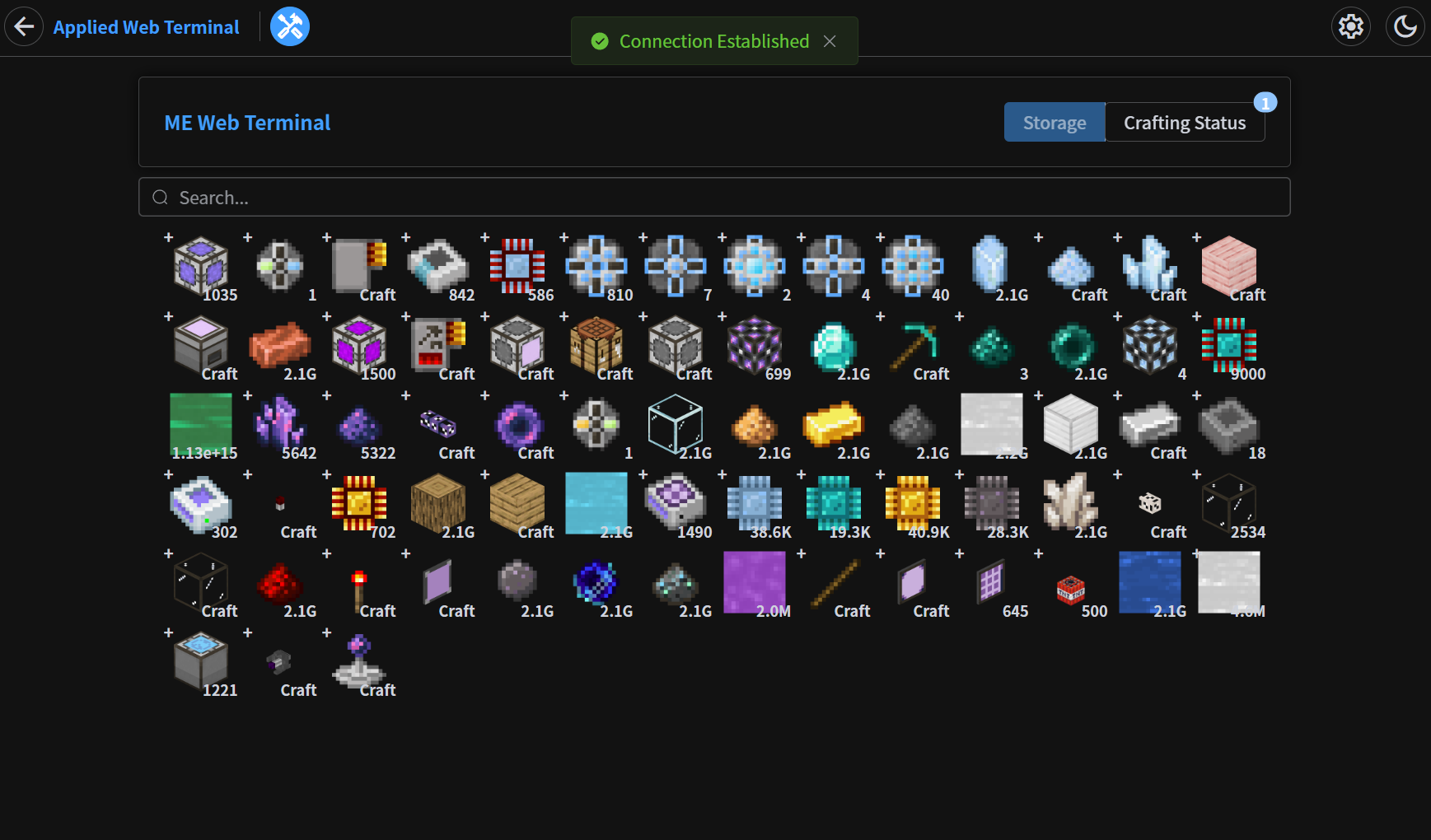
Storage Page
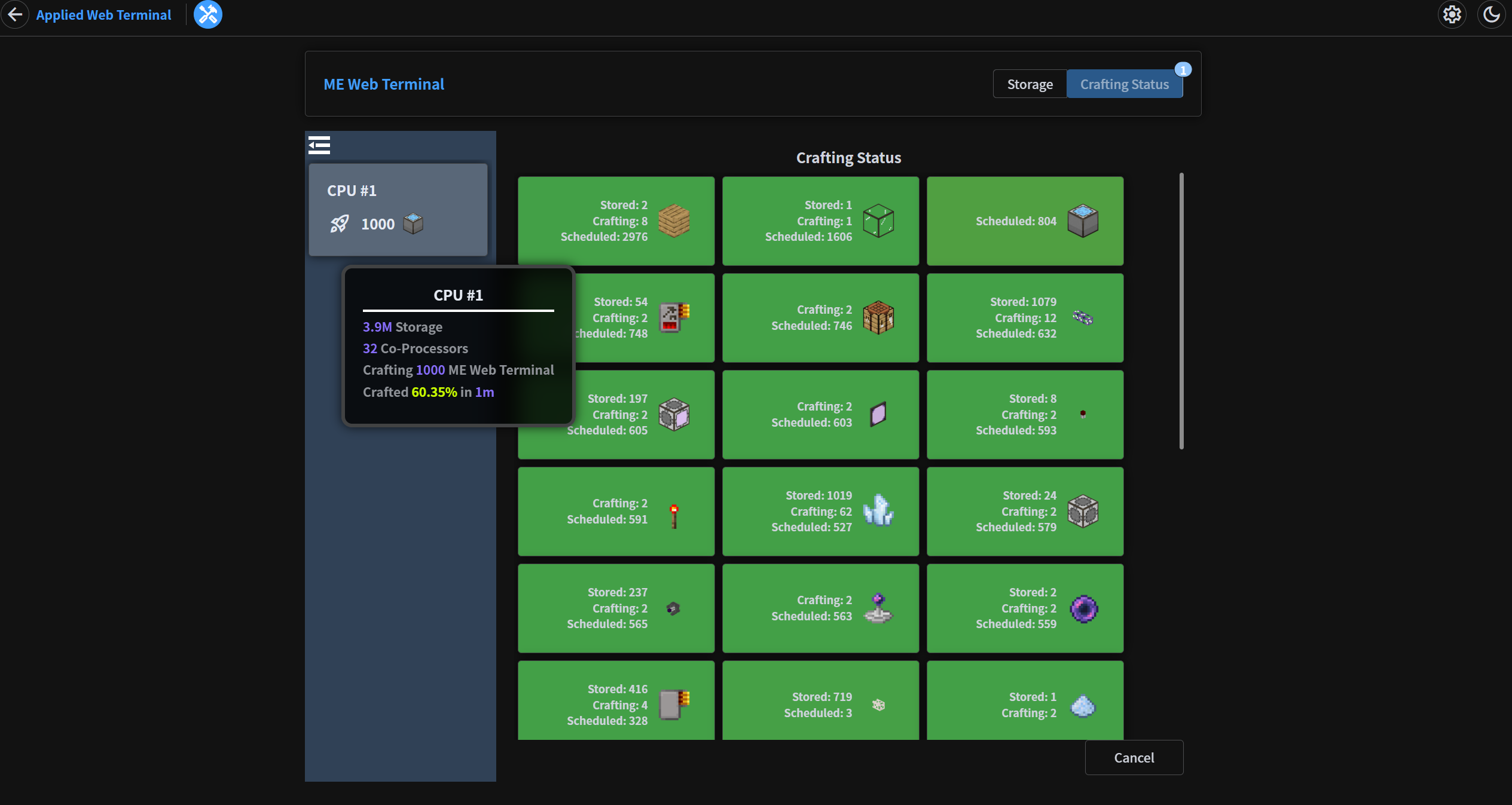
Crafting Status Page
In-Game GUI
常见问题
Applied Web Terminal 支持哪些 Minecraft 版本?
Applied Web Terminal 支持 Minecraft Java 版 1.20.1,可用的加载器:Forge。下载时注意选择和你游戏版本一致的文件。
Applied Web Terminal 怎么安装?
先用 PCL2 或 HMCL 启动器安装对应版本的 Forge,再把下载的 .jar 文件放进游戏目录的 mods 文件夹,重新启动游戏即可。开启了版本隔离的,mods 文件夹在 versions/版本名 下面。运行环境:客户端和服务端都要装。
ZhuRuoLing 的其他作品
查看全部 →
Startup Time
by ZhuRuoLing
游戏加载完成后显示启动耗时。
154.7万
1 个月前
Modrinth

Neo ECO AE Extension
by 雪舞天使, TedXenon 等
Neo ECO AE Extension is an addon for Applied Energistics 2, Provides higher-performance components
17.1万
今天
CurseForge

Show Me Your Payload Name
by ZhuRuoLing
Displays the name from minecraft:custom_payload when protocol error occurred.
8.5万
1 年前
Modrinth

AcceleratedRendering-reFabricated
by ZhuRuoLing, Argon4W
A client side only entity rendering optimization MOD, aiming at improving performance when rendering large amount of entities or complex modded entities
8.2万
4 个月前
Modrinth
评论
登录后评论和评分