FightCam
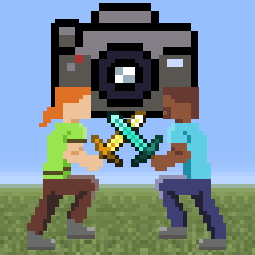
Fight Camera. Gives a fighting game style, side-on view of 2 players. Fully compatible with Flashback replays
截图


介绍
Fight Camera
Gives a fighting game style, side on view of 2 players. Fully compatible with Flashback replays
Usage:
/fightcam players to set the camera’s target players
/fightcam toggle to toggle fightcam (bound to ; by default)
/fightcam smooth to set the lerp factor for the camera. Values closer to 0 give smoother camera movement, values closer to 1 give more reactive camera movment. Defaults to 0.6
Camera distance
/fightcam distance set the camera distance to the anchor position in blocks (changes camera mode to static)
/fightcam distance auto makes it so the camera adjusts the distance automatically to keep the players in view (base distance is adjustable with forward and backward keys)
Camera Height
/fightcam height sets the camera’s height relative to the anchor position in blocks
/fightcam height avg sets the camera to follow the average height of the players (good for viewing mace and crystal fights with constant height changes)
/fightcam height ground sets the camera to follow the average height of the last grounded height of the players (good for gamemodes with little height change/flat terrain)
Camera Anchor
/fightcam anchor avg sets the camera to follow the average position of both players
/fightcam anchor sets the camera to follow the first or second player (automatically sets distance to be fixed)
常见问题
FightCam 支持哪些 Minecraft 版本?
FightCam 支持 Minecraft Java 版 1.21–1.21.4,共 3 个版本,可用的加载器:Fabric。下载时注意选择和你游戏版本一致的文件。
FightCam 怎么安装?
先用 PCL2 或 HMCL 启动器安装对应版本的 Fabric,再把下载的 .jar 文件放进游戏目录的 mods 文件夹,重新启动游戏即可。开启了版本隔离的,mods 文件夹在 versions/版本名 下面。

评论
登录后评论和评分