
截图



介绍
中文介绍正在准备中,下面暂时显示原文。
Chat Highlighting

Highlight keywords in the Minecraft chat!
Installing
- Get the most recent RELEASE
- Launch forge 1.8.9 with the mod
- Run /highlighting to configure
How to use
- Enable / Disable the config to reset / highlight EVERY previous message!
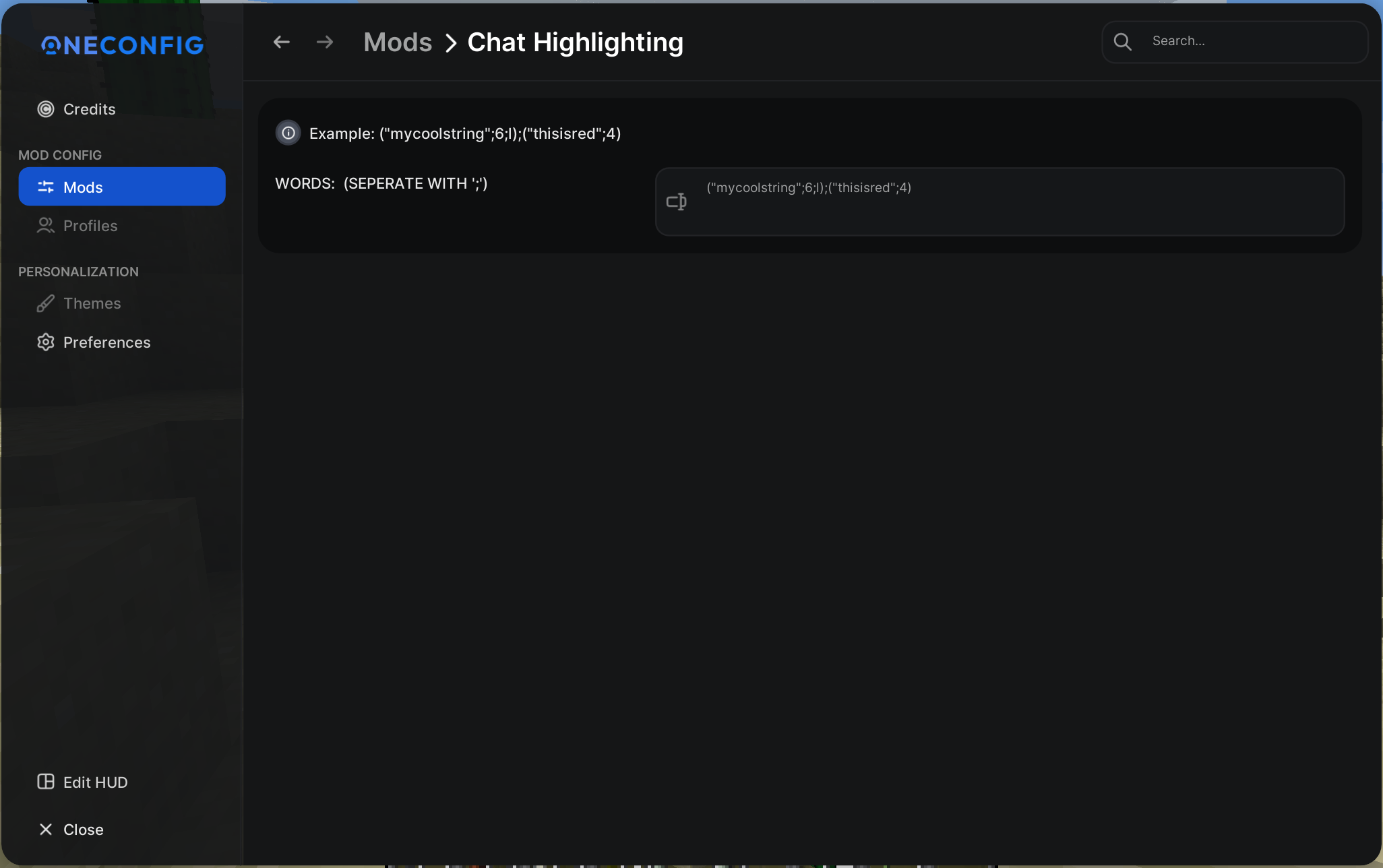
- In the word field, use this syntax: `
("word_to_be_highlighted";colorcode;optionalformatting)` - Seperate multiple with ; example: `
("word";6);("notword";1;l)`
Features
- Constant updates
- Saves your time by automatically highlighting your own keywords into the chat
- Rehighlight / Unhighlight previous messages
- Hide your name (useful when streaming): just do `
("IGN";k)`
Screenshots



常见问题
Chat Highlighting 支持哪些 Minecraft 版本?
Chat Highlighting 支持 Minecraft Java 版 1.8.9,可用的加载器:Forge。下载时注意选择和你游戏版本一致的文件。
Chat Highlighting 怎么安装?
先用 PCL2 或 HMCL 启动器安装对应版本的 Forge,再把下载的 .jar 文件放进游戏目录的 mods 文件夹,重新启动游戏即可。开启了版本隔离的,mods 文件夹在 versions/版本名 下面。运行环境:仅客户端。
QWERTZexe 的其他作品
查看全部 →
Quickjoin
by QWERTZexe
Quickly join any game on Hypixel!
23.6万
3 个月前
Modrinth

AutoGG Reimagined
by QWERTZexe
Highly customizable AutoGG for Hypixel!
15.3万
1 年前
Modrinth

ModernConfig
by QWERTZexe
ModernConfig is a Configuration Library for Modern Fabric Mods
4.5万
1 个月前
Modrinth

Language Compasses
by QWERTZexe
Changes the compasses everyone holds in their hand in the Hypixel lobbys to flags based on their Hypixel language!
1.1万
2 年前
Modrinth
评论
登录后评论和评分