
Adventures in Time | TARDIS (Forge)
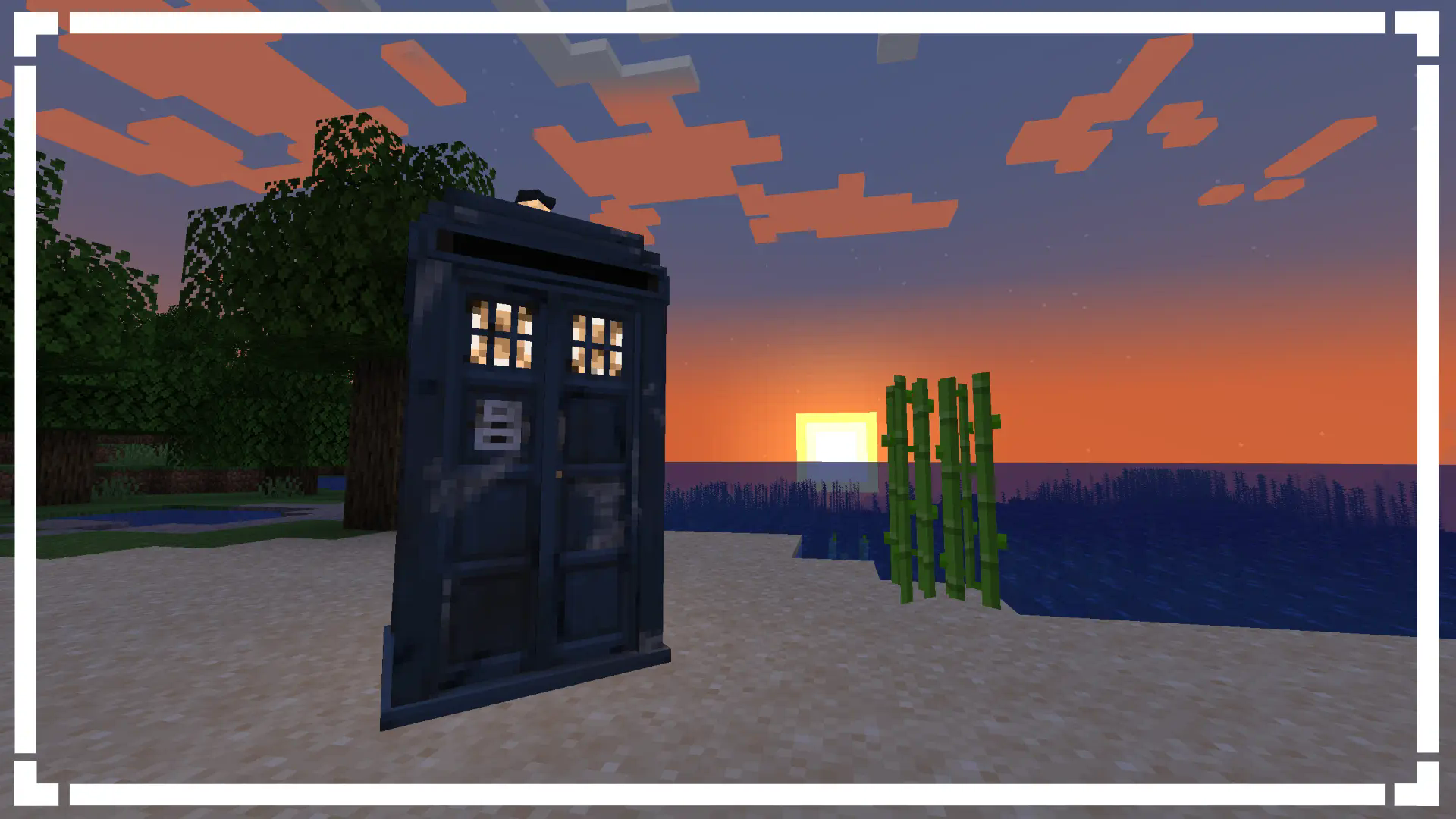
Aka AIT. Adds the TARDIS from Doctor Who and more into Minecraft 1.20.1 but on Forge.
介绍



<img src="https://cdn.modrinth.com/data/cached_images/8ad66df4dbb9eb7105e700a110a8350e691277cb.png"
alt=”Warning”
width=”25″
height=”25″
style=”vertical-align: middle; margin-right: 8px;”>
WARNING
IF YOU DO NOT HAVE A NVIDIA GPU USE CHLORIDE FOR THE BOTI EFFECT, IF THAT DOES NOT FIX IT WE CANNOT DO ANYTHING ABOUT IT.
Versions 1.2.5.2812-1.20.1-release and above will require YACL.
Summary
Apparatus Vivi. Living machine. The TARDIS. Whatever you wish to call it, it grows, learns, with you. It will learn things from you, so make sure to behave yourself around it, or else it might learn something you wish it wouldn’t have learnt. In addition the mod adds space, mars, moon and more all for you to explore with your TARDIS. But remember, it is alive, and it will make choices of its own, you are not the one in full control.
<img src="https://cdn.modrinth.com/data/cached_images/b18b275a0e9bb4000e015b935b65037166301538.png"
alt=”What does this mod add?”
width=”25″
height=”25″
style=”vertical-align: middle; margin-right: 8px;”>
What does this mod add?
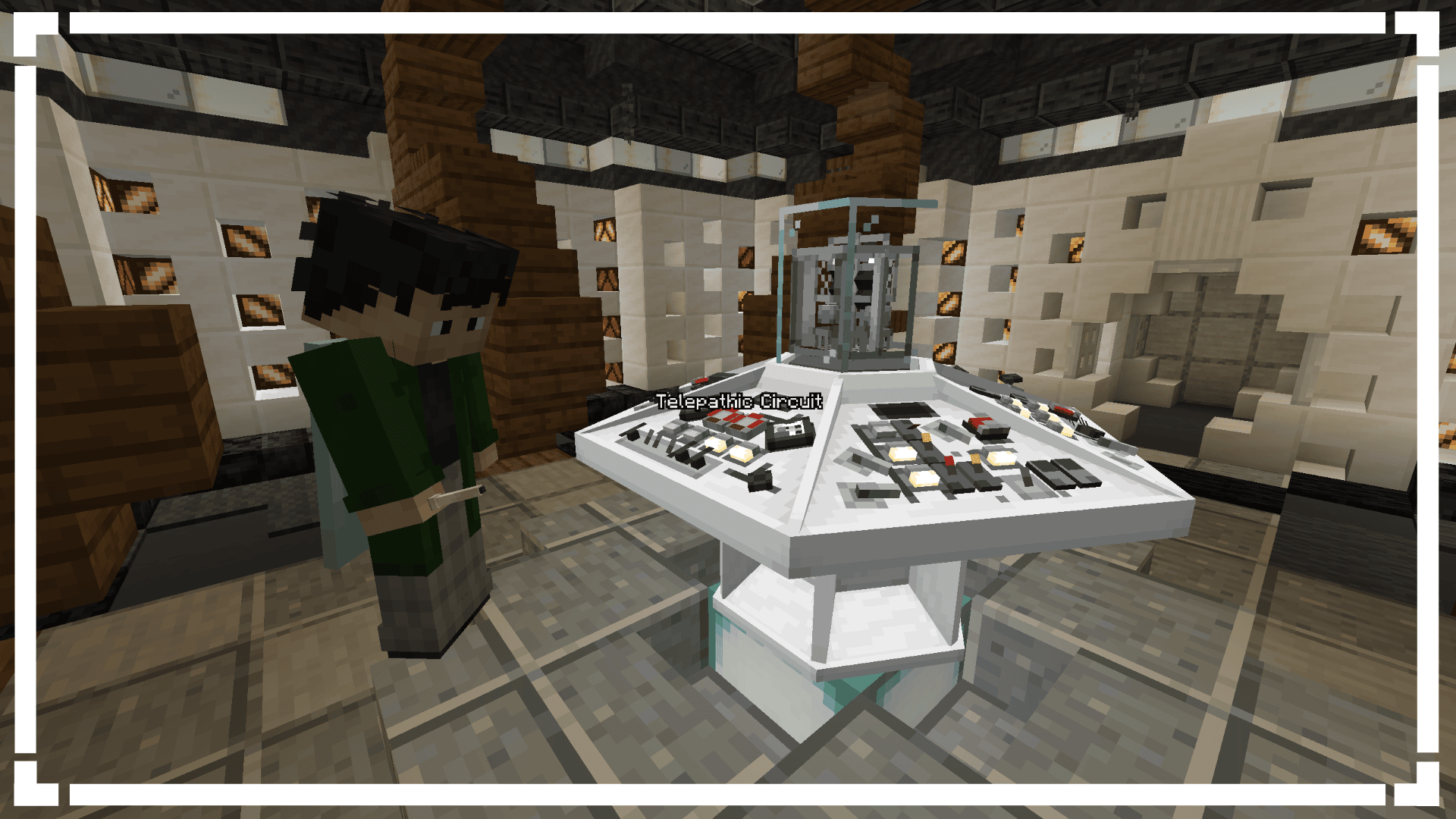
- A functional TARDIS
- 2 Dimensions (Mars/Moon)
- 20+ Functional Controls
- Immersive Sound Design
- Console Specific Controls (Coffee Machine)
- The Time-Vortex (Customisable aswell)
- Rifts
- An Engine System
- Customisable Animations
- Party TARDIS! (Done via putting a disc into the console port/naming your TARDIS “partytardis”)
- Sonic Screwdriver
- Astral Map (Locator)
- Handles
- Ghost Monumenting
- Engine Phasing
- Shader Support
- An unhealthy amount of customisation
- And a lot more

Available for Fabric + Forge on 1.20.1
Recommended to play with 8GB of RAM minimum singleplayer.
Recommended to have 8GB of RAM allocated to the multiplayer servers.
<img src="https://cdn.modrinth.com/data/cached_images/29848556cea889595907388e4cb59a97a4e86aea.png"
alt=”Need Help? Confused? Don’t know what a feature does?”
width=”25″
height=”25″
style=”vertical-align: middle; margin-right: 8px;”>
Need Help? Confused? Don’t know what a feature does?
If you have confusion about special blocks you are able to check the items tooltip for more info on what conditions you need to be to place the block. We also have a wiki which documents on most things in the mod from blocks and items right to how to add custom datapack exteriors and consoles.
<img src="https://cdn.modrinth.com/data/cached_images/808c7934614530076d21dd0cf5c5e2e992595985.png"
alt=”Compatibility”
width=”25″
height=”25″
style=”vertical-align: middle; margin-right: 8px;”>
Compatibility
If you have Gravity Changer (qouteall fork)
- You will be able to control your TARDIS interior gravity from the TARDIS Monitor
<img src="https://cdn.modrinth.com/data/cached_images/7412fc34a0142c5cc1ec9eee18c68c81fbbb4d81.png"
alt=”Credits”
width=”25″
height=”25″
style=”vertical-align: middle; margin-right: 8px;”>
Credits
Developers:
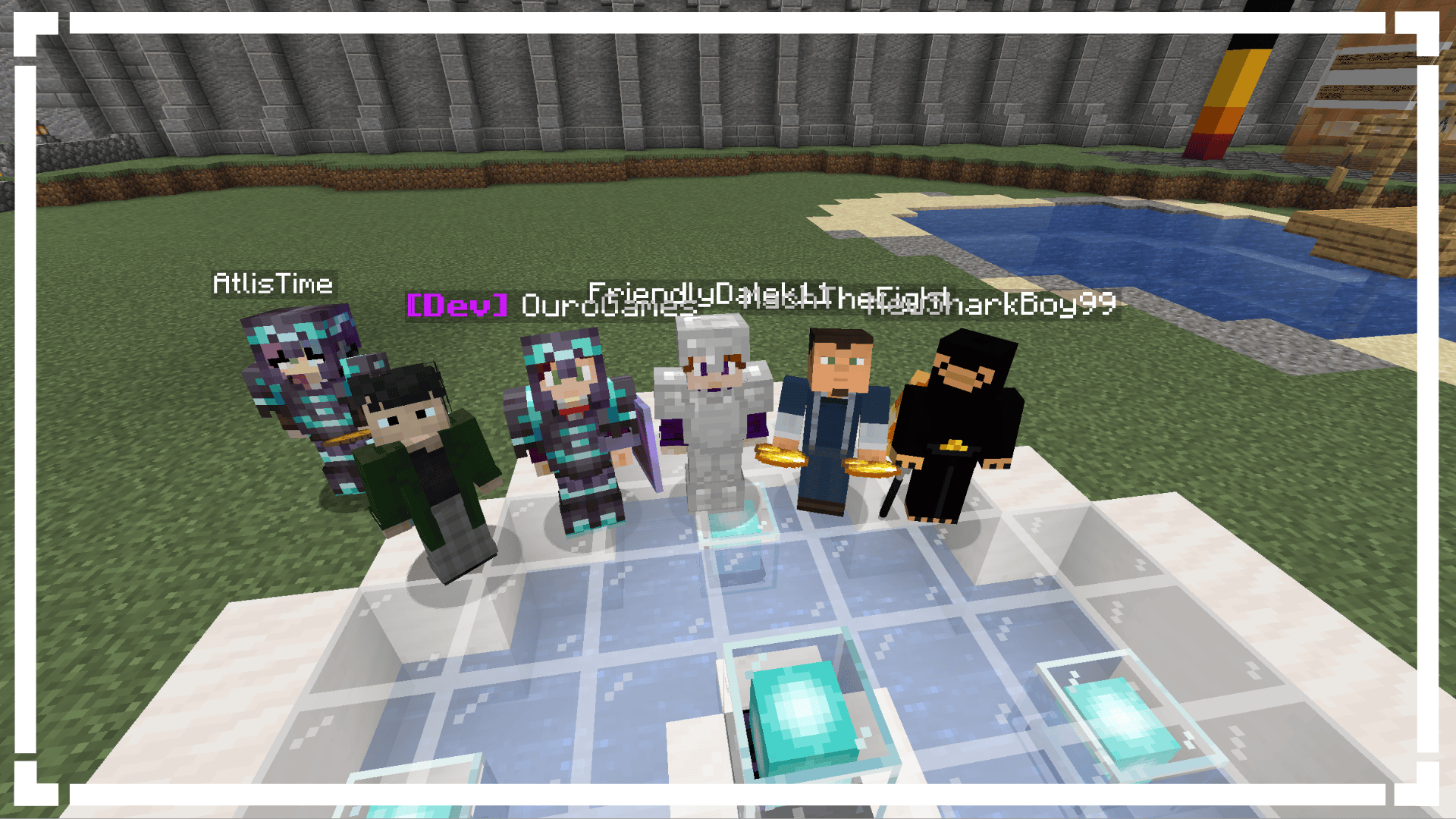
- Loqor
- Dr. Theo
- Maketendo
- AddieDaBaddie
- Saturn
Artists:
- Westankrang
- Tright
- b2
- Ouro
- Maggie
Sound Design:
- Dian
- Radio
- TARDISSFX (the YouTube channel)
- Uriel_N_Diaz
- Classic
Thank You’s:
- duzo
- MagicMan(?) (Help with modeling)
- Bug1312 (Help with code)
- DocArcane (Credit for the Steampunk console design)
- Creativious (Help with code)
- nitrogenez (Ukrainian Translations)
- Codiak (Help with code)
- Theta (Some Vortex’s)
<img src="https://cdn.modrinth.com/data/cached_images/23b97ecfe49586f70c6a7d4e4ca63ac14d47e6e1.png"
alt=”Links & Community”
width=”25″
height=”25″
style=”vertical-align: middle; margin-right: 8px;”>
Links & Community
常见问题
Adventures in Time | TARDIS (Forge) 支持哪些 Minecraft 版本?
Adventures in Time | TARDIS (Forge) 支持 Minecraft Java 版 1.20.1,可用的加载器:Forge。下载时注意选择和你游戏版本一致的文件。
Adventures in Time | TARDIS (Forge) 怎么安装?
先用 PCL2 或 HMCL 启动器安装对应版本的 Forge,再把下载的 .jar 文件放进游戏目录的 mods 文件夹,重新启动游戏即可。开启了版本隔离的,mods 文件夹在 versions/版本名 下面。运行环境:客户端和服务端都要装。
drtheodor 的其他作品
查看全部 →
Adventures In Time – TARDIS
Adds the TARDIS from Doctor Who and more into Minecraft 1.20.1.
Adventures In Time – TARDIS
Adds the TARDIS from Doctor Who and more into Minecraft 1.20.1.

AmbleKit
A Fabric Library used in many of the AmbleLab Mods!

Sneaky!
A mod that fixes sneak in Minecraft!
评论
登录后评论和评分