
截图
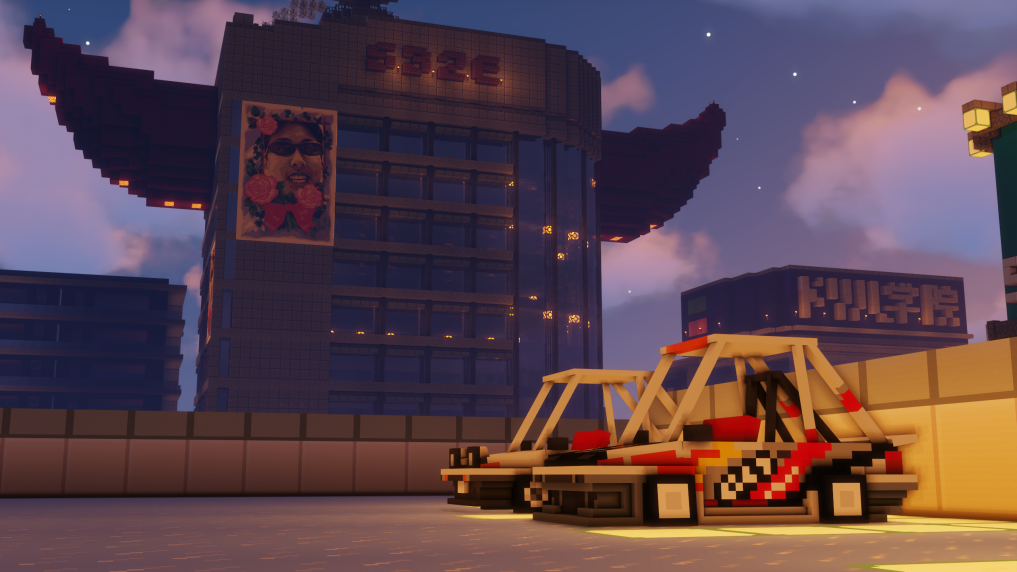


介绍
A Minecraft CEM Texture Pack
➡➡➡ Enter Garage ⬅⬅⬅
🏎️ About
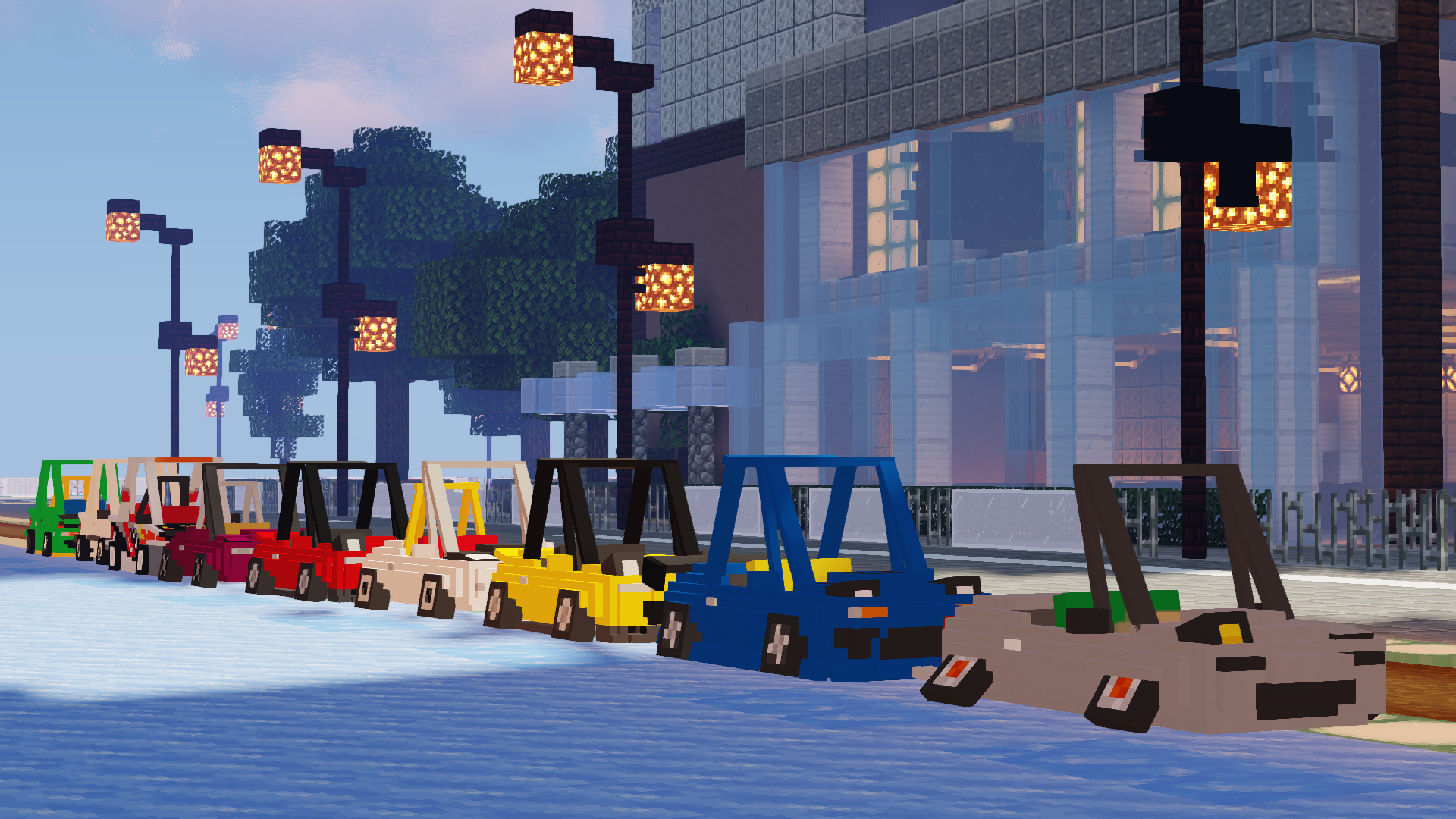
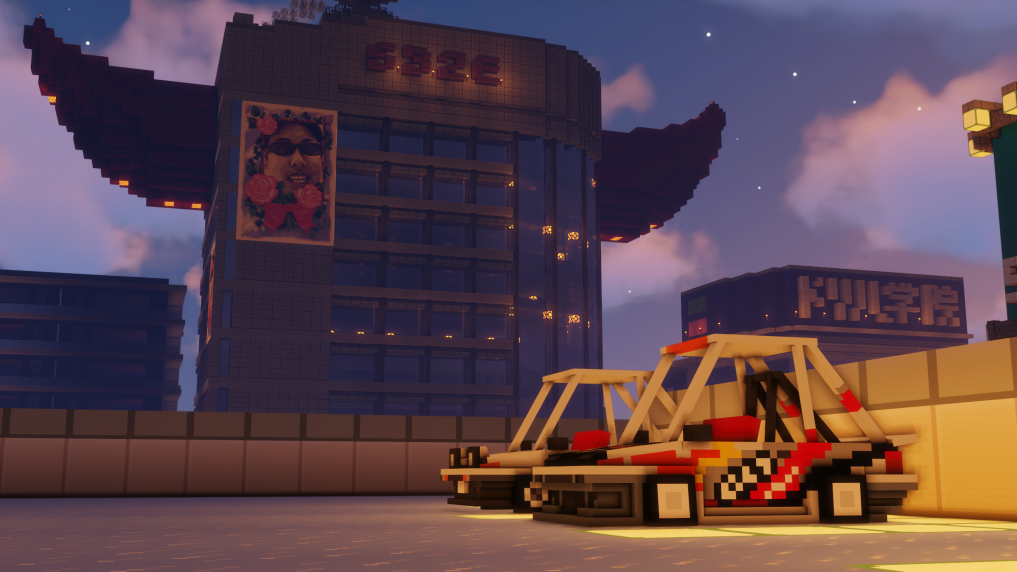
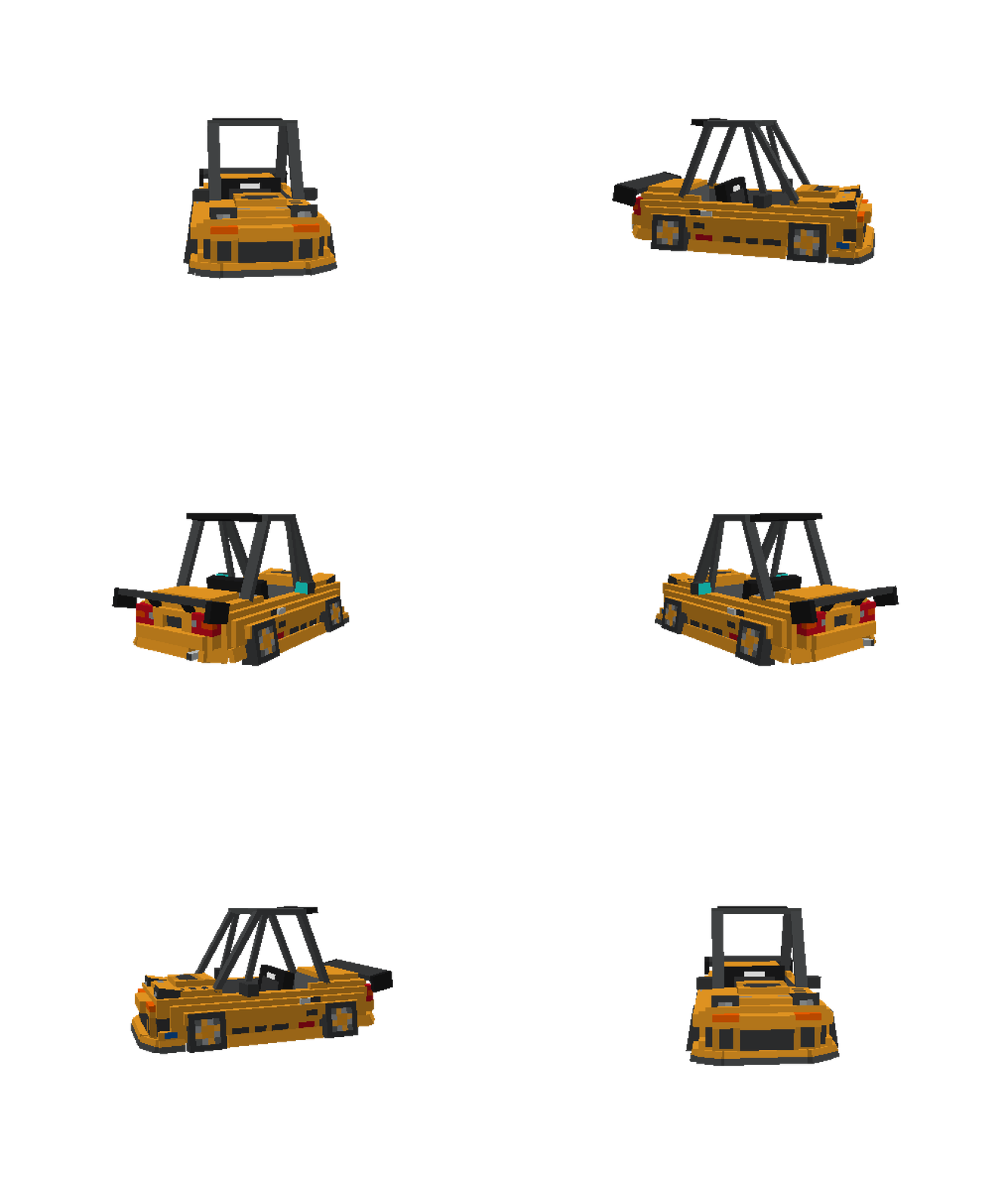
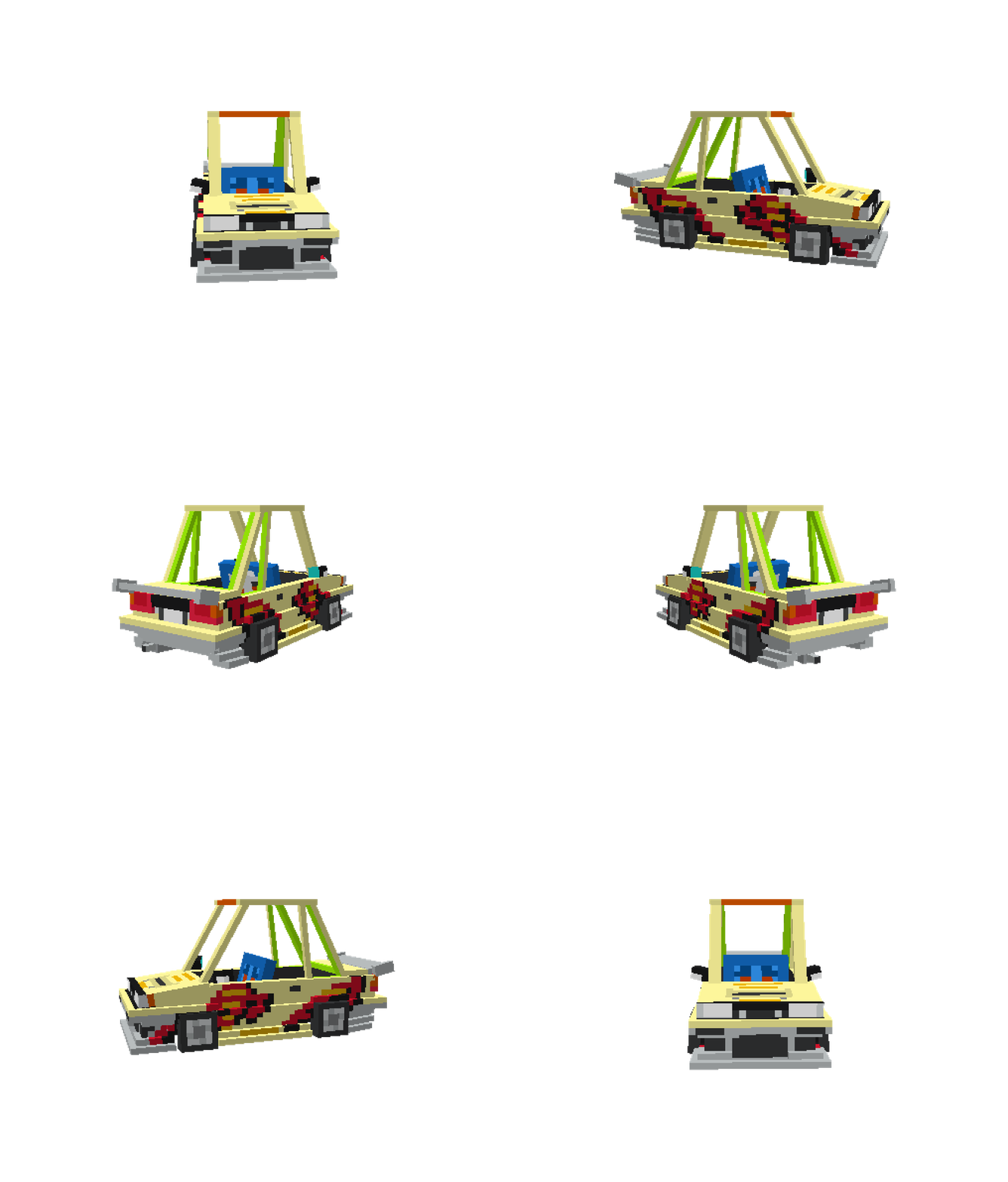
Garage32 is a custom Minecraft CEM texture pack that transforms simple boats into fully modeled cars.
- Fully supports Custom Entity Models (CEM).
- Includes multiple car models and style variations.
- Organized by wood types (acacia, birch, spruce) for easy selection.
Models and textures were designed by Tim Kang (slug_7)
📸 Screenshots
|  |
 |
 |
|———————————————————|———————————————————|——————————————————-|
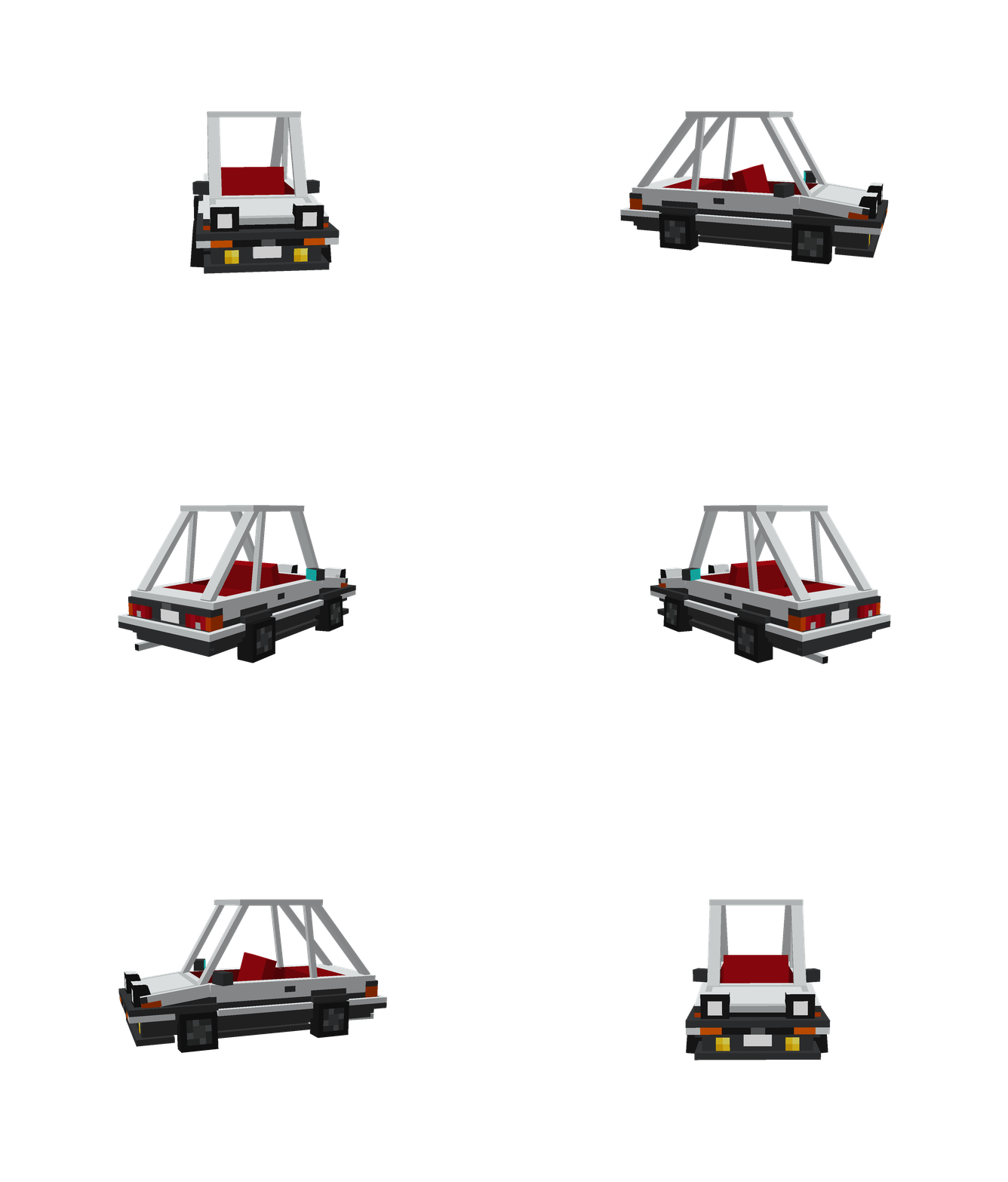
🚘 Preview
|  |
 |
 |
 |
 |
|:———————————————————-:|:————————————————-:|:————————————————-:|:————————————————————:|:———————————————————-:|
|
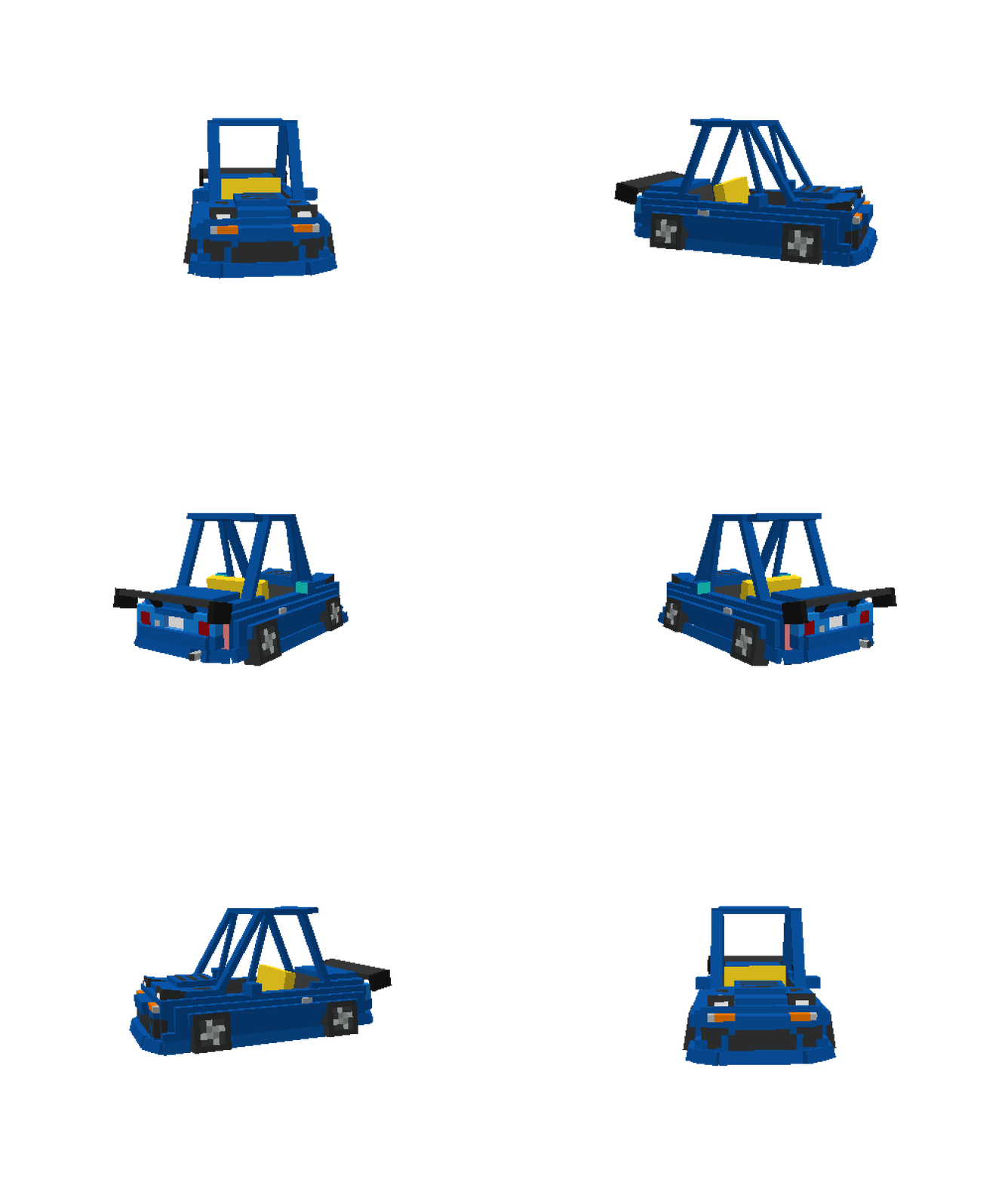
Blue Miata
(Arios Kit)
|
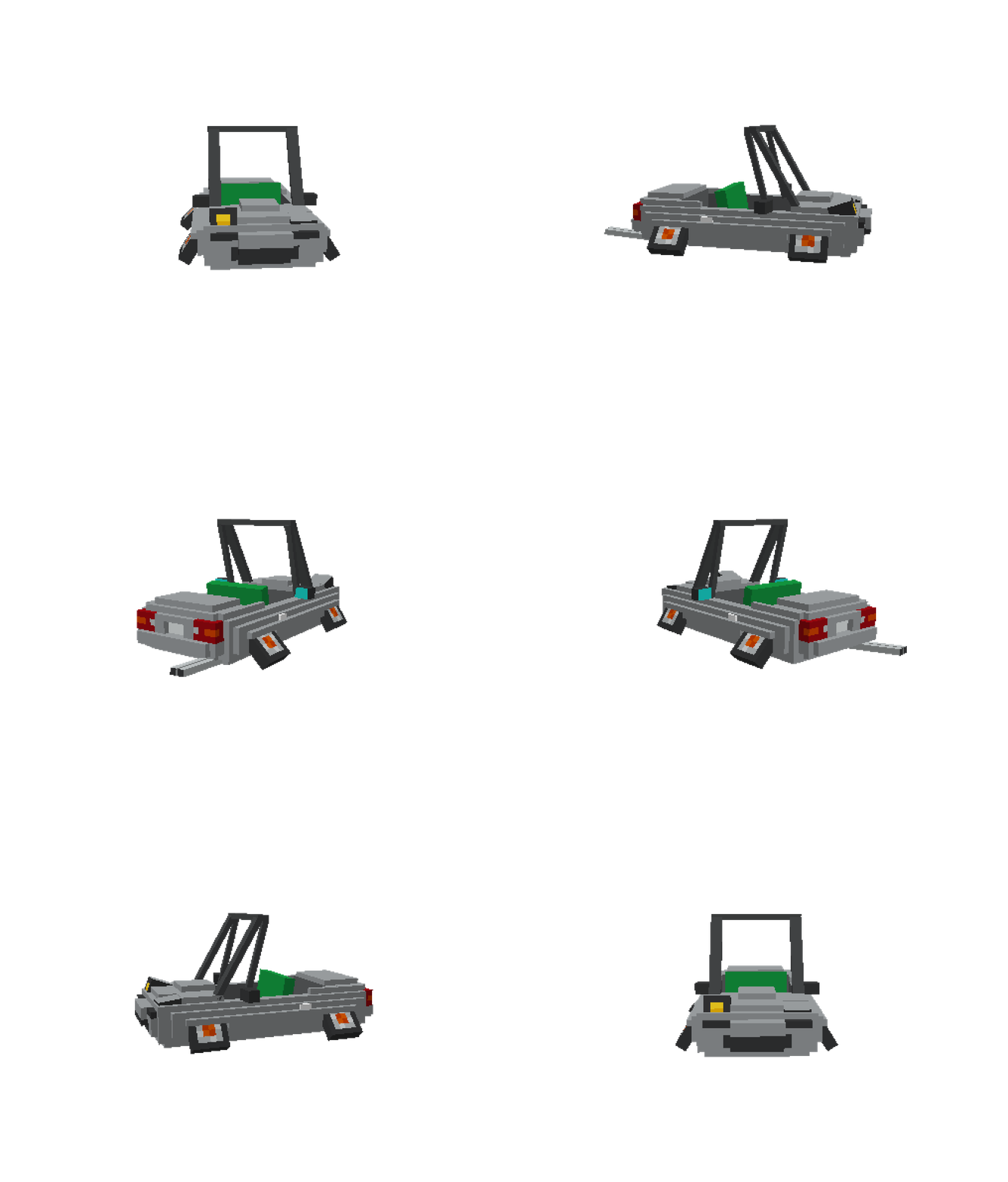
Miata VIP
|
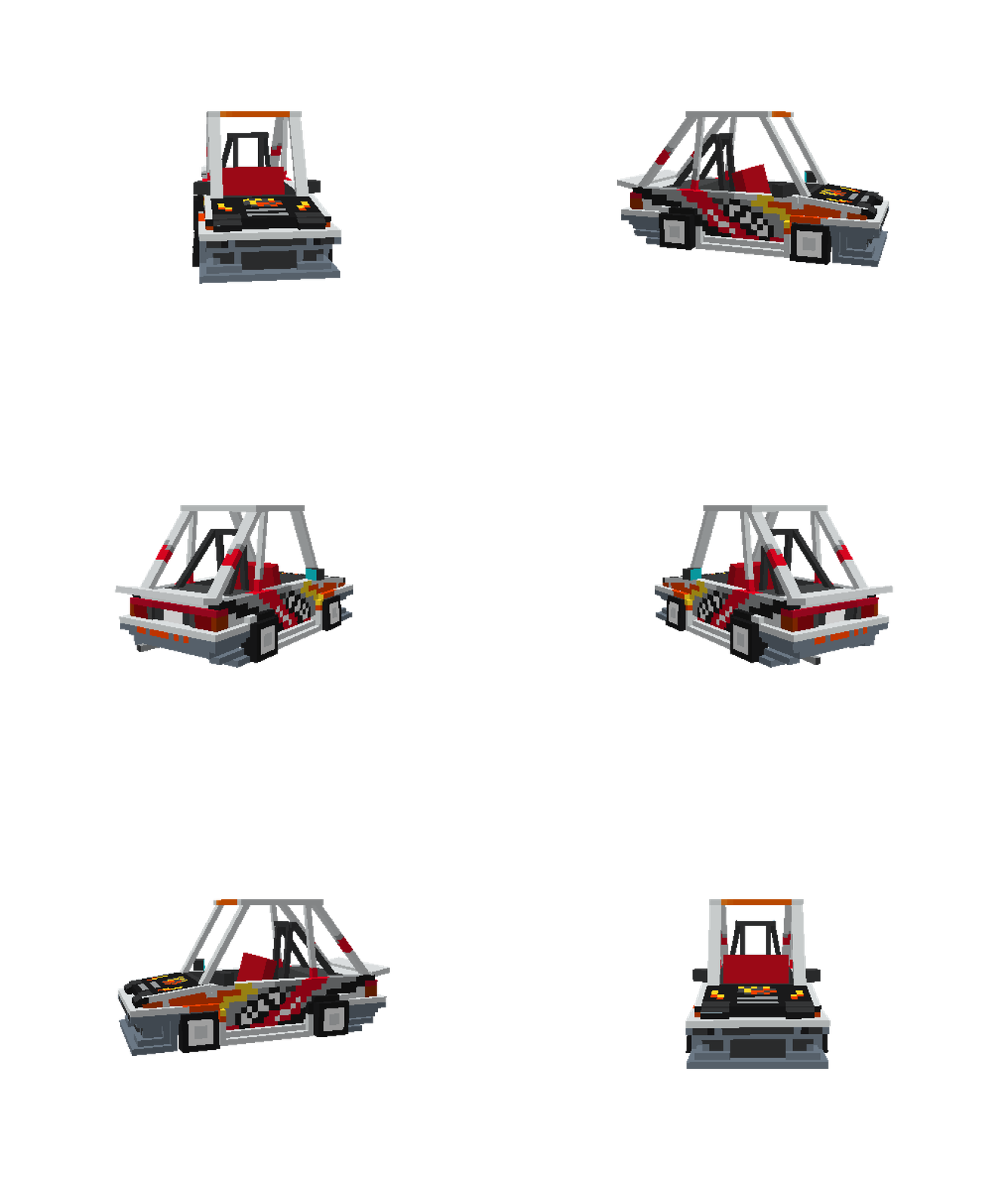
Ueo AE86
|
System Miata
(Arios Kit)
|
Hibino Levin AE86
|
⛏️ How to Summon
You can summon any of the cars in-game by renaming a boat (or using commands).
Here’s a general template you can use:
/summon boat ~ ~ ~ {Type:"<wood_type>",CustomName:"\"<ModelName>\""}- Replace
<wood_type>with one of:acacia,birch,spruce - Replace
<ModelName>with the exact name tied to the texture (e.g.TakumiAE86,BlueMiataAriosKit,MiataVip)
Example:
/summon boat ~ ~ ~ {Type:"spruce",CustomName:"\"TakumiAE86\""}This will summon Takumi’s AE86 using a spruce boat.
🔧 Installation
- Download the Garage32 texture pack .zip file.
- Place it into your Minecraft resourcepacks folder:
.minecraft/resourcepacks
- Launch Minecraft and enable Garage32 from the Resource Packs menu.
- Use the correct entity spawns or commands to cycle through the different car textures.
📝 Notes
- This pack requires OptiFine (or another CEM-compatible mod/loader) for custom entity models to function correctly.
- Feel free to fork and optimize this system of making models.
- A second version of this texture pack is currently in development, though it is being kept private for the time being.
👥 Credits
This project was made possible with the help of:

Entertainment company & creative input

📬 Contact
📜 License
This project is licensed under the GNU General Public License v3.0.
常见问题
Garage32 支持哪些 Minecraft 版本?
Garage32 支持 Minecraft Java 版 1.20.1。下载时注意选择和你游戏版本一致的文件。
Garage32 怎么安装?
把下载的 .zip 文件(不用解压)放进游戏目录的 resourcepacks 文件夹,进游戏后在「选项 → 资源包」里把它移到右边启用。
评论
登录后评论和评分