
BrowserMCEF
A fully functional Minecraft Web Browser with Browsertabs, PiP ingame Mode, Fullscreen mode and much more.
截图
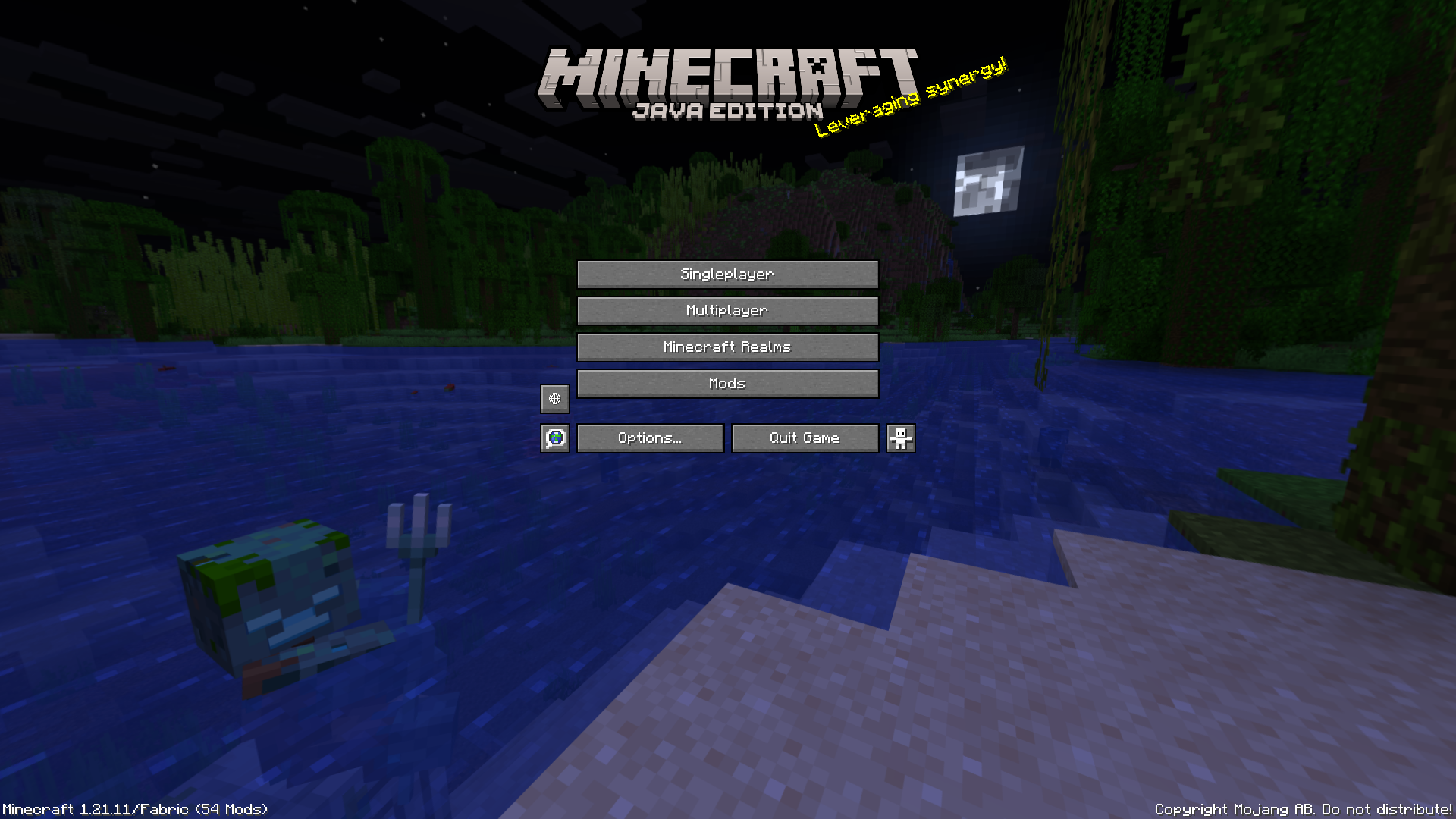
介绍
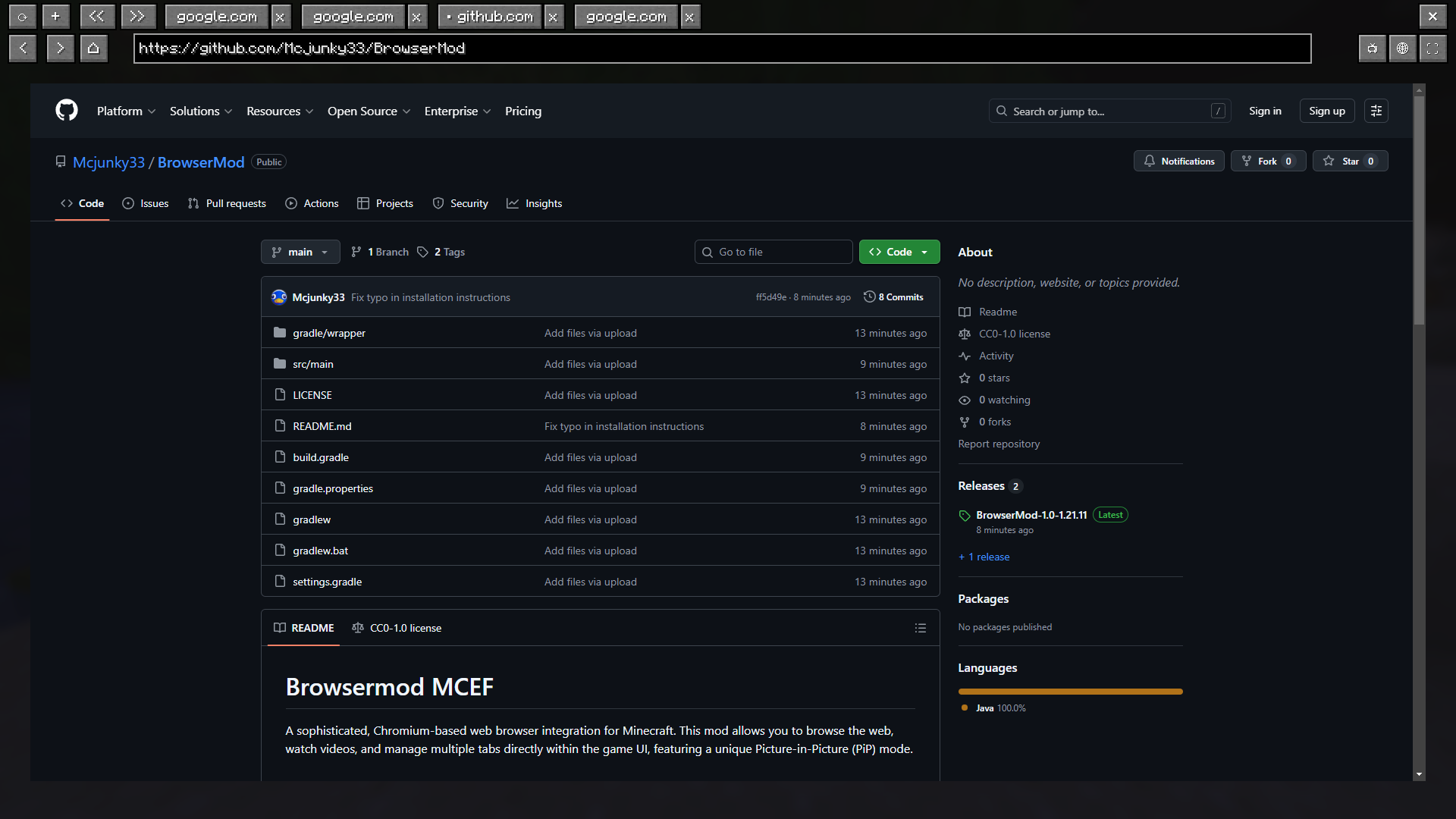
Browsermod MCEF
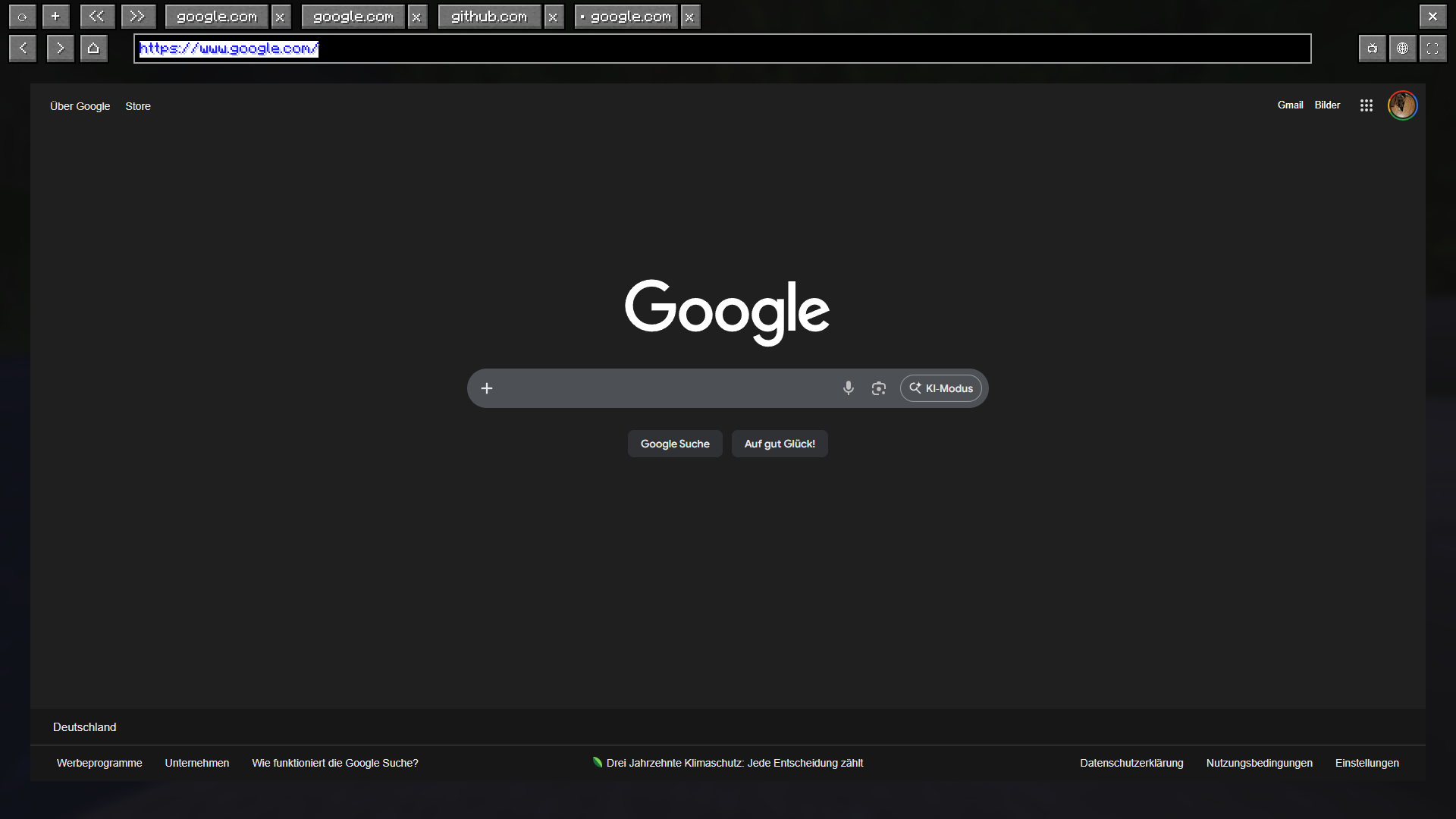
A sophisticated, Chromium-based web browser integration for Minecraft. This mod allows you to browse the web, watch videos, and manage multiple tabs directly within the game UI, featuring a unique Picture-in-Picture (PiP) mode.
Browser screen:

Controls and Keybindings
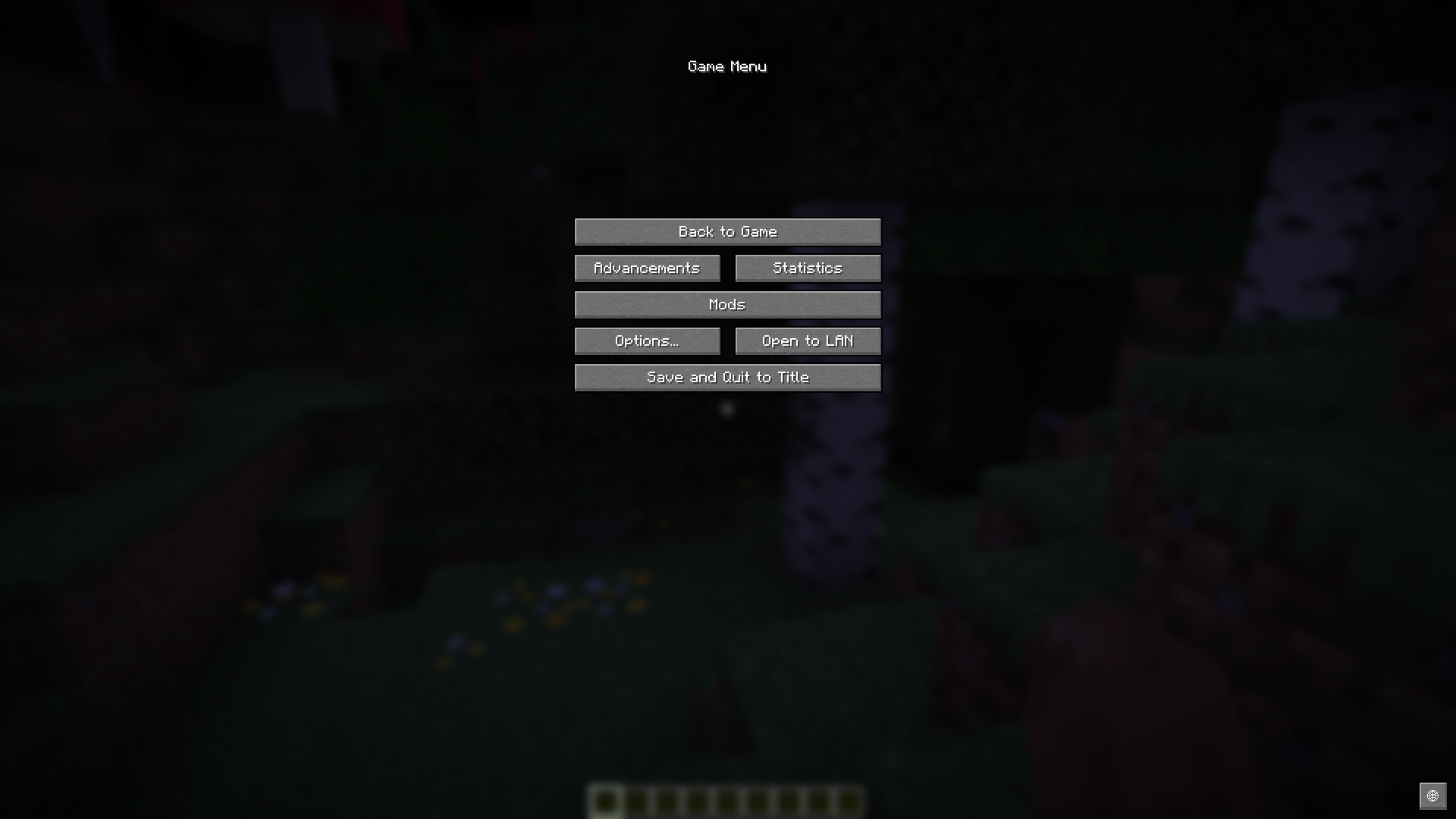
All keys can be remapped in the Minecraft options. The defaults are:
- B: Open the Main Browser Screen.
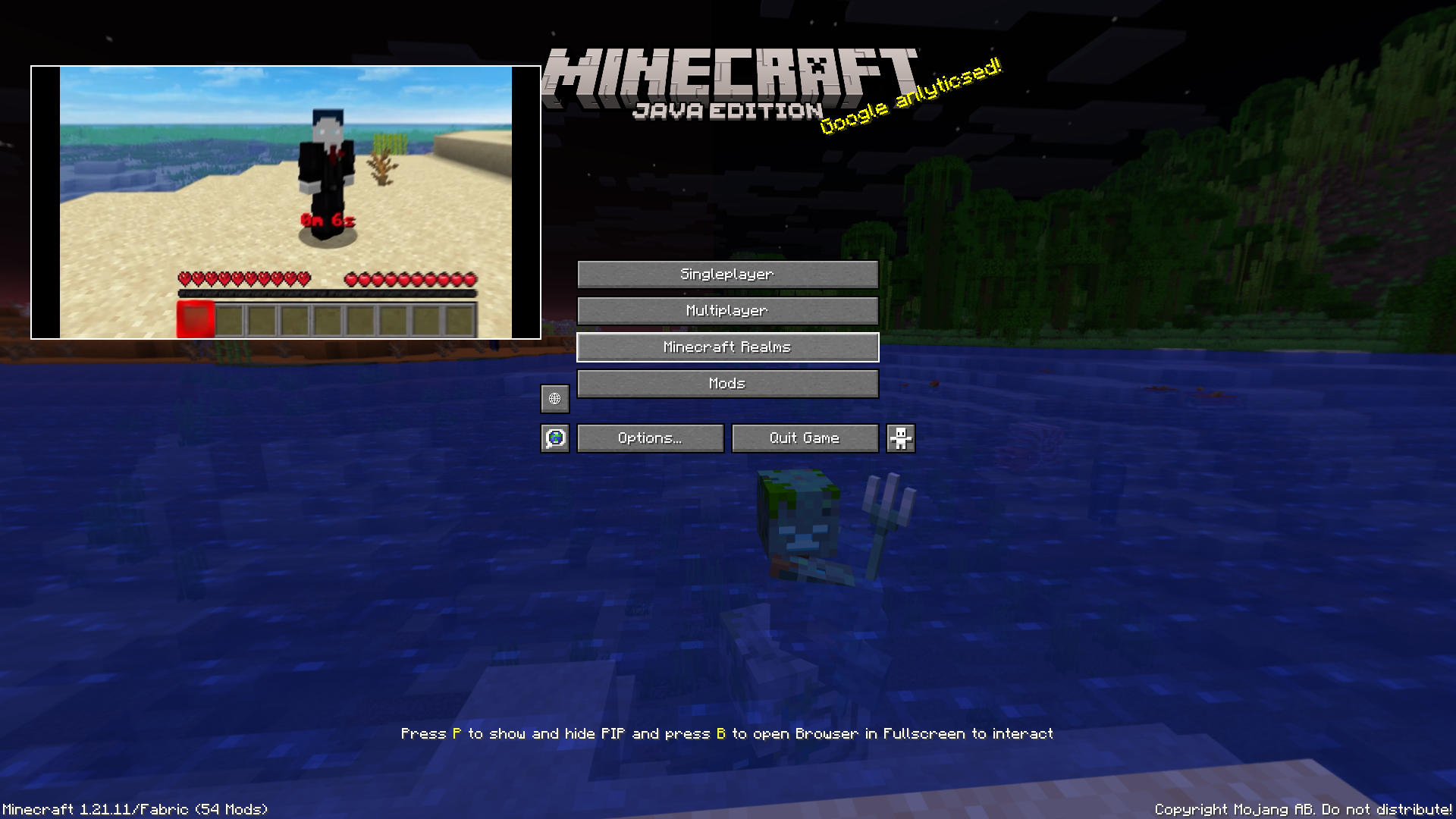
- P: Toggle Picture-in-Picture (PiP) mode.
- Arrow Up / Down: Scroll up and down while in PiP mode.
- F12: Toggle Fullscreen mode while the browser is open.
- AltGr: Special support to trigger Ctrl + Alt combinations (required for international characters like @).
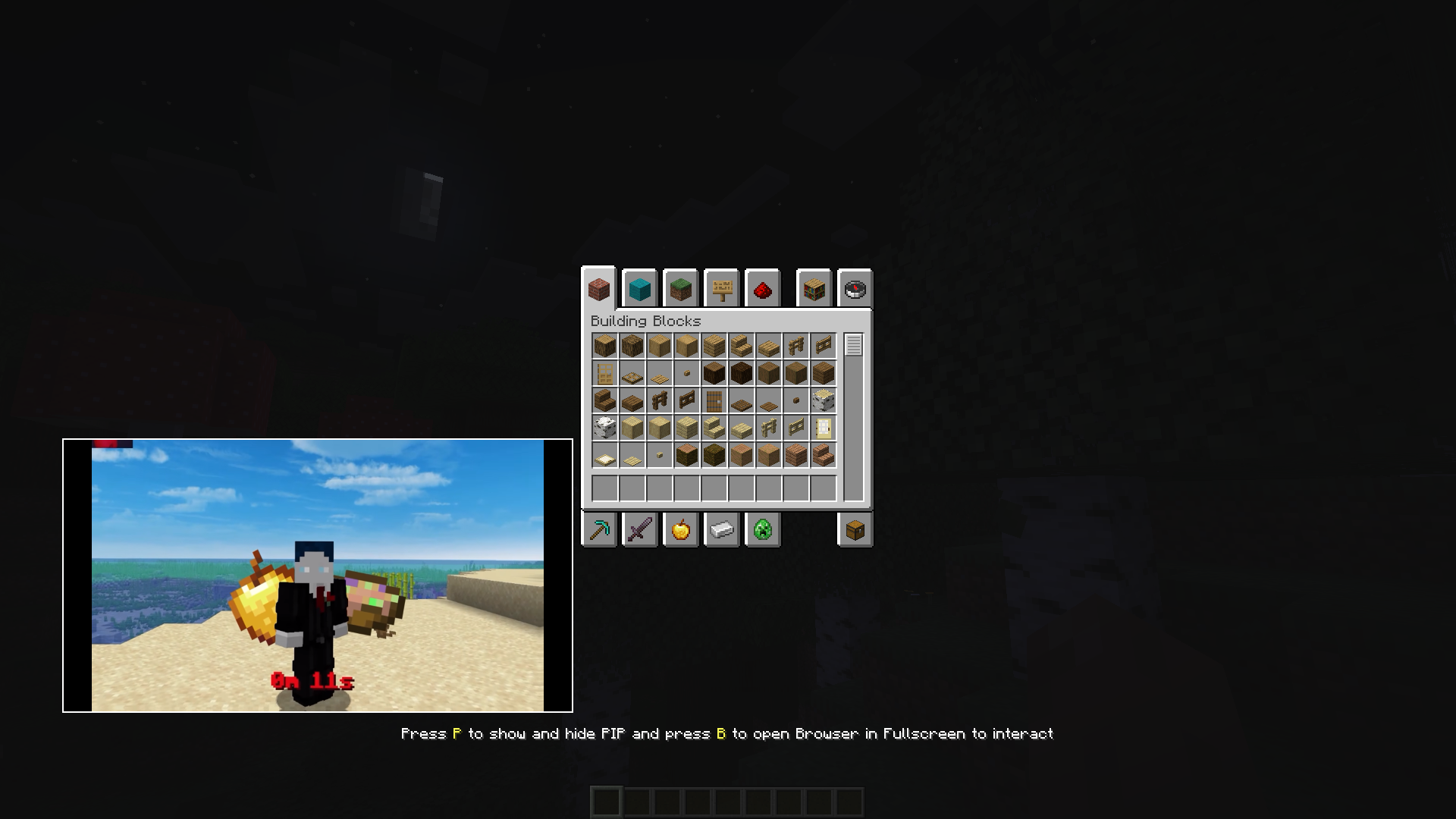
PiP:


Features
- Multi-Tab Management: Open, switch, and save multiple browser tabs.
- Picture-in-Picture (PiP): Keep a small browser window open while playing. Resize and move it anywhere on your screen.
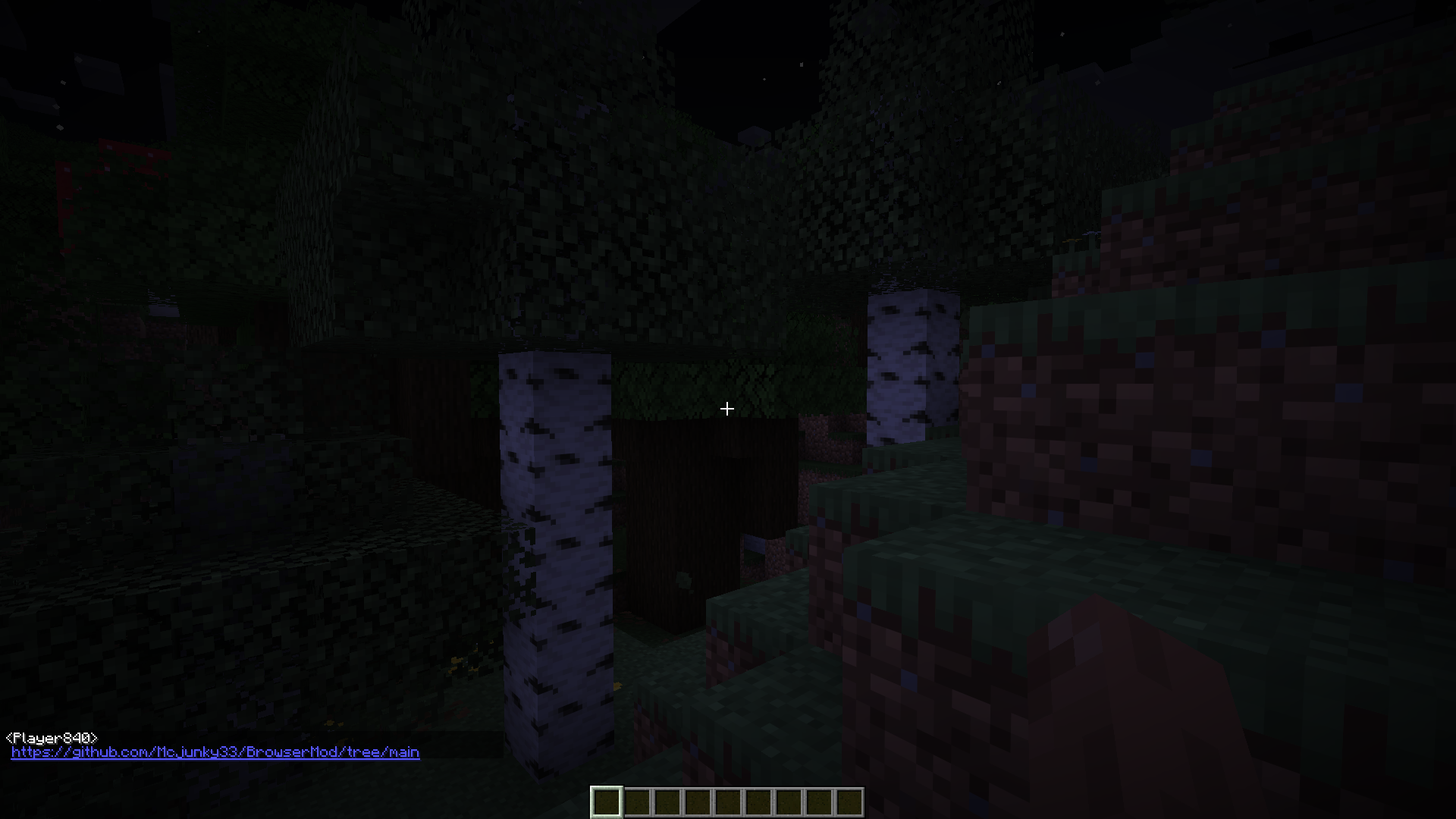
- Chat Link Interceptor: Clicking URLs in chat automatically opens them in a mod tab instead of an external browser.
- Persistence: Your tabs and PiP configuration (position/size) are saved automatically in .json config files.
Clickable Links in chat:


Technical Details
- Working on Windows (X64/X86)
- Working on linux (X64/X86) (Android doesn’t work)
- Working on MacOS (X64/X86)
- No Arm Processors
Installation
- Install the requied mod: Rinku
- Place the browsermod.jar in your mods folder.
Browsermod MCEF
Eine fortschrittliche, Chromium-basierte Webbrowser-Integration für Minecraft. Diese Mod ermöglicht es dir, im Internet zu surfen, Videos anzusehen und mehrere Tabs direkt in der Minecraft-Benutzeroberfläche zu verwalten – inklusive eines einzigartigen Picture-in-Picture (PiP) Modus.
Steuerung und Tastenkombinationen
Alle Tasten können in den Minecraft-Optionen geändert werden. Standardbelegung:
- B: Öffnet das Haupt-Browserfenster.
- P: Schaltet den Picture-in-Picture (PiP) Modus an/aus.
- Pfeil Hoch / Runter: Scrollen innerhalb des PiP-Fensters.
- F12: Vollbildmodus im Browser umschalten.
- AltGr: Spezielle Unterstützung für Strg + Alt Kombinationen (wichtig für Sonderzeichen wie @).
Features
- Multi-Tab Management: Mehrere Tabs gleichzeitig öffnen, wechseln und speichern.
- Picture-in-Picture (PiP): Behalte ein kleines Browser-Fenster während des Spielens offen. Das PiP-Fenster lässt sich frei skalieren und verschieben.
- Chat-Link-Abfangjäger: Klickst du auf eine URL im Chat, öffnet sich diese automatisch in einem neuen Tab der Mod, statt im externen Browser.
- Speicherung: Deine Tabs sowie die PiP-Konfiguration (Position/Größe) werden automatisch in .json-Dateien gespeichert.
Technische Details
- Funktioniert auf Windows (X64/X86)
- Funktioniert auf linux (X64/X86) (Android funktioniert nicht)
- Funktioniert auf MacOS (X64/X86)
- Keine Arm Processors
Installation
- Installiere die benötigte mod: Rinku
- Lege die browsermod.jar in deinen mods-Ordner.
常见问题
BrowserMCEF 支持哪些 Minecraft 版本?
BrowserMCEF 支持 Minecraft Java 版 26.2–26.3,共 2 个版本,可用的加载器:Fabric。下载时注意选择和你游戏版本一致的文件。
BrowserMCEF 怎么安装?
先用 PCL2 或 HMCL 启动器安装对应版本的 Fabric,再把下载的 .jar 文件放进游戏目录的 mods 文件夹,重新启动游戏即可。开启了版本隔离的,mods 文件夹在 versions/版本名 下面。运行环境:仅客户端。
Mcjunky33 的其他作品
查看全部 →
Armor Hud by Mcjunky33
Customizable Armor Hud with customizable durability HUD
Armor Hud by Mcjunky33
Customizable Armor Hud with customizable durability HUD

AlwaysArrowMap
Shows always the Arrow Rotation on Maps

Backup Mod
BackupMod is a powerful Minecraft server mod for easy, automatic, and manual backups, with permission management, auto-deletion, and more.
评论
登录后评论和评分