截图


介绍
中文介绍正在准备中,下面暂时显示原文。
A Minecraft mod for Forge and Fabric to toggle the rendering of various things.
Too many cows? Your game lags? Stop it, use No Render.
Too many items? Simply don’t render them and save your FPS.
Don’t like seeing other players? Don’t render them.
Installation
Fabric 1.19.4+ requires Forge Config API Port and Fabric API.
Features
In-game Config Screen
Entities
- hide all Entities
- hide Items
- hide Itemframes
- hide Villagers
- hide passive Mobs
- hide Player
- hide Entities based on their id, e.g.
minecraft:creeper
World
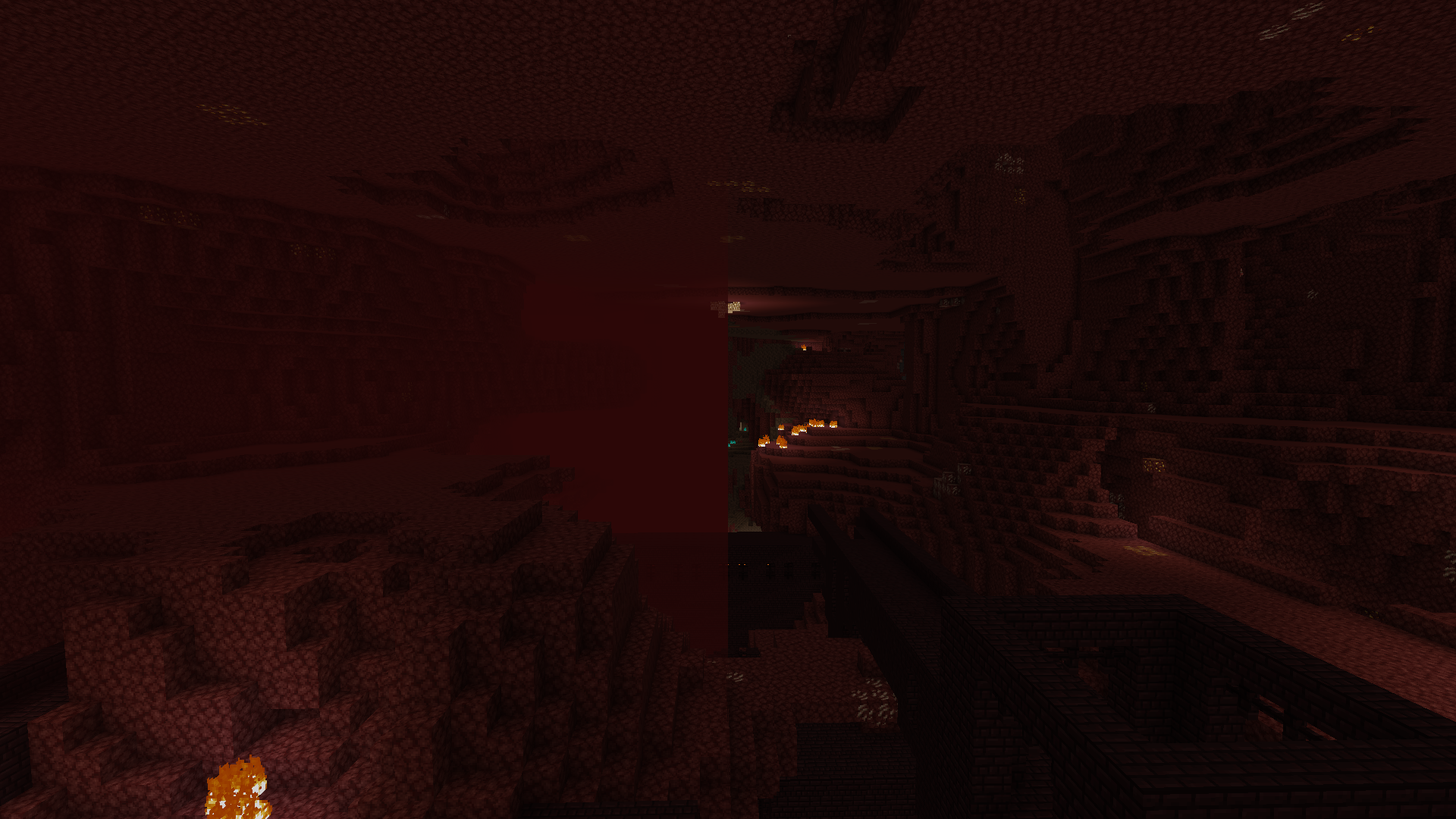
- skip Light Updates
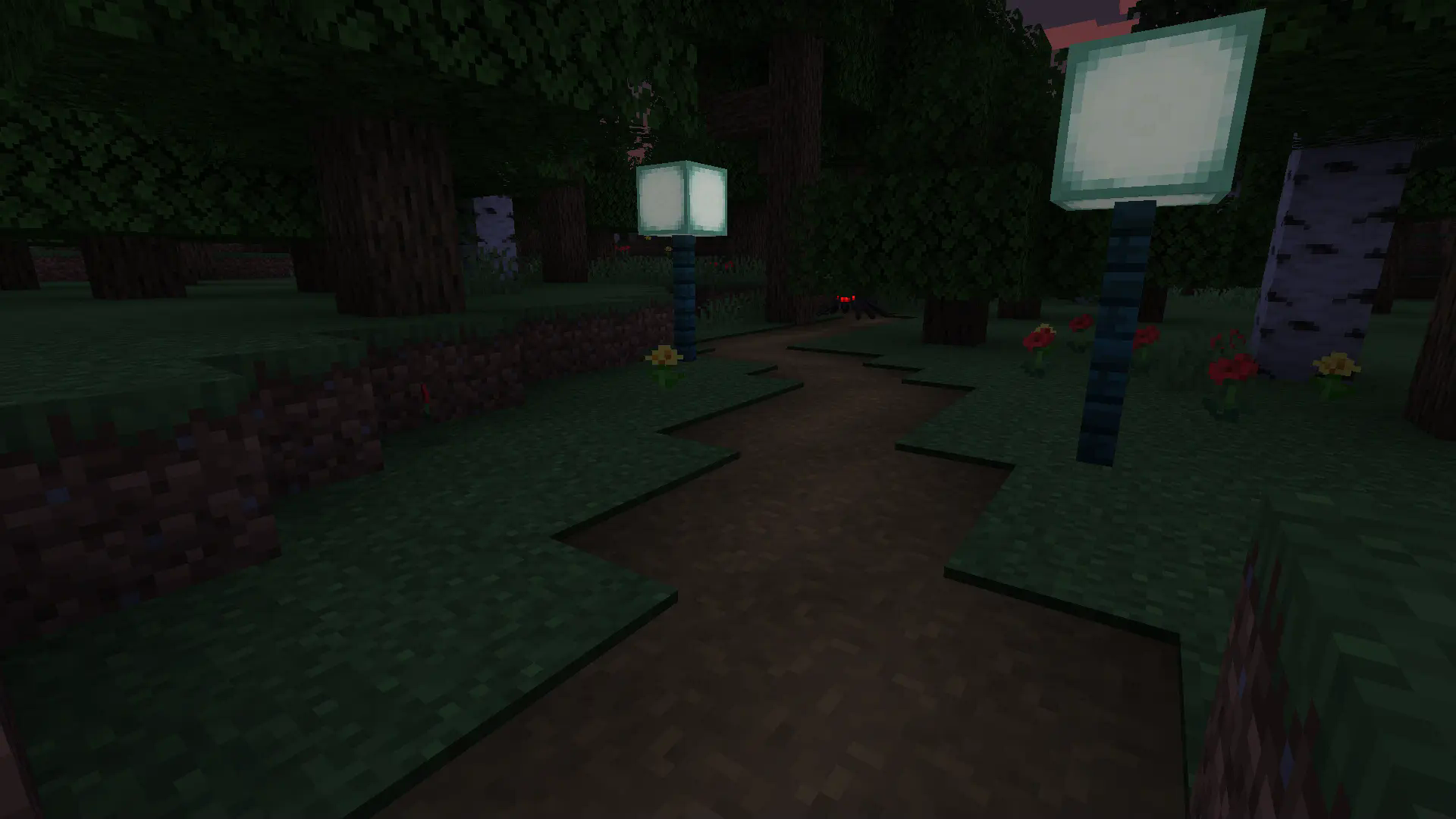
- hide Blocks
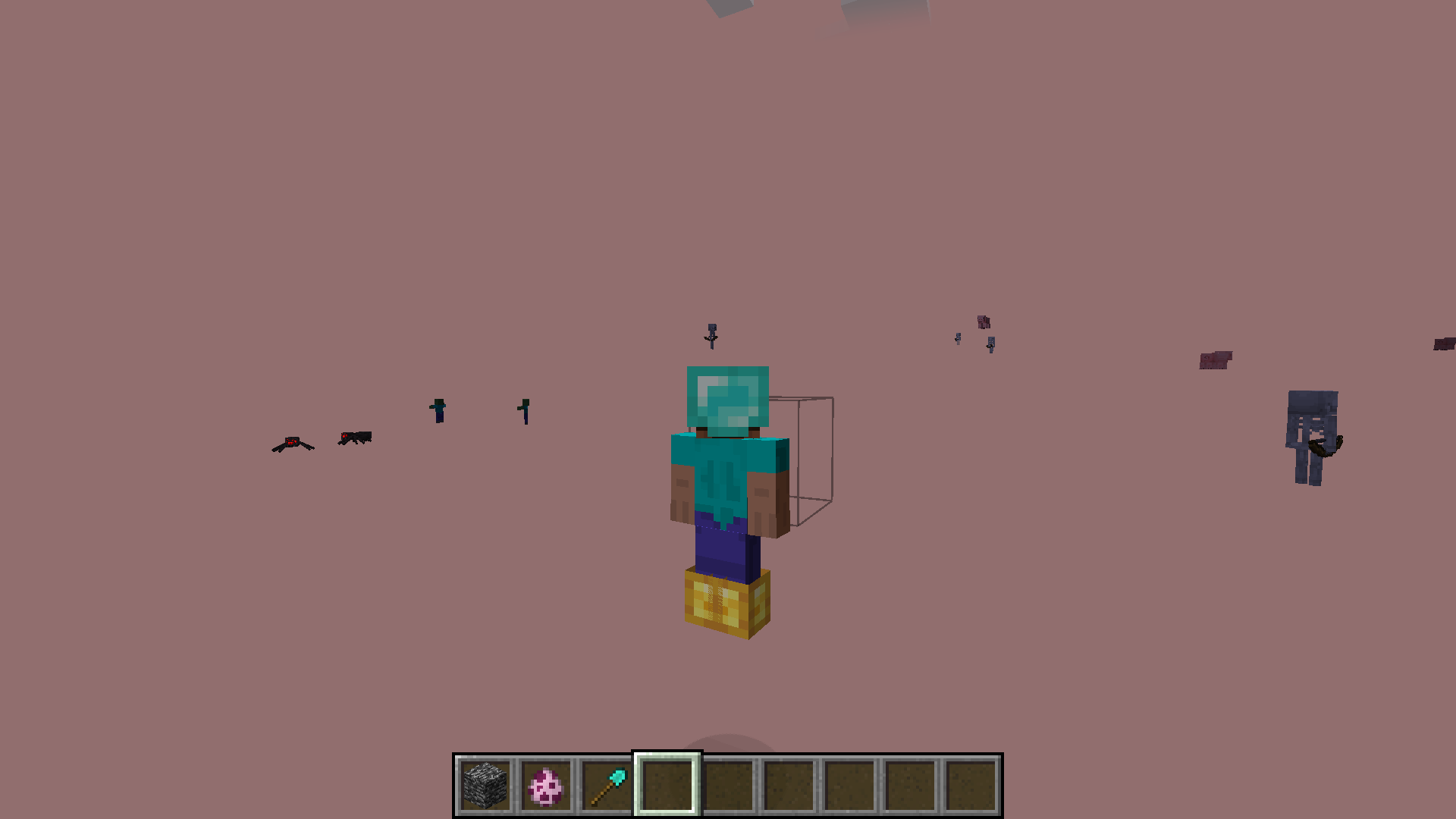
- hide BlockEntities (specific things like the rotating entity in spawners)
- hide GlobalBlockEntities (beacon beams and structure block lines)
- hide the Sky
- hide TerrainFog (the one in the Nether)
- hide Particles
常见问题
No Render 支持哪些 Minecraft 版本?
No Render 支持 Minecraft Java 版 1.18.2–1.21.1,共 9 个版本,可用的加载器:Fabric / Forge / NeoForge。下载时注意选择和你游戏版本一致的文件。
No Render 怎么安装?
先用 PCL2 或 HMCL 启动器安装对应版本的 Fabric / Forge / NeoForge,再把下载的 .jar 文件放进游戏目录的 mods 文件夹,重新启动游戏即可。开启了版本隔离的,mods 文件夹在 versions/版本名 下面。运行环境:仅客户端。
评论
登录后评论和评分