AQ Invisible Item Frames
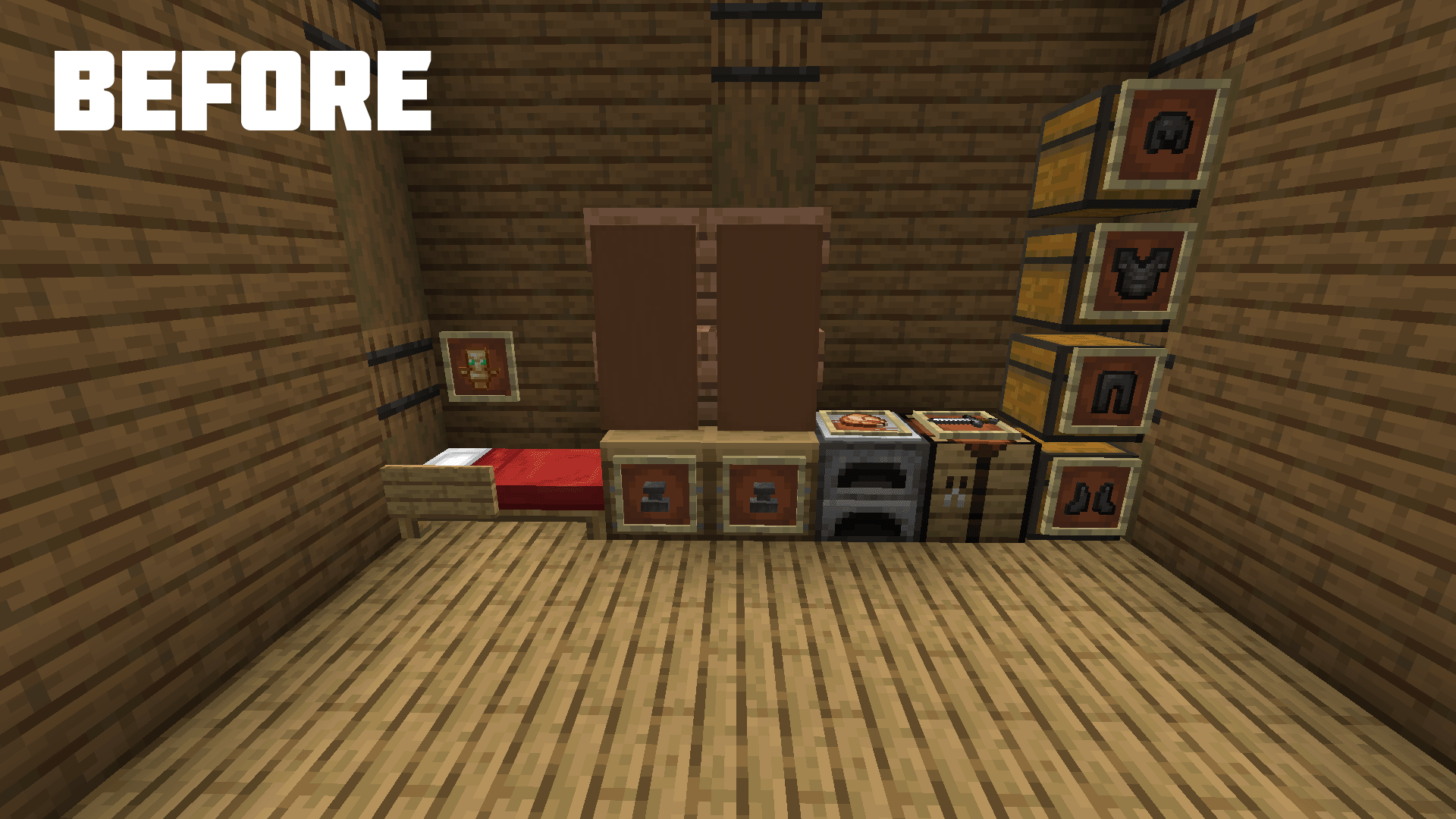
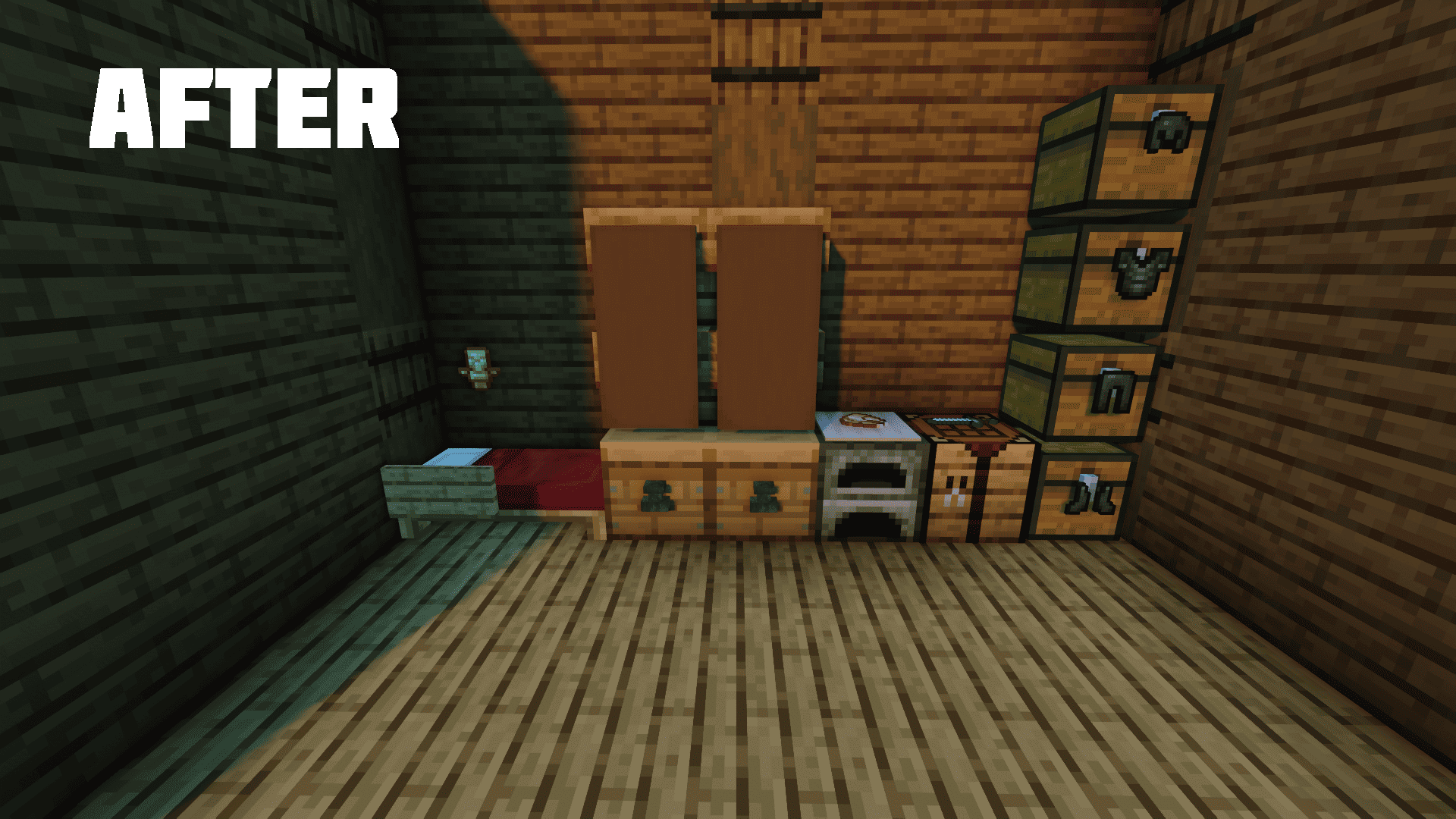
This resource pack will make the texture of the frames invisible, which will help to diversify your decor.
截图


介绍
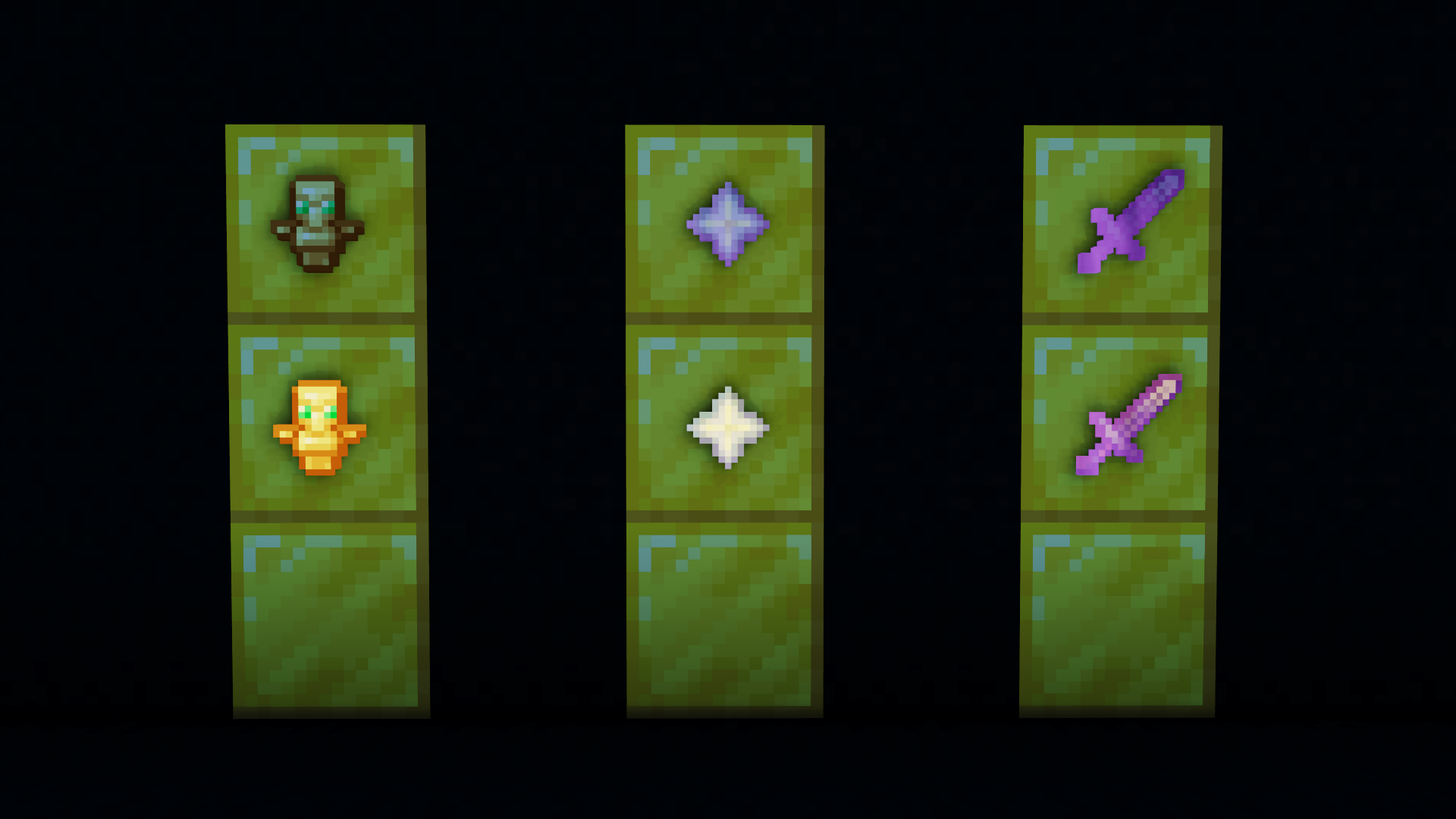
When creating scenery you may have used item frames, but they annoyed you a lot, as well as the author of this resourcepack. You can make item frames invisible with mods, datapacks, or command, but all of that takes a lot of time. You can simply install my resourcepack, which will make these frames invisible. Unlike other similar resourcepacks, this resourcepack is adapted to newer versions of minecraft, which added glowing frames.
Glow Item Frame
How do I download it?
Download the ZIP archive with the resourcepack and move it to the game folder .minecraft/resourcepacks Then go to Game Settings > Resource Sets > Select Resourcepack
常见问题
AQ Invisible Item Frames 支持哪些 Minecraft 版本?
AQ Invisible Item Frames 支持 Minecraft Java 版 1.16–1.21,共 24 个版本。下载时注意选择和你游戏版本一致的文件。
AQ Invisible Item Frames 怎么安装?
把下载的 .zip 文件(不用解压)放进游戏目录的 resourcepacks 文件夹,进游戏后在「选项 → 资源包」里把它移到右边启用。
评论
登录后评论和评分