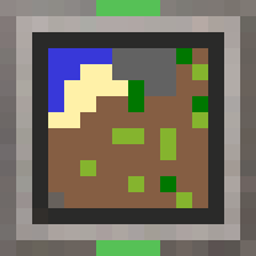
截图
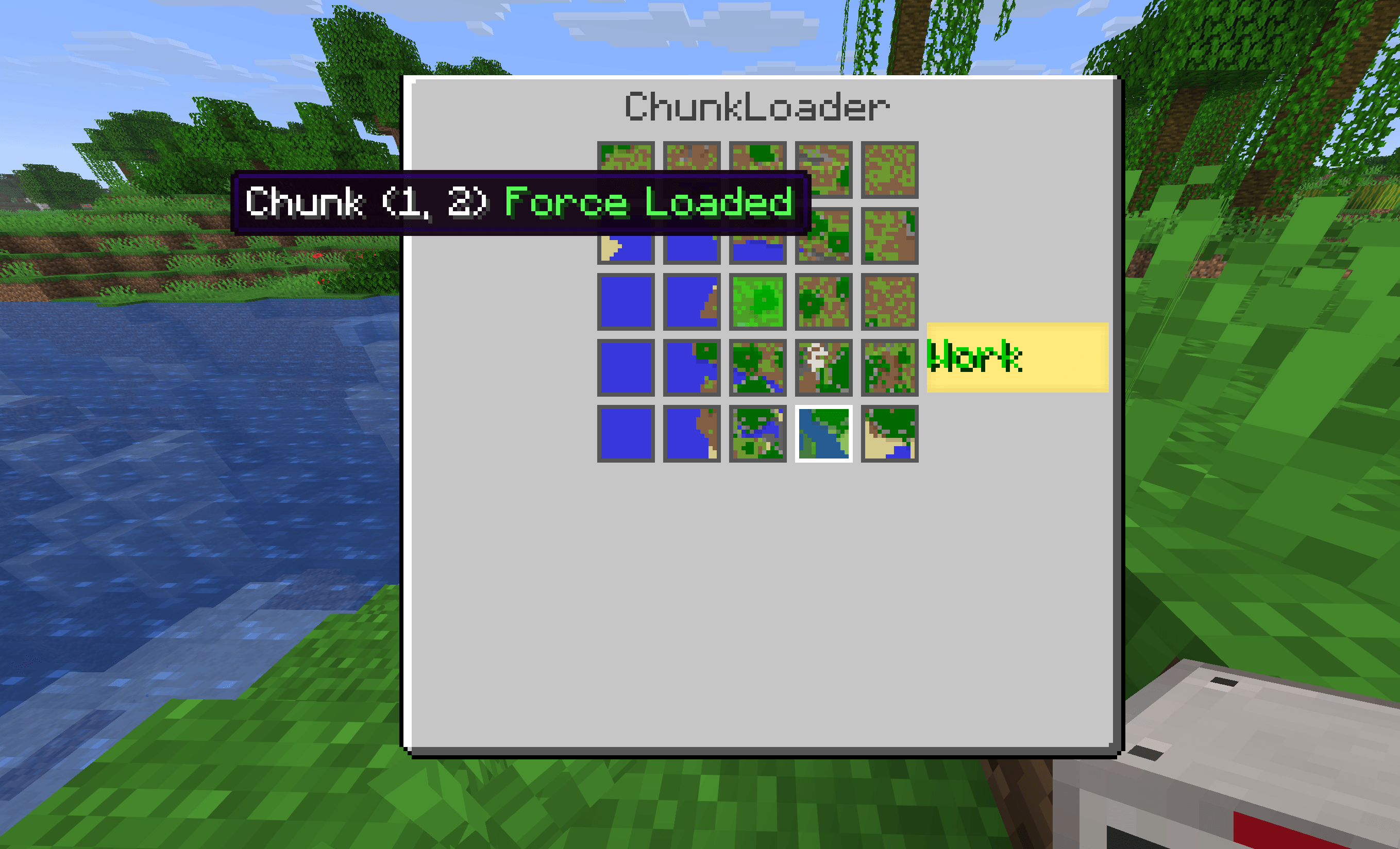
介绍
中文介绍正在准备中,下面暂时显示原文。

Chunk Loader
Chunk Loader adds a configurable Chunk Loader block that keeps nearby chunks force-loaded, so farms, processing machines and redstone contraptions continue working when no player is nearby.

Features
- 5×5 chunk selection — open the block’s interface and click the chunk map to choose exactly which chunks stay loaded.
- Always-loaded home chunk — the chunk containing the loader is always kept loaded; no need to select it.
- Persistent selection — chosen chunks are saved with the block and restored when the world reloads.
- Active visuals — the block’s texture changes while it is working.
Usage
- Craft and place a Chunk Loader.
- Right-click it to open the chunk map.
- Click any chunk in the 5×5 area to toggle force-loading. The center chunk is always loaded.
Crafting
| Iron Ingot | Ender Pearl | Iron Ingot |
| Lapis Lazuli | Iron Block | Lapis Lazuli |
| Iron Ingot | Copper Ingot | Iron Ingot |
常见问题
Skniro’s Chunk Loader 支持哪些 Minecraft 版本?
Skniro’s Chunk Loader 支持 Minecraft Java 版 26.3,可用的加载器:Fabric / Forge / NeoForge。下载时注意选择和你游戏版本一致的文件。
Skniro’s Chunk Loader 怎么安装?
先用 PCL2 或 HMCL 启动器安装对应版本的 Fabric / Forge / NeoForge,再把下载的 .jar 文件放进游戏目录的 mods 文件夹,重新启动游戏即可。开启了版本隔离的,mods 文件夹在 versions/版本名 下面。
skniro 的其他作品
查看全部 →
Skniro’s Furniture
by skniro
Skniro的家具模组在保持Minecraft原版风格的同时,引入了种类丰富的家具。
40.7万
9 天前
Modrinth · CurseForge

GrowableOres
by skniro
可种植矿石模组新增了丰富内容,帮助你种植矿石。
26.2万
1 个月前
Modrinth

Better Snowball
by skniro
一个为雪球添加更多种类的简单模组。
25.5万
1 个月前
Modrinth · CurseForge
Torcherino(Unofficial)
by skniro
各种可以提高方块实体刻速的火把
24.5万
16 天前
CurseForge
评论
登录后评论和评分