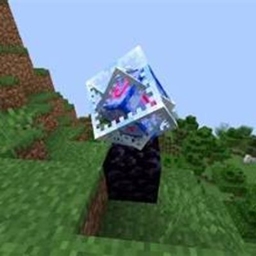
DarkPvP
DarkPvP 是一款进阶版 Minecraft Fabric PvP 客户端,拥有高级 ClickGUI、水晶和剑 PvP 工具、自动不死图腾、自动连点器、瞄准训练、ESP、快速换物品、自定义 HUD、移动辅助功能和丰富的自定义选项。
截图
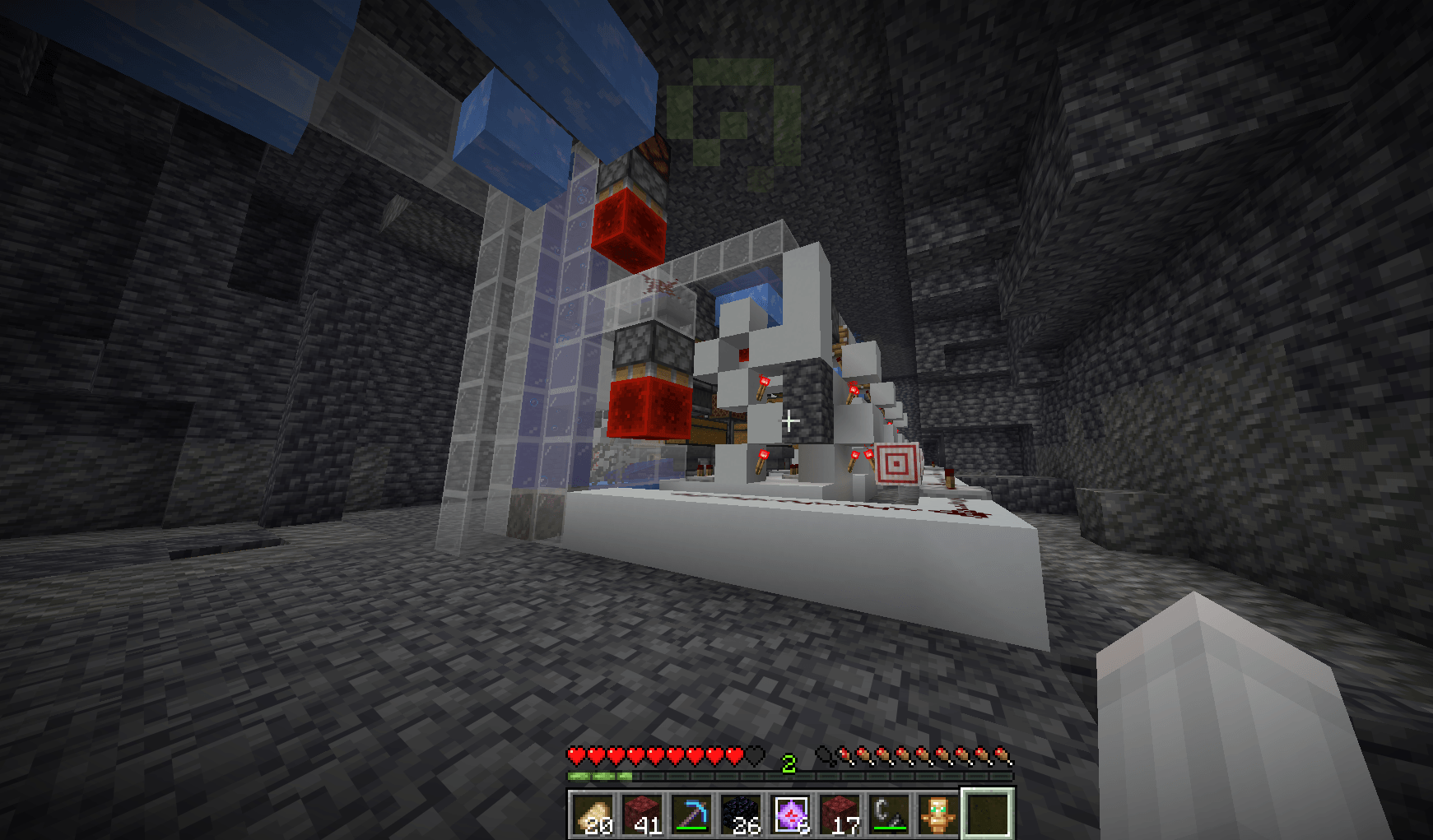
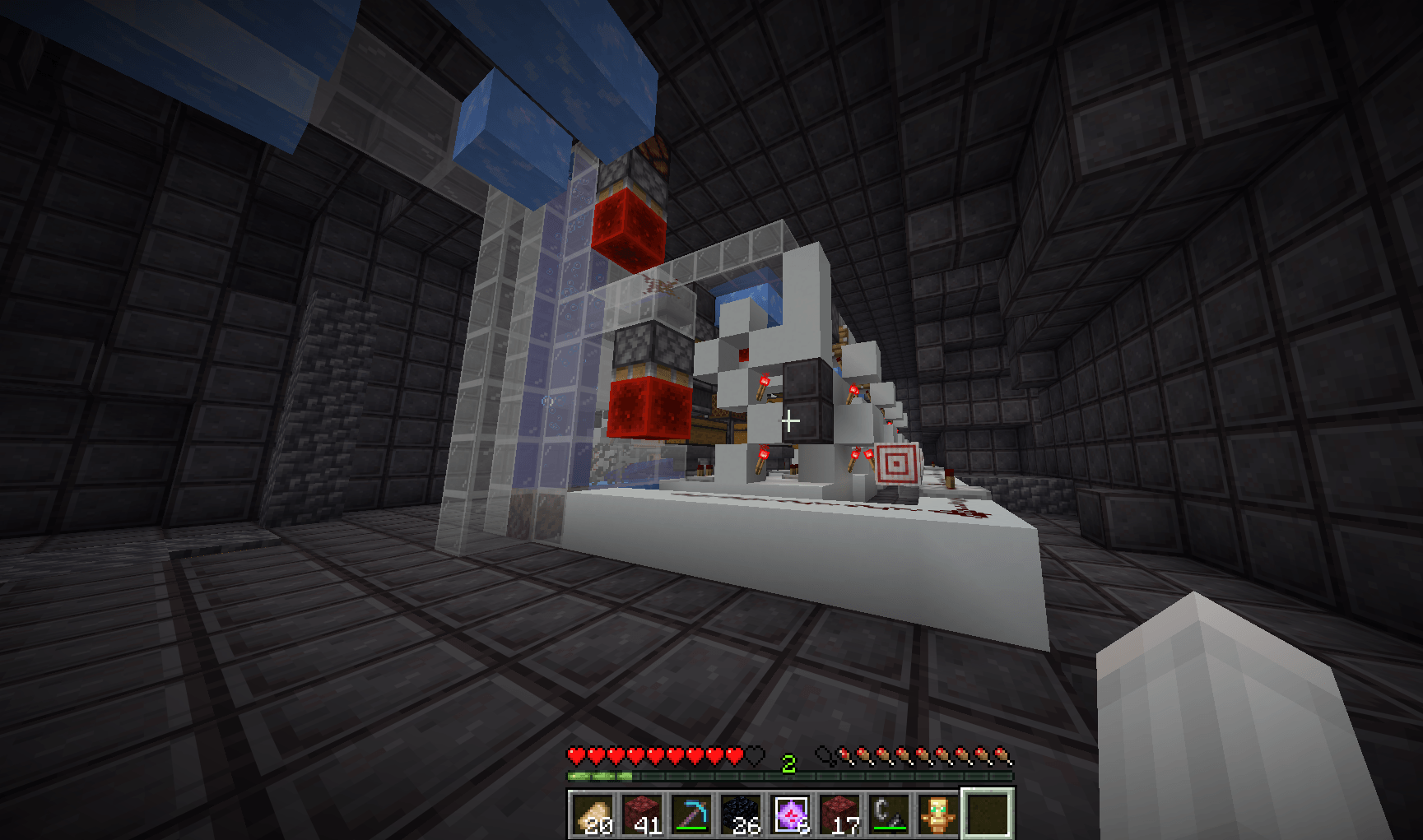
介绍
DARKPVP — Advanced Minecraft PvP Client
Dominate your training. Customise your gameplay. Experience PvP differently.
DarkPvP is a feature-packed Minecraft Fabric PvP client designed for Crystal PvP, Sword PvP and combat practice. Featuring a premium black-and-purple ClickGUI, advanced combat utilities, customisable visuals and a powerful module system, DarkPvP brings your favourite PvP tools into one convenient interface.
⚔️ Features
💎 Crystal PvP
-
Obsidian Swap — Quickly switch to obsidian.
-
Crystal Swap — Instantly select end crystals.
-
Fast Crystal — Crystal placement and breaking practice.
-
Crystal Damage Calculator — Estimate explosion damage.
-
Crystal Placement Preview — Highlight valid crystal positions.
-
Crystal Counter — Track available end crystals.
🗡️ Sword PvP
-
Aimbot Training — Configurable target-tracking practice.
-
AutoClicker Training — Adjustable clicking automation for permitted practice environments.
-
CPS Counter — Monitor clicks per second.
-
Combo Counter — Track consecutive hits.
-
Target HUD — Display opponent information.
-
Reach Display — Monitor targeting distance.
🛡️ Totem Utilities
-
AutoTotem — Automatic offhand totem management in supported environments.
-
Totem Counter — Track remaining totems.
-
Totem Pop Counter — Monitor totem activations.
-
Totem Alerts — Receive low-totem warnings.
-
Custom Totem Cosmetics — Support for custom Totem of Undying textures.
👁️ Visual Enhancements
-
Player ESP
-
Storage ESP
-
Entity ESP
-
Fullbright
-
Custom Crosshair
-
Tracers
-
Custom Block Outlines
-
Damage Indicators
⚡ Additional Features
-
Movement utilities and sprint toggle
-
Armour durability monitoring
-
Inventory and hotbar tools
-
Customisable HUD editor
-
FPS, ping and coordinate displays
-
Configurable keybinds
-
Persistent settings and profiles
-
Searchable module categories
🎨 Premium ClickGUI
DarkPvP features a sleek black-and-purple interface designed for easy navigation.
Modules are organised into dedicated categories:
Crystal • Sword • Totem • Movement • Visuals • Inventory • HUD • Player • Extras • Settings
Customise modules using toggles, sliders, dropdown menus, keybinds and colour settings.
Default GUI keybind: Right Shift
🖥️ Installation
-
Install a compatible version of Fabric Loader.
-
Install Fabric API if required by your build.
-
Download the DarkPvP JAR.
-
Place the JAR inside your Minecraft
modsfolder. -
Launch Minecraft using the correct Fabric profile.
-
Press Right Shift to open DarkPvP.
⚠️ Important Information
DarkPvP includes combat-related utilities, some of which may be restricted or prohibited on multiplayer servers.
Automated combat features are intended for single-player or explicitly authorised practice environments.
Always check individual server rules before using the client.
Not all features are permitted on every server.
👨💻 Developer
AK74VX
Discord: ak74vx
DARKPVP — The ultimate customisable PvP experience.
常见问题
DarkPvP 支持哪些 Minecraft 版本?
DarkPvP 支持 Minecraft Java 版 26.2,可用的加载器:Fabric / Forge / NeoForge。下载时注意选择和你游戏版本一致的文件。
DarkPvP 怎么安装?
先用 PCL2 或 HMCL 启动器安装对应版本的 Fabric / Forge / NeoForge,再把下载的 .jar 文件放进游戏目录的 mods 文件夹,重新启动游戏即可。开启了版本隔离的,mods 文件夹在 versions/版本名 下面。
user_zz8ji0ami76pbzsd 的其他作品
查看全部 →
sus chunk x
想获得最佳体验,请使用 Modrinth 上的渲染方式和 TikTok 上的方法。这是一款有趣的小模组,可以帮助你在名为 suschunk 的服务器上游玩。你可以在 krypton client 和 anibus 上找到它。祝你玩得开心,尽情享受我制作的模组吧!
cute anime girl totem
一款可爱动漫少女风格的不死图腾材质,将默认的不死图腾替换成迷人、时尚又吸睛的设计,适合想让 Minecraft 画风更有趣、更可爱的玩家。
crystal cluster finder
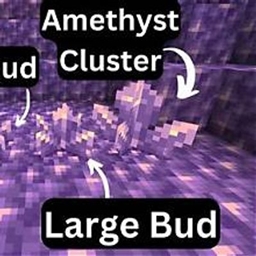
💎 Amethyst Finder 是一款轻量级 Fabric 模组,可检测完全长成的紫水晶簇、扫描 256 格范围内的地下区域,并提供可自定义的透视显示、现代化 ClickGUI、距离追踪和性能优化。更快、更轻松地找到紫水晶簇!
antileak ANN
AntiLeak Netherite 是一款 Minecraft 资源包,会将基岩、沙砾、深板岩、凝灰岩和矿石伪装成下界合金块。隐藏珍贵基地、伪装据点并防止泄露,且不会改变任何方块行为。纯视觉效果!
评论
登录后评论和评分