FlexLite Shaders
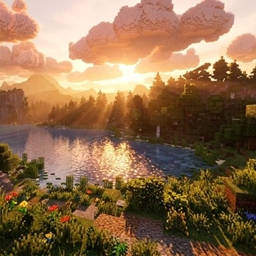
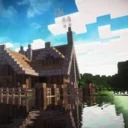
一个轻量级的Iris/OptiFine光影包,具有柔和的程序化云朵、摇曳的草和树叶、波光粼粼的水面以及电影般的色彩。它没有阴影,因此可以在低端PC上运行。
截图
介绍
A light, easy-on-your-GPU shaderpack that makes vanilla Minecraft look warmer and more alive without the heavy cost of full lighting engines.
Features
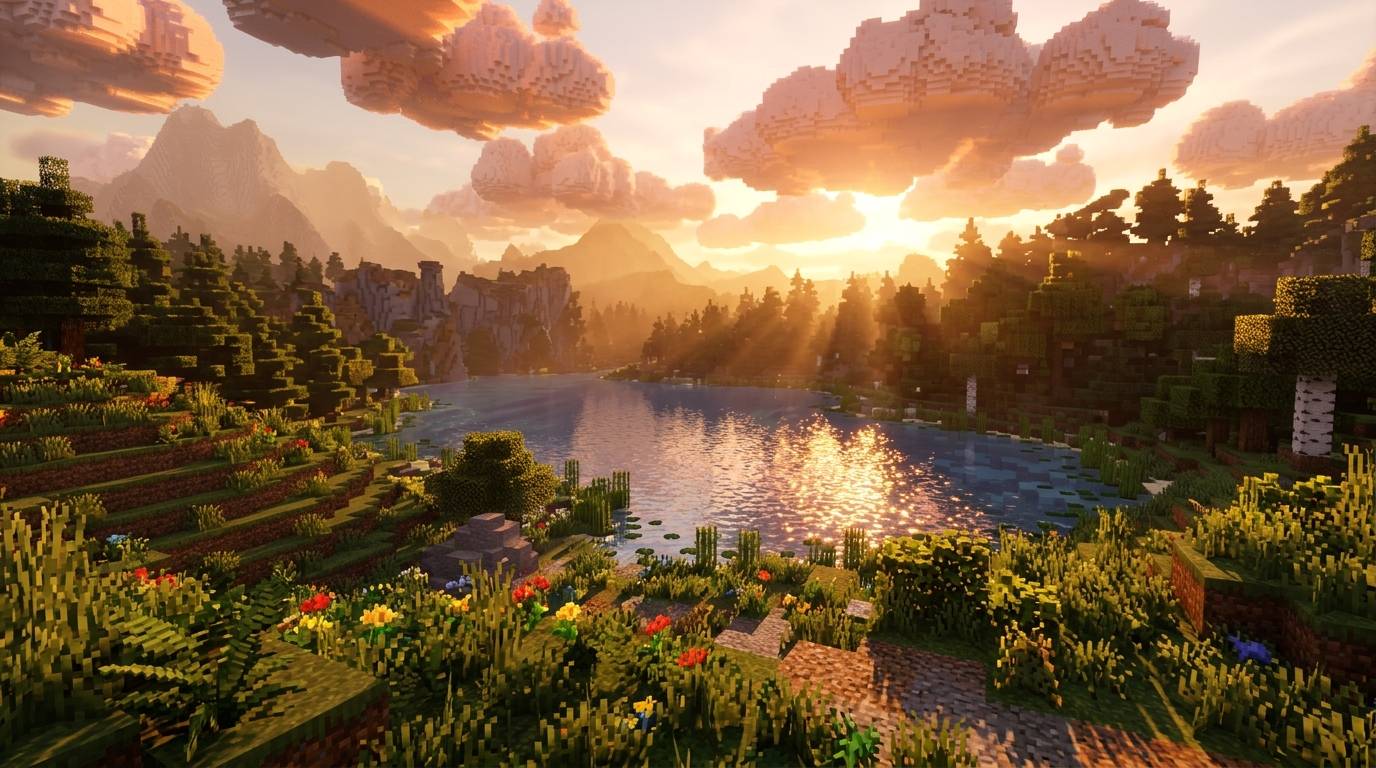
- ☁️ Procedural clouds: puffy, wind-driven clouds that shade themselves toward the sun and have silver edges. They glow orange at sunset, go dark at night and turn grey in rain.
- 🌿 Waving foliage: grass, flowers, ferns and leaves sway in the wind, with stronger sway during rain.
- 🌊 Animated water: gentle waves, a clearer blue-teal tint and sun glints in daylight. Glass and ice keep their own look.
- 🔥 Warm torchlight: torches cast a warm orange glow, while shaded areas get a cool bluish tint.
- 🎬 Cinematic colour: filmic tonemapping, a warm sunrise and sunset tint, a cool underwater tint, a soft vignette and dithering to hide banding.
- 🌫️ Distance fog: it hides chunk pop-in and tightens underwater.
Settings
Under Shader Options you can toggle clouds and foliage waving, and adjust cloud coverage, speed, height and size, wave strength, exposure, saturation and vignette.
Requirements
- Iris Shaders (recommended) or OptiFine
- Minecraft versions: fill in what you have tested
Installation
- Download the .zip and don’t extract it.
- Put it in
.minecraft/shaderpacks. - In game, open Options → Video Settings → Shader Packs and select ClaudeLite.
Not included (yet)
Shadows, reflections, bloom, and custom shading for entities and the sky. These use the vanilla look.
Notes
The cloud style is inspired by popular shaderpacks, and all code is original.
常见问题
FlexLite Shaders 支持哪些 Minecraft 版本?
FlexLite Shaders 支持 Minecraft Java 版 1.15–26.3,共 42 个版本,可用的加载器:OptiFine。下载时注意选择和你游戏版本一致的文件。
FlexLite Shaders 怎么安装?
光影需要先装 OptiFine。把下载的 .zip 文件(不用解压)放进游戏目录的 shaderpacks 文件夹,进游戏后在「选项 → 视频设置 → 光影包」里选中它。光影对显卡要求较高,卡顿可以调低光影设置或渲染距离。
TaeVersePlayz 的其他作品
查看全部 →
RealisticRemake
一款轻量级写实光影,带有柔和雾气、阳光阴影、丁达尔效应和摇曳树叶——专为入门级显卡流畅运行而打造。
HolaBlocks
细节丰富的中世纪风格 Minecraft 资源包,采用写实材质,增强方块细节与材料质感,营造沉浸式视觉体验。
TheHolShader Shader
一款注重真实感的光影包,具有动态阴影、动态水面、体积神光、飘动云层以及完整的游戏内自定义——为 OptiFine 和 Iris 打造。

DreadShade
一款充满压迫感的 Minecraft 后期处理光影包:阴森的迷雾、阴冷的色调,以及隧道视野般的暗角,让每支火把都显得照明不足。
评论
登录后评论和评分