
KeySets
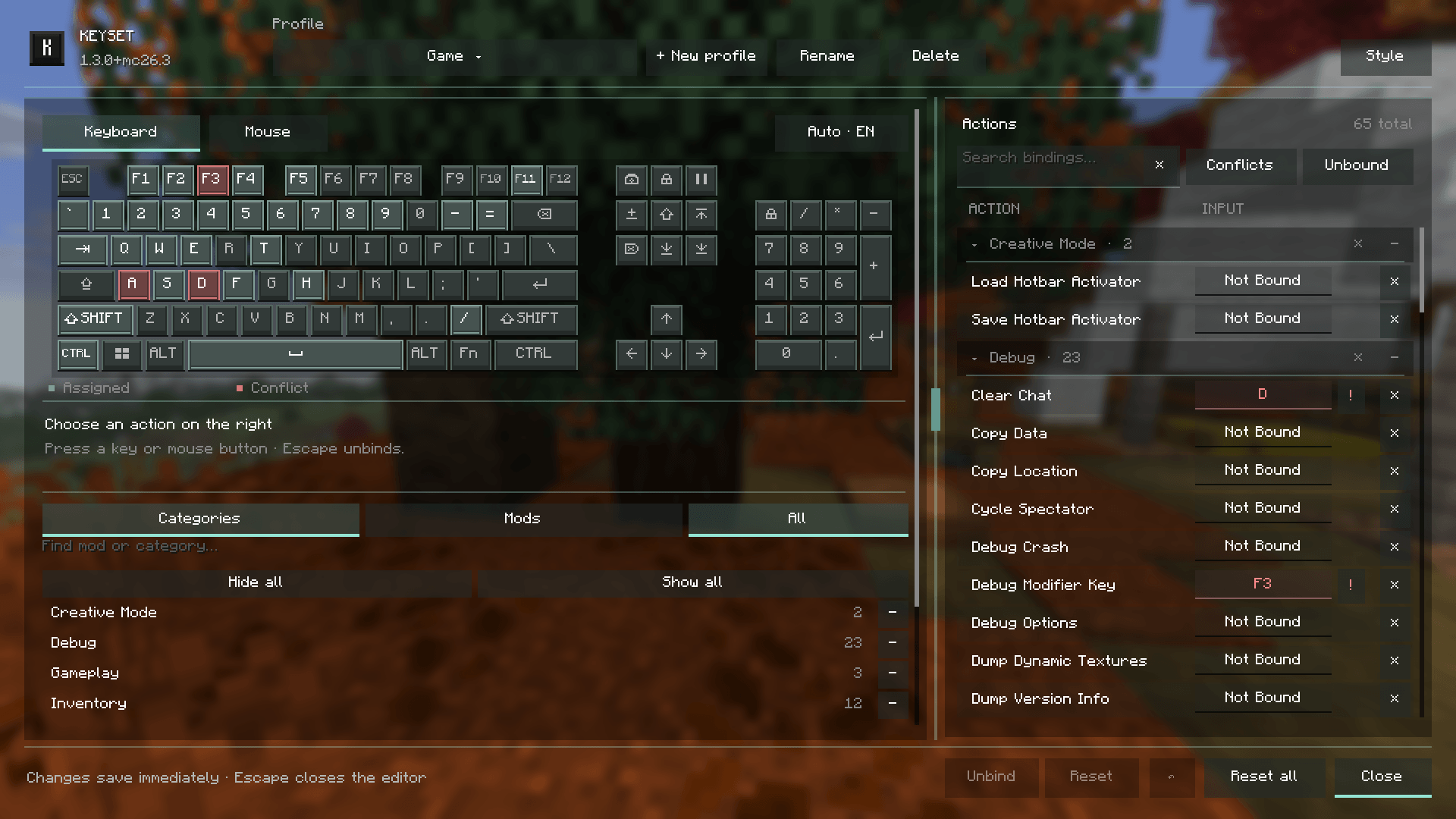
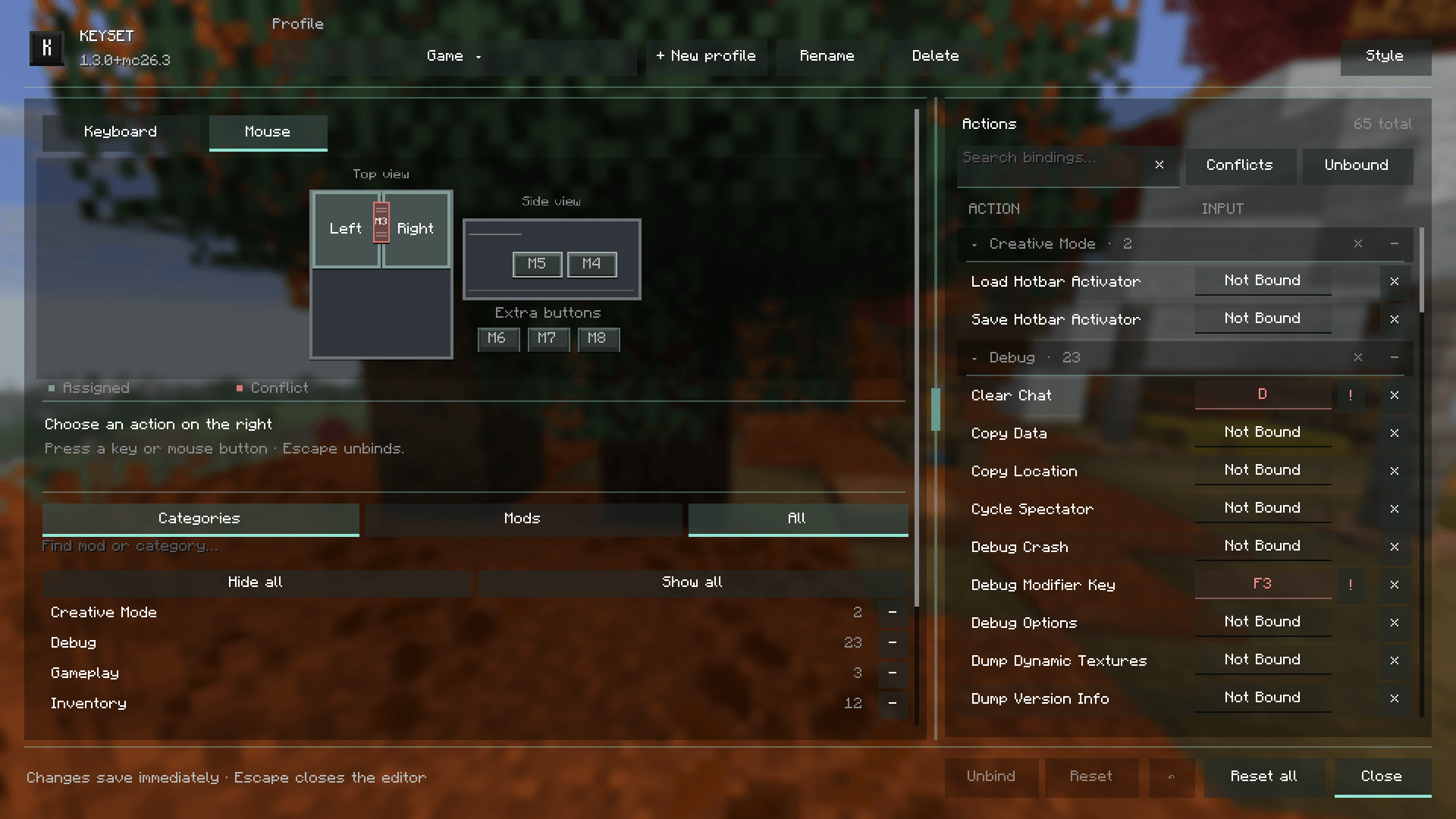
Visual keybind editor for Minecraft: rebind keys, combos and mouse buttons on a live keyboard and mouse, spot conflicts, keep separate profiles and switch them automatically per world or server. Client-side, Fabric and NeoForge.
截图
介绍
Keyset
Take control of your Minecraft keybindings.
A visual editor for keyboard and mouse controls. Click an action, press a key, a combination or a mouse button, and it is bound. Keep separate profiles for different worlds, servers or modpacks, and see conflicts before they bite.

Features
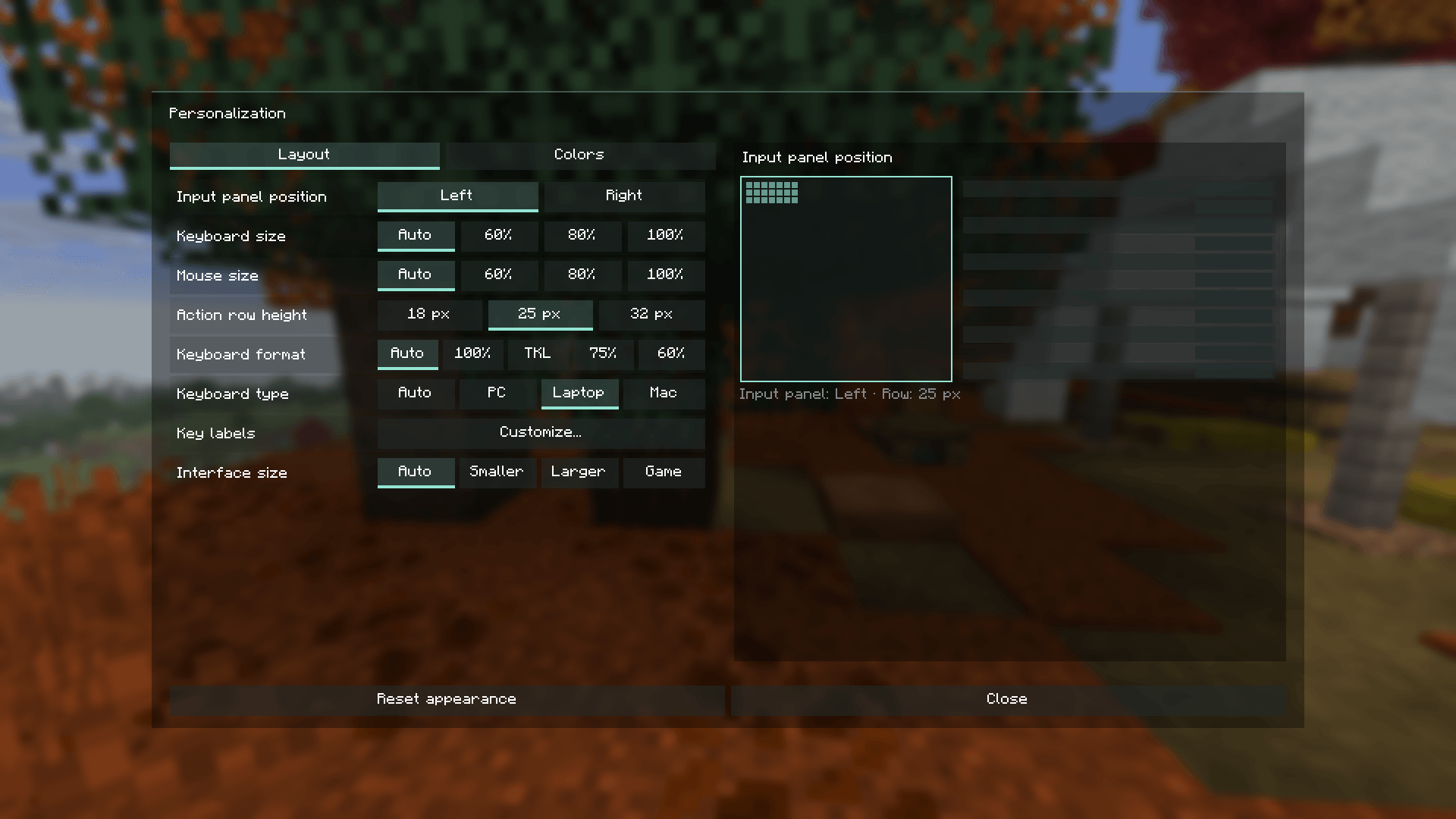
- Live keyboard and mouse – see what is bound, free or conflicting; click a key to list its actions. Full, TKL, 75% and 60% layouts, with PC, laptop and Mac variants detected automatically.
- Find things fast – search by name,
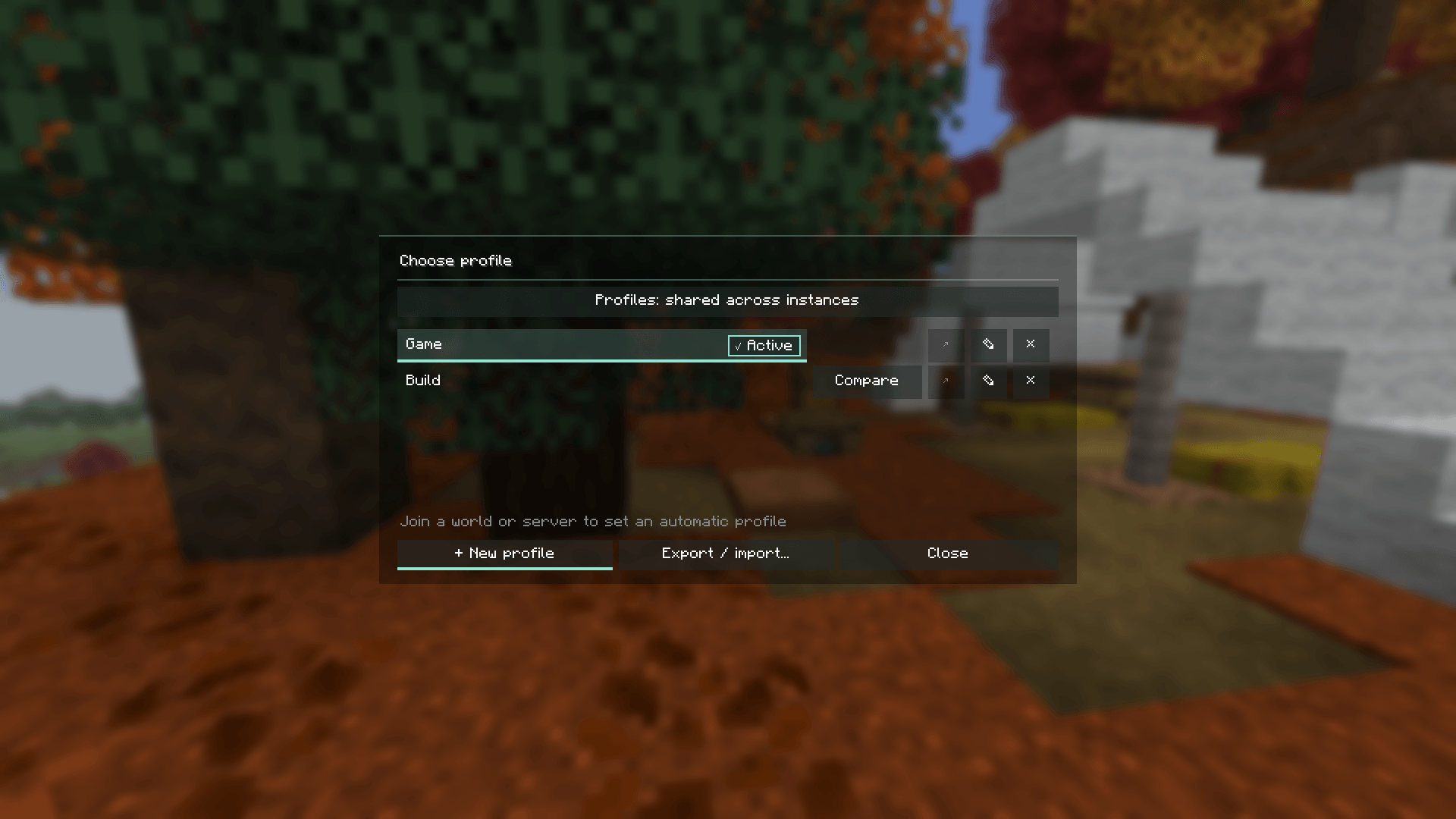
#categoryor@mod, filter conflicts, hide mods and categories you do not need. - Profiles – create, compare, import and export; pick a profile per world or server and it activates when you join.
- Keyboard shortcuts –
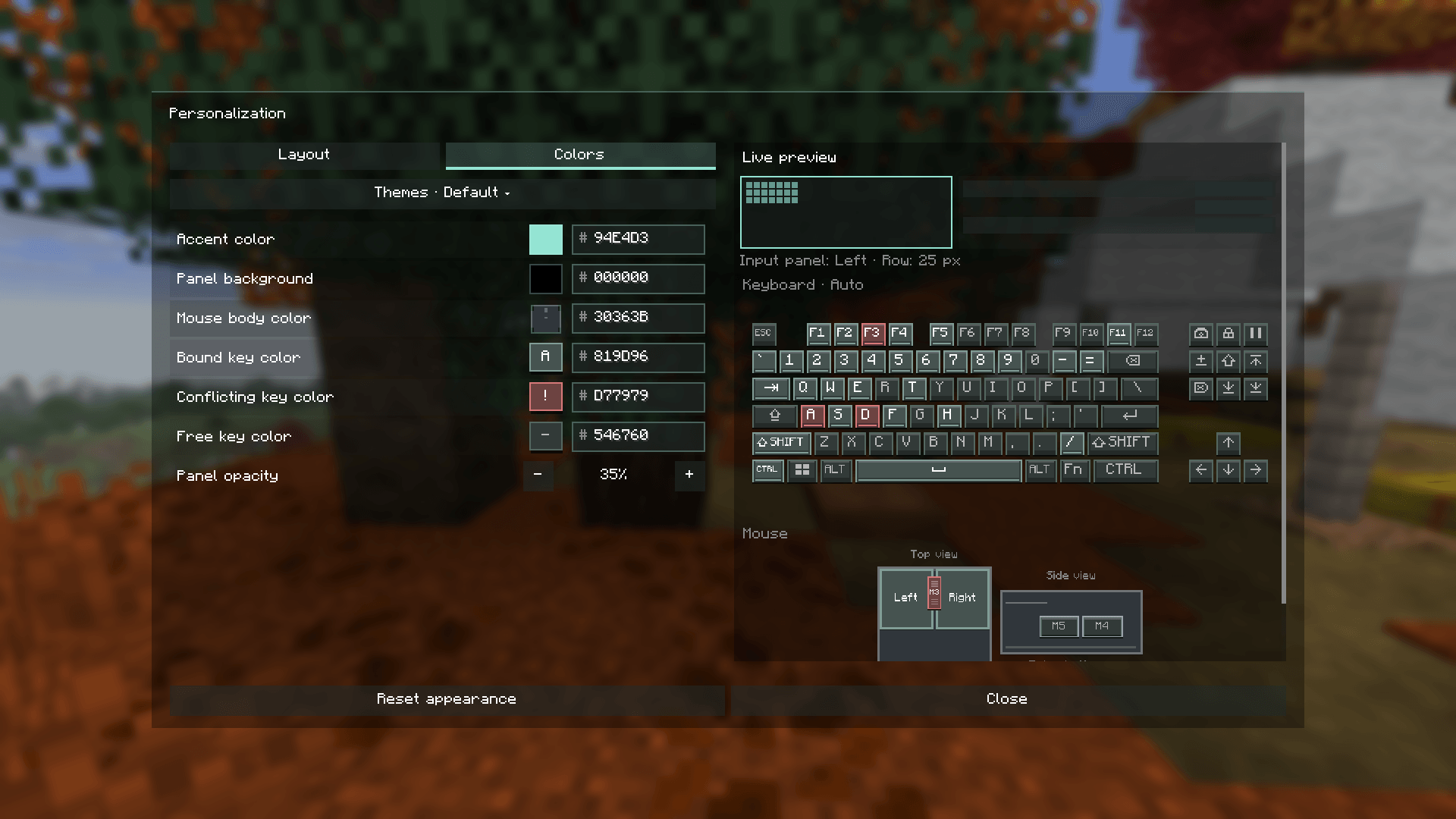
Ctrl+Z/Ctrl+Yundo and redo, arrow keys andEnterto walk and change actions. - Themes – presets, your own themes, copy and paste to share; resource packs can ship a theme that applies automatically.
- Adapts to your screen – the editor sizes itself to your window, not the GUI scale.
Changes save immediately. Press Esc while assigning to unbind.

Compatibility
Minecraft 26.3, 26.2, 1.21.11, 1.21.1 and 1.20.1 on Fabric and NeoForge. Download the file for your exact version and loader.
Client-side only – works on vanilla servers, nothing to install on the server. Open the editor from Options → Keyset.

常见问题
KeySets 支持哪些 Minecraft 版本?
KeySets 支持 Minecraft Java 版 1.20.1–26.3,共 5 个版本,可用的加载器:Fabric / NeoForge。下载时注意选择和你游戏版本一致的文件。
KeySets 怎么安装?
先用 PCL2 或 HMCL 启动器安装对应版本的 Fabric / NeoForge,再把下载的 .jar 文件放进游戏目录的 mods 文件夹,重新启动游戏即可。开启了版本隔离的,mods 文件夹在 versions/版本名 下面。
Meneleet 的其他作品
查看全部 →
EasyBuild
EasyBuild 整合包助你在 Minecraft 中轻松建造,尽情发挥创意。整合包包含便捷高效建造所需的所有模组。

EasyOptimization
一个面向原版 Minecraft 的 Fabric 优化整合包,告别卡顿。整合包的明星是 Voxy,它能渲染远超正常渲染距离的世界。它使用 LOD 而非完整区块,因此你的 FPS 保持稳定。

Creative Contraptions
我们的整合包“Creative Contraptions”为Minecraft的机械动力模组提供全套附加组件。在此构建中,你将发现大量改进和额外修改,显著扩展机械动力模组的能力。

EasyPvP
“EasyPvP”整合包添加了增强 Minecraft PvP 的工具。
评论
登录后评论和评分