
Mochos Forja (Item Editor)
Addon for Mochos Esenciales: an item editor for admins. Formatted names and lore, enchantments, potions, attributes, dyes, trims, coloured light, an item library and Blockbench models. Templates to build brand-new items.
截图
介绍
Mochos Forja (Item Editor)
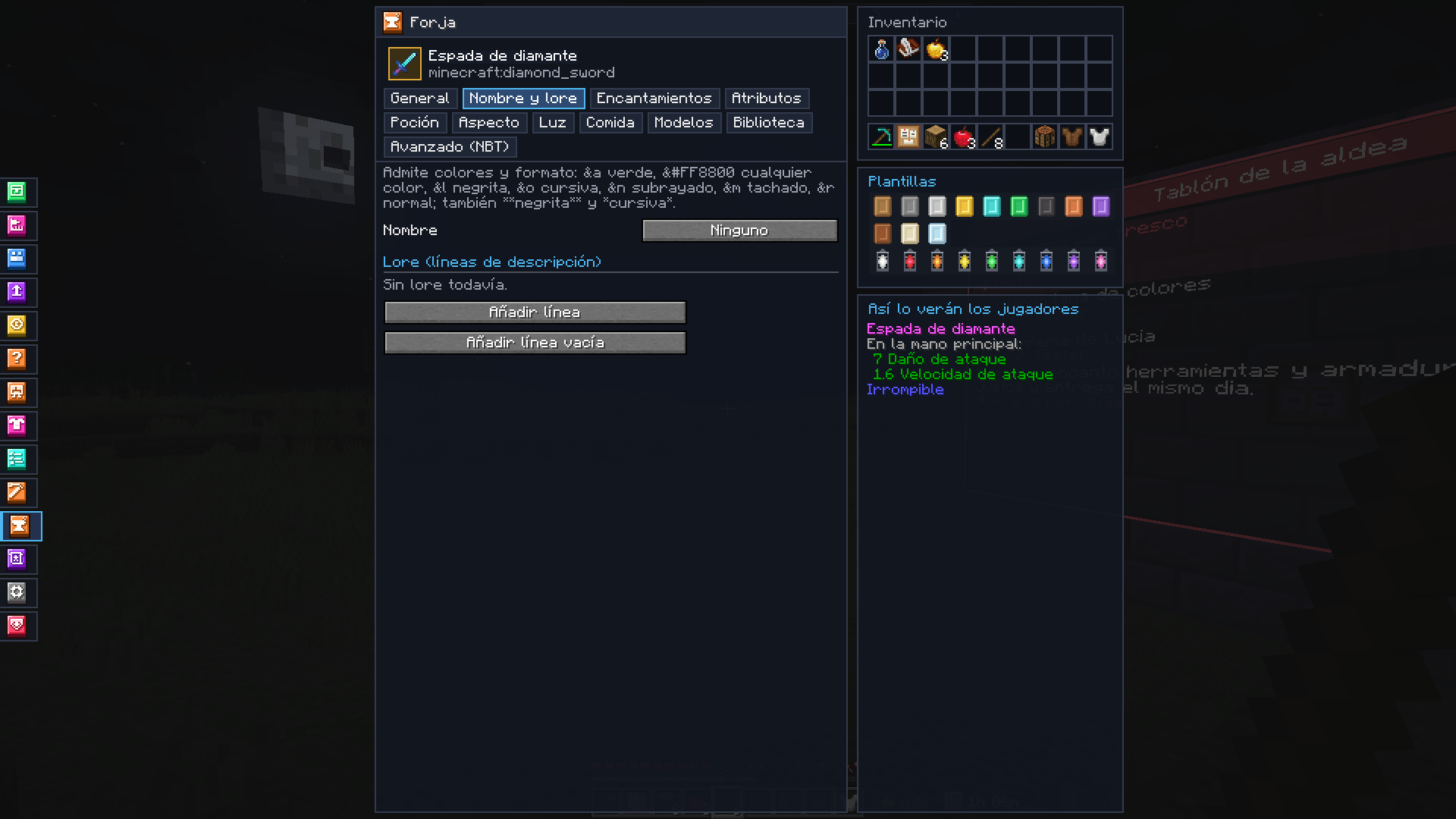
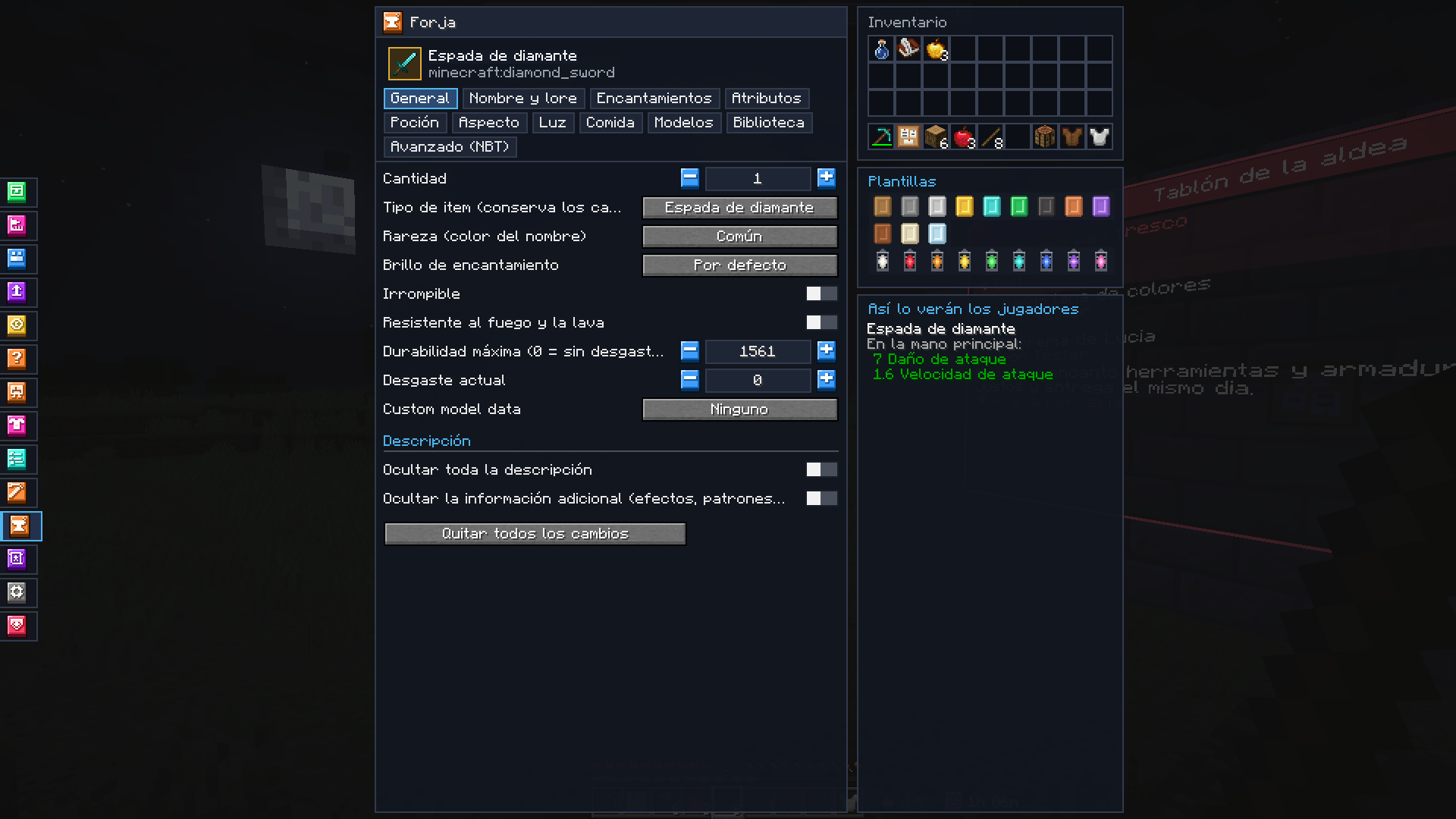
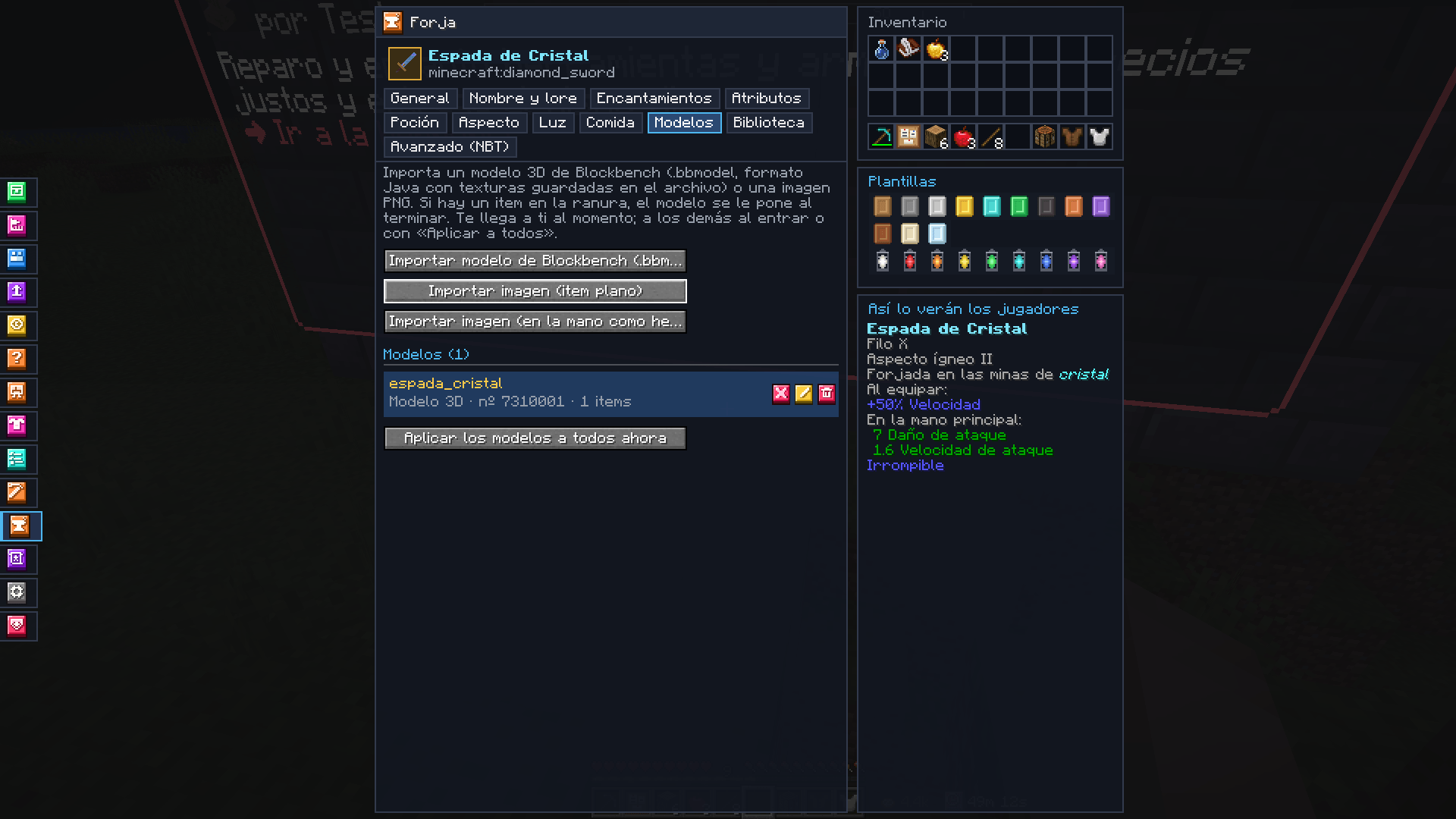
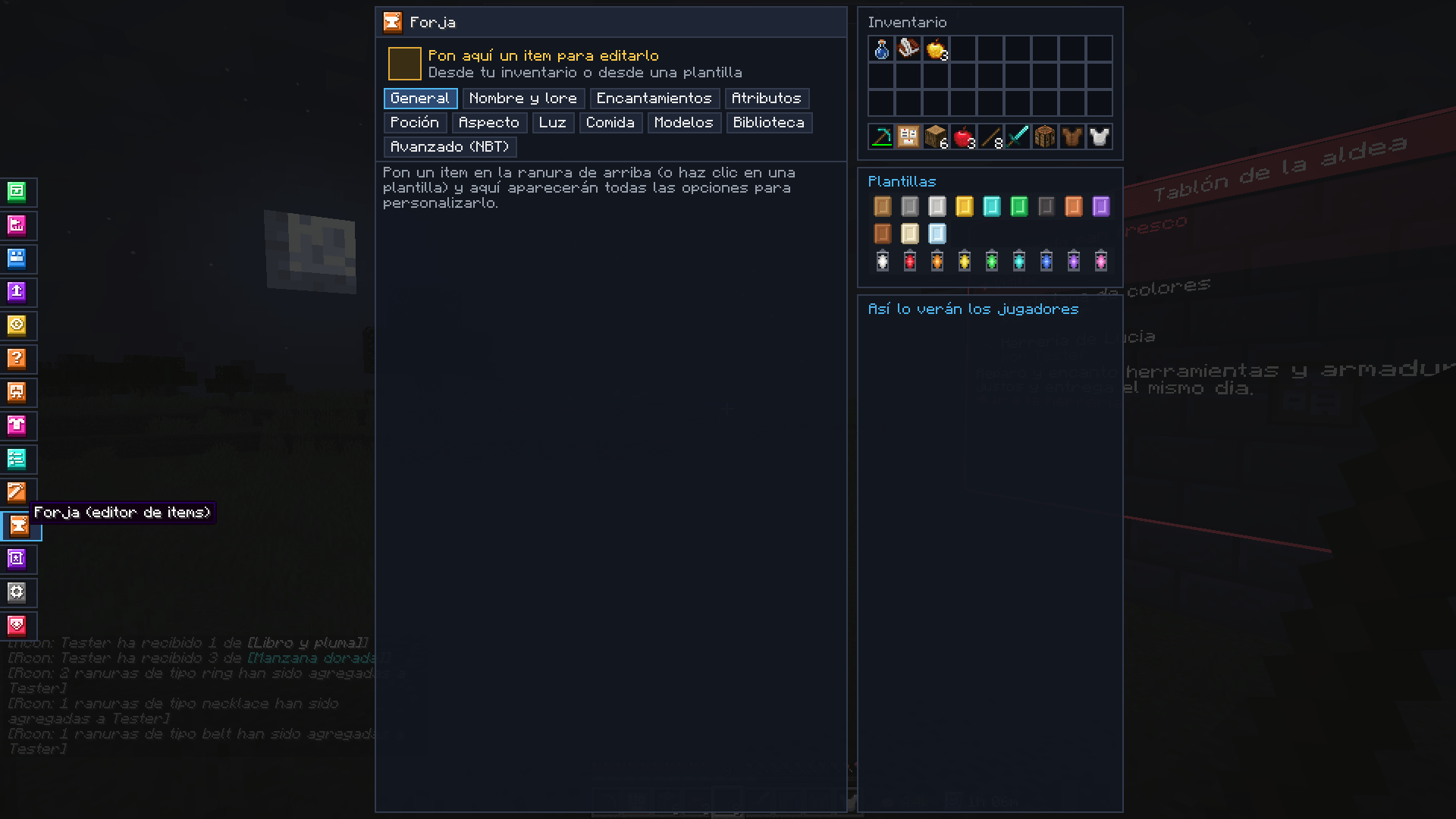
Make your server’s items without commands. An addon for Mochos Esenciales that adds the Forge tab for admins: put an item in the slot and every option to customise it appears below, with a preview of how players will see it.

What can be customised
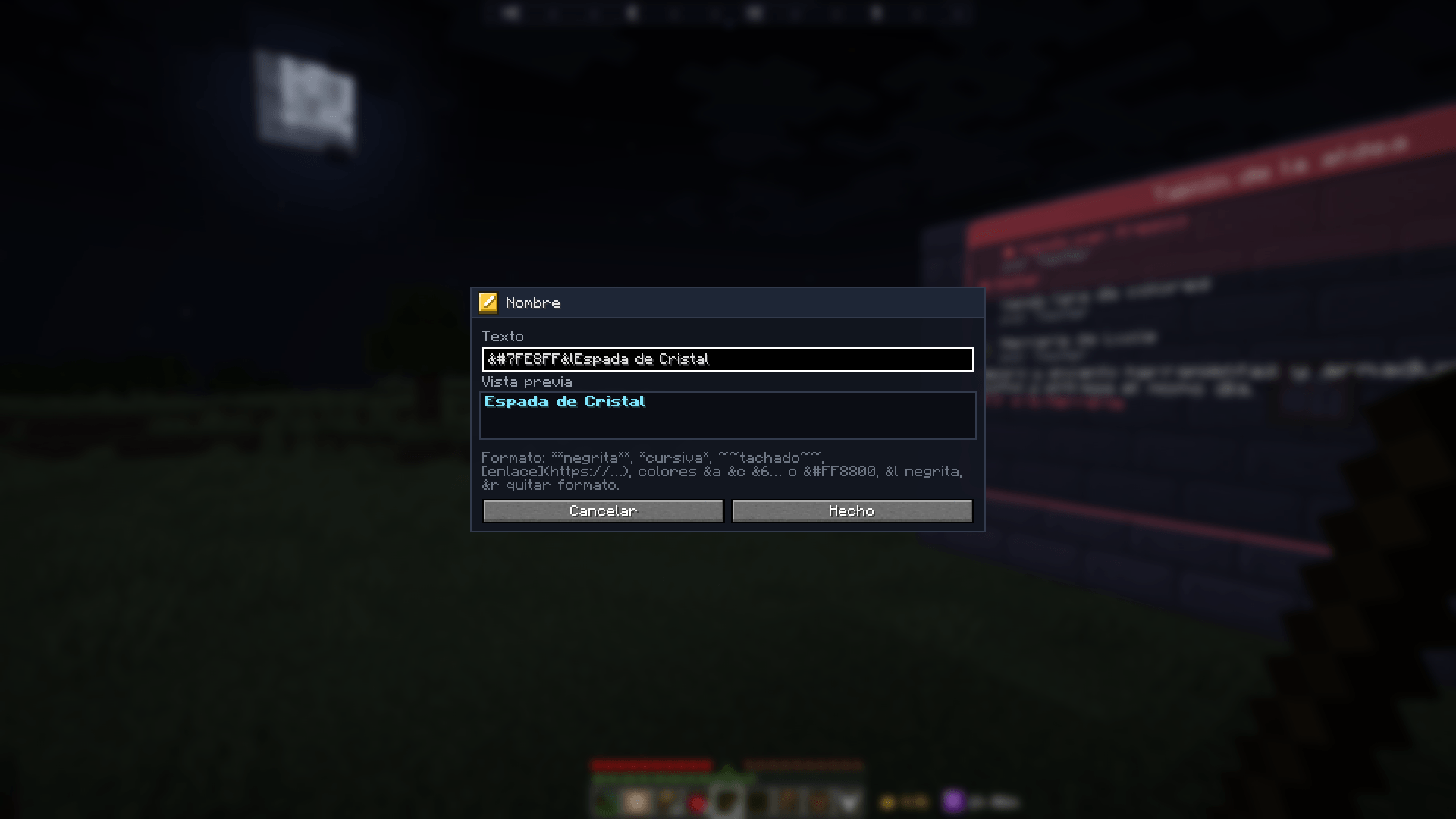
- ✏️ Name and lore with colours and formatting (
&a,&#FF8800,&l… and Markdown), with a preview. Lines can be reordered, edited and removed. - ✨ Enchantments — any of them, on any item, up to level 255. Enchanted books too.
- 🧪 Potions — base potion, liquid colour and effects with level, duration and particles. Turn any item into a potion, splash or lingering potion, or tipped arrow.
- ⚔️ Attributes — damage, armour, speed, health, reach…, with their operation and the slot where they work.
- 🎨 Look — leather dye, armour trims (pattern and material), player heads and your own models or images.
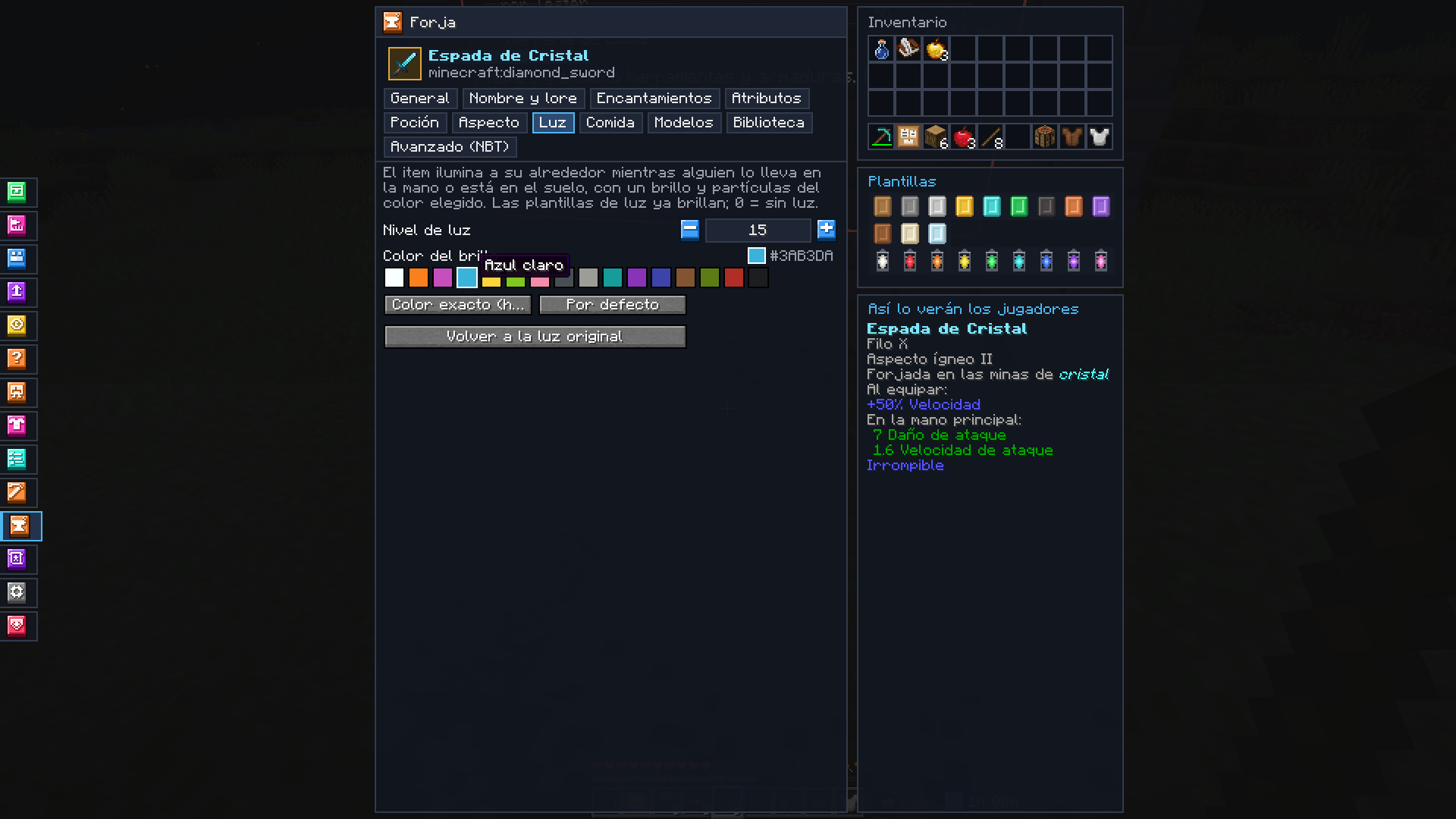
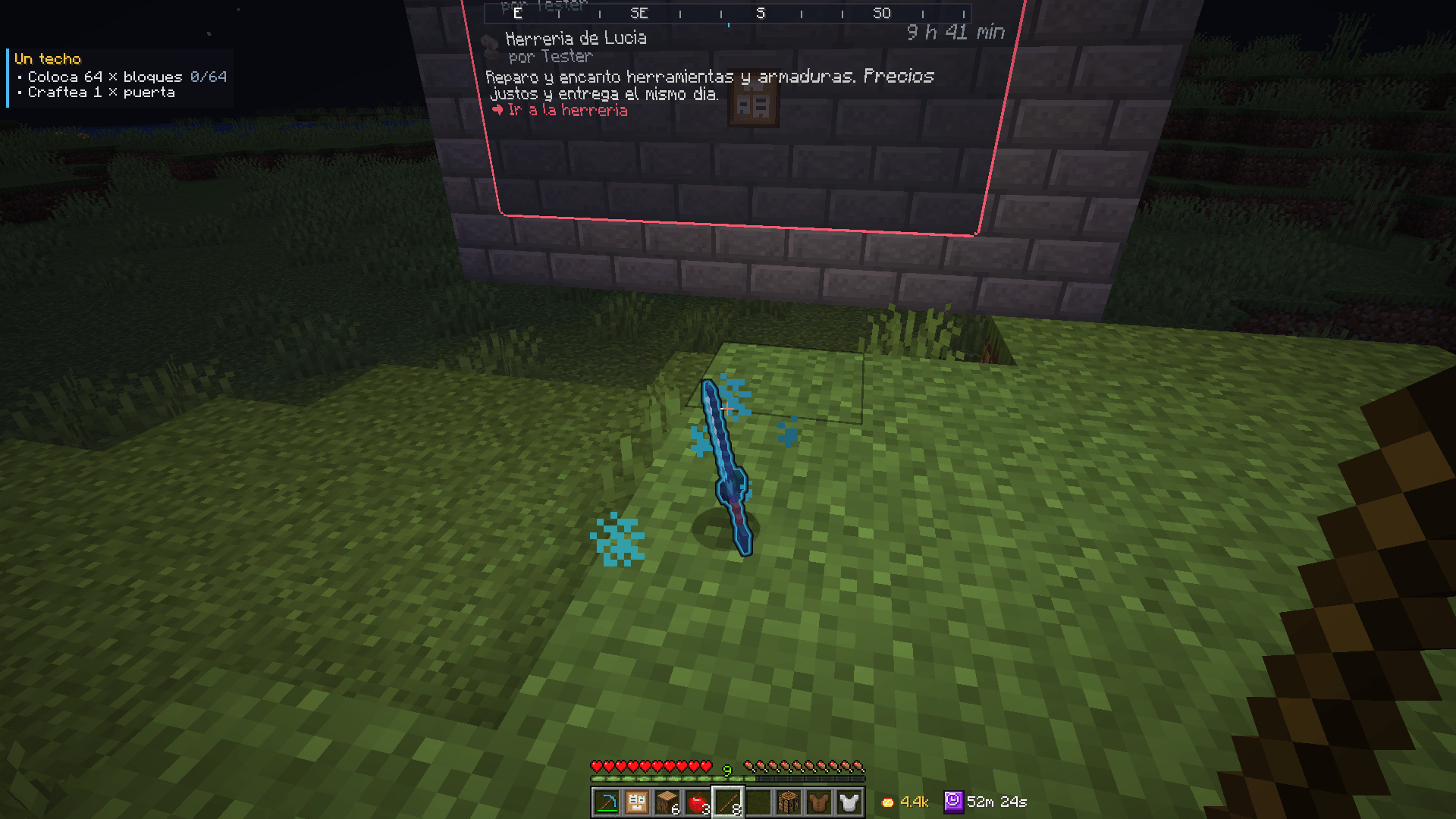
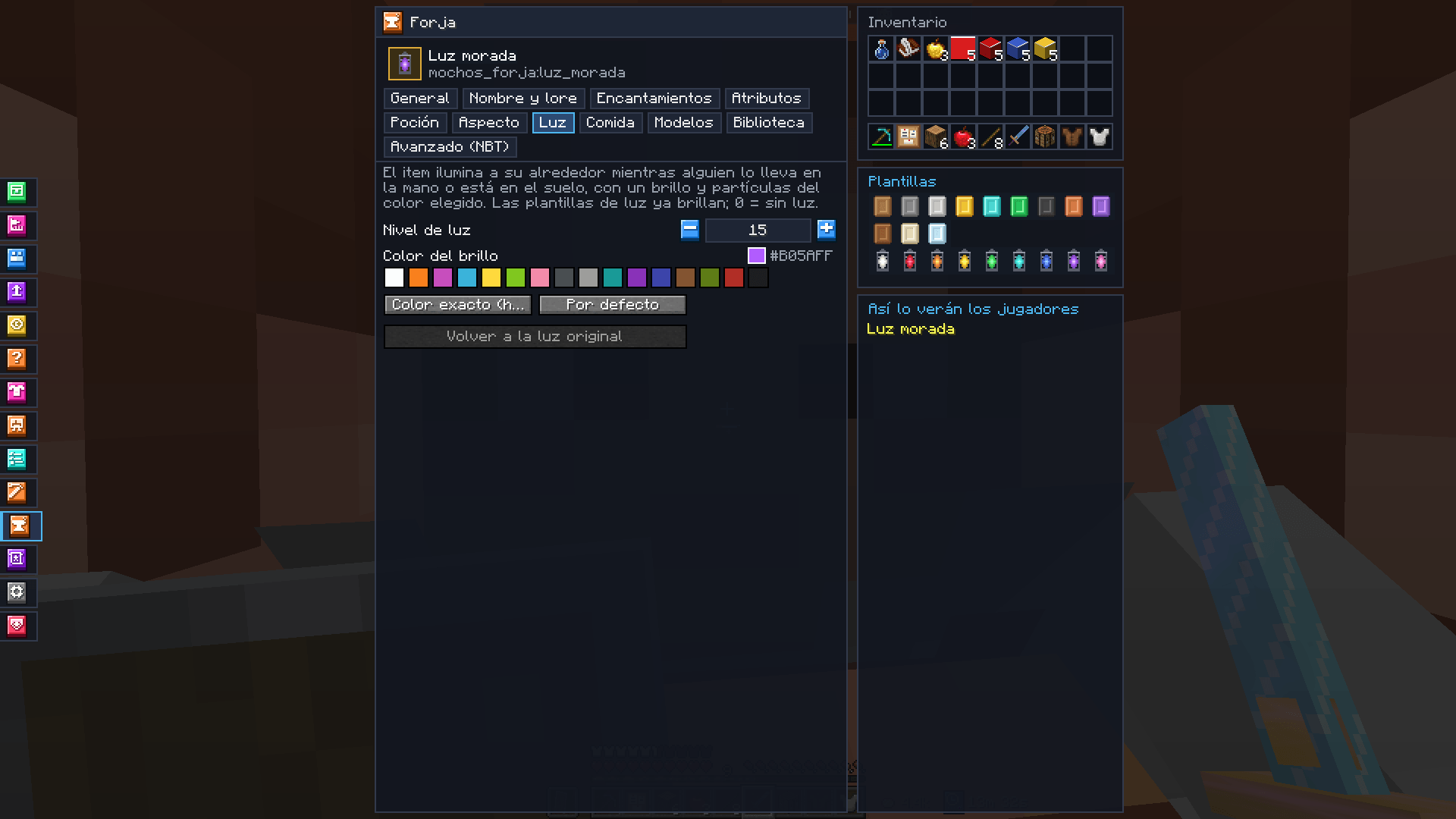
- 💡 Light — any item can really light up its surroundings while held or lying on the ground (underwater too), with a glow and sparks of the colour you choose.
- 📖 Books — title, author, generation and formatted pages.
- 🍖 Food — any item can become edible.
- ⚙️ General — amount, item type, rarity, enchantment glint, unbreakable, fire resistant, stack size, durability, custom model data and hiding the tooltip.
- 🧾 Advanced — copy the item as SNBT or as a
/givecommand, paste an item from the clipboard and edit itscustom_data.

Templates
12 blank templates of different materials (wood, stone, iron, gold, diamond, emerald, netherite, copper, amethyst, leather, parchment and glass) to build new items, and 9 light templates (white, red, orange, yellow, green, cyan, blue, purple and pink) that already glow. Take them with one click in the Forge or from creative mode.
Blockbench models
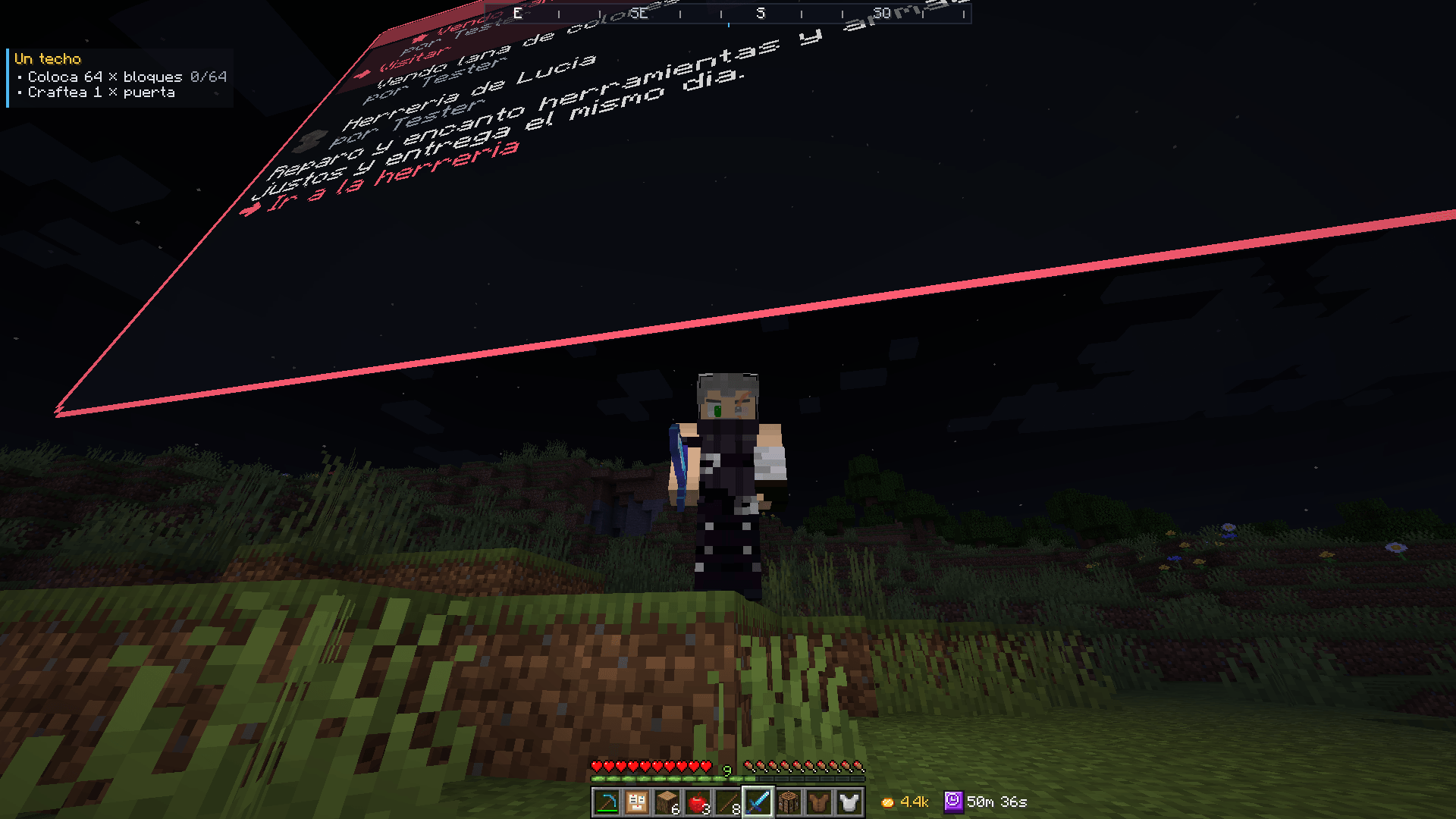
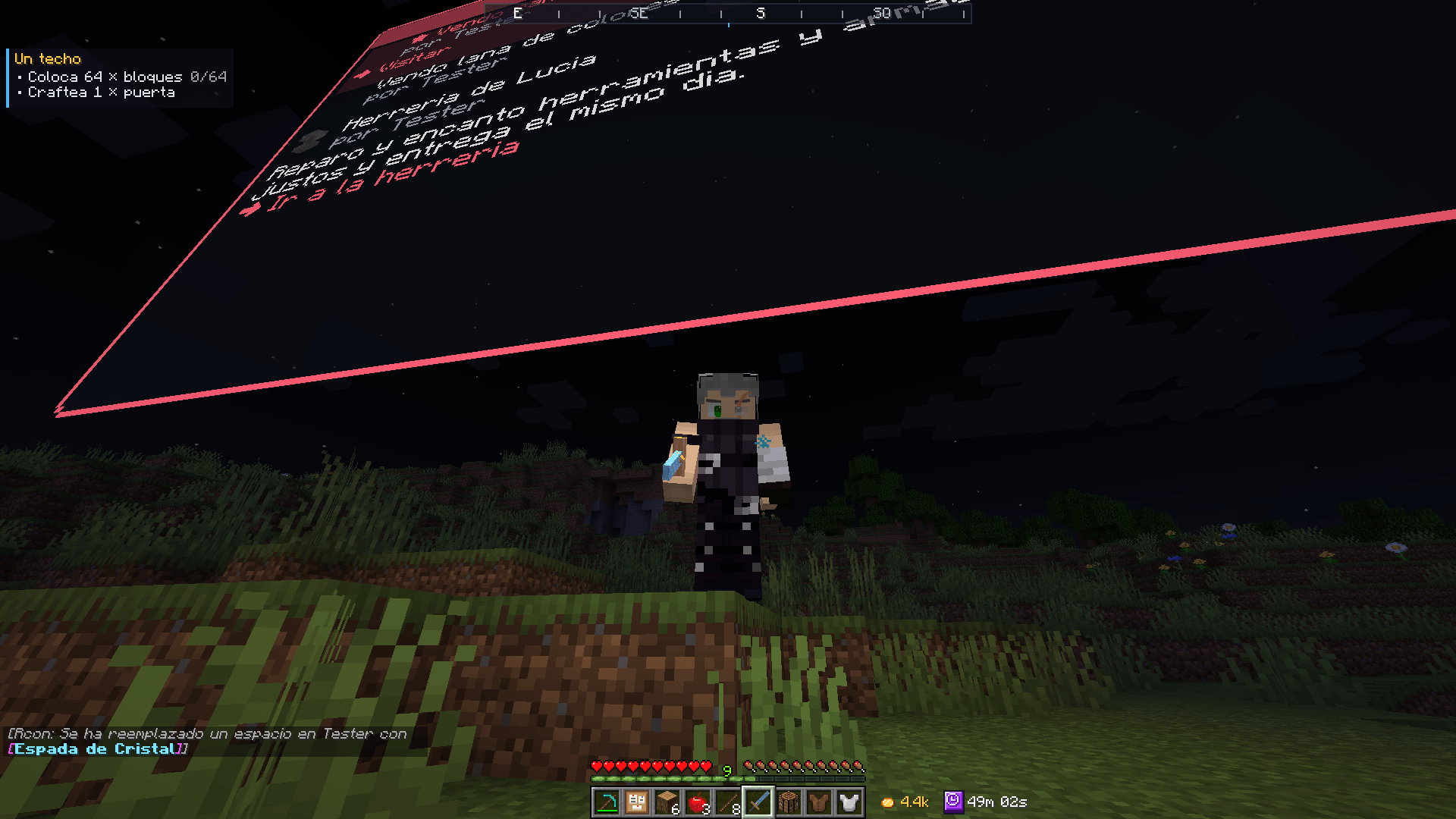
Import a Blockbench project (.bbmodel) or a PNG image and use it on any item. The Forge converts it, stores it on the server and delivers it to players as a resource pack through Mochos Recursos (needed for this part). You see it at once; everyone else when they join or with "Apply to everyone".

Library
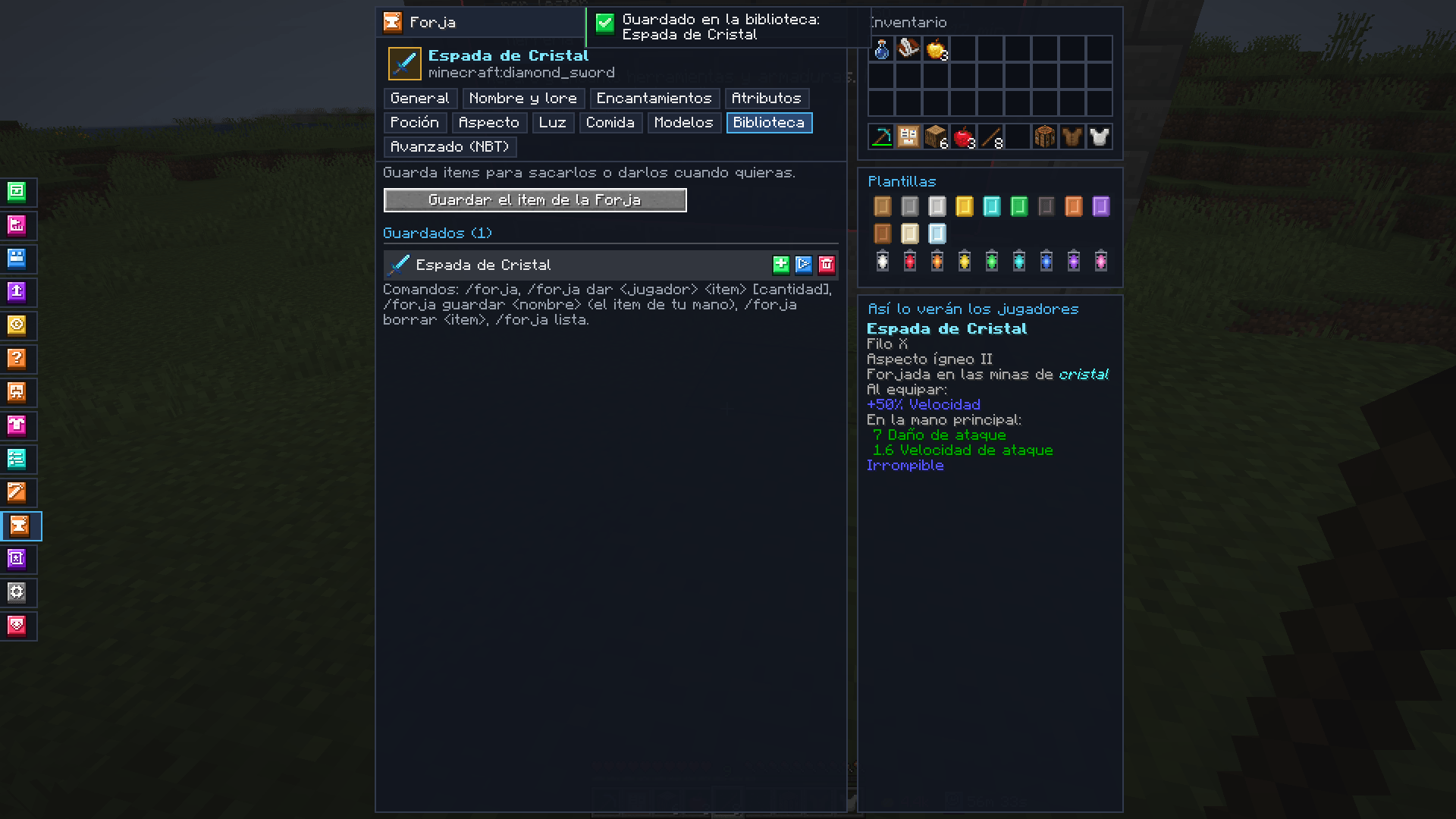
Save the items you make to take them or give them to a player whenever you want. Also with commands:
/forja— opens the Forge./forja dar <player> <item> [amount]— gives a saved item./forja guardar <name>— saves the item in your hand./forja borrar <item>and/forja lista.
The library is saved, loaded and shared as JSON from Admin → Configurations of Mochos Esenciales.
Installation
| Where | Needed? |
|---|---|
| Server | Required |
| Client | Required |
Requires Minecraft 1.21.1, NeoForge 21.1.265 or newer and Mochos Esenciales 0.10.0 or newer. Optional: Mochos Recursos 0.1.0 or newer for models.
Only admins (ops with admin mode on) can use the Forge.
- Library:
config/mochos_forja/library.json. - Models:
config/mochos_forja/models/.
常见问题
Mochos Forja (Item Editor) 支持哪些 Minecraft 版本?
Mochos Forja (Item Editor) 支持 Minecraft Java 版 1.21.1,可用的加载器:NeoForge。下载时注意选择和你游戏版本一致的文件。
Mochos Forja (Item Editor) 怎么安装?
先用 PCL2 或 HMCL 启动器安装对应版本的 NeoForge,再把下载的 .jar 文件放进游戏目录的 mods 文件夹,重新启动游戏即可。开启了版本隔离的,mods 文件夹在 versions/版本名 下面。
lorspi 的其他作品
查看全部 →
Guijarromon
深入Guijarromon的世界,这是一个将宝可梦精髓与经典Minecraft玩法融合的Minecraft整合包。
Diorama Addons: Client Map
Diorama 地图的多人游戏功能:领地声明、共享探索地图、共享路径点以及保护隐私的玩家位置。由服务器决定共享内容:关闭、所有人或好友群组。

Tulacraft IV
一个丰富的奇幻科技整合包,融合魔法、工程、探索和地牢,带来终极冒险体验。

The Flame Kingdom
Dive into "The Flame Kingdom," a Minecraft modpack where blazing realms, mythical creatures, and volcanic challenges await.
评论
登录后评论和评分