
AllMenu
One key, everything: an in-game AI with the Minecraft Wiki, a Chunkbase seed map, every mob, block and item, and a structure builder.
截图
介绍
AllMenu — your whole Minecraft in one menu
Stop alt-tabbing to wikis, chunkbase and calculators. Press O and everything is right there, inside the game — for vanilla and for every mod you have installed.
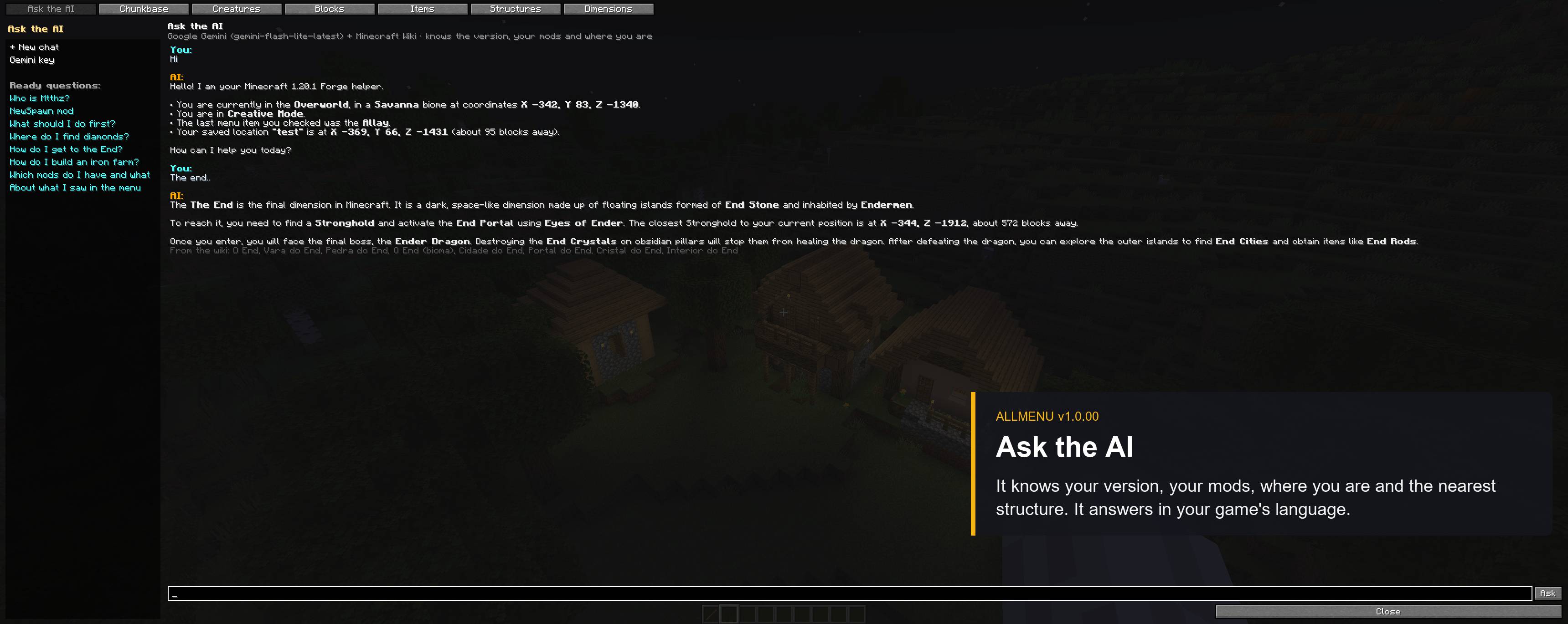
🤖Ask the AI
A built-in helper (Google Gemini, free key) that knows the Minecraft Wiki, your game version, your mods, where you are and what’s around you. Ask “where is the nearest village?”, “how do I brew Strength II?” or “what does this mod add?” — it answers in your language.
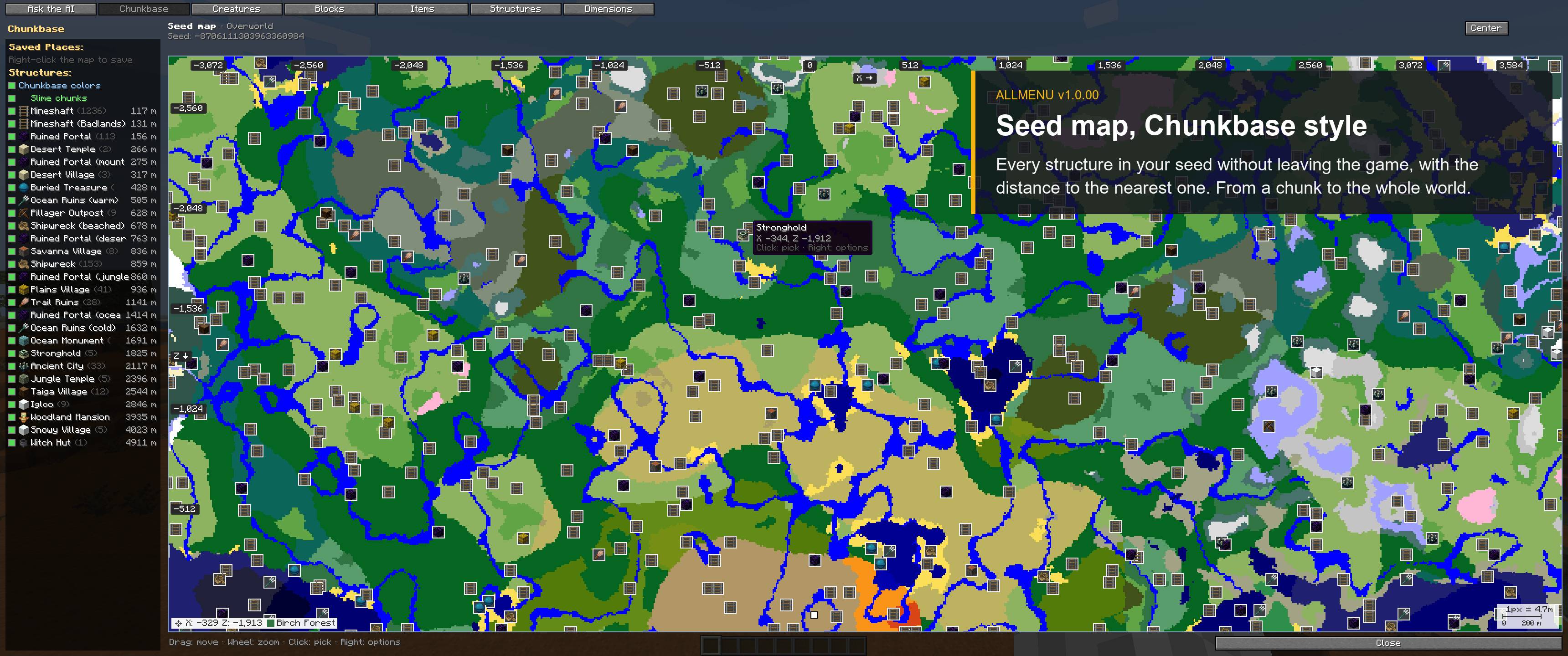
🗺️ Seed map (Chunkbase)
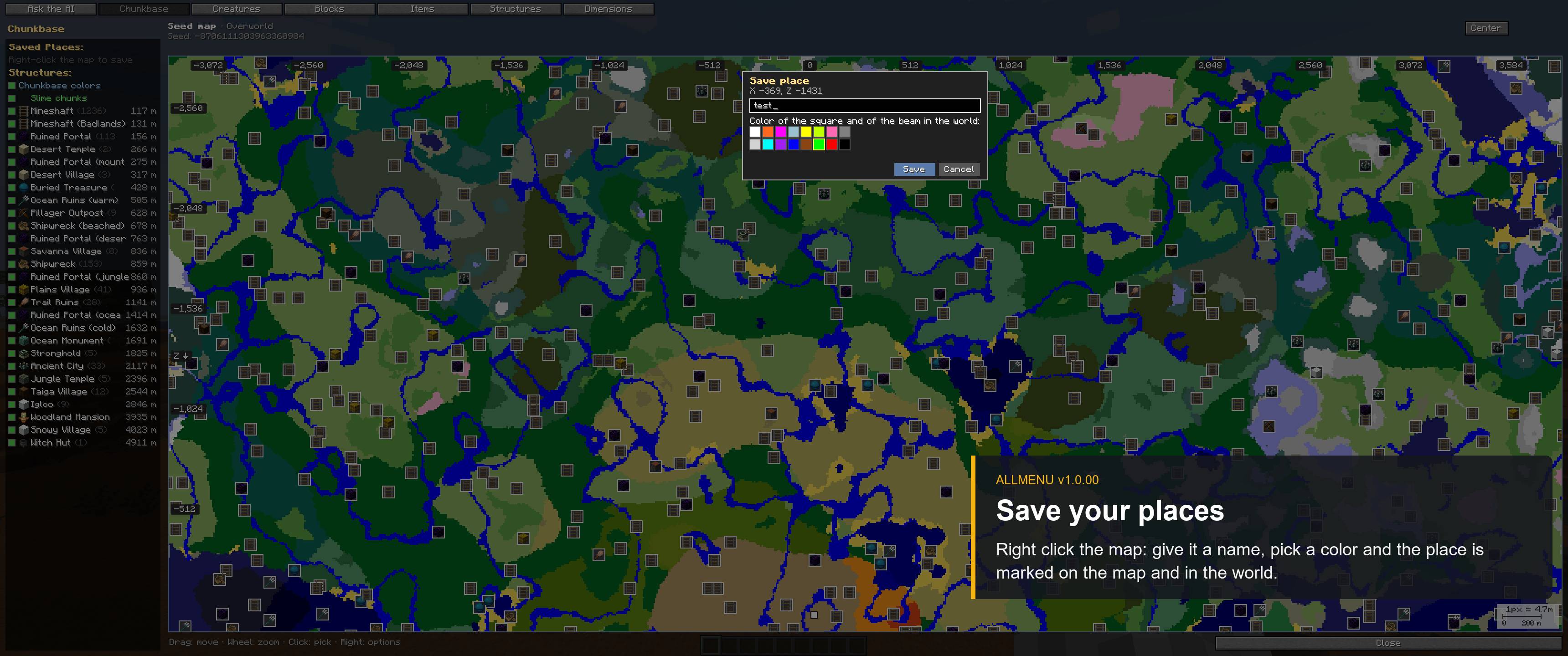
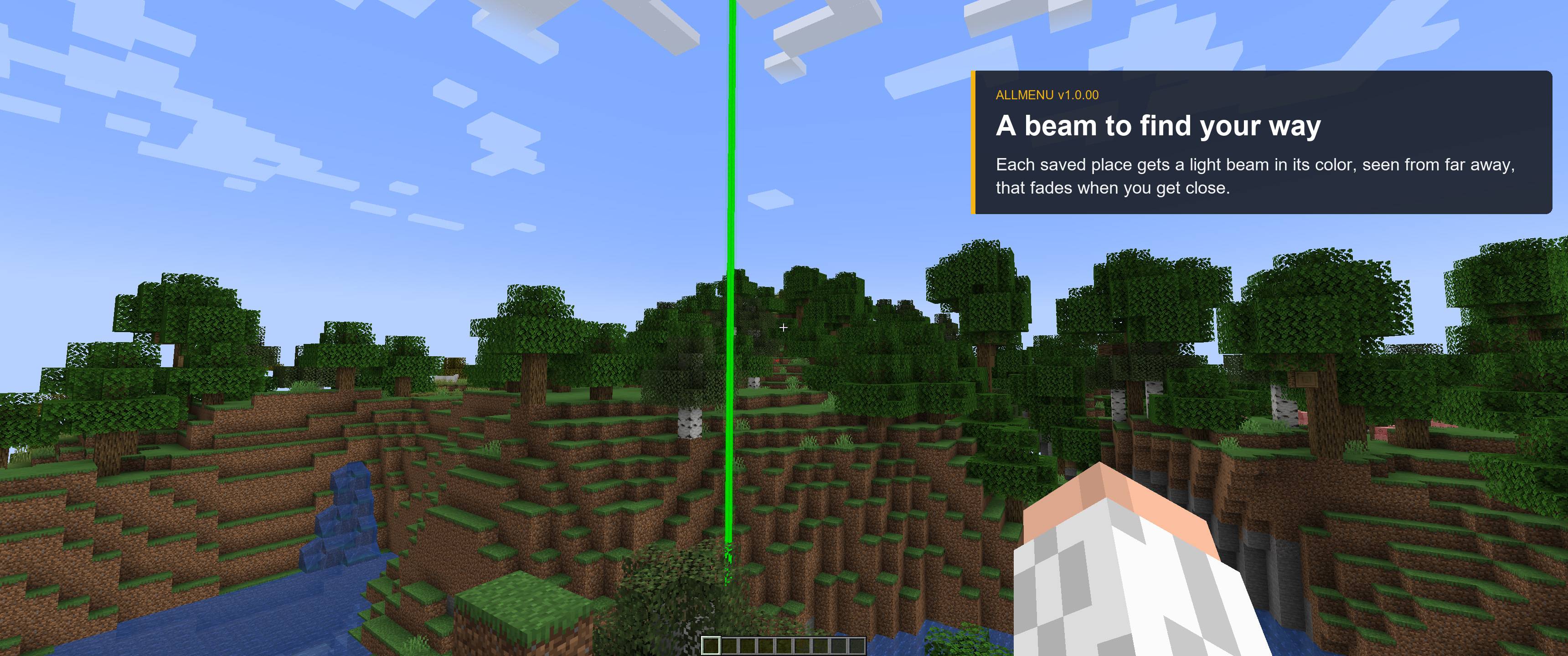
See biomes and every structure of your seed without leaving the game: villages, mansions, ancient cities, strongholds and structures from other mods. Zoom from a single chunk to the whole world, toggle slime chunks, save your own places with a name and color (they even show a beam in the world) and teleport in creative.
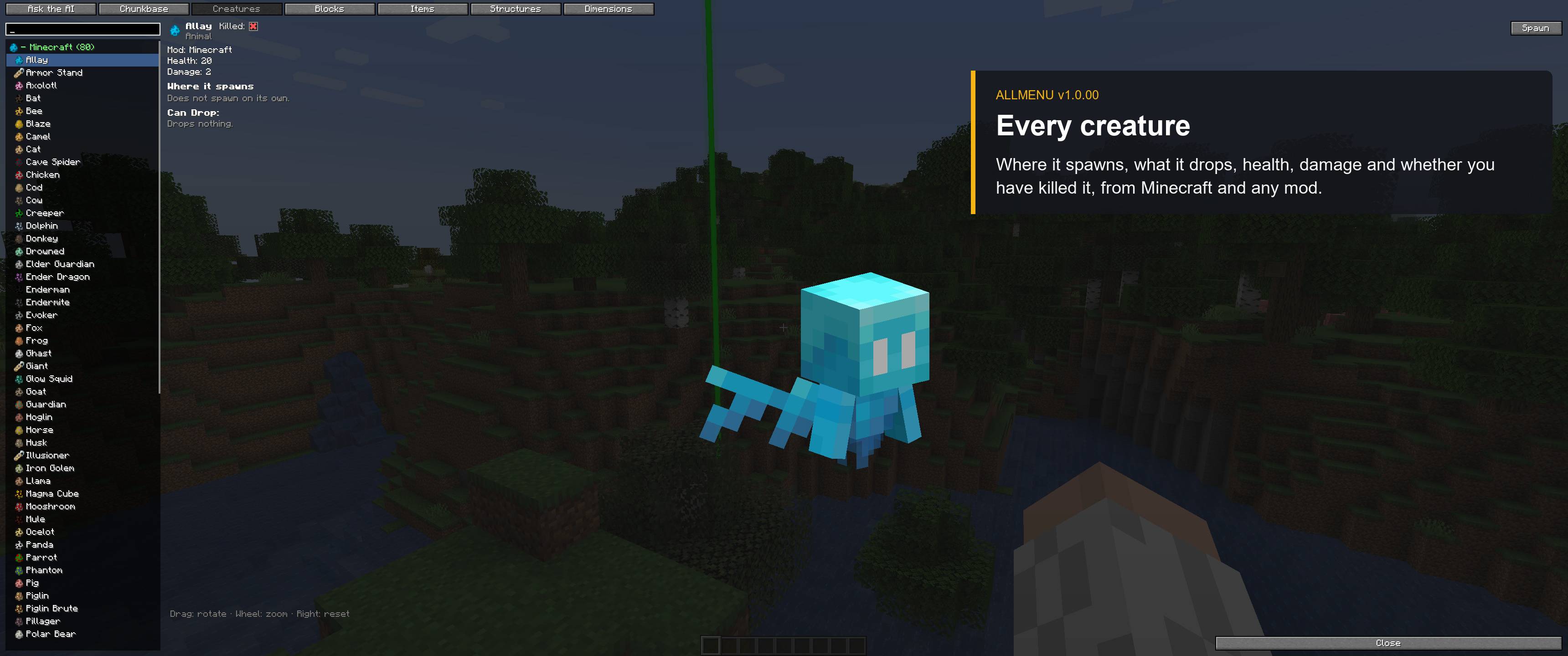
🐄 Creatures · 🧱 Blocks · ⚔️ Items · 🌍 Dimensions
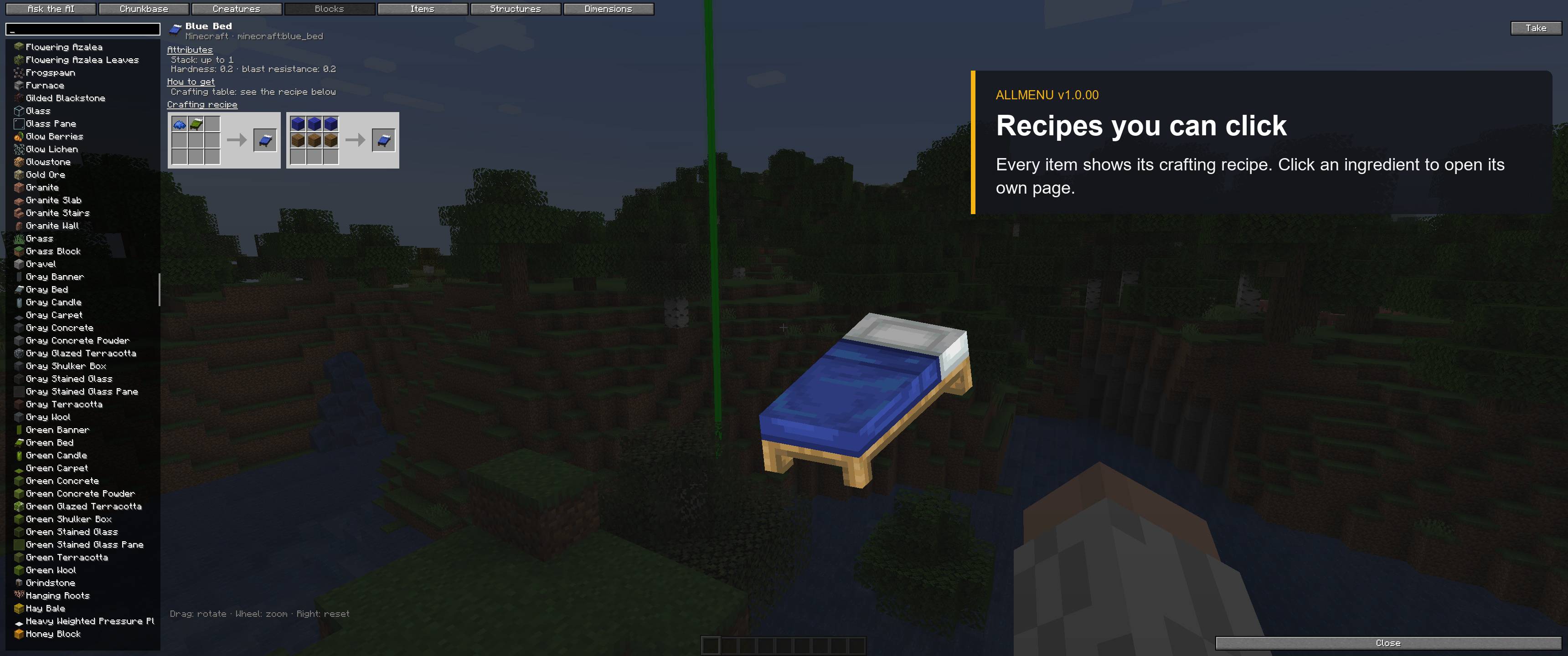
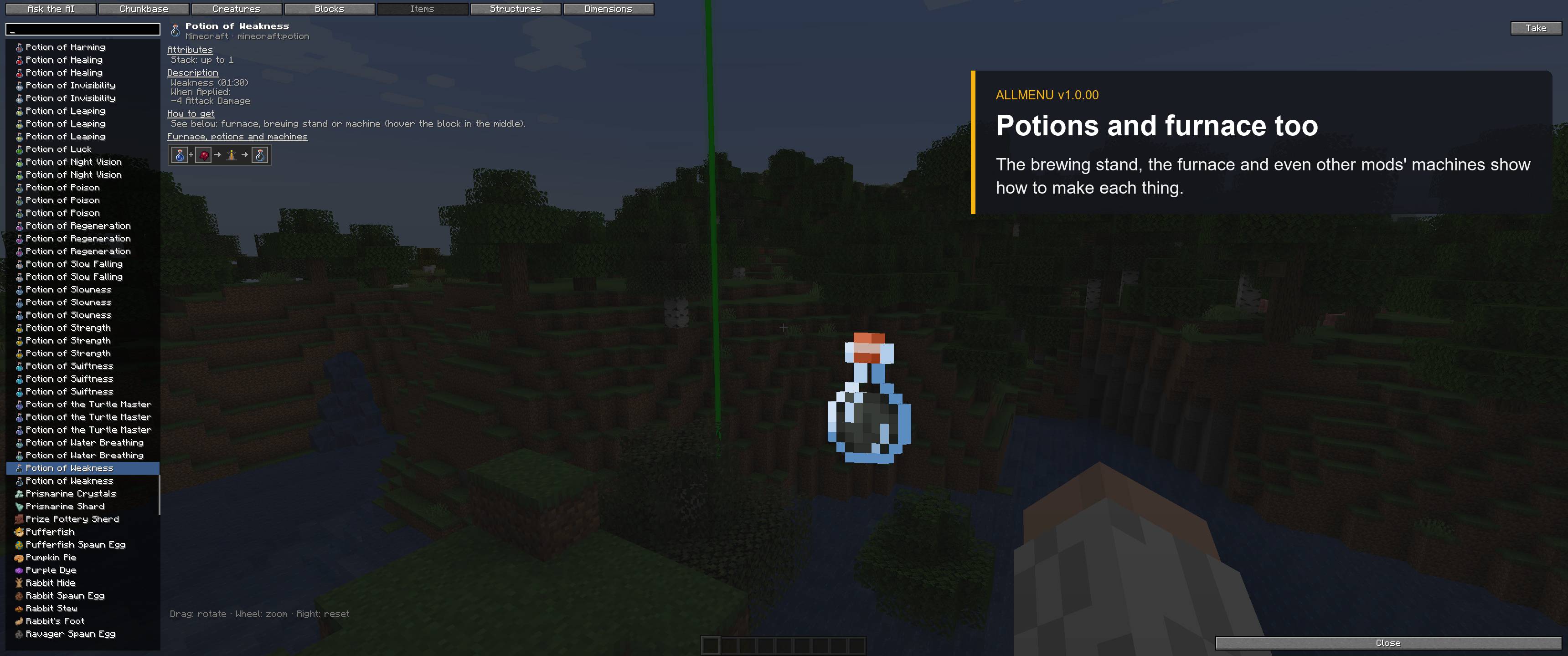
Every mob, block and item — vanilla and modded — in one searchable list with a 3D preview:
– where each creature spawns, what it drops and whether you’ve already killed it
– crafting grid, furnace / smoker / blast furnace, brewing stand and mod machines recipes, all clickable
– stats, enchantments and the matching wiki article
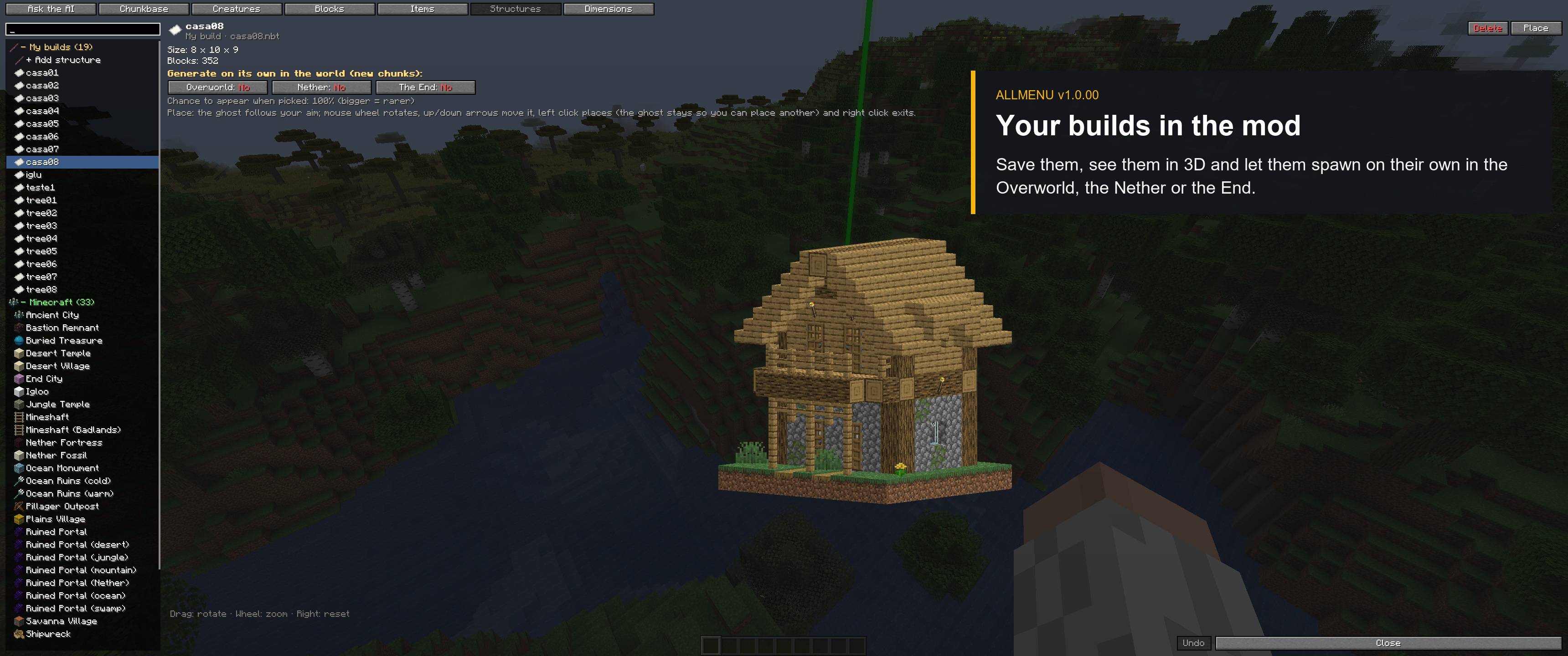
🏠 Structures & builder
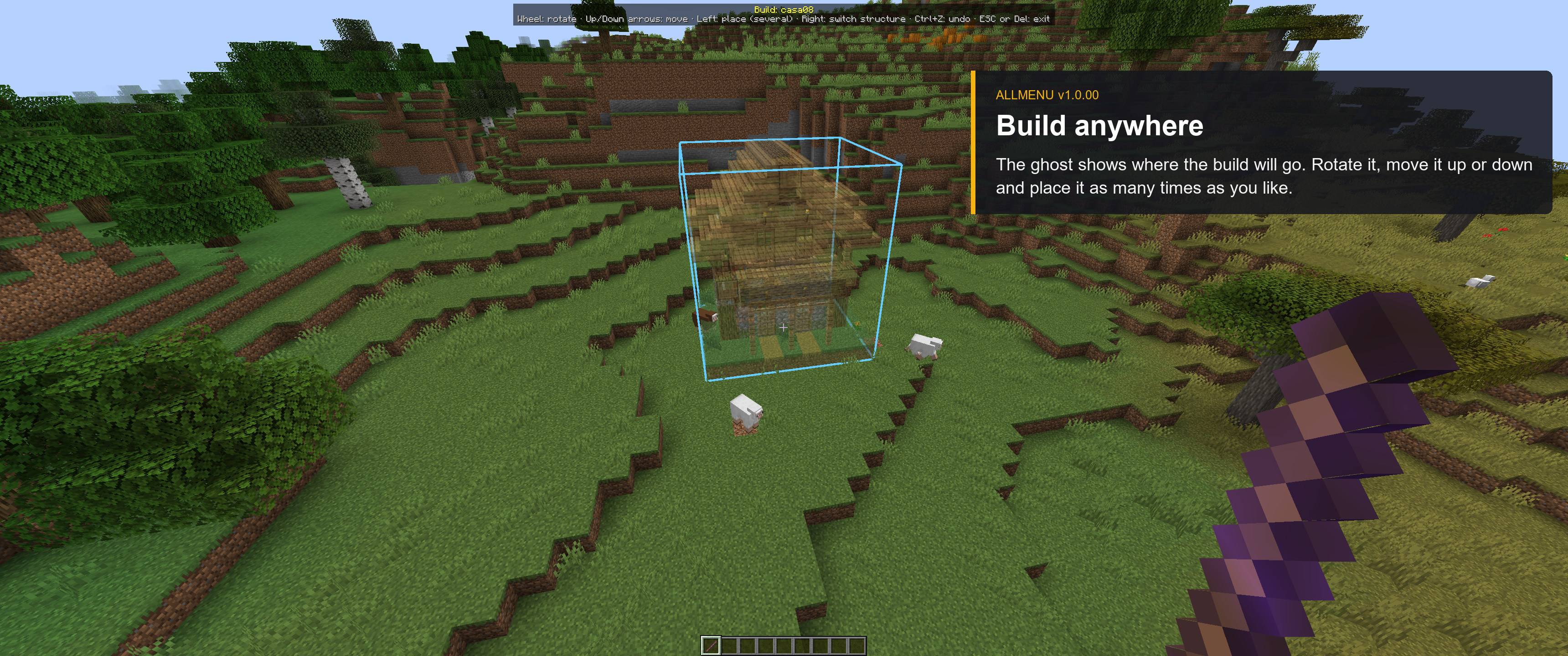
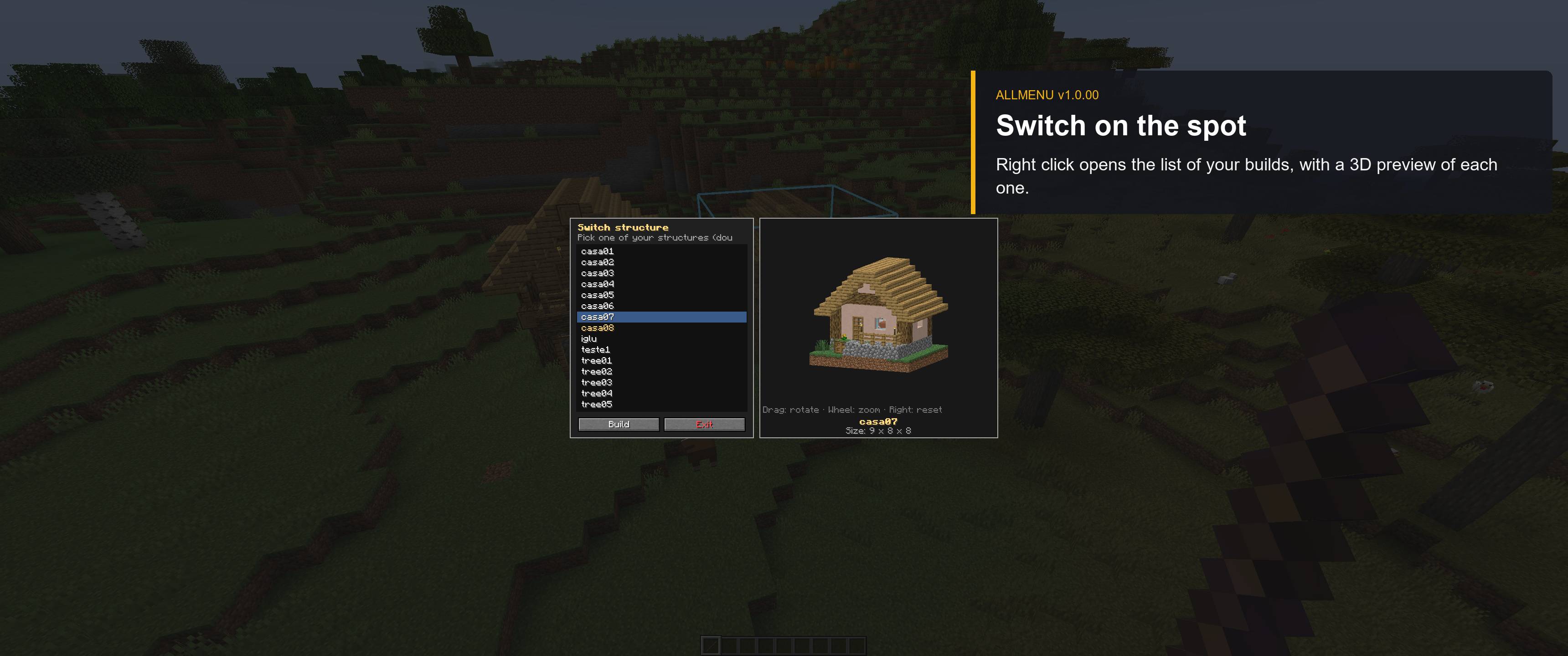
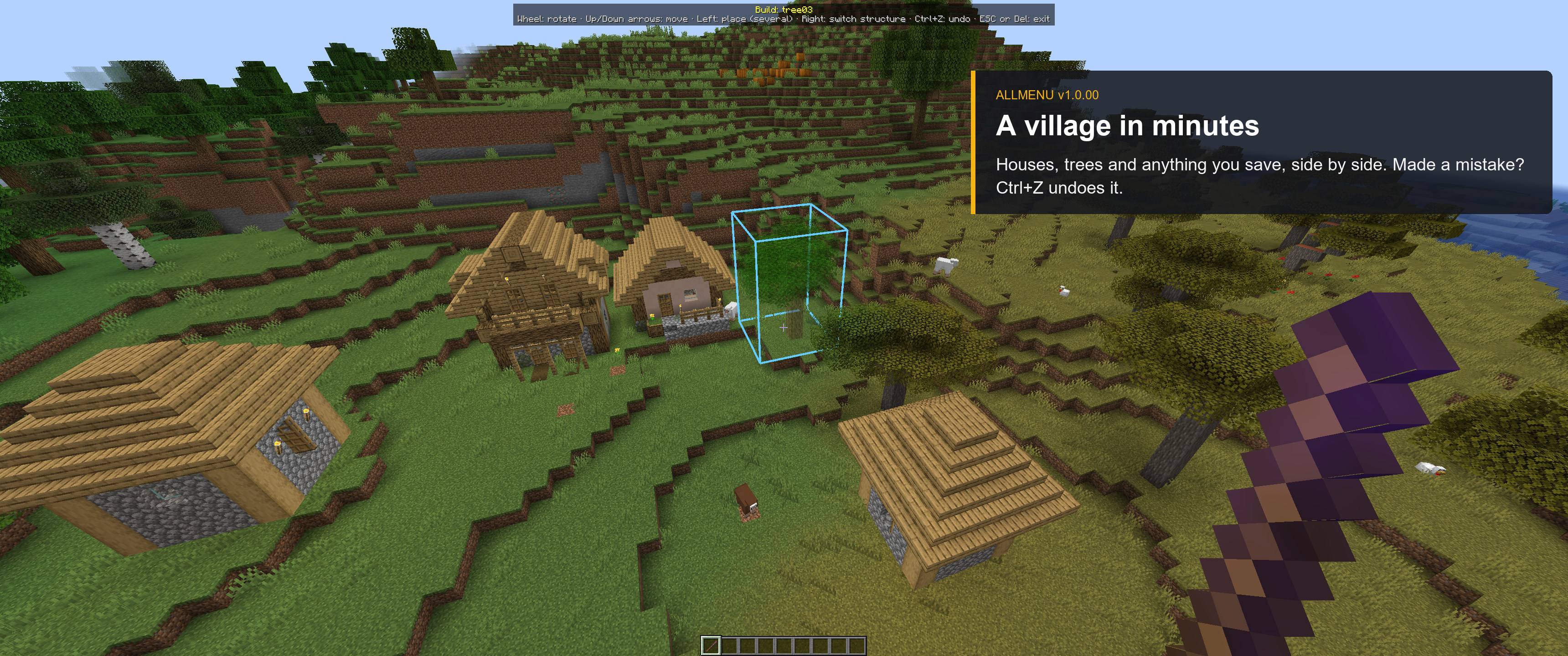
– Place any vanilla structure with a ghost preview (rotate, move up/down, undo)
– Save your own builds with the selection stick: mark two corners, press Enter, name it, leave out blocks you don’t want and check the 3D preview
– Import .nbt and .schem (WorldEdit) files
– Let your builds generate naturally in new chunks of the Overworld, Nether or End
⌨️ Shortcuts
O menu · M map · I AI · B structures · K save this place · /build · /builds
Made for Forge 1.20.1. English and Portuguese.
Found a bug or have an idea? Use the “!” button next to Mods in the game menu.
Created by Mtthz — also the creator of NewSpawn.
© 2026 Mtthz. All rights reserved.
常见问题
AllMenu 支持哪些 Minecraft 版本?
AllMenu 支持 Minecraft Java 版 1.20.1,可用的加载器:Forge。下载时注意选择和你游戏版本一致的文件。
AllMenu 怎么安装?
先用 PCL2 或 HMCL 启动器安装对应版本的 Forge,再把下载的 .jar 文件放进游戏目录的 mods 文件夹,重新启动游戏即可。开启了版本隔离的,mods 文件夹在 versions/版本名 下面。
评论
登录后评论和评分