Terrascribe
Change how Minecraft makes your world before you create it, and see the result on a map first.
截图
介绍
Terrascribe adds two tabs to the Create World screen:
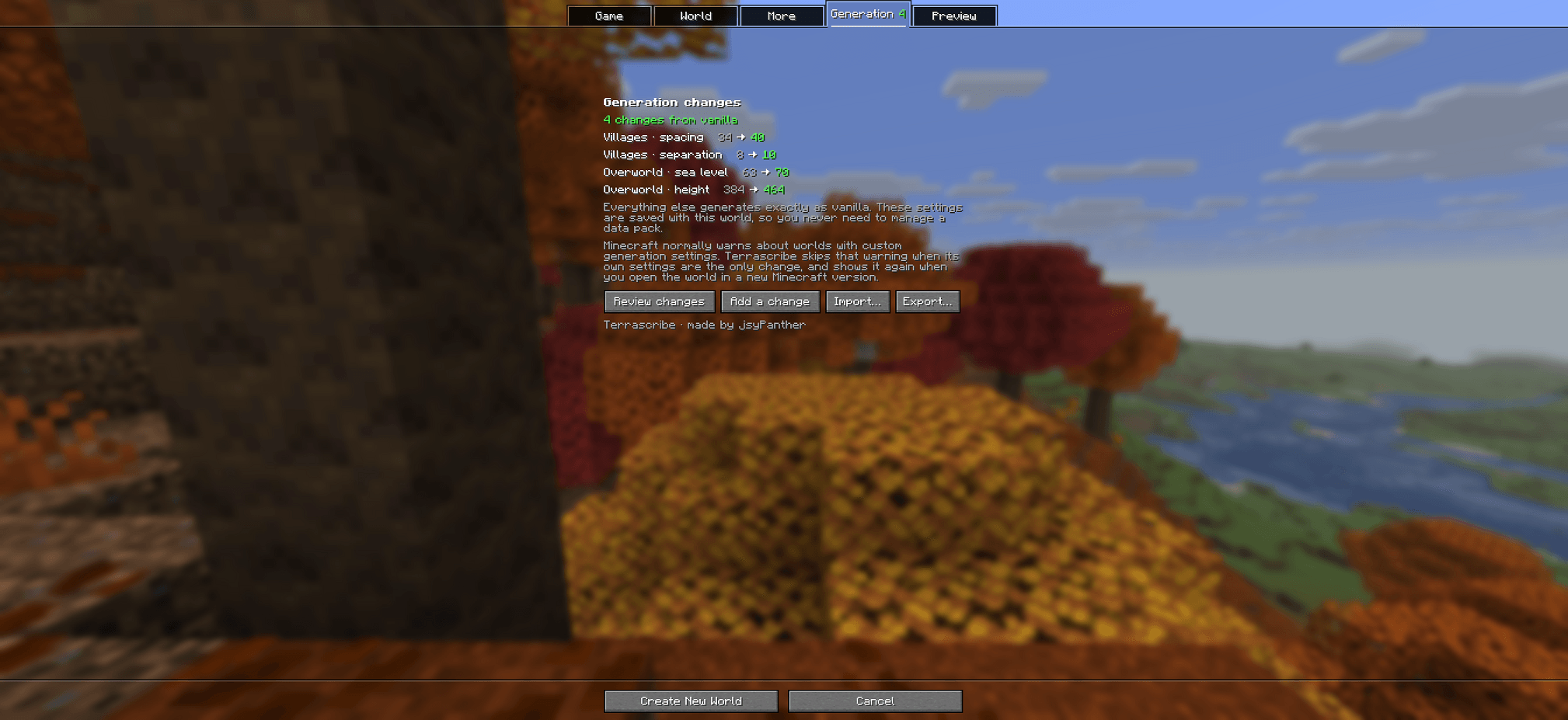
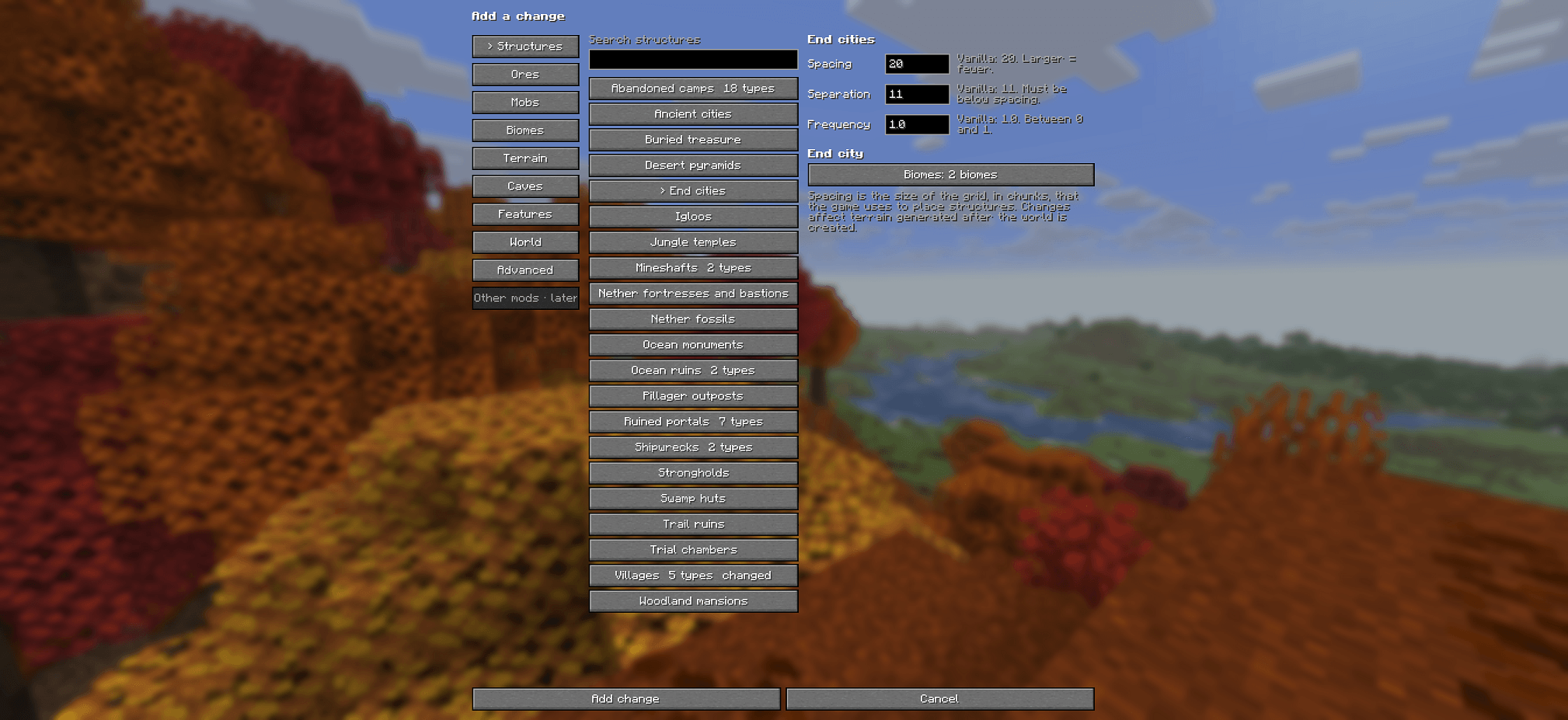
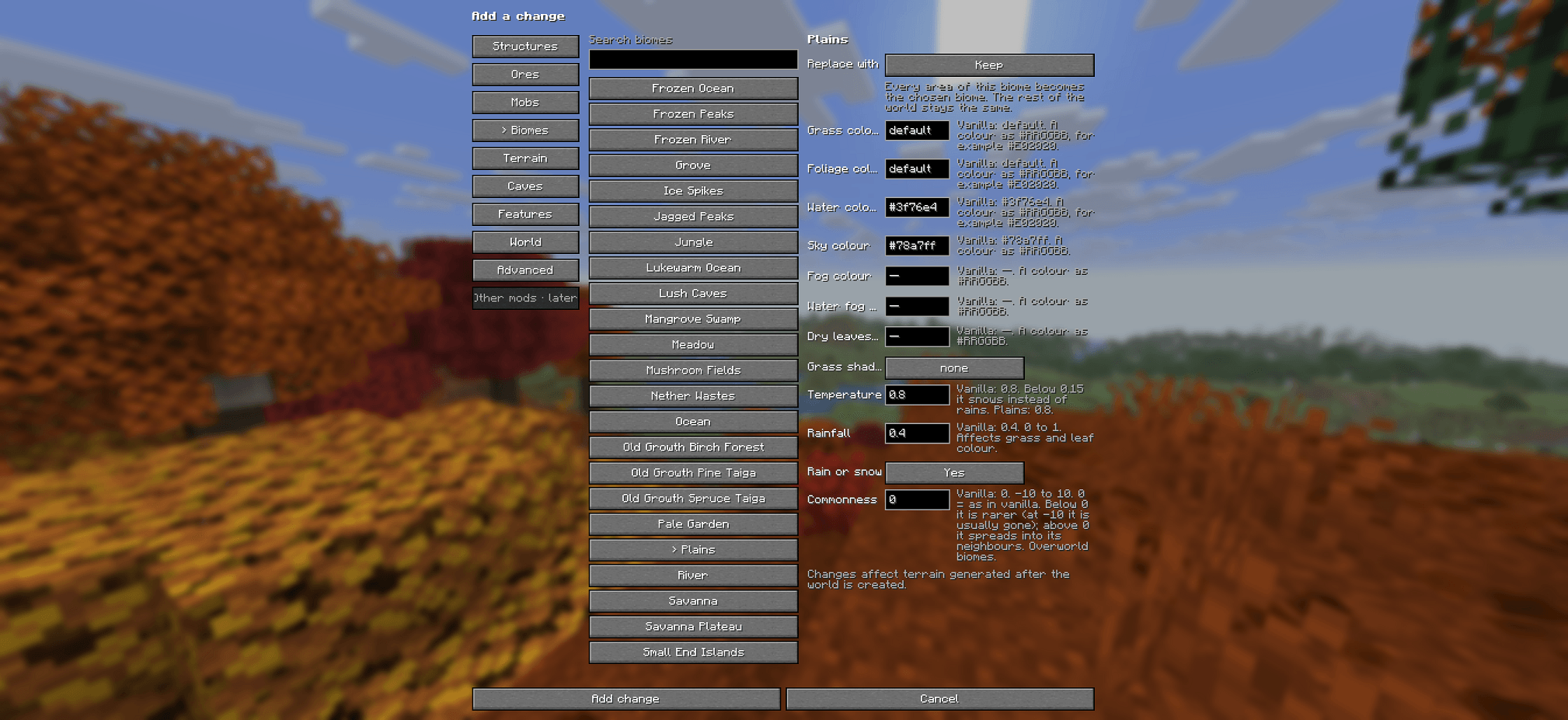
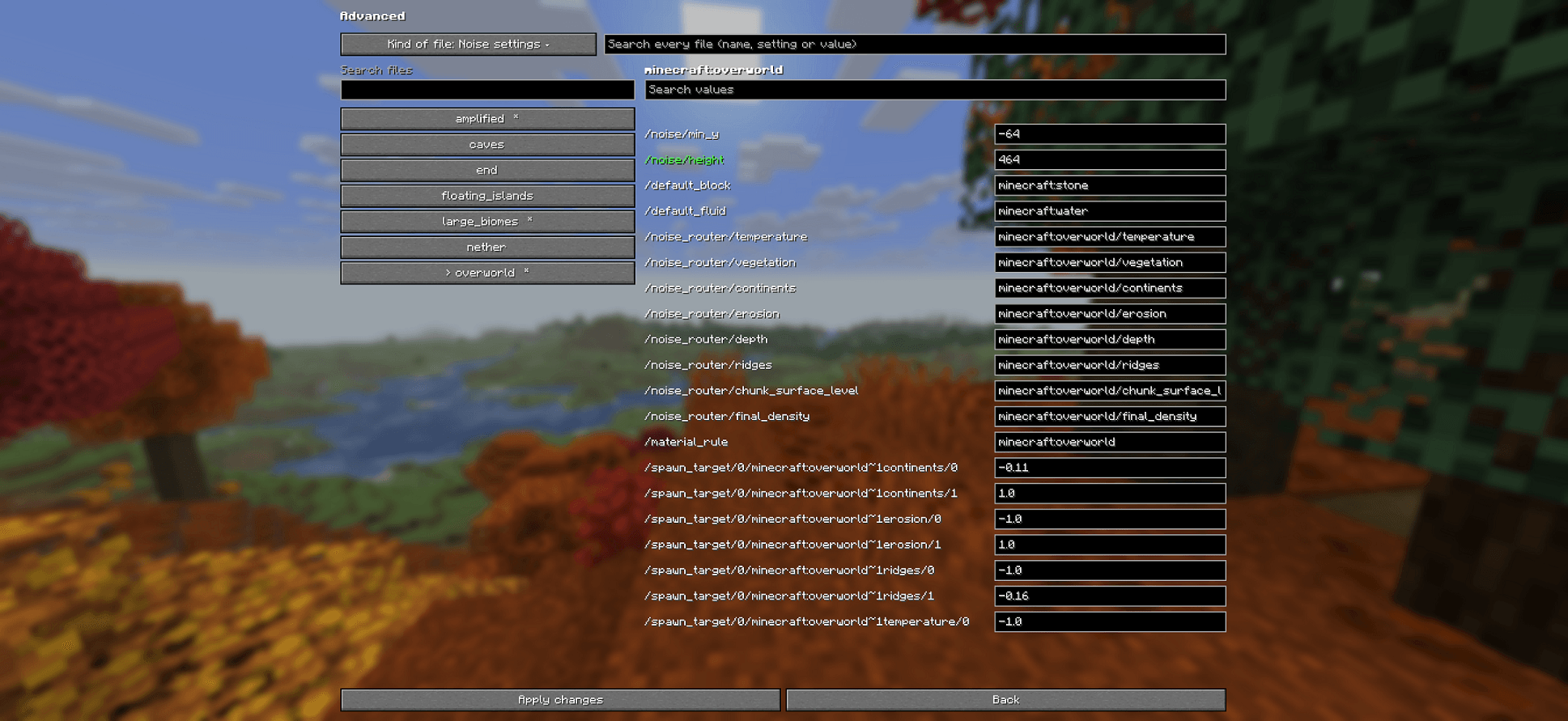
- Generation: change structures, ores, mobs, biomes, terrain, caves and features with simple controls, or change any world-generation value in Advanced.
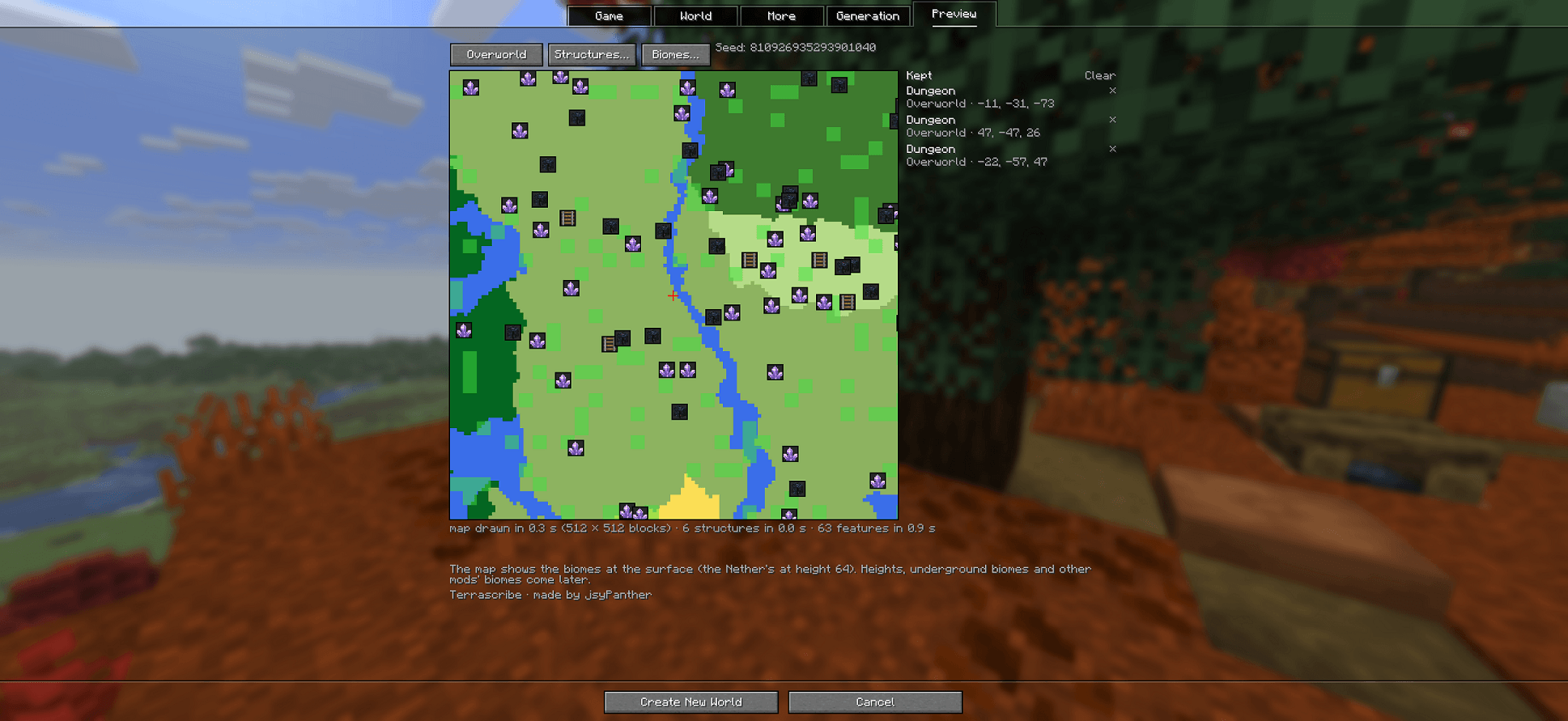
- Preview: a map of your seed before the world exists. It shows the biomes and the structures, and can show dungeons (with their height), fossils, amethyst geodes, desert wells and slime chunks.
Your settings are saved inside the world as an ordinary data pack. You don’t need the mod to play the world afterwards.
What you can do
- Structures: more or fewer villages, temples, monuments and the rest; which biomes they appear in; how big villages and other jigsaw structures grow; a separate rule for one type.
- Ores: amount, vein size, height range, which biomes, and whether veins show in caves.
- Mobs: amount and group size in each biome, new mobs in a biome, and the light level monsters need.
- Biomes: how common each biome is, biome size, swapping one biome for another, colours and weather.
- Terrain and caves: sea level, Amplified terrain, the default block, and cave and canyon amounts.
- Features: dungeons, trees, lakes and every other feature the game places.
- Advanced: any value in any world-generation file. The game checks each change as you make it.
- Import and Export: save a set of changes and use it again, or share it.
The Preview map
The map is drawn from your seed with the game’s own generation, so it shows what the world will really have:
- structures, each with its own icon;
- with Features: On, the dungeons, fossils and geodes the game will build, with their height;
- slime chunks.
Drag to move, scroll to zoom, and click an icon to keep its position in a list. Compare With changes and Vanilla to see what your changes do.
Good to know
- Minecraft Java Edition 26.3, Fabric. Fabric API is optional.
- Single player. Changes apply to new worlds only. Re-creating a world with Terrascribe settings shows a notice and doesn’t let you edit them.
- This is the first public version (Beta). Please report anything odd.
Support
Terrascribe is free. If you’d like to support more of it, my Patreon is https://www.patreon.com/cw/jsypanther.
Terrascribe · made by jsyPanther
常见问题
Terrascribe 支持哪些 Minecraft 版本?
Terrascribe 支持 Minecraft Java 版 26.3,可用的加载器:Fabric。下载时注意选择和你游戏版本一致的文件。
Terrascribe 怎么安装?
先用 PCL2 或 HMCL 启动器安装对应版本的 Fabric,再把下载的 .jar 文件放进游戏目录的 mods 文件夹,重新启动游戏即可。开启了版本隔离的,mods 文件夹在 versions/版本名 下面。
评论
登录后评论和评分