
Vale HUD
Customize your hotbar, track health and hunger at a glance, and showcase your armor with an idle camera.
截图



介绍
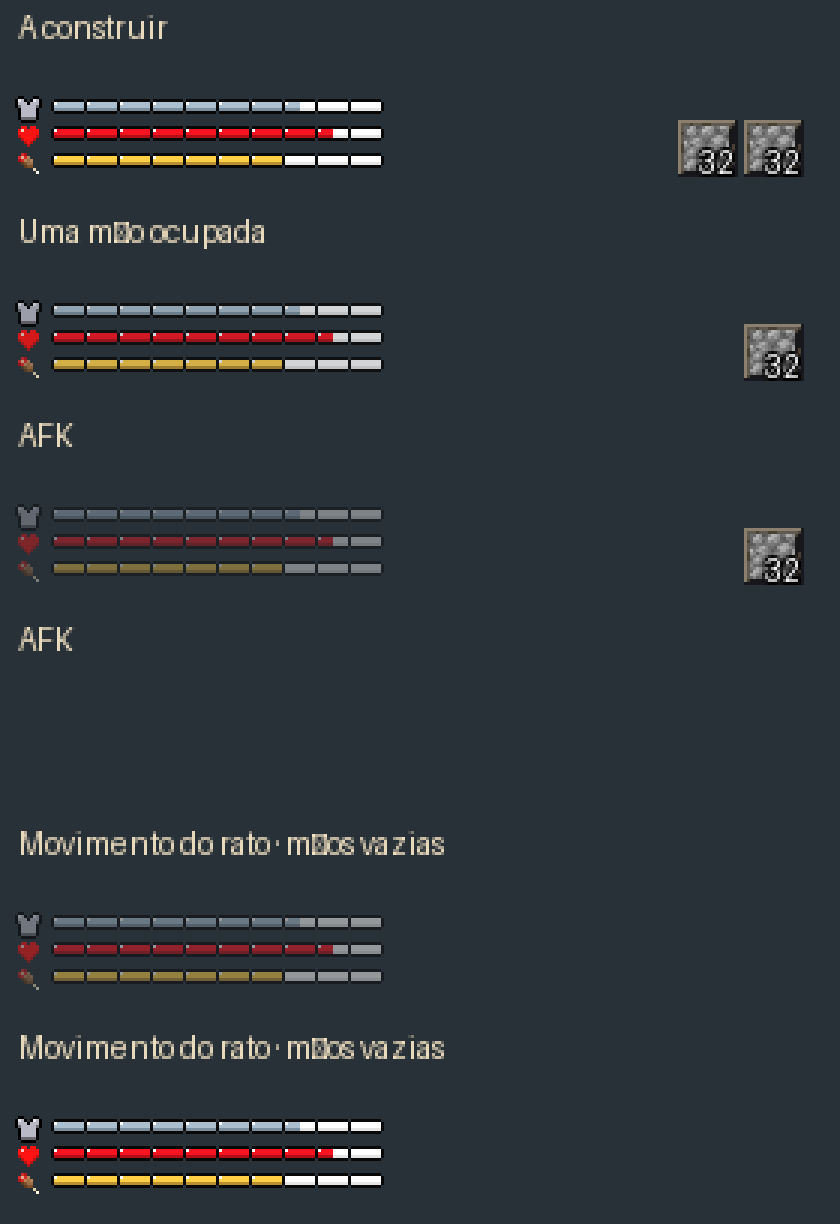
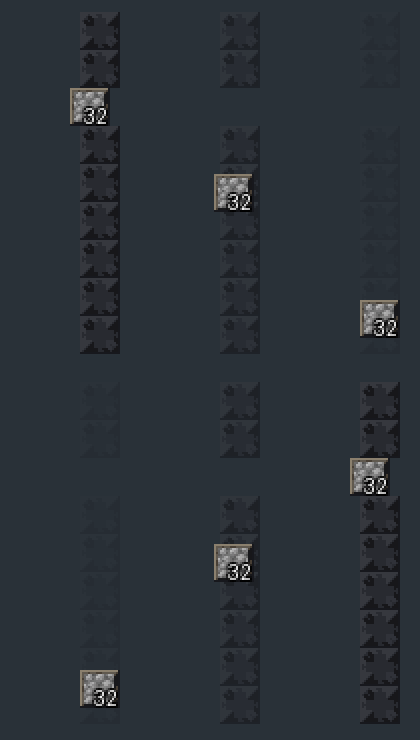
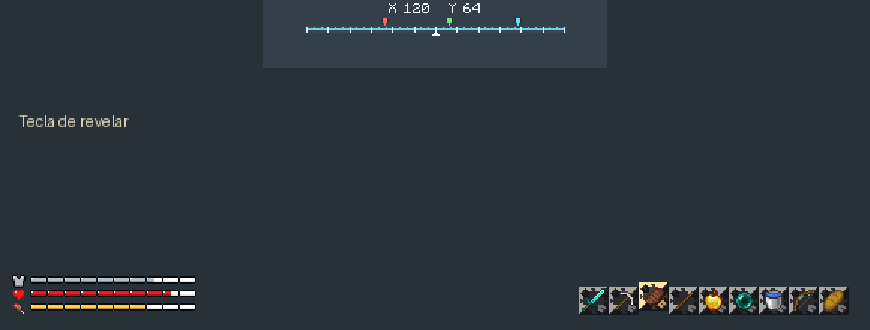
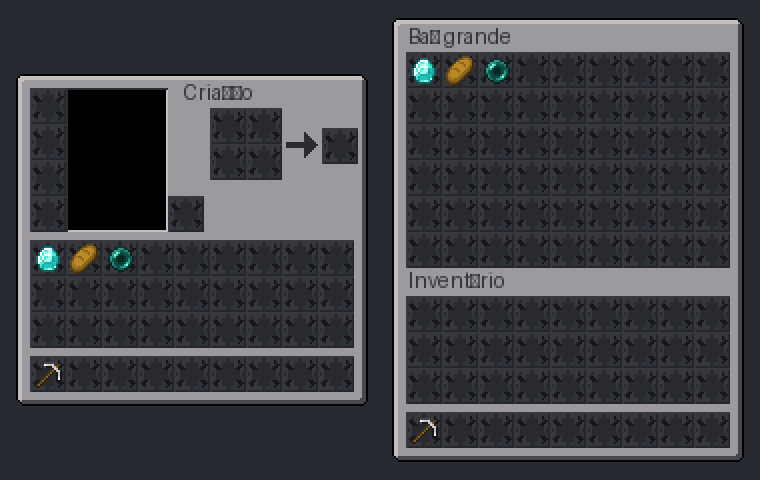
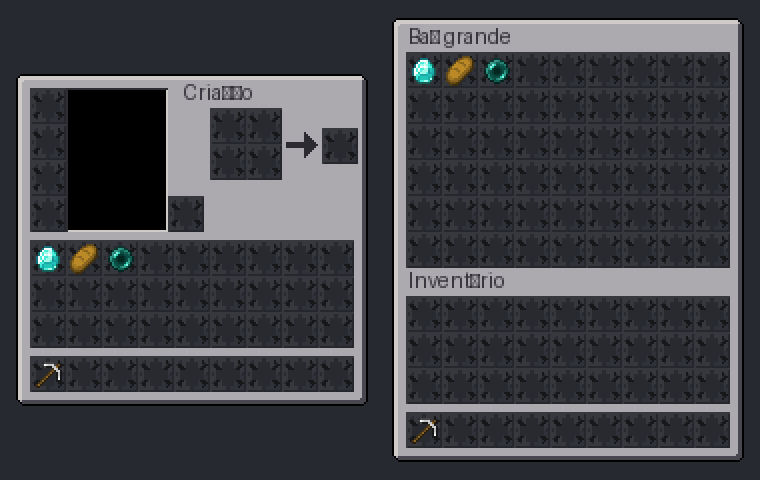
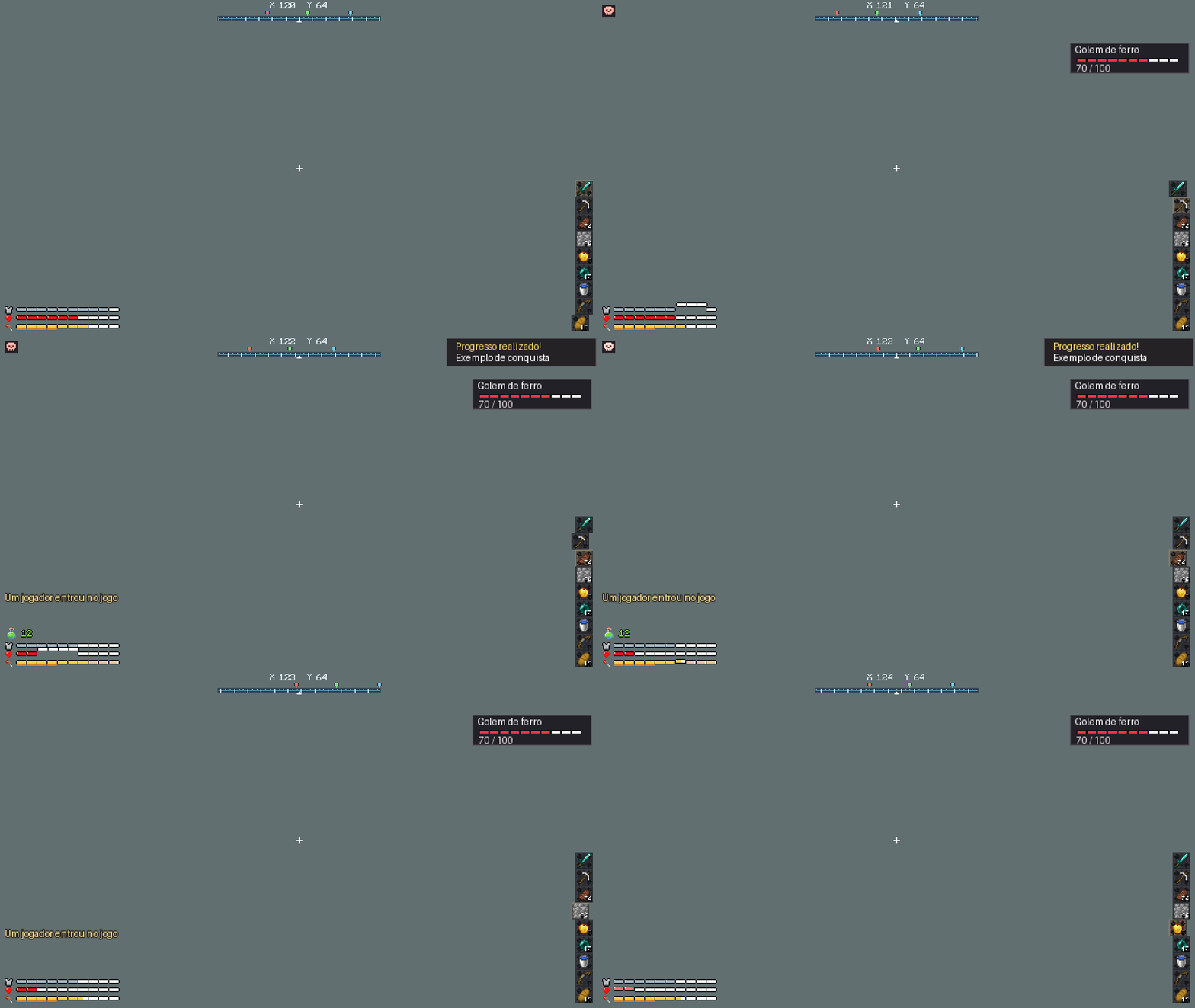
Vale HUD brings health, hunger and armor into segmented bars at the bottom left. Your hotbar can run vertically or horizontally, with a raised frame around the selected stack. A compass at the top shows coordinates and player markers. When you gain XP, a green bottle shows your progress toward the next level.
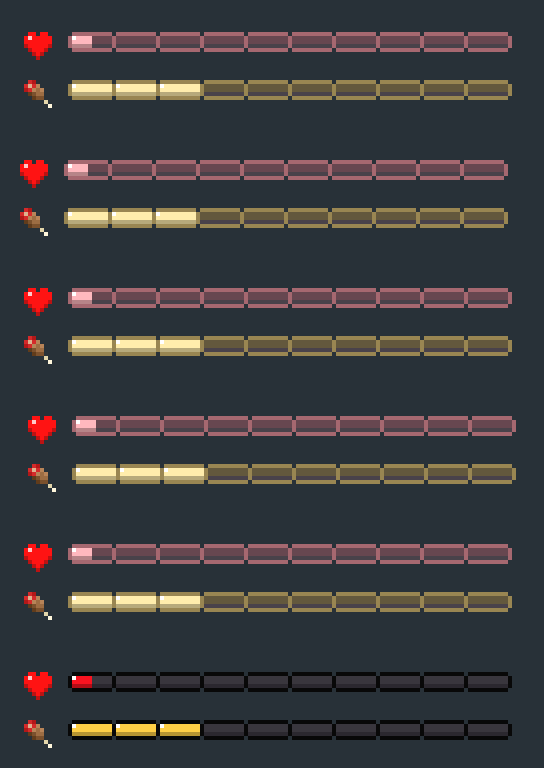
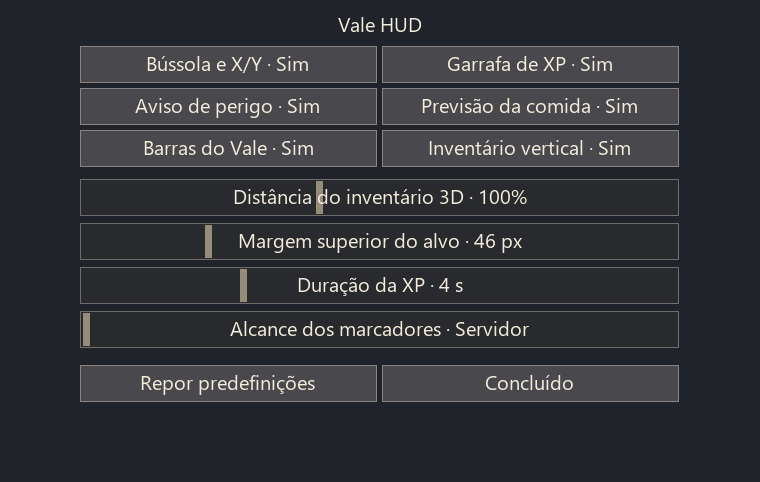
Press F8 in a world to adjust sizes, distances, visibility and timers. You can fade inactive bars while keeping the selected stack count visible for building. Low health or hunger keeps the vitals visible. An optional idle camera circles your character after a minute without input so you can see your equipped armor.
Installation: use Minecraft Java 26.3 with Java 25 and Fabric Loader 0.20.1. Install Vale HUD alongside Fabric API 0.165.2, AppleSkin 3.0.10, Jade 26.3.5, Spatial GUI 1.10.1 and YetAnotherConfigLib 3.9.7, all for Fabric 26.3. These projects provide the food estimates, target information, spatial menus and supporting APIs. Their files are distributed separately.
This is a client-side beta. On multiplayer servers without the optional Vale alert data pack, the danger icon estimates threats from visible mob behavior. The rest of the HUD works client-side.
Support Vale HUD
If you enjoy the mod, you can support its development on Ko-fi — ko-fi.com/valehud. Thank you for your support!
常见问题
Vale HUD 支持哪些 Minecraft 版本?
Vale HUD 支持 Minecraft Java 版 26.3,可用的加载器:Fabric。下载时注意选择和你游戏版本一致的文件。
Vale HUD 怎么安装?
先用 PCL2 或 HMCL 启动器安装对应版本的 Fabric,再把下载的 .jar 文件放进游戏目录的 mods 文件夹,重新启动游戏即可。开启了版本隔离的,mods 文件夹在 versions/版本名 下面。
评论
登录后评论和评分