
Friend Waypoints
Waypoints, pings and quick markers shared with friends on any multiplayer server. No plugin required – just both players with the mod.
截图
介绍
Friend Waypoints
Waypoints, quick markers and pings you can share with friends or a party, on any multiplayer server. The server needs no plugin.
Mark your base, a portal or a village, and your friends see it on their screen with the distance. Middle-click to ping a spot so everyone knows where to go. Everything is client-side: it only needs the mod on your and your friends’ game.
✨ Features
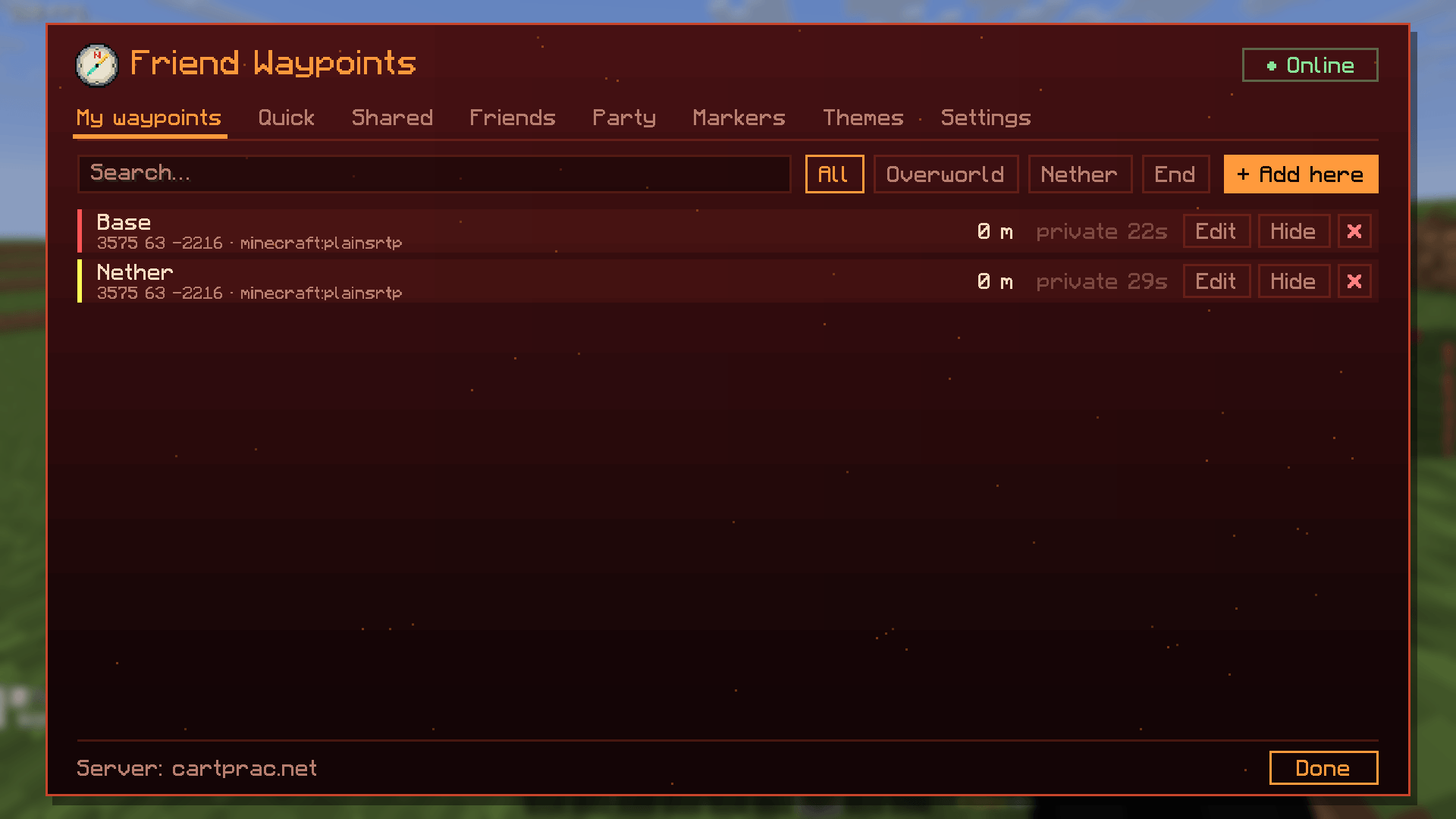
📍 Waypoints
- Names, colours, search and dimension filters
- Share a waypoint with friends or keep it private
- Automatic death waypoint
- Nether counterpart: an Overworld waypoint also shows in the Nether at the right coordinates (and the other way round), with a configurable divisor
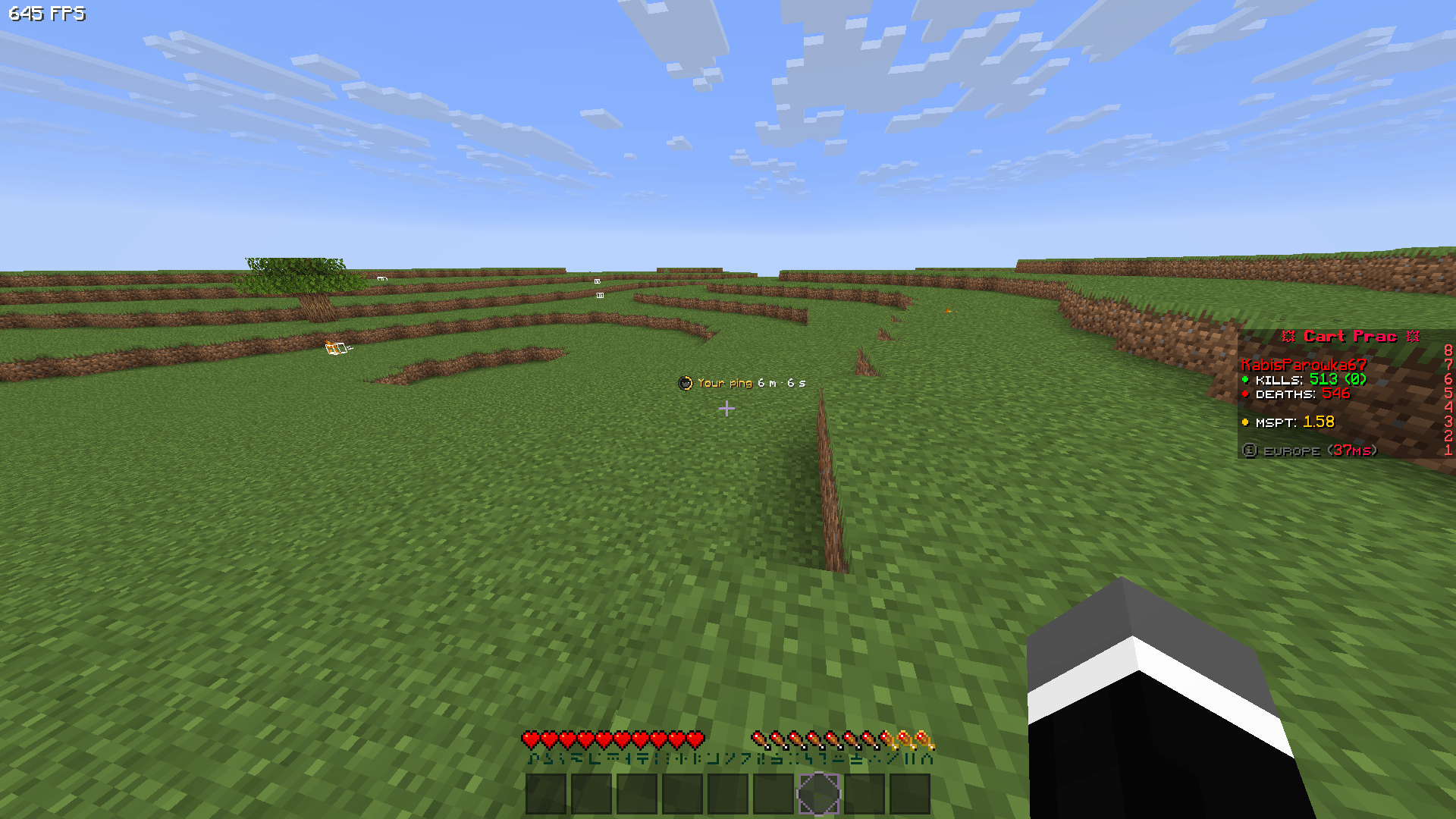
⚡ Quick marker & pings
- Quick marker (default
N): one per player, a new one replaces the old one, shown with your skin head - Ping (default: middle mouse button): a temporary marker where you look, with a countdown ring and a sound
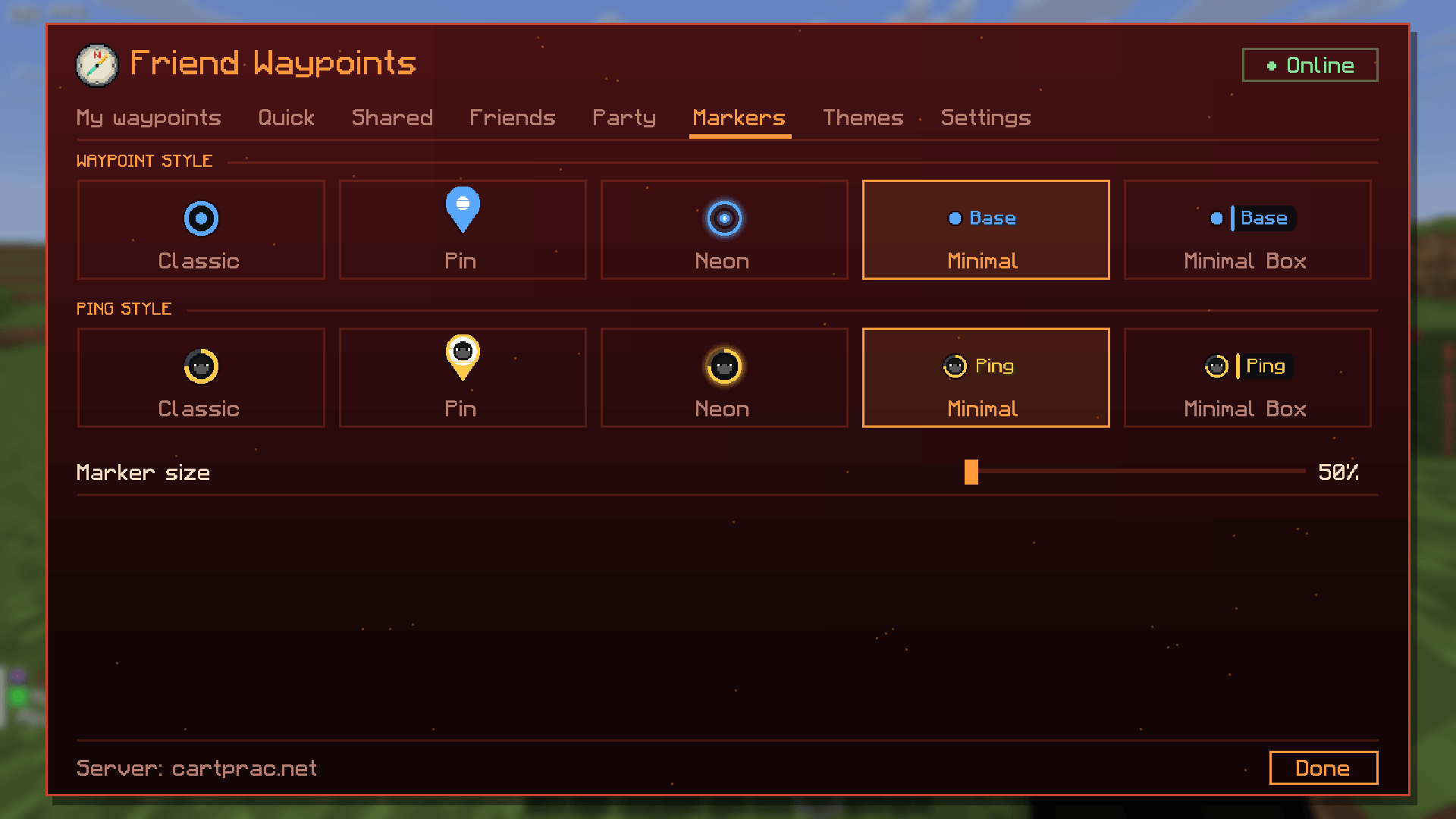
🎨 5 marker styles
Choose separately for waypoints and pings:
Classic · Pin · Neon · Minimal · Minimal Box
Markers always keep the same size and stay exactly on their spot, no matter how far away they are. Marker size 50–200%.
👥 Friends
- Send friend requests, your friend gets Accept / Decline in the menu
- See who is on the server
- Mute a friend: you stop seeing each other’s waypoints and pings, without removing them
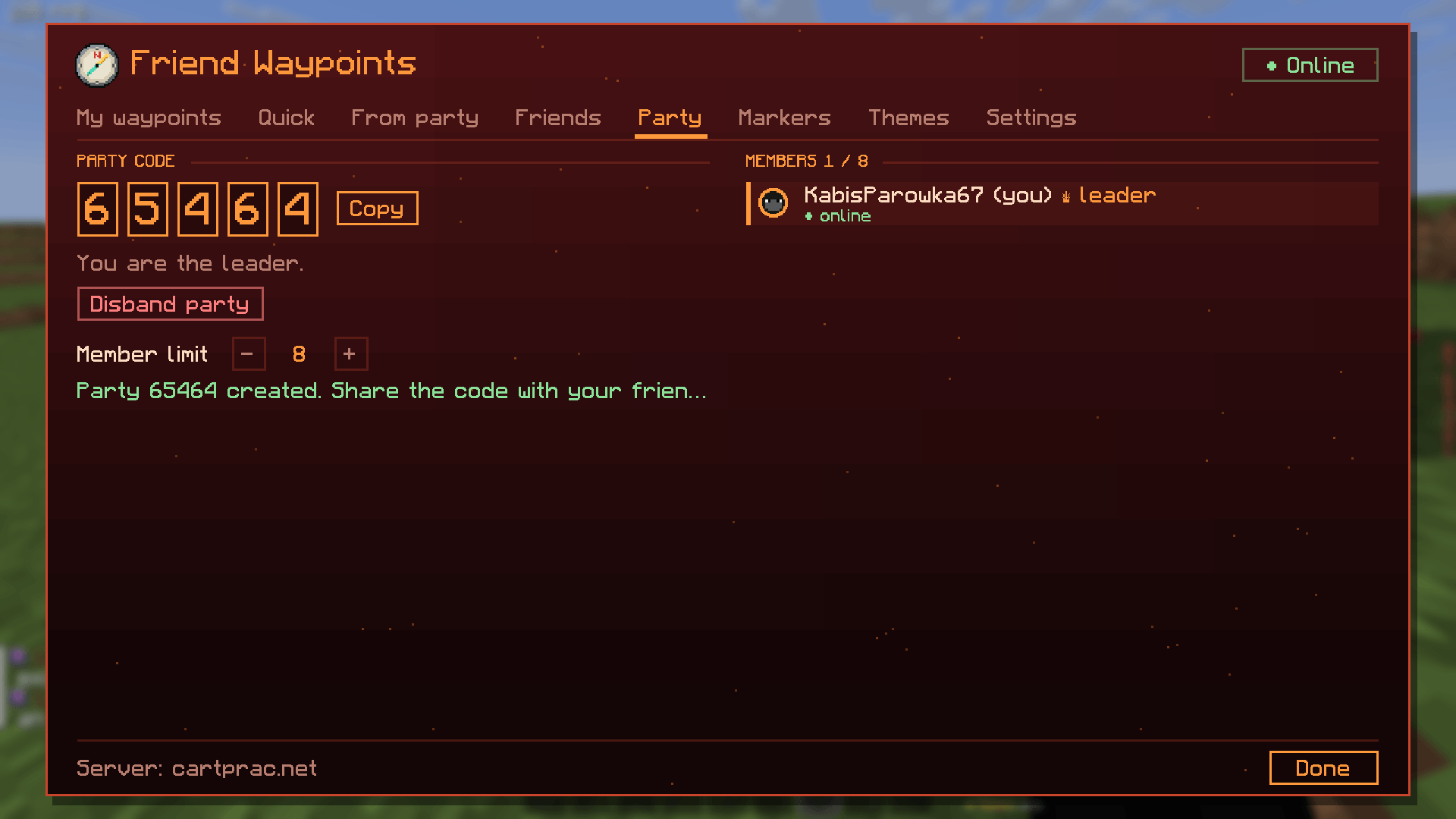
🎉 Party
- Create a party and give friends the 5-digit code
- In a party you only see waypoints and pings from party members
- The leader sets the member limit (2–20) and can kick players
🟢 Online / Offline status
Go Offline and nothing is sent either way: you only see your own waypoints, and your friends’ mods stop sending to you.
🖌️ Menu with 8 themes
End · Nether · Overworld · Ocean · Deep Dark · Cherry · Ice · Mesa
Optionally the theme follows the dimension you are in.
🎥 Works with free-look
Markers follow the real camera, so they work in third person and with free-look mods (e.g. Perspective Mod).
🔌 How sharing works
The mod sends short private messages (/msg nick fwp1:...) to your friends. Their mod catches them, hides them from chat and shows the waypoint or ping.
Requirements:
- you and your friends have the mod
- you are on the same server at the same time
- the server allows
/msg
Some servers limit or log private messages. Use the mod in line with the server’s rules.
⌨️ Keys
| Key | Action |
|---|---|
J |
Open the menu |
N |
Quick marker |
| Middle mouse | Ping |
All keys can be changed in the menu (Settings).
💬 Commands
| Command | What it does |
|---|---|
/fwp |
Open the menu |
/fwp add [name] |
Waypoint where you stand |
/fwp quick |
Place your quick marker |
/fwp remove <name> |
Remove a waypoint |
/fwp share <name> |
Share / unshare a waypoint |
/fwp list |
List your waypoints |
/fwp online / /fwp offline |
Set your status |
/fwp friend add <nick> |
Send a friend request |
/fwp friend remove <nick> |
Remove a friend |
/fwp friend mute <nick> / unmute <nick> |
Mute / unmute a friend |
/fwp friend list |
List friends |
/fwp party create |
Create a party |
/fwp party join <code> |
Join a party |
/fwp party leave |
Leave the party |
/fwp sync |
Resend your waypoints to everyone online |
📦 Requirements
- Fabric Loader
- Fabric API
- Java 21
| File | Minecraft |
|---|---|
mc1.21.1 |
1.21 – 1.21.1 |
mc1.21.4 |
1.21.2 – 1.21.4 |
mc1.21.5 |
1.21.5 |
mc1.21.8 |
1.21.6 – 1.21.8 |
mc1.21.11 |
1.21.9 – 1.21.11 |
❓ FAQ
Does the server need the mod?
No. Only players who want to share waypoints need it.
My friend doesn’t see my waypoints.
Check that you both have the same version of the mod, you are friends (request accepted), you are both Online, and the waypoint is set to shared.
Can other players see my waypoints?
No. Only friends you added (or your party) receive them.
Where are my settings saved?
In config/friendwaypoints.json.
常见问题
Friend Waypoints 支持哪些 Minecraft 版本?
Friend Waypoints 支持 Minecraft Java 版 1.21–1.21.11,共 12 个版本,可用的加载器:Fabric。下载时注意选择和你游戏版本一致的文件。
Friend Waypoints 怎么安装?
先用 PCL2 或 HMCL 启动器安装对应版本的 Fabric,再把下载的 .jar 文件放进游戏目录的 mods 文件夹,重新启动游戏即可。开启了版本隔离的,mods 文件夹在 versions/版本名 下面。
评论
登录后评论和评分