
Servus: Notes
In-game todo lists for yourself, your team and your whole server: projects, tasks, item goals, places.
截图
介绍
Servus: Notes, CurseForge texts
Summary
In-game todo lists for yourself, your team and your server: projects, tasks, item goals, places.
Description
Servus: Notes adds the todo list you keep wishing for in a modpack. Press N to open a leather notebook, no item, no crafting. Write down what you want to build, share it with your friends, and see at a glance what is still missing.
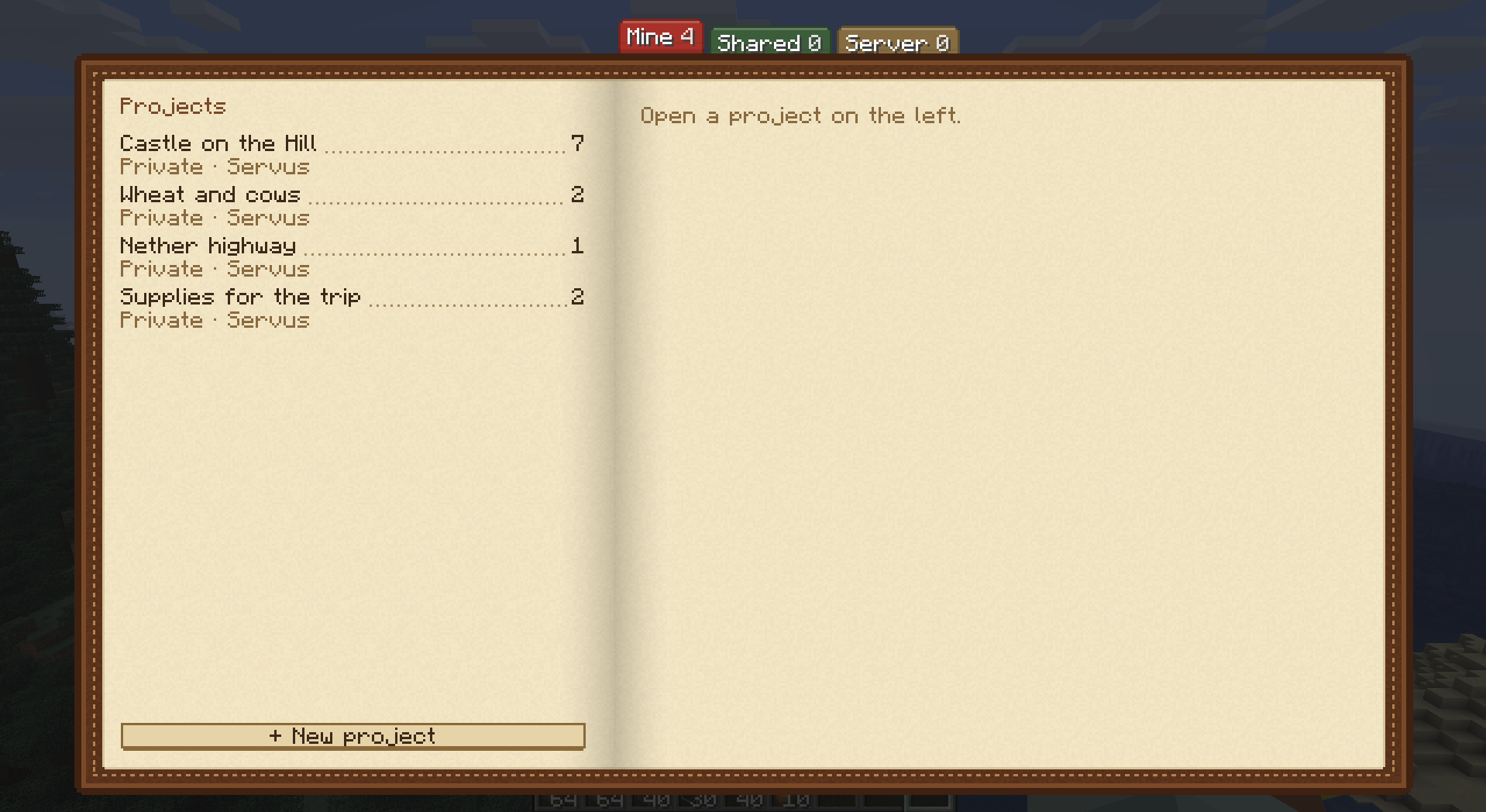
Projects, tasks and subtasks
- Keep as many projects as you like, each with its own task list.
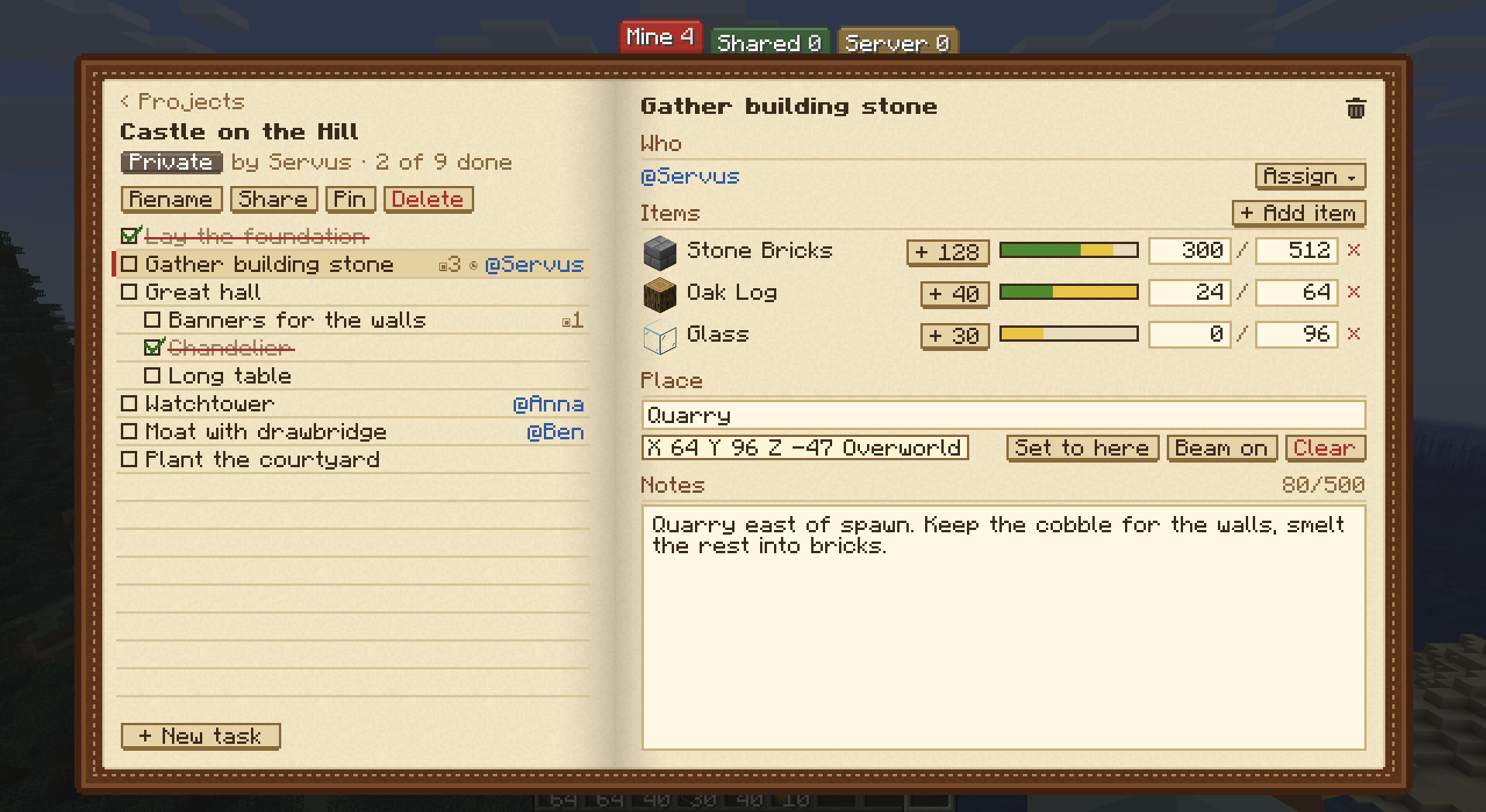
- Tasks have subtasks, notes and an assignee. Drag a task to reorder it, or drop it onto another task to make it a subtask.
- Ticking a task remembers who did it and when.
Item goals
- Add the items a task needs, pick them from a searchable list or drag them in from JEI.
- Each goal has a shared count. The bar fills green for what is already in and yellow for what you carry right now.
- One click adds what you carry to the count.
- A task assigned to you ticks itself once you carry everything it still needs.
Places
- Record your current place in a single click.
- Give a task a named place, such as "Quarry" or "Nether portal".
- Turn on a beacon beam to walk straight there.
Sharing
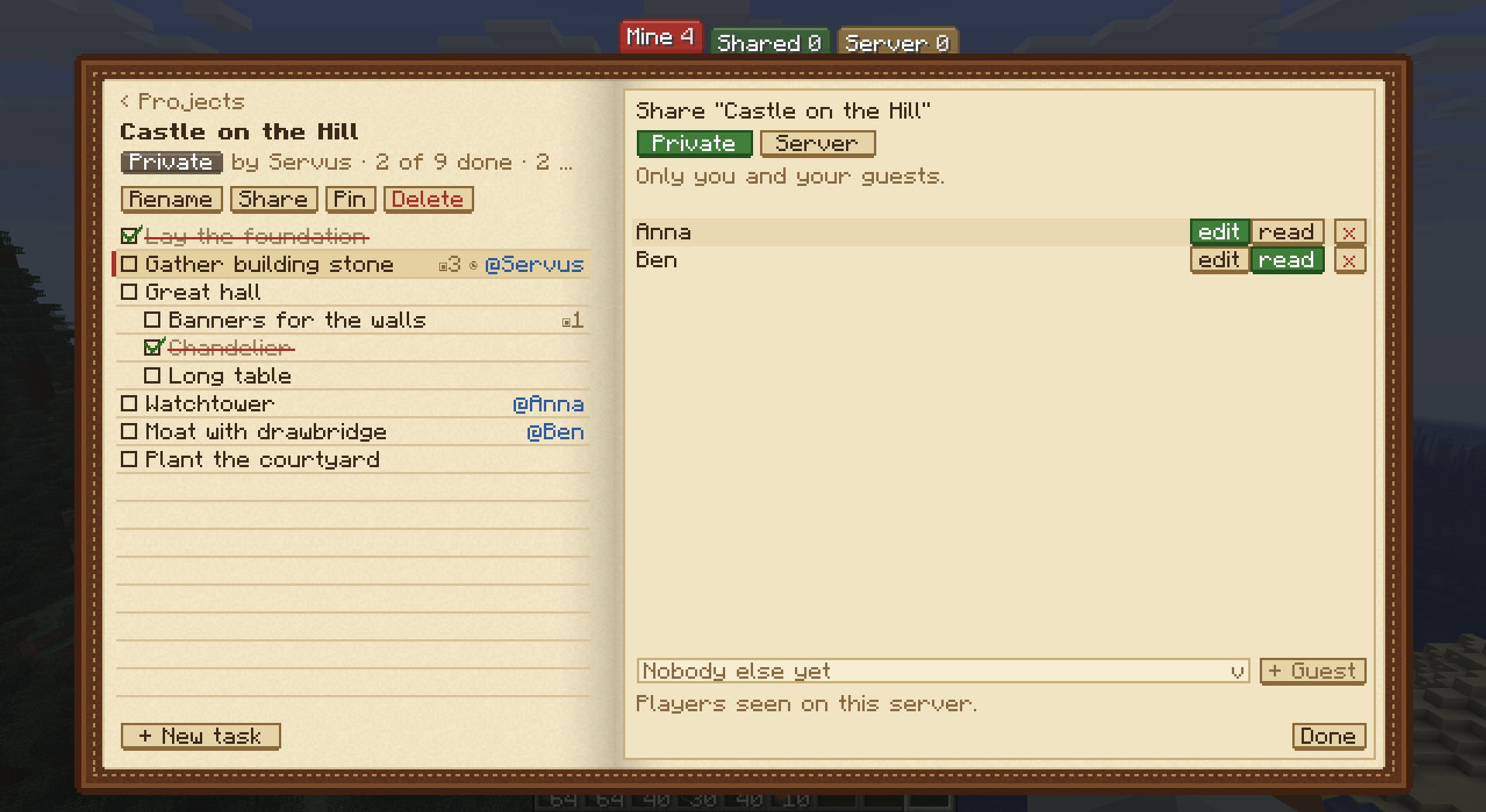
- Private projects are yours, plus the guests you invite. A guest may edit, or only read and tick.
- Team projects belong to your FTB Teams party (optional).
- Server projects are open to everyone on the server.
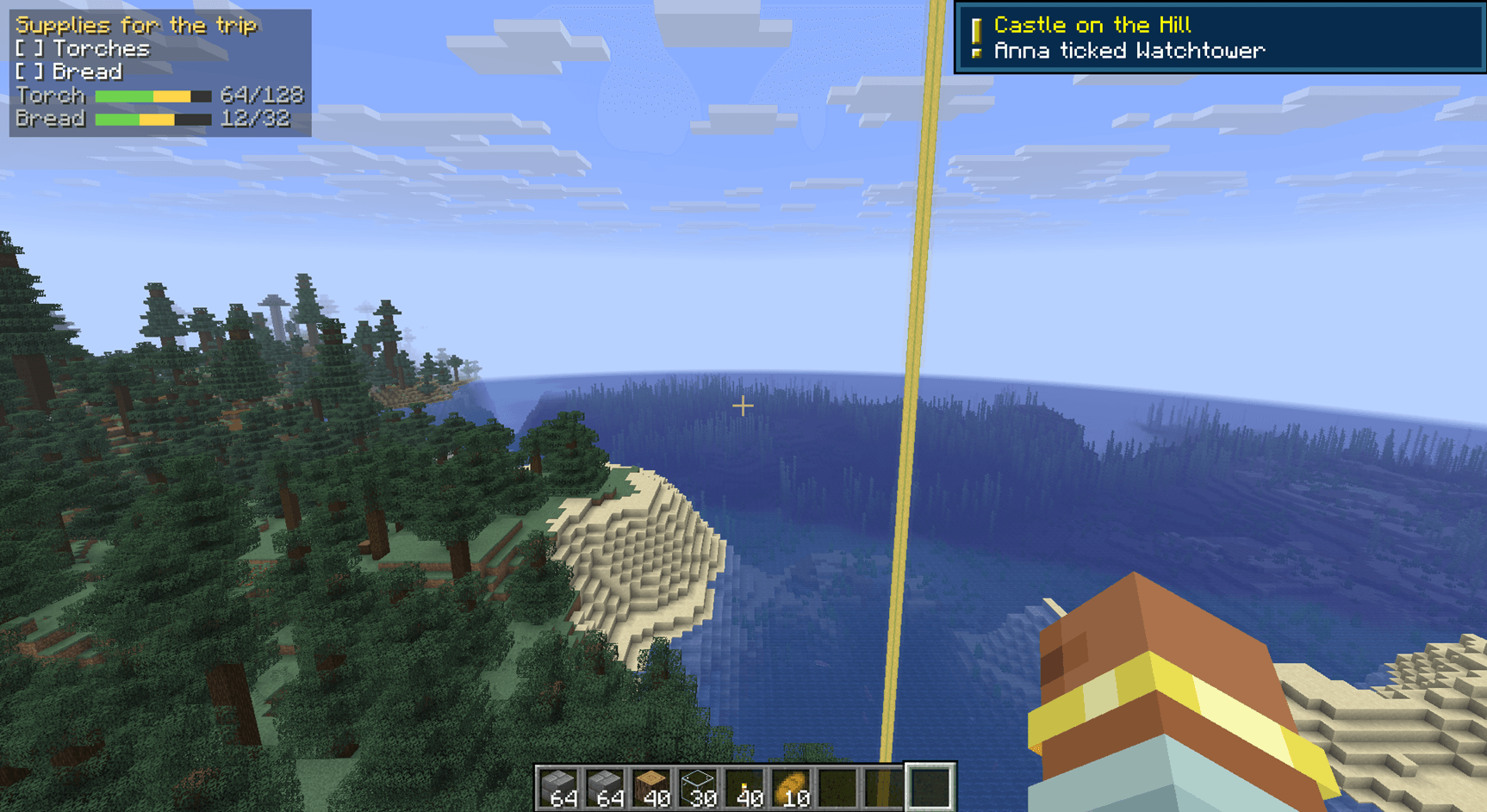
- Get a toast when somebody else ticks a task on a project you share.
- Server operators can hand a project to another player with
/notes transfer.
HUD pin
- Pin one project to the screen to see its open tasks and item bars while you play.
- Press J to hide or show it.
Configuration
- Client: HUD corner, how many lines the pin shows, toasts on or off.
- Server: limits for projects per player, tasks per project, text lengths and item goals per task.
Requirements
- NeoForge for Minecraft 26.1.2.
- Install on both the server and the clients.
- No other Servus mod is needed.
- Optional: JEI (drag items into goals) and FTB Teams (Team projects).
常见问题
Servus: Notes 支持哪些 Minecraft 版本?
Servus: Notes 支持 Minecraft Java 版 26.1.2,可用的加载器:NeoForge。下载时注意选择和你游戏版本一致的文件。
Servus: Notes 怎么安装?
先用 PCL2 或 HMCL 启动器安装对应版本的 NeoForge,再把下载的 .jar 文件放进游戏目录的 mods 文件夹,重新启动游戏即可。开启了版本隔离的,mods 文件夹在 versions/版本名 下面。
Dirnei 的其他作品
查看全部 →
Servus: Foundation
The base of the Servus mod family: Utility Ducts for items, power, fluids and data, and many more.

Servus: Shuttles
Build a real warehouse: racks you can see, rails and shuttles that fetch and store every item, autocrafting, automatic farm fields and wireless outposts.

At your Servus
A story-driven kitchen sink pack built around the Servus mods: rebuild your great-uncle's lost farm in the Bavarian Alps

Servus: Alchemy
Alchemy after Paracelsus: split matter into Salt, Sulfur and Mercury, grow ore veins with gnomes and work through a small progression system.
评论
登录后评论和评分