
mosko’s lib
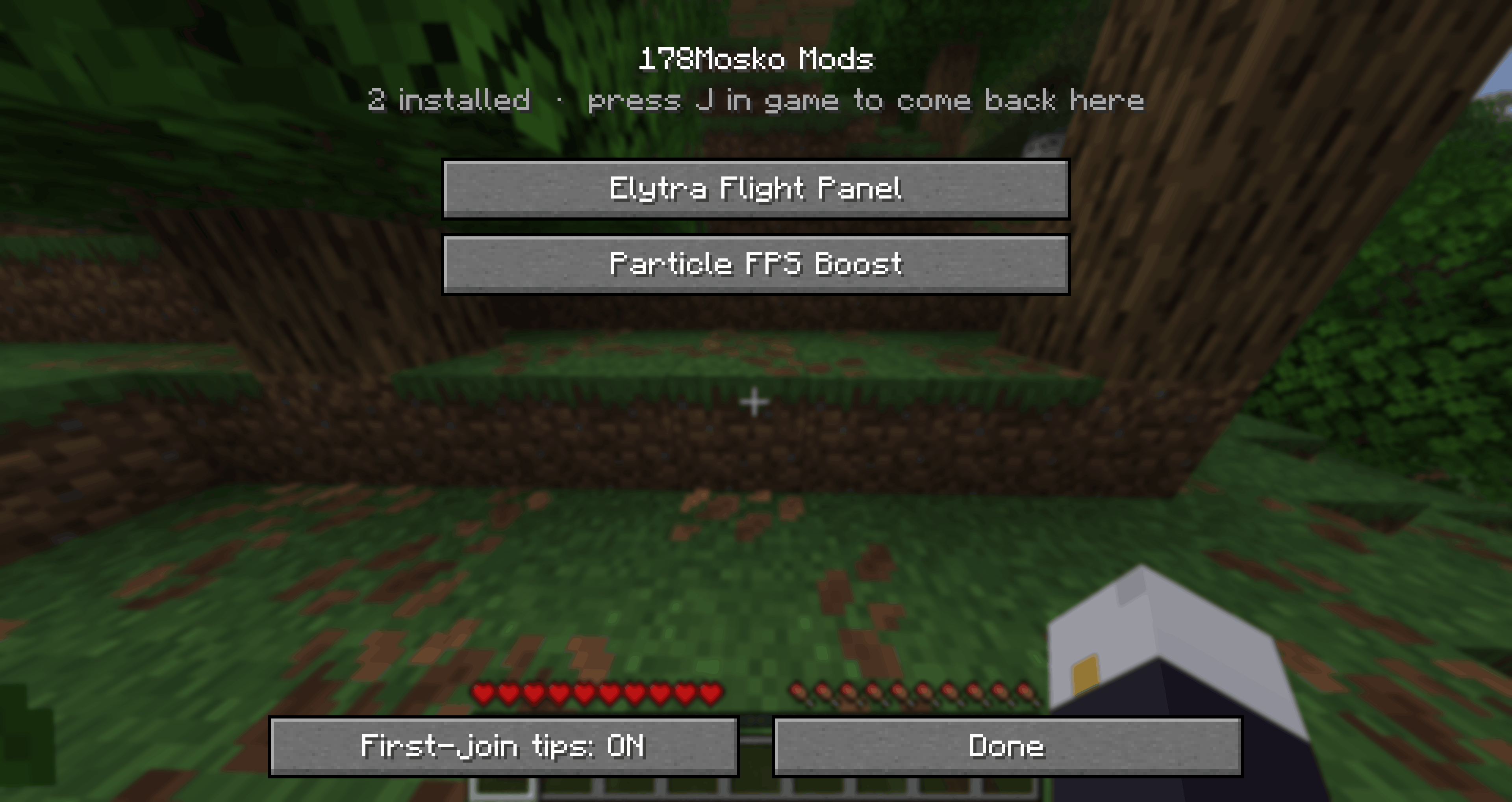
Settings screens and first-join tips for all of 178Mosko's mods. Press J in game.
截图
介绍
178Mosko Lib
One settings screen for all of 178Mosko’s mods.
This is the shared library behind 178Mosko’s mods. You don’t need to install it yourself — CurseForge installs it automatically with any mod that needs it.
What it gives you
- Press J in game (or the 178Mosko Mods button on the pause screen) to see every 178Mosko mod you have installed
- Turn any mod ON or OFF with one click — no need to remove it from your mods folder
- Change settings with buttons and sliders — no editing config files
- A short tip the first time you join a world, so you know how each mod works (shown once, can be turned off)
- Works with Mod Menu too
- Changes are saved straight away
Mods that use it
- Smart FPS Boost
- Particle FPS Boost
- Elytra Flight Panel
- …and every new 178Mosko mod
Requirements
Minecraft 1.21.11 · Fabric (with Fabric API) or NeoForge · Java 21
常见问题
mosko’s lib 支持哪些 Minecraft 版本?
mosko’s lib 支持 Minecraft Java 版 1.21.11,可用的加载器:Fabric / NeoForge。下载时注意选择和你游戏版本一致的文件。
mosko’s lib 怎么安装?
先用 PCL2 或 HMCL 启动器安装对应版本的 Fabric / NeoForge,再把下载的 .jar 文件放进游戏目录的 mods 文件夹,重新启动游戏即可。开启了版本隔离的,mods 文件夹在 versions/版本名 下面。
178Mosko 的其他作品
查看全部 →
Particle FPS Boost
Stops particle storms from tanking your FPS: skips particles too far away to see and caps how many spawn per tick. Works with Sodium.
Elytra Flight Panel
A clean flight panel while gliding: speed, altitude, ground distance, pitch, elytra durability warning and rocket count.
Smart FPS Boost
Only kicks in when your FPS drops - finds the cause (items, mobs, particles, frames) and fixes just that, then puts it all back.

Arcade Party Games
Server-side party games: tag, gather race and king of the hill. Players don't need to install anything.
评论
登录后评论和评分