Nearby Inventory Tabs
Instantly access and switch between nearby inventories with convenient tabs, without opening each container individually!
截图
介绍
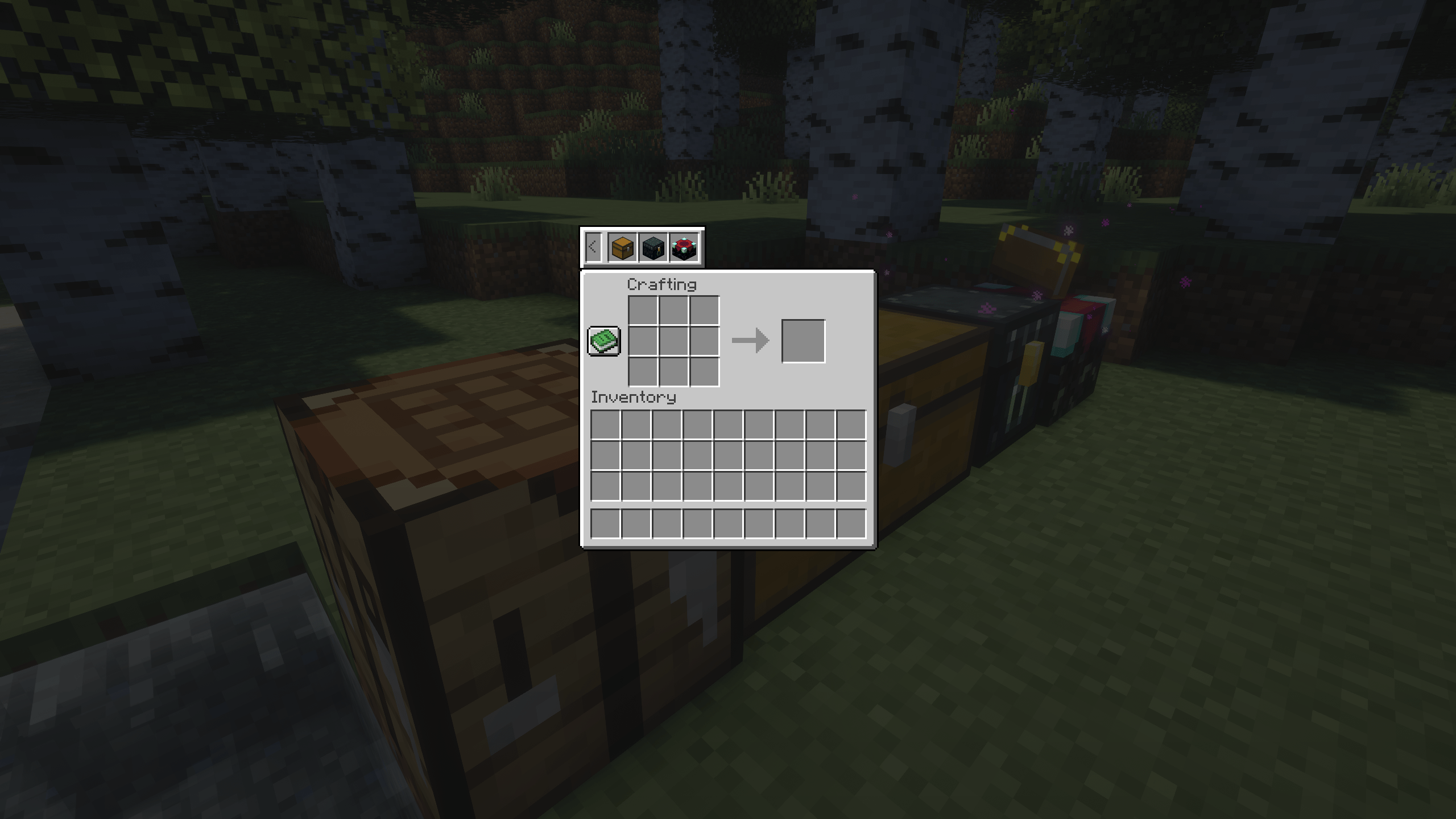
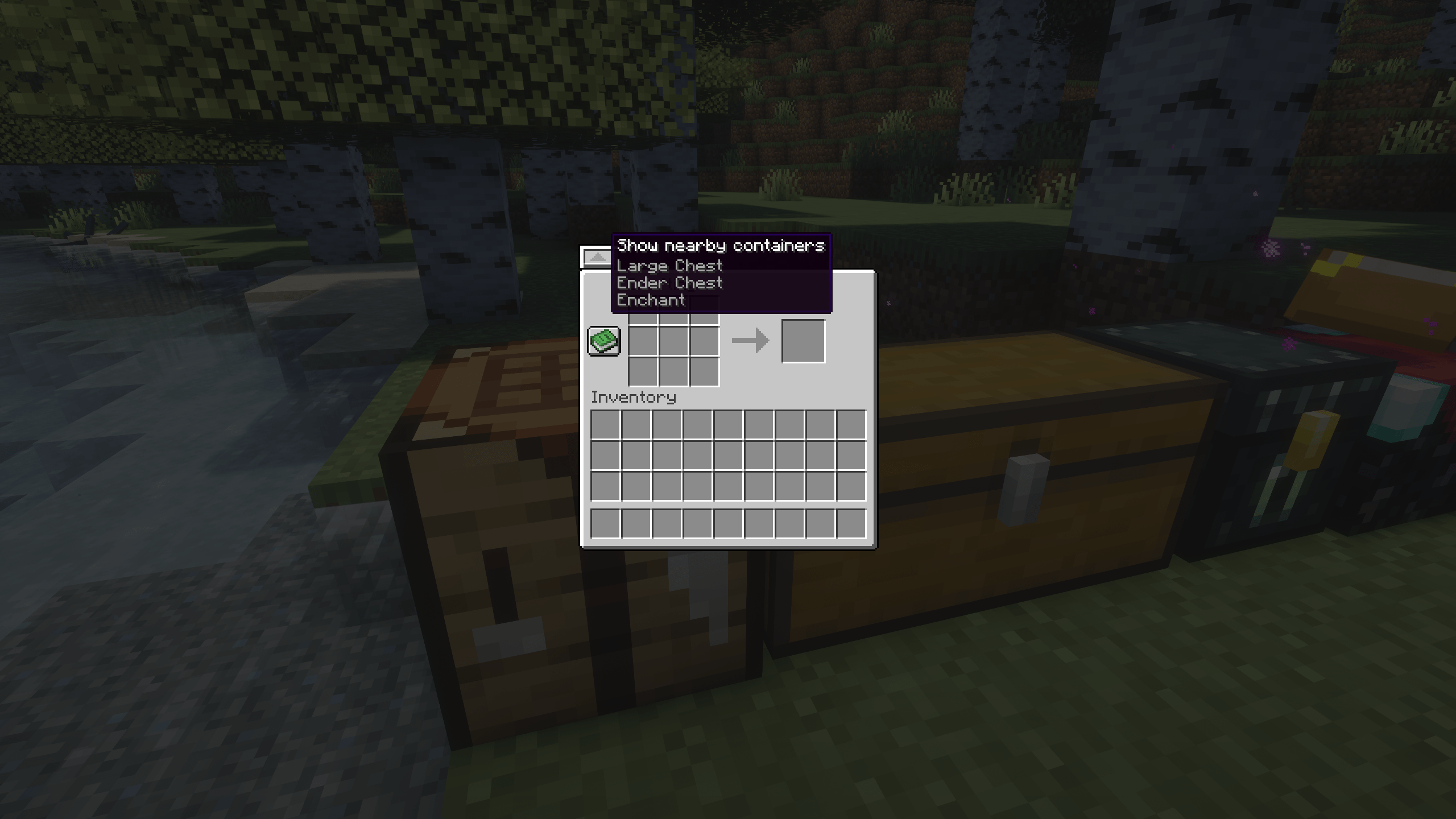
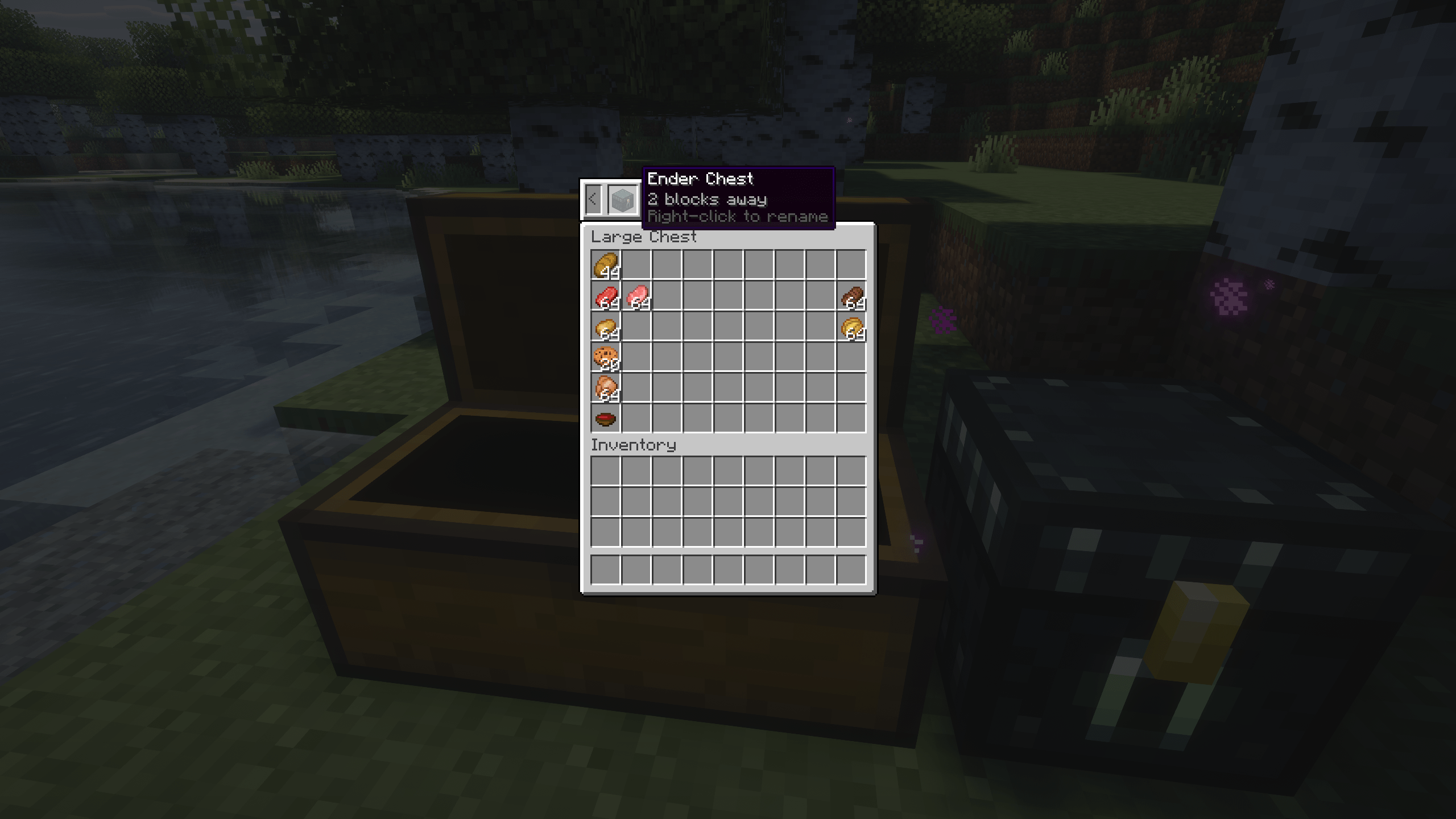
Nearby Inventory Tabs makes inventory management faster and more convenient by adding a simple tab system to your inventory interface. Instantly switch between nearby containers with just one click, without constantly closing and reopening inventories.
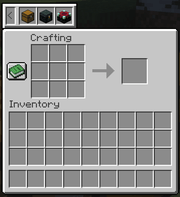

- Quick Inventory Switching: Instantly switch between nearby containers using convenient tabs.
- Easy Access: Access nearby inventories without manually opening each container.
- Multiple Container Support: Navigate between different types of nearby storage containers.
- Simple & Intuitive: A clean interface that integrates naturally into Minecraft.
- Better Organization: Spend less time searching through chests and more time playing
Nearby Inventory Tabs is fully compatible with Chest Labels, allowing you to assign custom labels to your chests and easily identify them. Combine both mods for an even better storage experience: organize your chests with custom names and quickly navigate between inventories using tabs!
⚙️ Requirements
- Architectury API
- NightLib
Want to play with friends?

Get your own Minecraft server today and enjoy endless adventures with your friends! With top performance and reliable uptime, our servers guarantee a smooth and fun gaming experience for everyone. Use code THEWIZARD for a 25% discount!

常见问题
Nearby Inventory Tabs 支持哪些 Minecraft 版本?
Nearby Inventory Tabs 支持 Minecraft Java 版 1.20.1–26.1.2,共 3 个版本,可用的加载器:Fabric / Forge / NeoForge。下载时注意选择和你游戏版本一致的文件。
Nearby Inventory Tabs 怎么安装?
先用 PCL2 或 HMCL 启动器安装对应版本的 Fabric / Forge / NeoForge,再把下载的 .jar 文件放进游戏目录的 mods 文件夹,重新启动游戏即可。开启了版本隔离的,mods 文件夹在 versions/版本名 下面。
TheWizard 的其他作品
查看全部 →
Custom Nether Portals (Any Shape Nether Portals)
可以建造任意大小、形状和朝向的下界传送门:无论是在地面、墙上、天花板上,还是悬浮在空中。
Potion Combiner [Potion Blending Combiner]
现在可以将多种药水合为一瓶,把所有效果融合在一起。

Multi Arrow Effects [Multiple Effects on One Arrow]
将箭与药水效果结合,在一支箭上携带多种效果。

RPG Potions – 8 New Potions
更多药水!新增专为 PvP 战斗设计的药水,为战斗增添战术深度与策略变化;其效果在战斗之外的许多游戏场景中也同样实用。
评论
登录后评论和评分