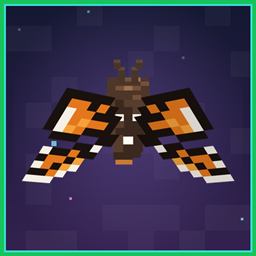
Butterfly Allay and Fly Vex
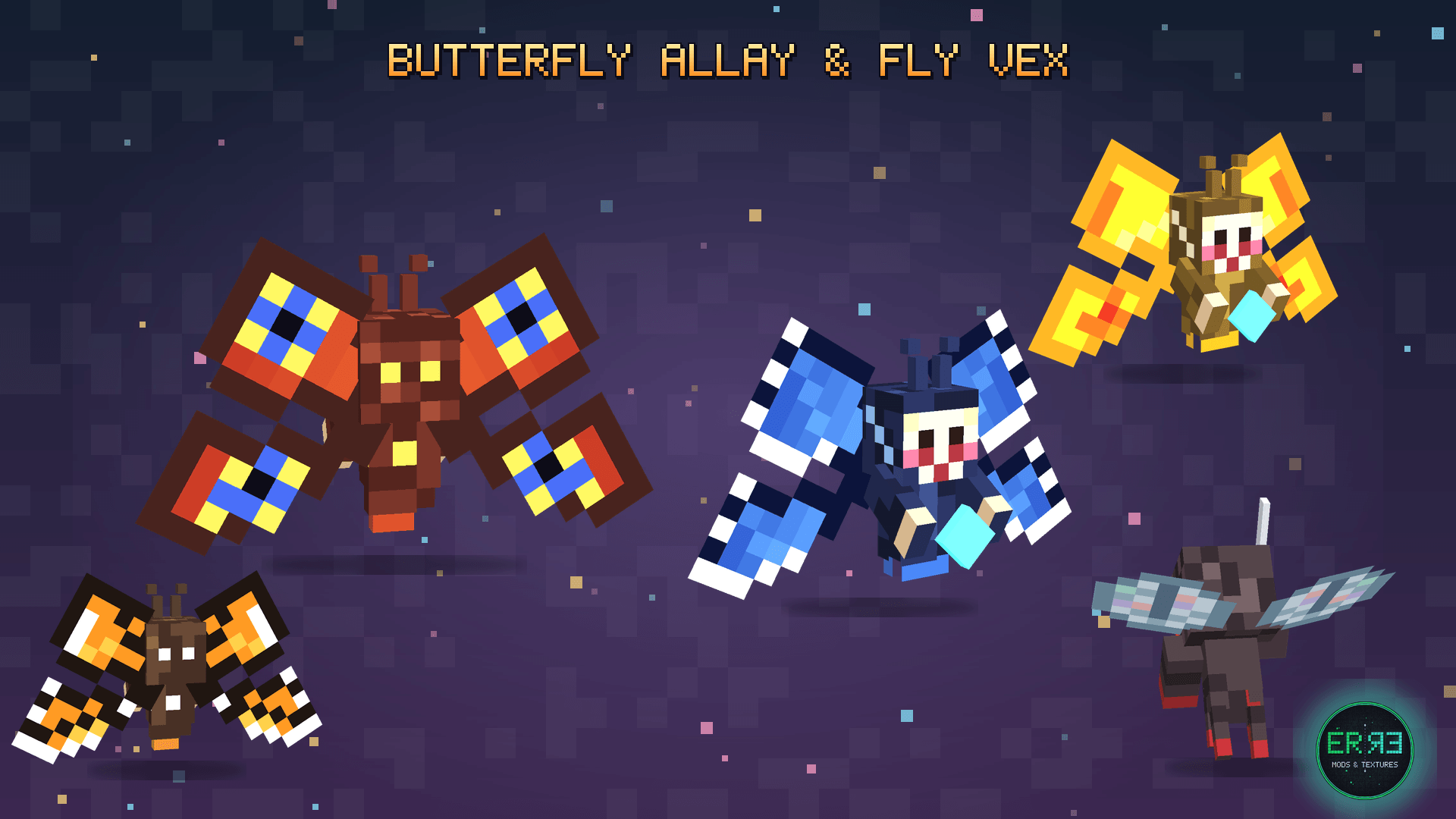
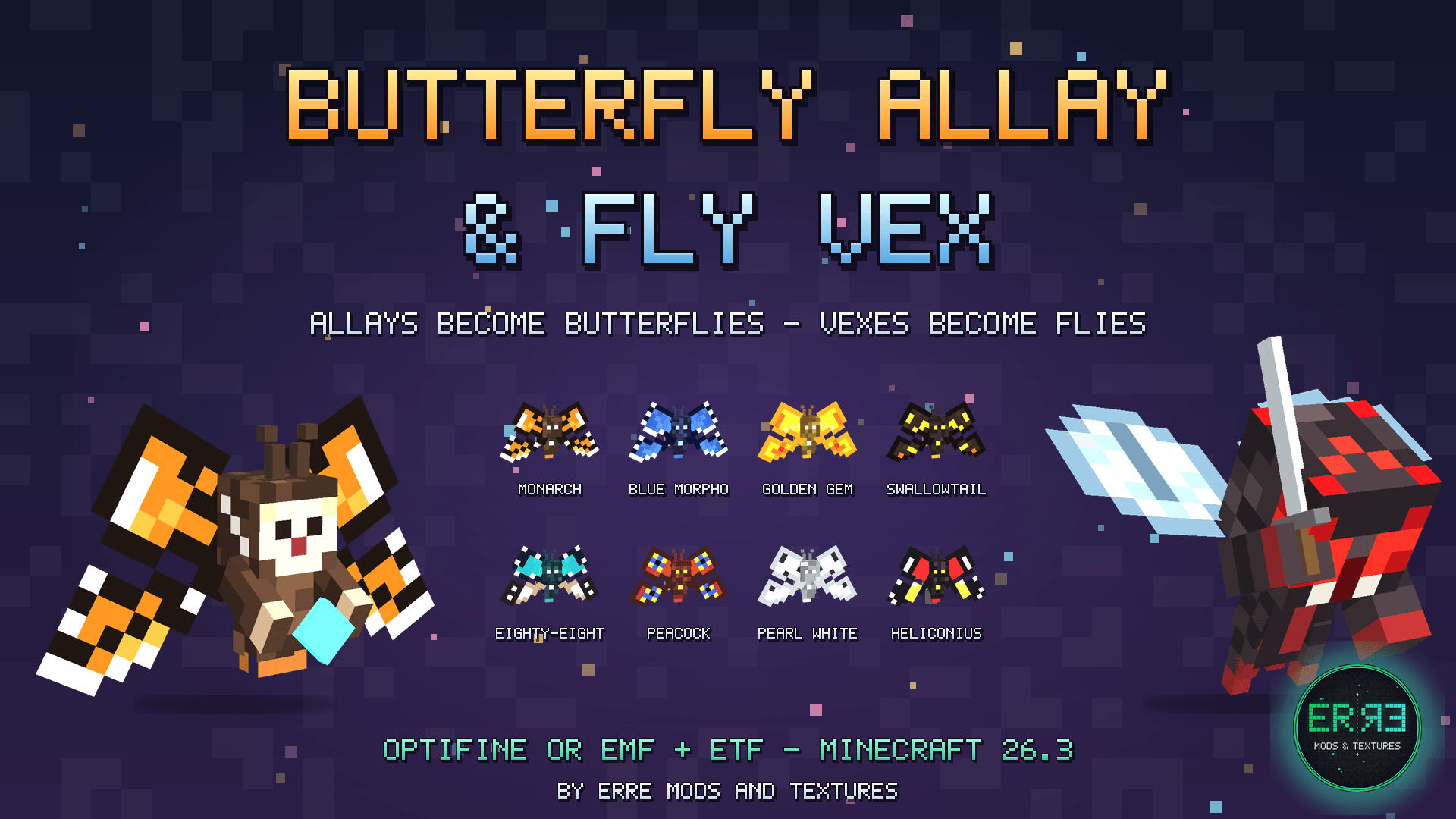
Butterfly Allay & Fly Vex turns Allays into butterflies with four flapping wings, 8 random species and happy faces, and Vexes into sword-wielding flies with round glass wings and angry faces. Works with OptiFine or EMF + ETF.
截图
介绍
Butterfly Allay and Fly Vex
Allays become butterflies. Vexes become flies. Same mobs, brand-new wings.
What is it?
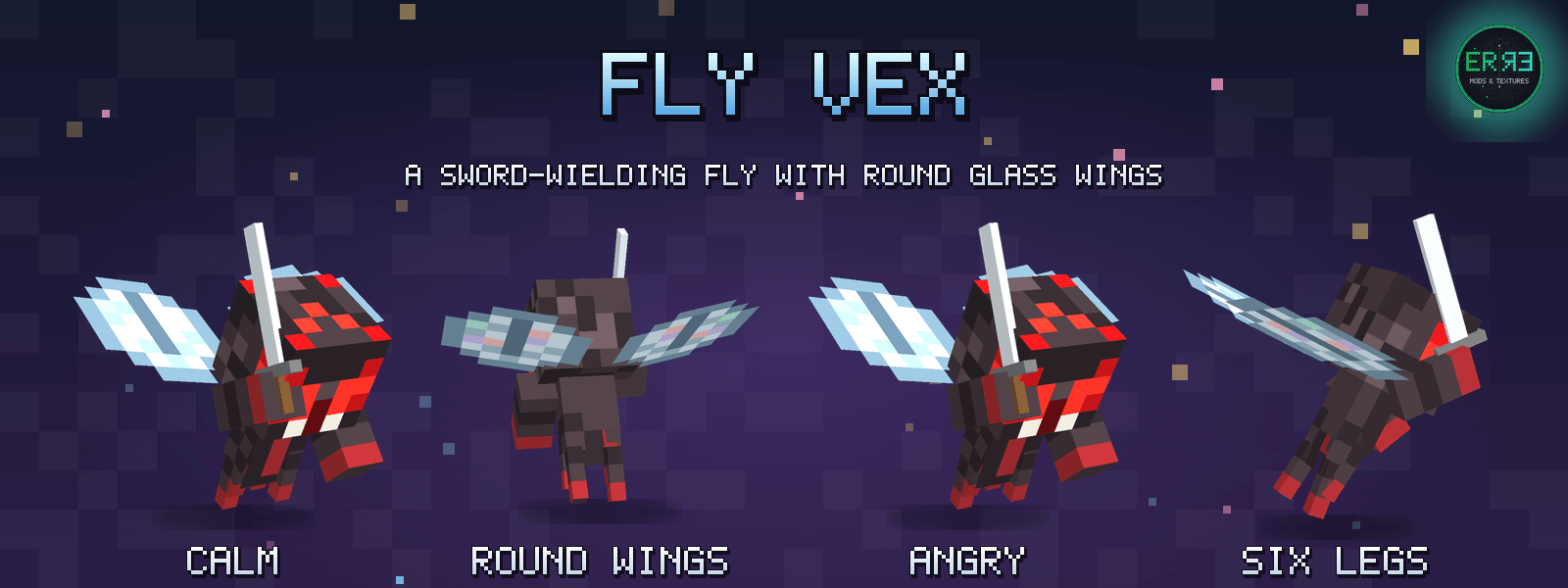
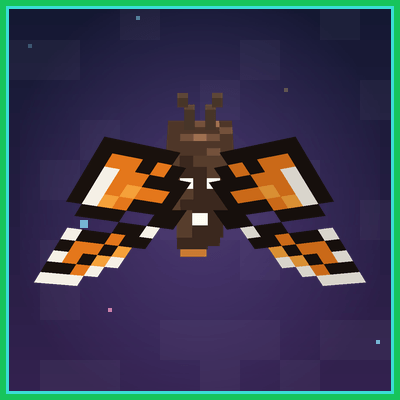
This pack gives the Allay and the Vex a complete makeover. The Allay turns into a little butterfly with four wings on its back, thin antennae and a tiny face, and the Vex turns into an angry fly with round glass wings, six legs and a sword. A custom 3D model replaces the vanilla ones, so the wings really flap.
Features
🦋 Butterfly Allay
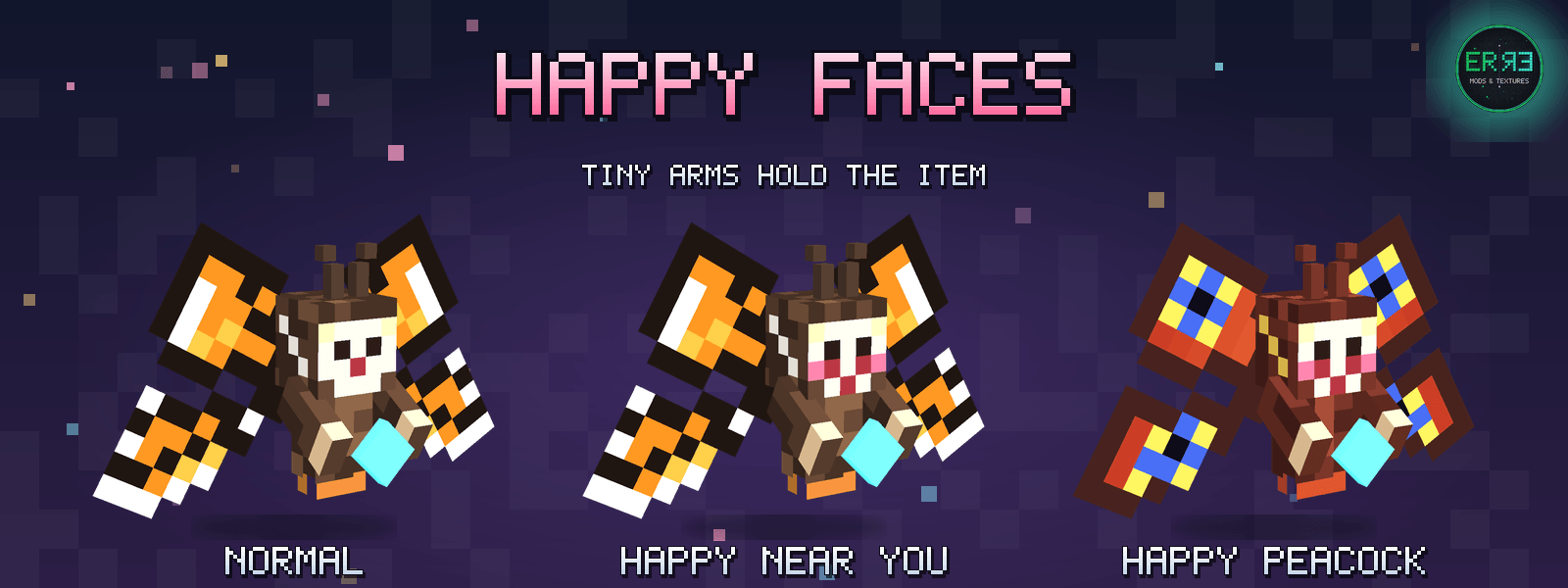
- Smaller head with thin antennae, and tiny arms that still hold the item
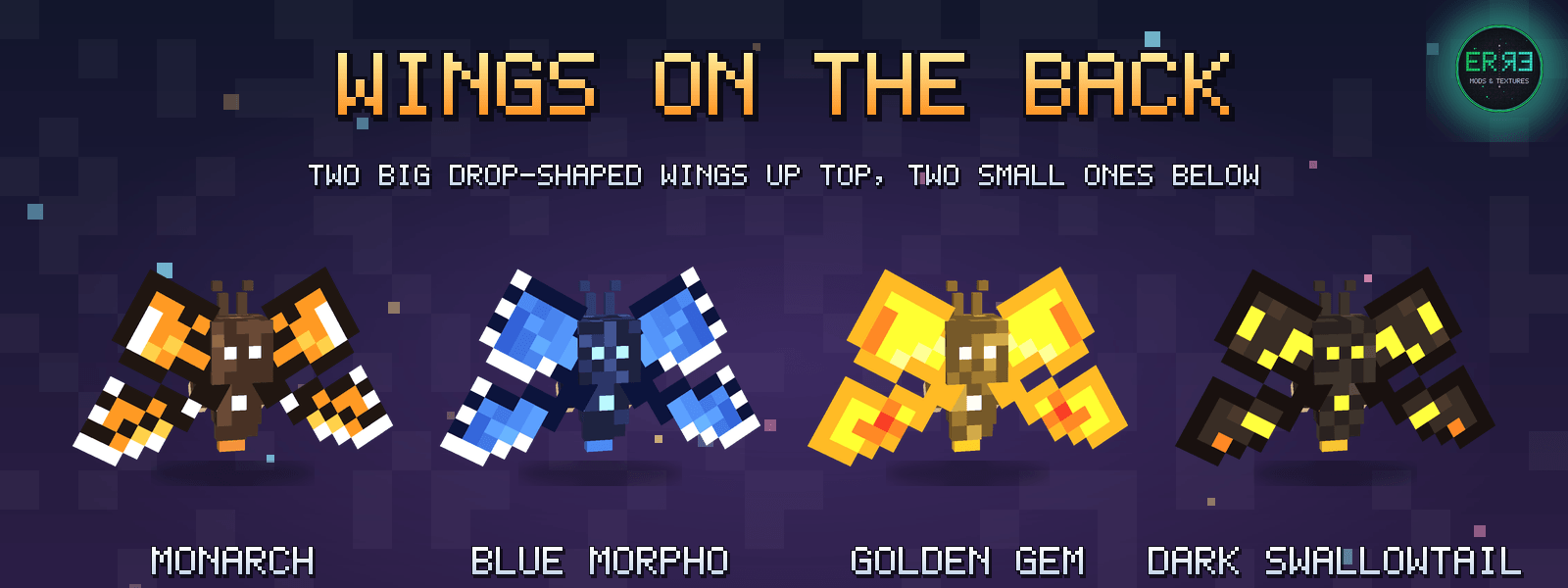
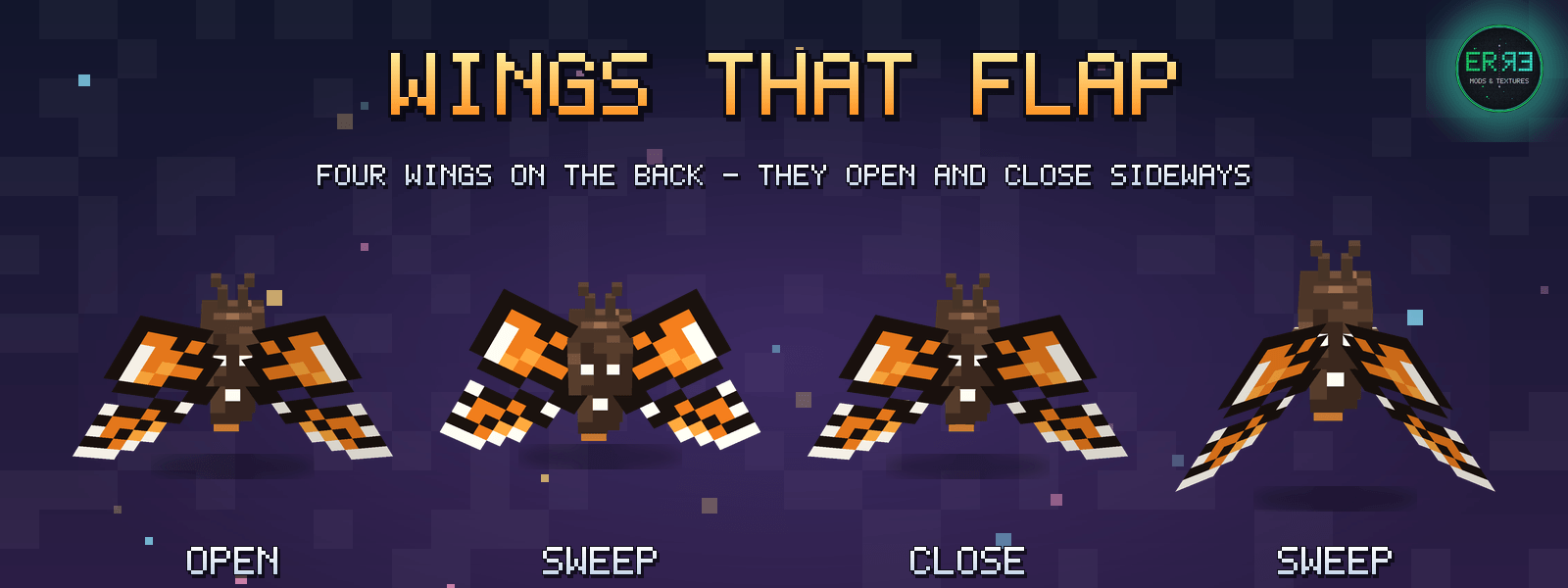
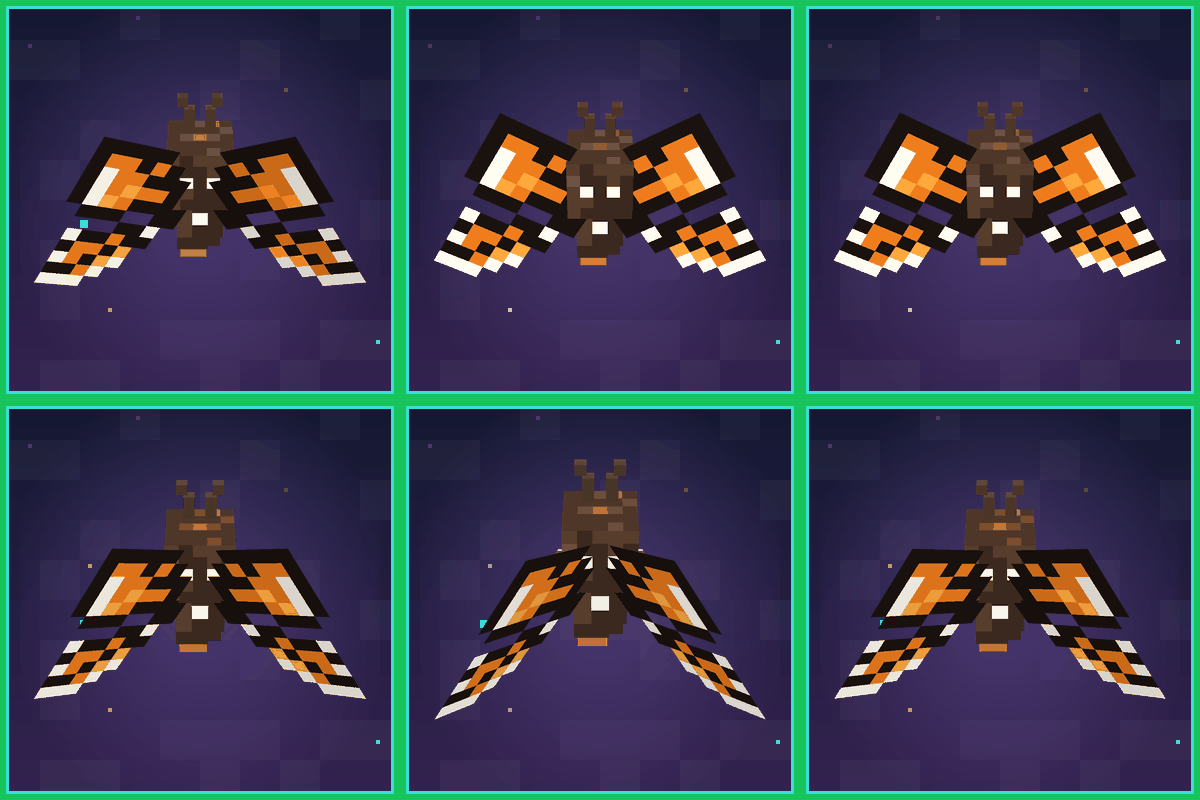
- Four wings on the back: two drop-shaped wings on top, two smaller ones below, tilted 30° up
- Wings flap sideways, opening and closing behind the body
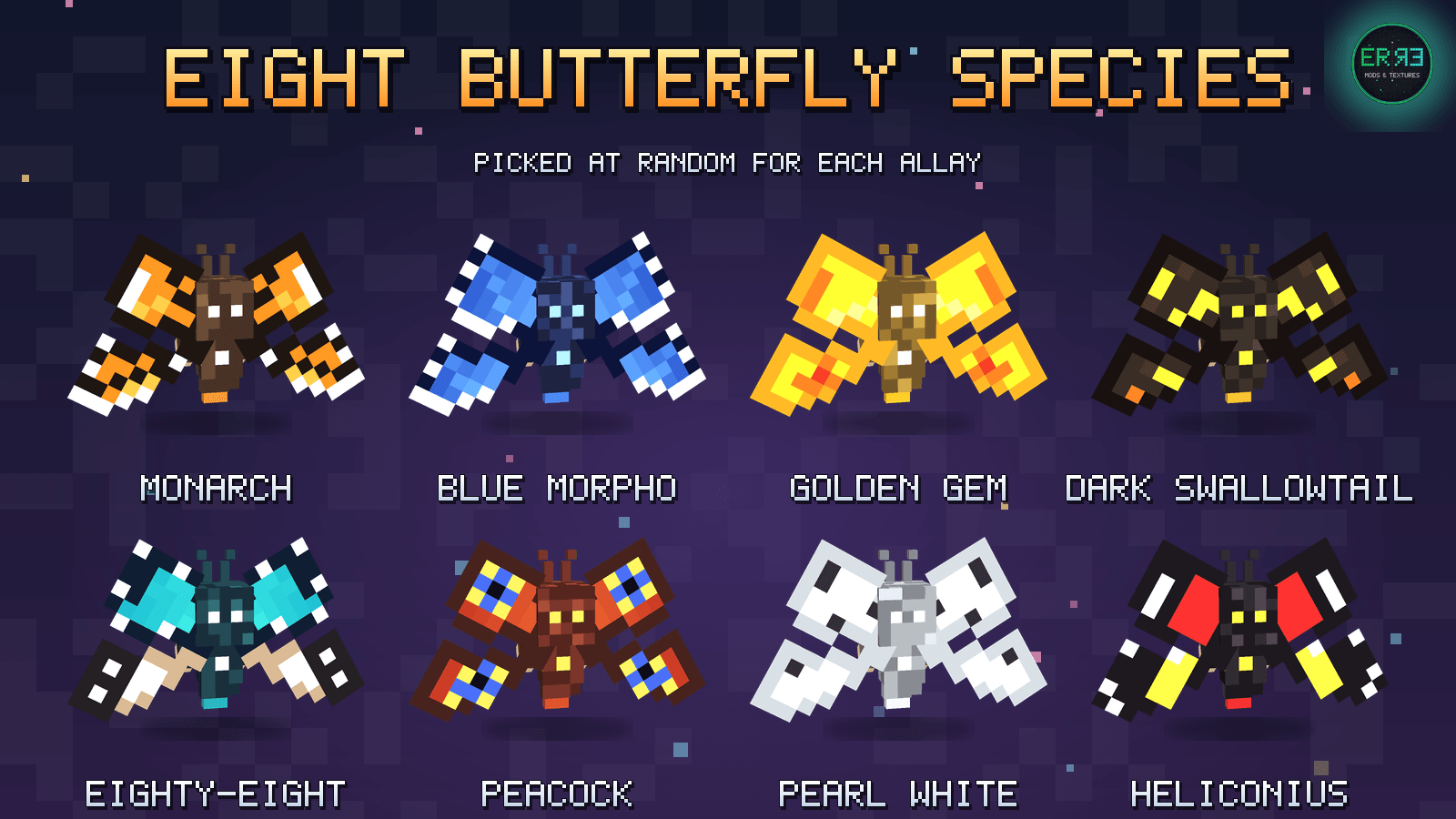
- 8 species, picked at random for each Allay (see the table below)
- Happy face when a player is within 7 blocks (usually when it is delivering items)
🪰 Fly Vex
- Round glass wings with a flapping animation
- Six legs: the two arms plus four short legs
- Keeps its sword, and shows an angry face when it attacks
🎲 Random species
- Every Allay gets one of eight colour schemes, so no two flocks look the same
Species
| # | Species | Colours |
|---|---|---|
| 1 | Monarch | orange and black with white dots |
| 2 | Blue Morpho | deep blue with a bright shimmer |
| 3 | Golden Gem | gold and orange |
| 4 | Dark Swallowtail | black with yellow bands and a little tail |
| 5 | Eighty-Eight | teal wings with a cream hind wing marked with an 8 |
| 6 | Peacock | red-brown with blue-yellow eyespots |
| 7 | Pearl White | white and soft grey |
| 8 | Heliconius | black, red and yellow |
Requirements
- Minecraft Java Edition 26.3
- OptiFine with Custom Entity Models and Random Entities turned ON, or Fabric with Entity Model Features (EMF) and Entity Texture Features (ETF)
The pack uses OptiFine-format custom models (.jem) and random entity textures. A plain resource pack without one of those setups will only change the textures, not the models.
Installation
- Download the .zip and put it in your
resourcepacksfolder. - Enable it in Options > Resource Packs.
- Make sure Custom Entity Models and Random Entities are on, then press F3 + T to reload.
FAQ
Why does my Allay still look vanilla? Check that OptiFine’s Custom Entity Models is ON (or that EMF is installed), then press F3 + T.
Why are all my Allays the same colour? Random Entities (OptiFine) or ETF must be on for the species to be picked at random.
Can I flip the wing direction or tilt? Yes. Open assets/minecraft/optifine/cem/allay.jem and edit the first animations block of head: var.fcup (flap direction), var.ftilt (tilt), var.radius (happy face distance). The fly has var.fwing in vex.jem.
Can I use it in a modpack or a video? Videos, streams and servers are welcome with credit. Please ask first before including the pack in a modpack file.
Credits & License
Made by ERRE Mods and Textures. Copyright (c) 2026 ERRE Mods and Textures, All Rights Reserved. You may play, record and stream with the pack; you may not re-upload, sell or modify and republish it without permission. Full text in LICENSE.txt inside the pack.
常见问题
Butterfly Allay and Fly Vex 支持哪些 Minecraft 版本?
Butterfly Allay and Fly Vex 支持 Minecraft Java 版 26.3。下载时注意选择和你游戏版本一致的文件。
Butterfly Allay and Fly Vex 怎么安装?
把下载的 .zip 文件(不用解压)放进游戏目录的 resourcepacks 文件夹,进游戏后在「选项 → 资源包」里把它移到右边启用。
_ERRE_ 的其他作品
查看全部 →
Dark Knight – Iron Golem
Iron Golems become dark armored knights with a halberd, 6 variants, combat animations and battle damage.

Mega Knight — Iron Golem Overhaul
Turns every Iron Golem into the Mega Knight: spiked-ball fists, a brand-new uppercut, rare Evo & Hero variants and glowing eyes.
Ember Wisps – Allay & Vex
Turns Allay and Vex into cute will-o'-the-wisp fire spirits: translucent orbs with faces, burning animated flame crowns, 5 random colours each and expressive faces. Items and swords float inside the orb.

Love and Devil Hearts Balloon – Allay and Vex
Allay and Vex become glowing balloon hearts. Cute pink-to-blood-red Allay hearts and little devil Vex hearts with horns (lavender to violet-black). Held items hang from a string like a balloon. 16 colors, emissive, blinking and smiling faces.
评论
登录后评论和评分