
截图
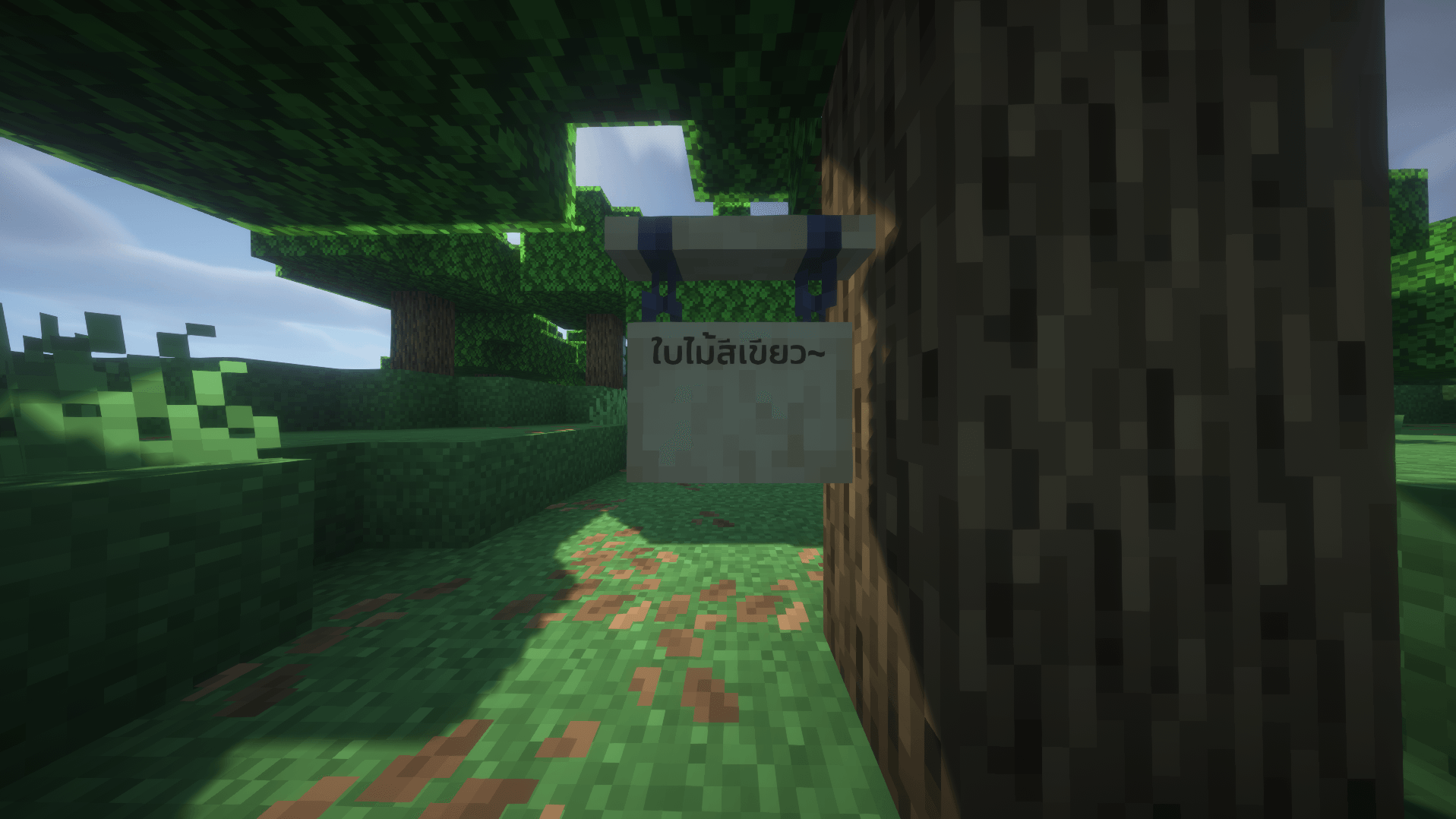
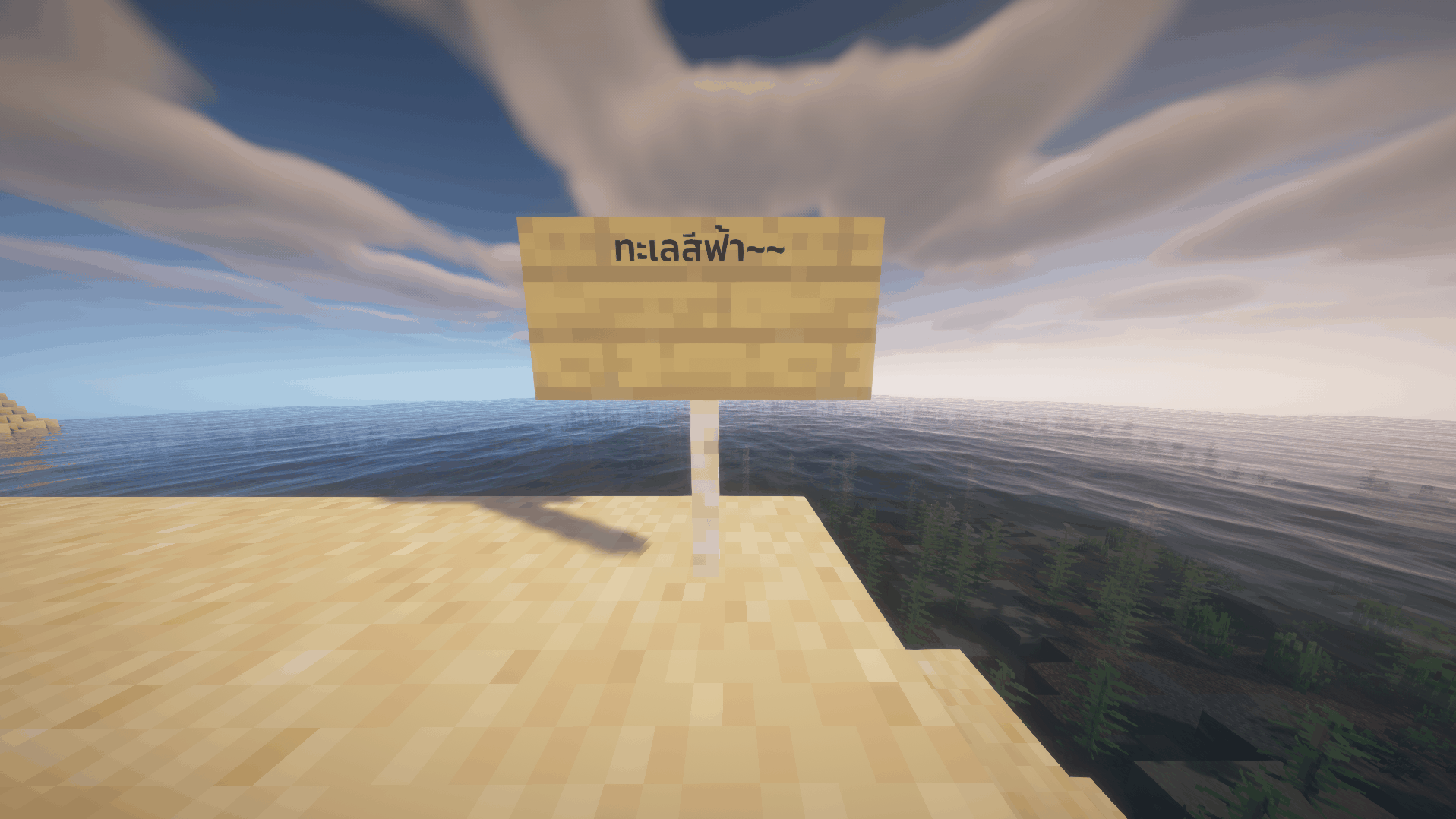
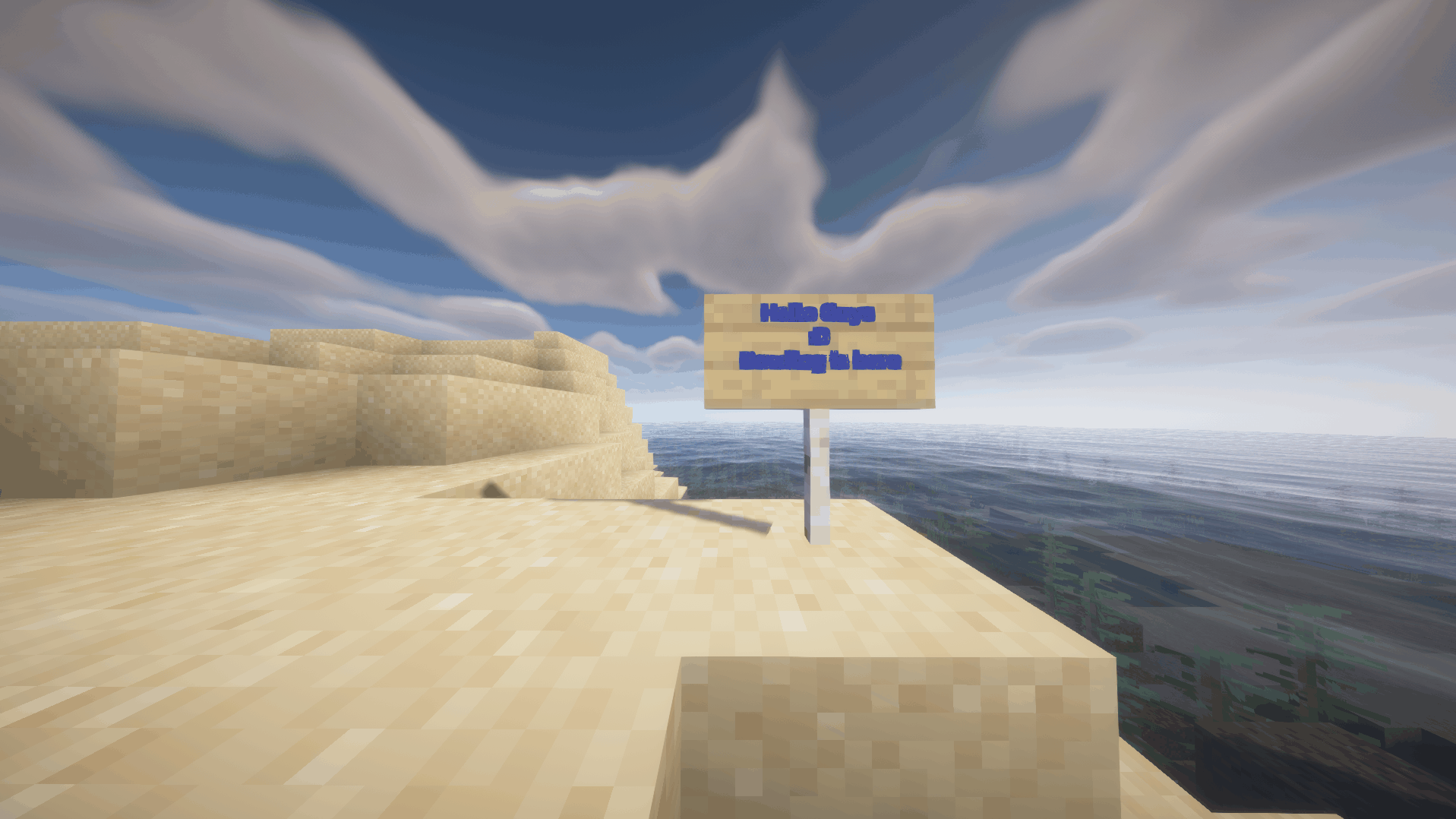
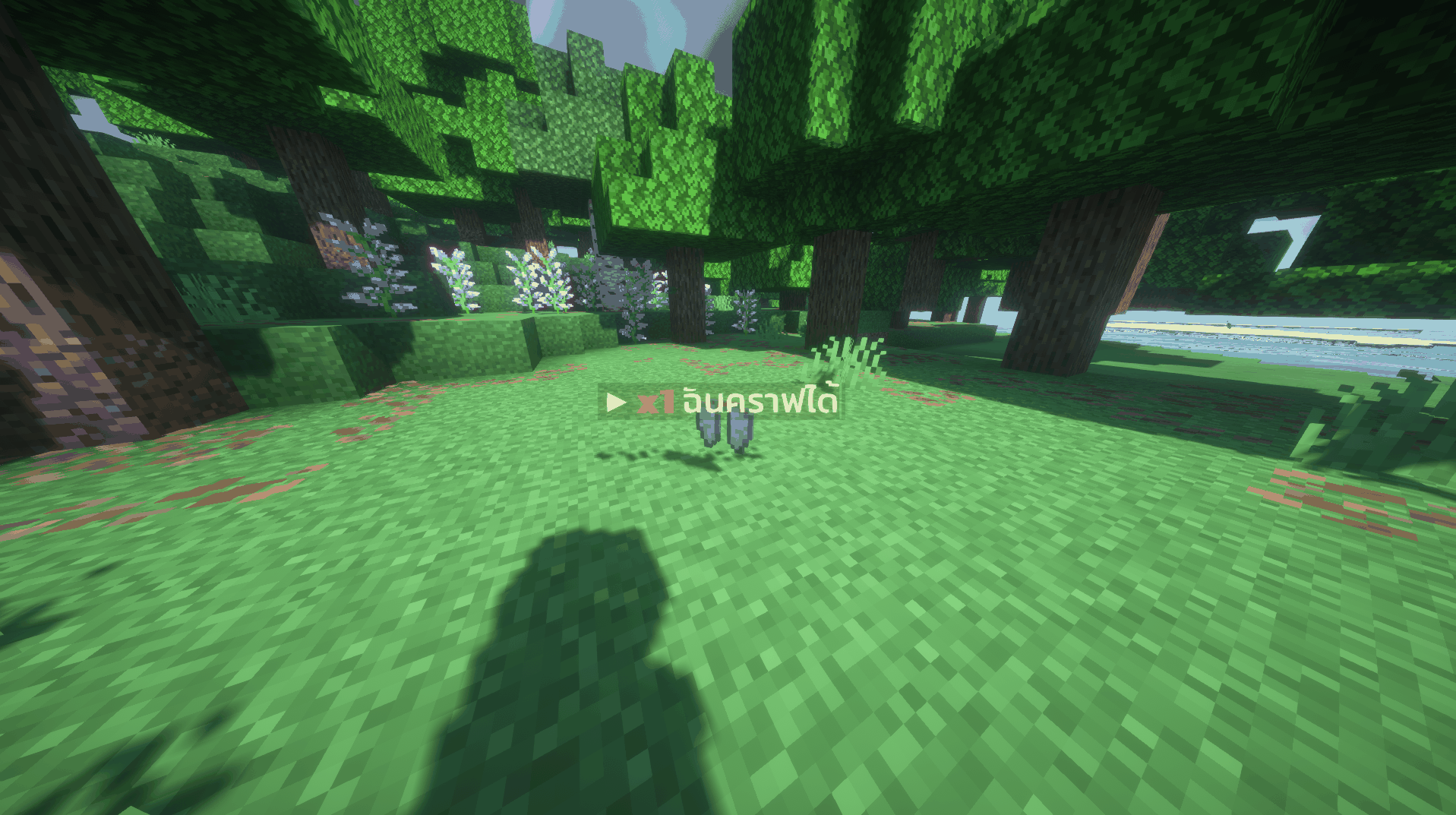
介绍
中文介绍正在准备中,下面暂时显示原文。
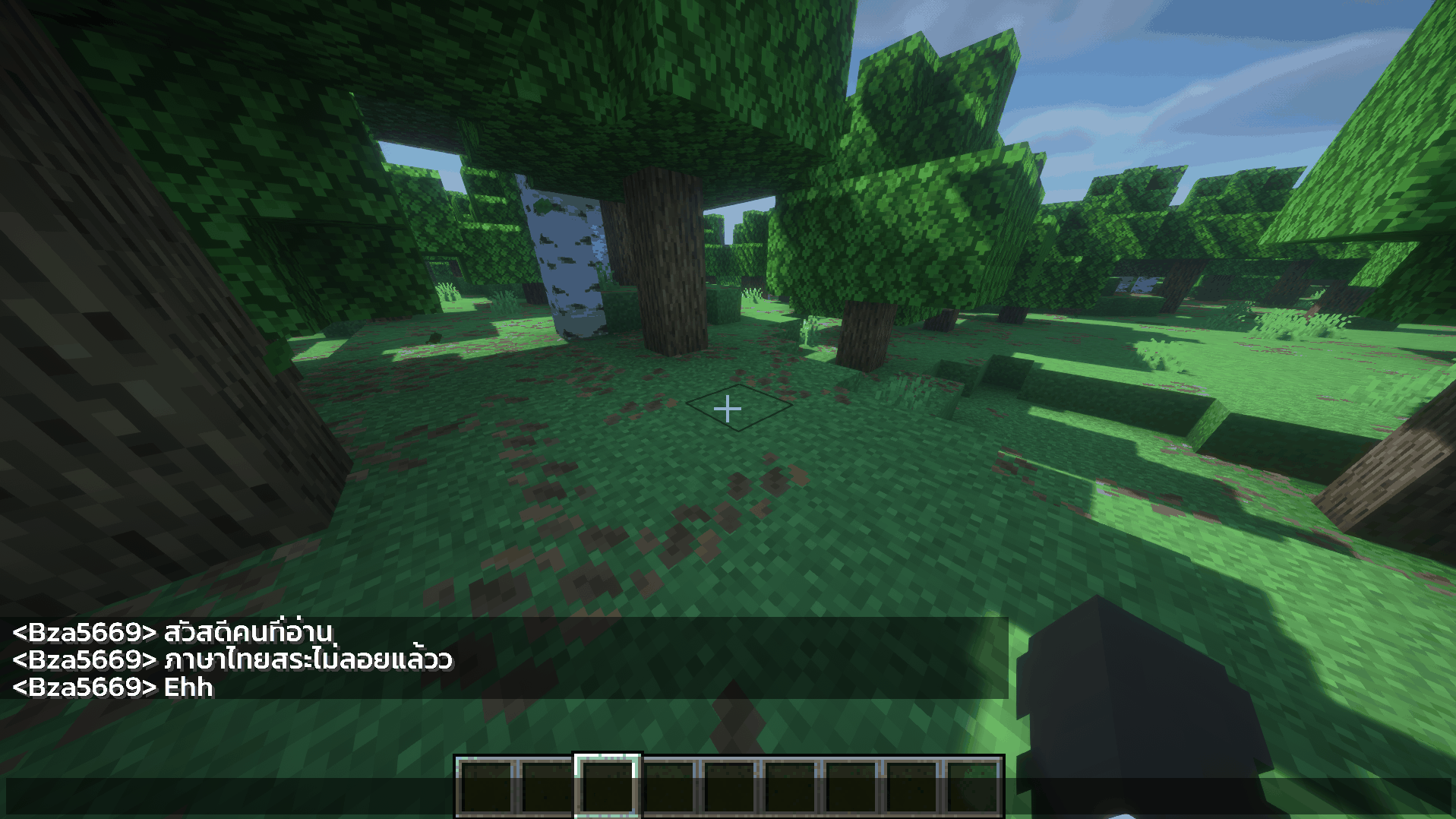
Thai font for Minecraft Java, fixes floating vowels
Features
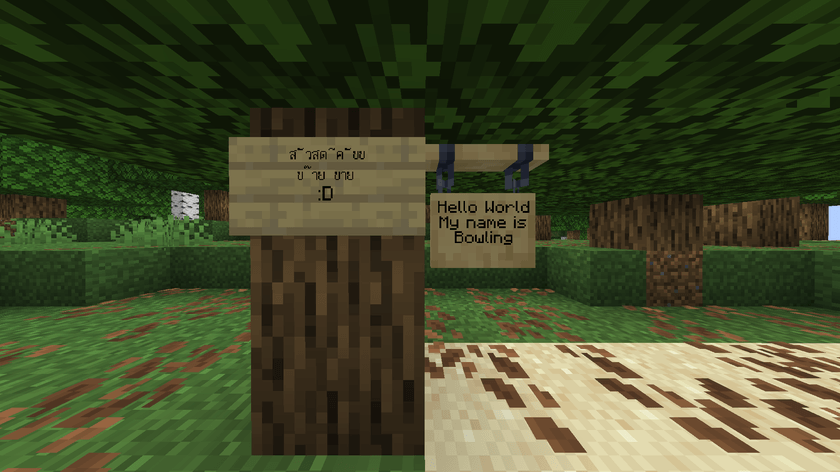
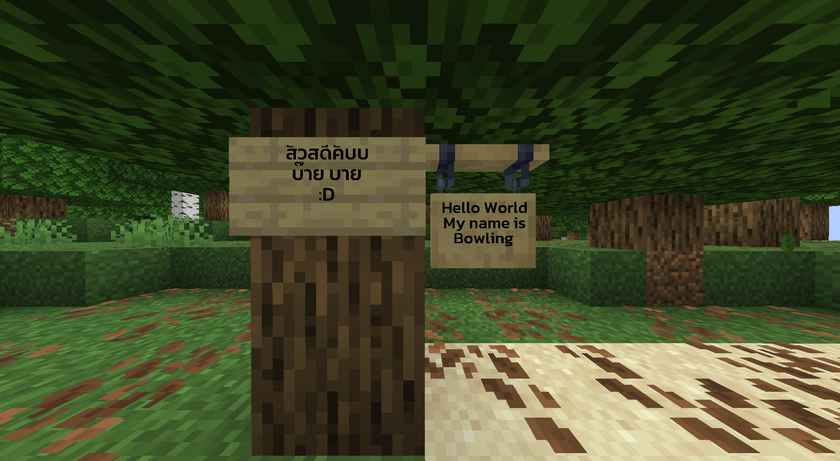
- Fixes floating vowels
- Uses the Kanit font
Examples
Before
After
How to install
- Download the .zip file
- Put the file in the resourcepacks folder, e.g. .minecraft\resourcepacks (no need to extract)
- Open the game, go to Options > Resource Packs and enable this pack
Credits
- Font: Kanit © 2020 The Kanit Project Authors (Cadson Demak) https://github.com/cadsondemak/kanit
- Used under the SIL Open Font License 1.1
P.S.
The upper vowels in this pack are slightly smaller and shifted slightly to the left so they don’t collide with the tops of ป ฝ ฟ, which would make ปิด read as บิด.
The tone marks ไม้เอก โท ตรี จัตวา are raised so they don’t overlap the vowels, so ก่ ไก่ sit slightly higher than normal.
ฟอนต์ภาษาไทยสำหรับ Minecraft Java แก้สระลอย
คุณสมบัติ
- แก้สระลอย
- ใช้ฟอนต์ Kanit
ตัวอย่าง
ก่อนใส่
หลังใส่
วิธีติดตั้ง
- ดาวน์โหลดไฟล์ .zip
- นำไฟล์ไปใส่ในโฟลเดอร์ resourcepacks เช่น .minecraft\resourcepacks (ไม่ต้องแตกไฟล์)
- เปิดเกม ไปที่ Options > Resource Packs แล้วเปิดใช้งานแพ็กนี้
เครดิต
- ฟอนต์: Kanit © 2020 The Kanit Project Authors (Cadson Demak) https://github.com/cadsondemak/kanit
- ใช้ภายใต้ SIL Open Font License 1.1
ปล.
สระบนในแพ็กนี้เล็กลงและขยับไปทางซ้ายเล็กน้อย เพื่อไม่ให้ชนขีดของ ป ฝ ฟ จนทำให้ ปิด อ่านเป็น บิด
ไม้เอก โท ตรี จัตวา ยกสูงขึ้นเพื่อไม่ให้ทับสระ ก่ ไก่ จึงลอยสูงกว่าปกติเล็กน้อย
常见问题
Bowling Thai Font 支持哪些 Minecraft 版本?
Bowling Thai Font 支持 Minecraft Java 版 26.1–26.3,共 5 个版本。下载时注意选择和你游戏版本一致的文件。
Bowling Thai Font 怎么安装?
把下载的 .zip 文件(不用解压)放进游戏目录的 resourcepacks 文件夹,进游戏后在「选项 → 资源包」里把它移到右边启用。
评论
登录后评论和评分