Silver Screen
Every block and item fades to memory... except what the earth still remembers.
截图
介绍
Silver Screen
Echoes of the Past — ModJam 2026
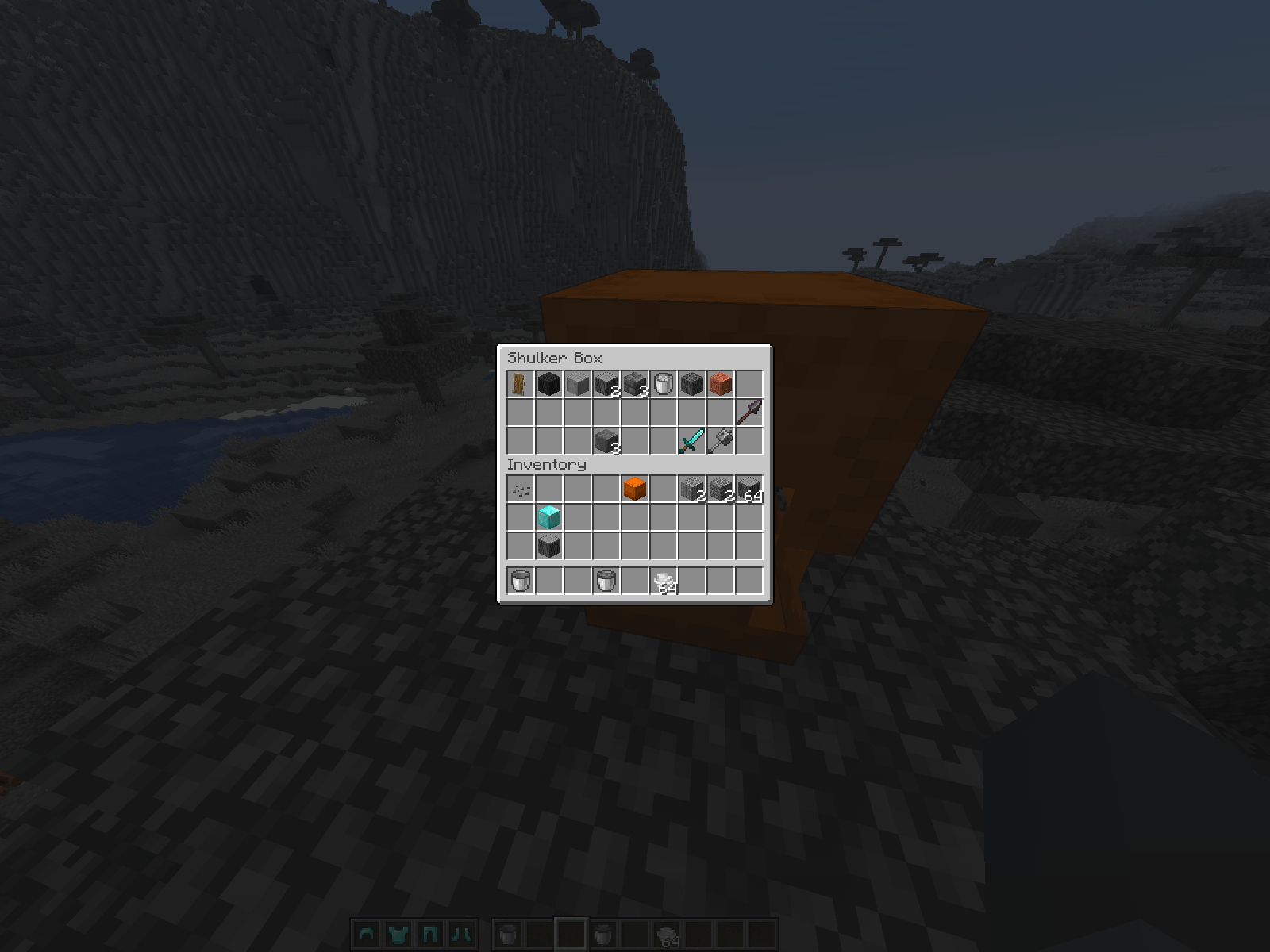
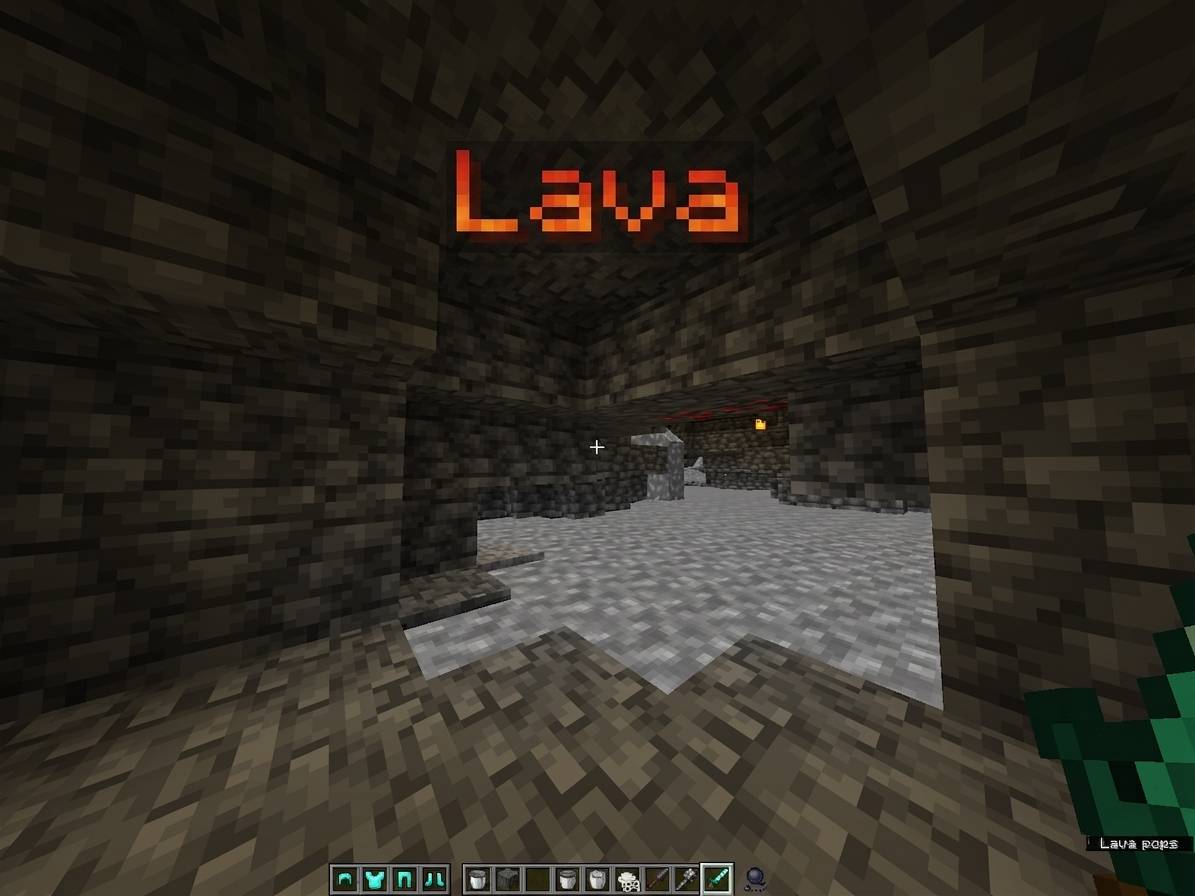
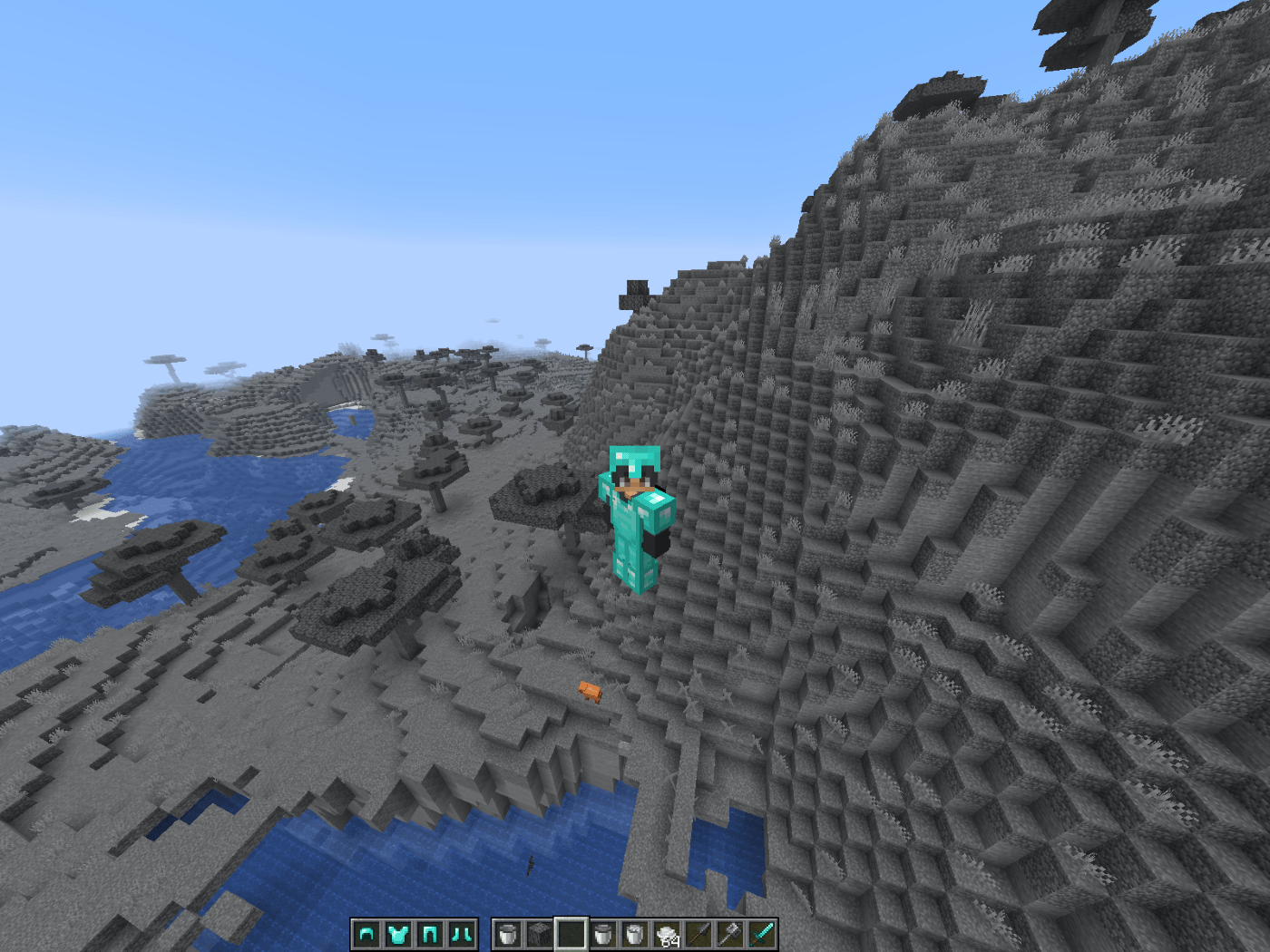
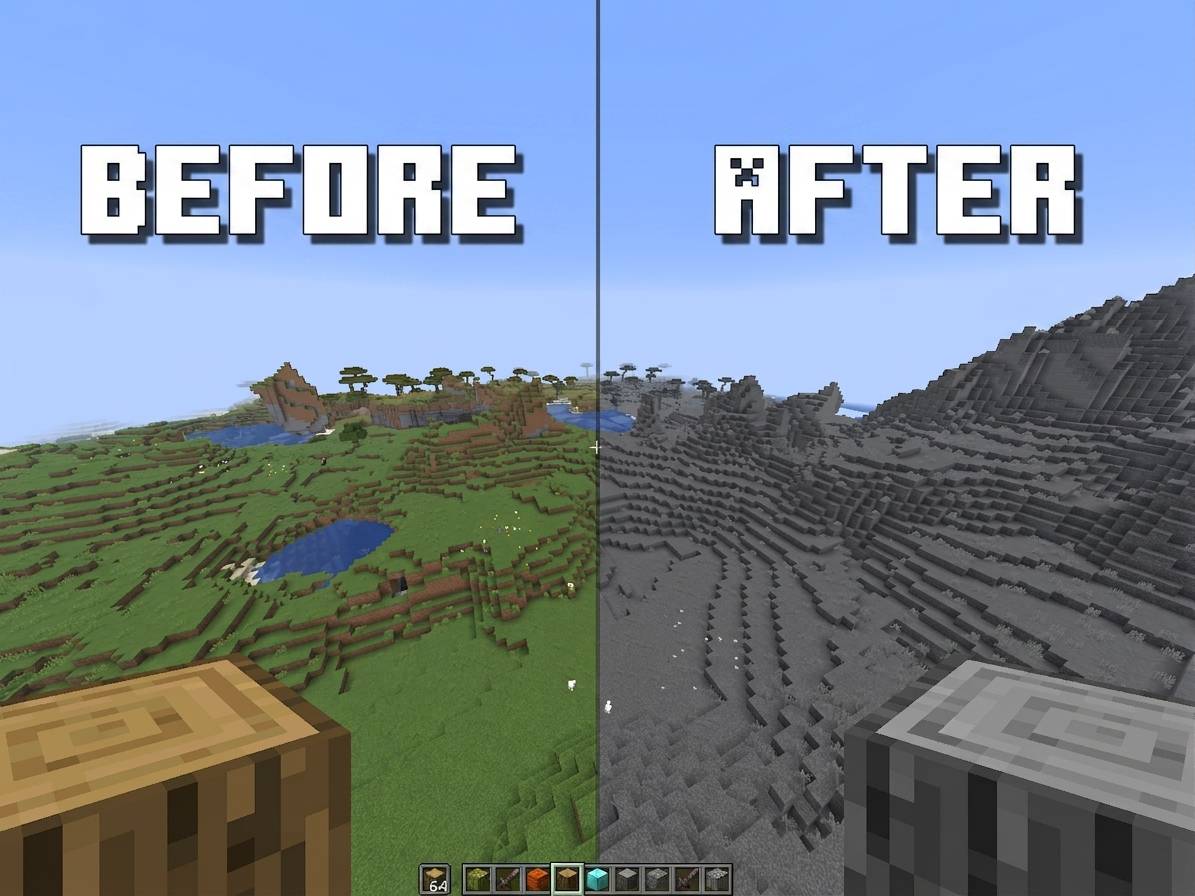
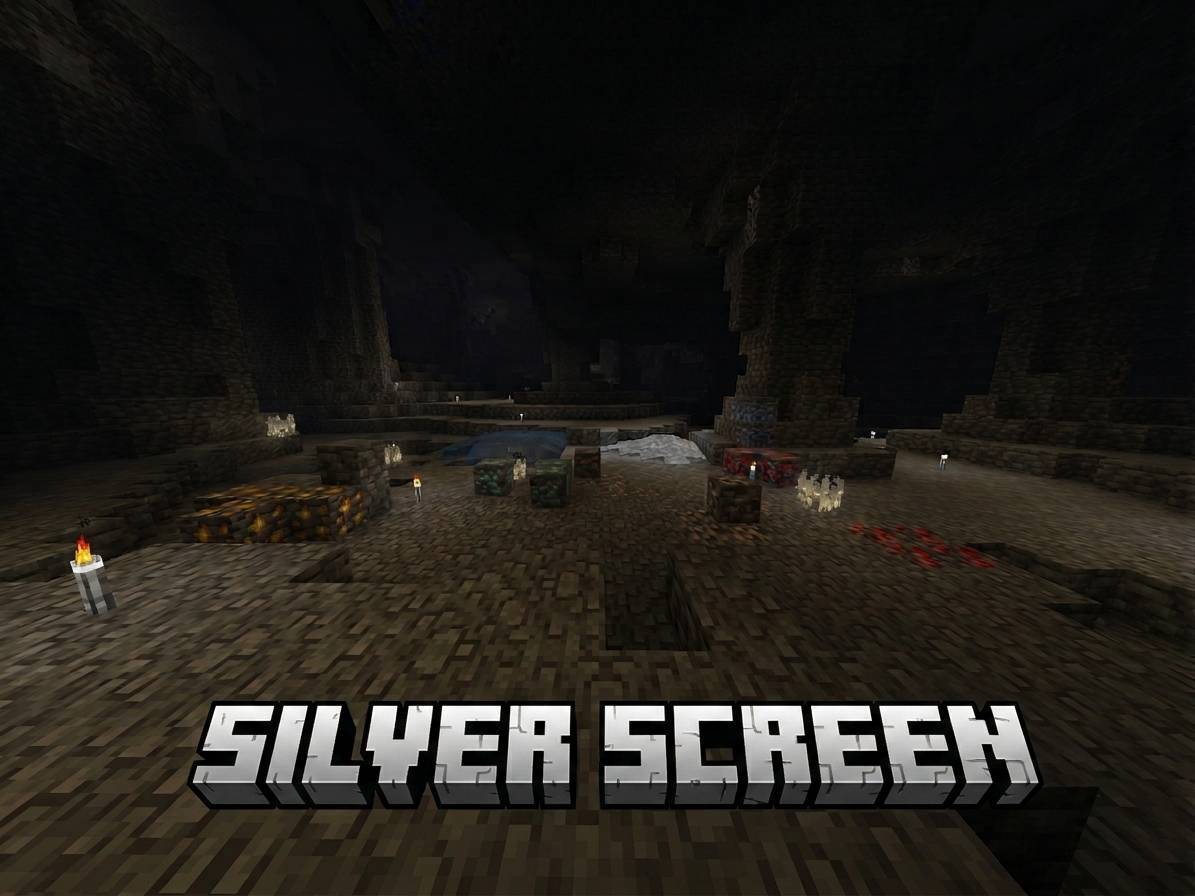
Every block, every item, every corner of your world — drained of color, the way it would have looked through the lens of a century-old television broadcast. Only one thing still shines through: the ore in the ground. What the earth holds onto, memory can’t fade.
The Concept
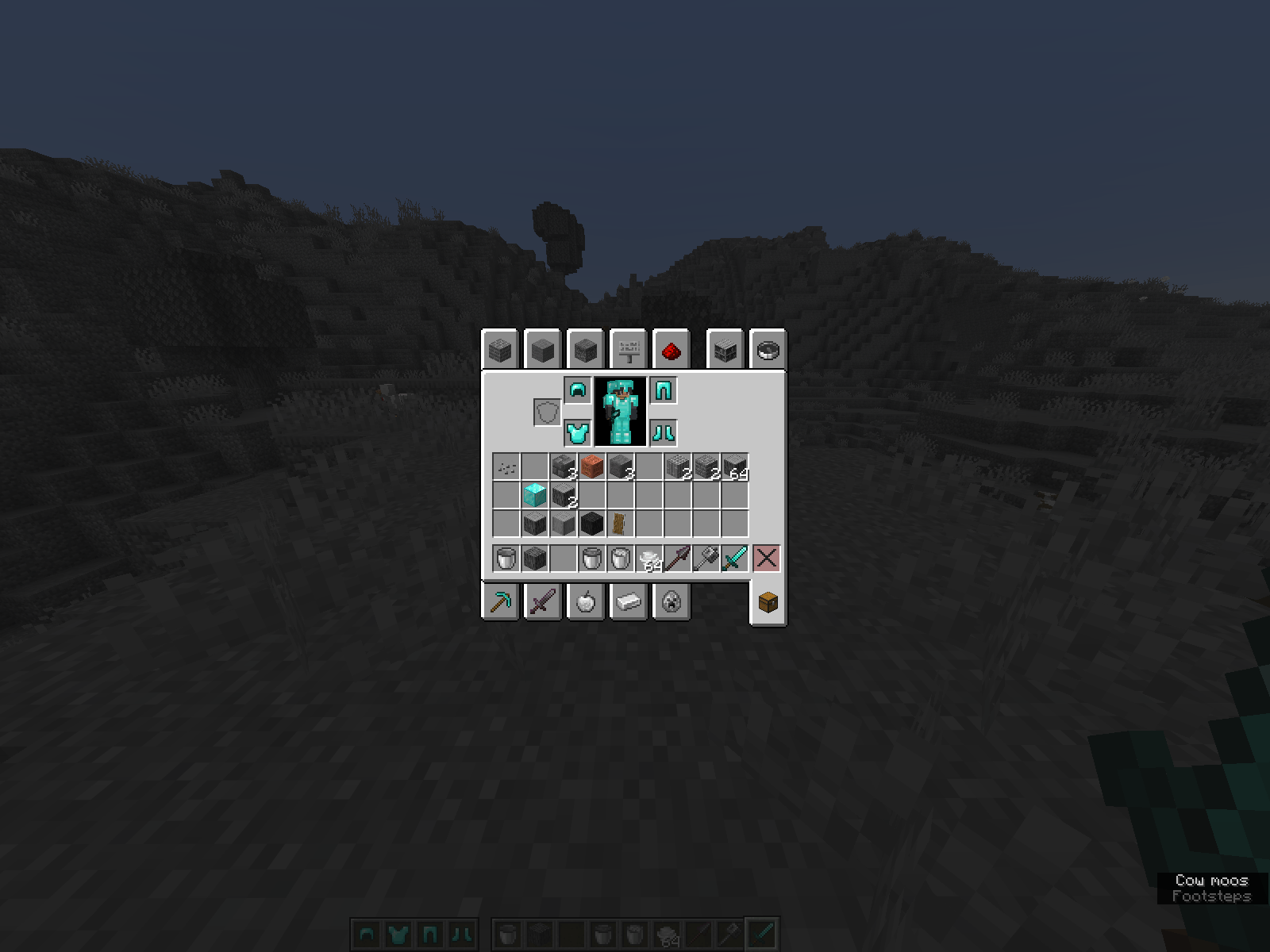
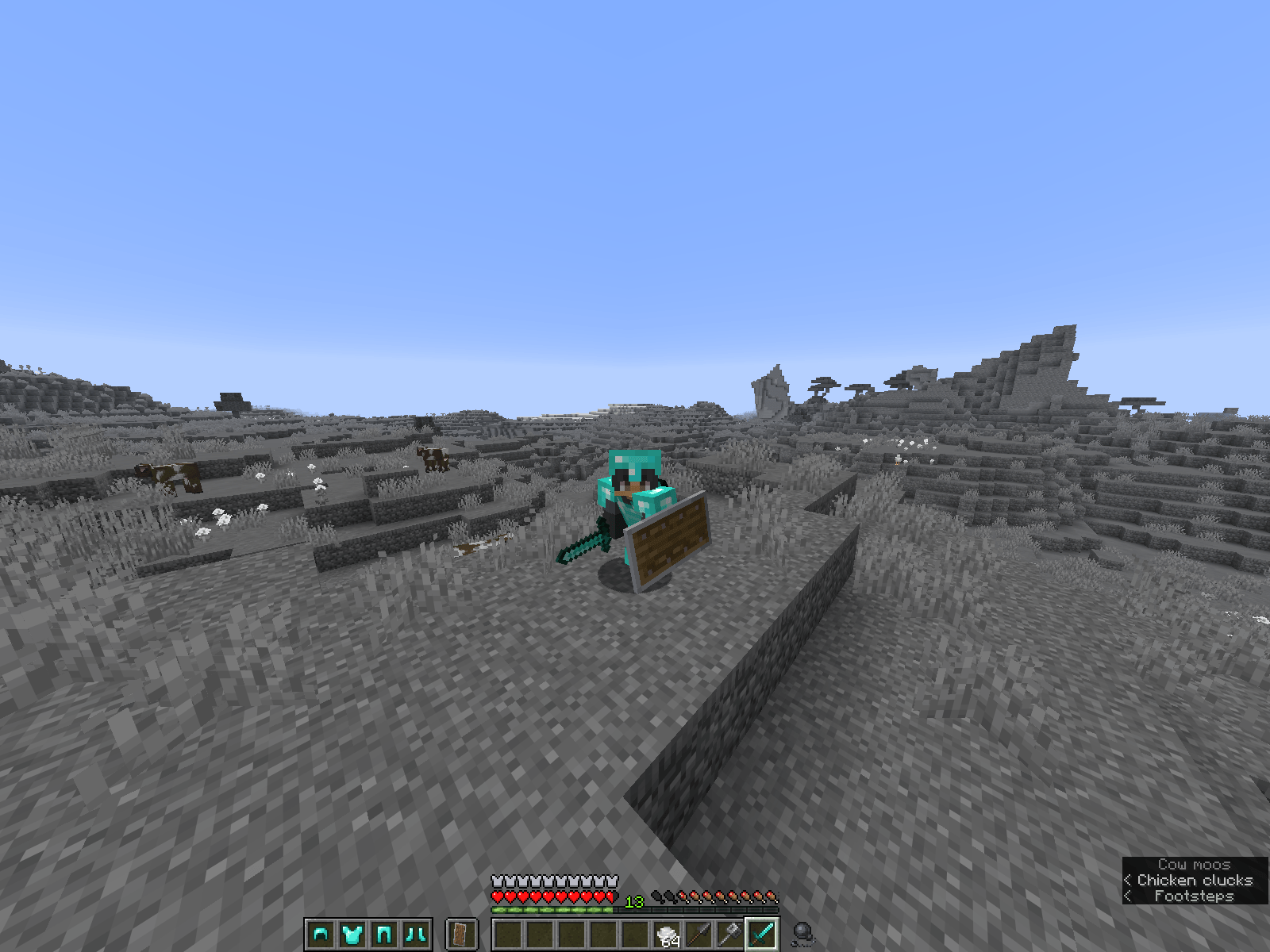
Silver Screen strips Minecraft down to grayscale, sepia-toned and scanlined like a 1900s TV transmission — except for ores, their raw and refined forms, and every tool and armor piece forged from them. The rule is simple enough to explain in one sentence and consistent enough to hold up under any scrutiny: if it came from ore, it kept its color. Everything else is memory.
It’s not a filter for its own sake — it’s a visual argument. The past isn’t gone, it’s just quieter. The things people once dug out of the ground with their hands are still the only things worth looking twice at.
Features
- Full grayscale conversion across blocks, items, GUI elements, and biome-tinted textures (grass, leaves, vines) — nothing slips through the cracks.
- Ore stays vivid — coal, iron, gold, copper, redstone, lapis, diamond, emerald, netherite, and every tool/armor/weapon (including spears) crafted from them, rendered in full color against the grayscale world.
- Old-broadcast atmosphere — scanline and static-inspired texture treatment carries the "1900s television" feeling into the GUI itself, not just the world.
- Consistent, judge-explainable rule — no arbitrary exceptions. One sentence covers the entire pack’s logic.
Compatibility
- Minecraft Java Edition 26.1+
- No mods or datapacks required — pure resource pack, drop-in compatible with any vanilla or modded server that accepts client resource packs.
Credits
flappy_06605
Built for Minecraft ModJam 2026 — theme: Echoes of the Past.
常见问题
Silver Screen 支持哪些 Minecraft 版本?
Silver Screen 支持 Minecraft Java 版 26.2。下载时注意选择和你游戏版本一致的文件。
Silver Screen 怎么安装?
把下载的 .zip 文件(不用解压)放进游戏目录的 resourcepacks 文件夹,进游戏后在「选项 → 资源包」里把它移到右边启用。
flappy_06605 的其他作品
查看全部 →
Tweaked Totem
缩小第一人称视角中的不死图腾,缩小并下移图腾触发动画,同时将触发粒子改为方形,让战斗中的视野更加清晰。

Purple GUI by flappy
让你的按钮和 Minecraft 标题变成紫色 💜

The Reforged 3D Mace
一个干净、自定义的锤子3D模型——设计上在手中有力量感,在物品栏中令人惊艳。

Purple GUI
让你的按钮和 Minecraft 标题变成紫色 💜
评论
登录后评论和评分