Themed GUI Packs
作者:joe1eo
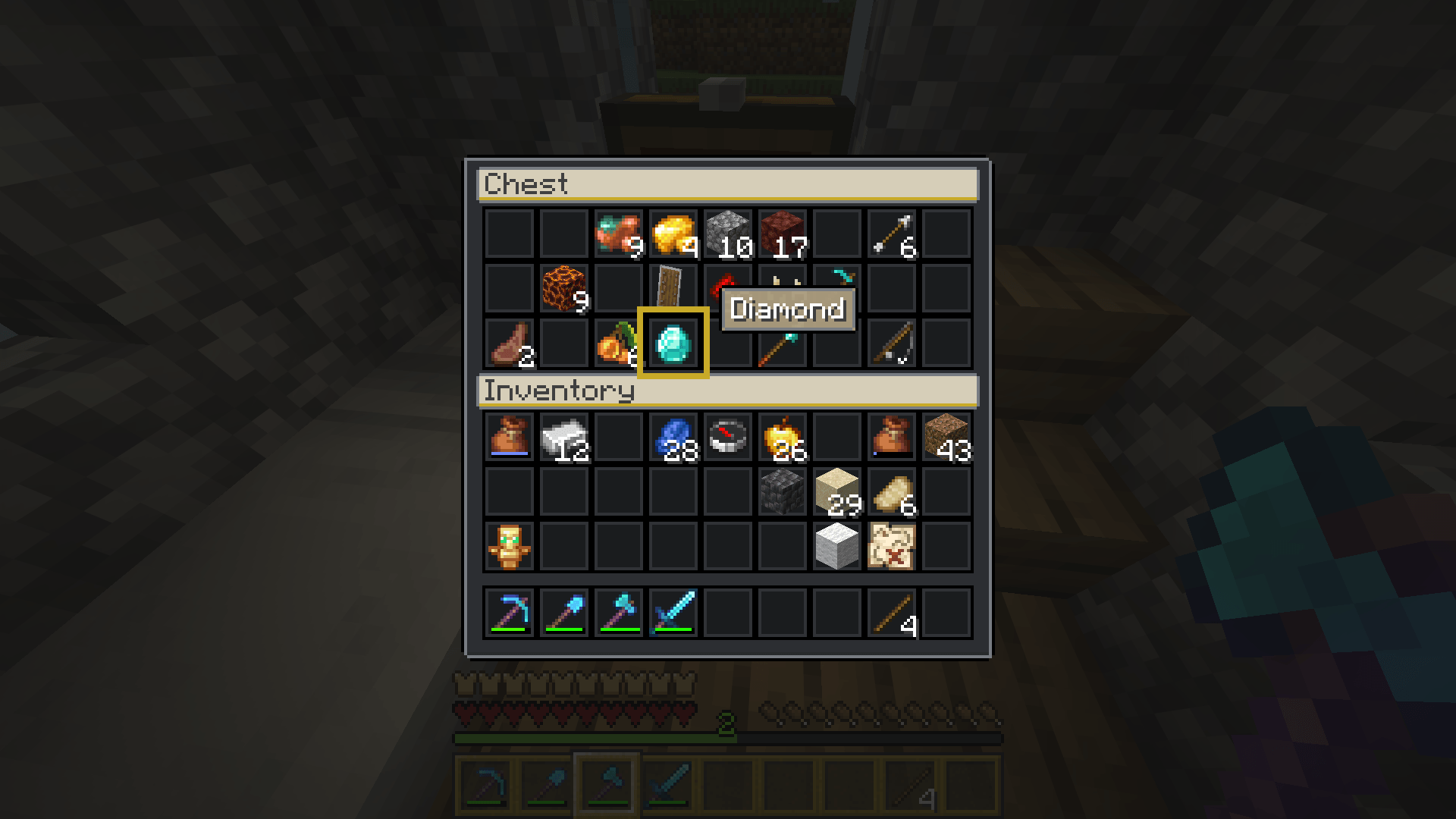
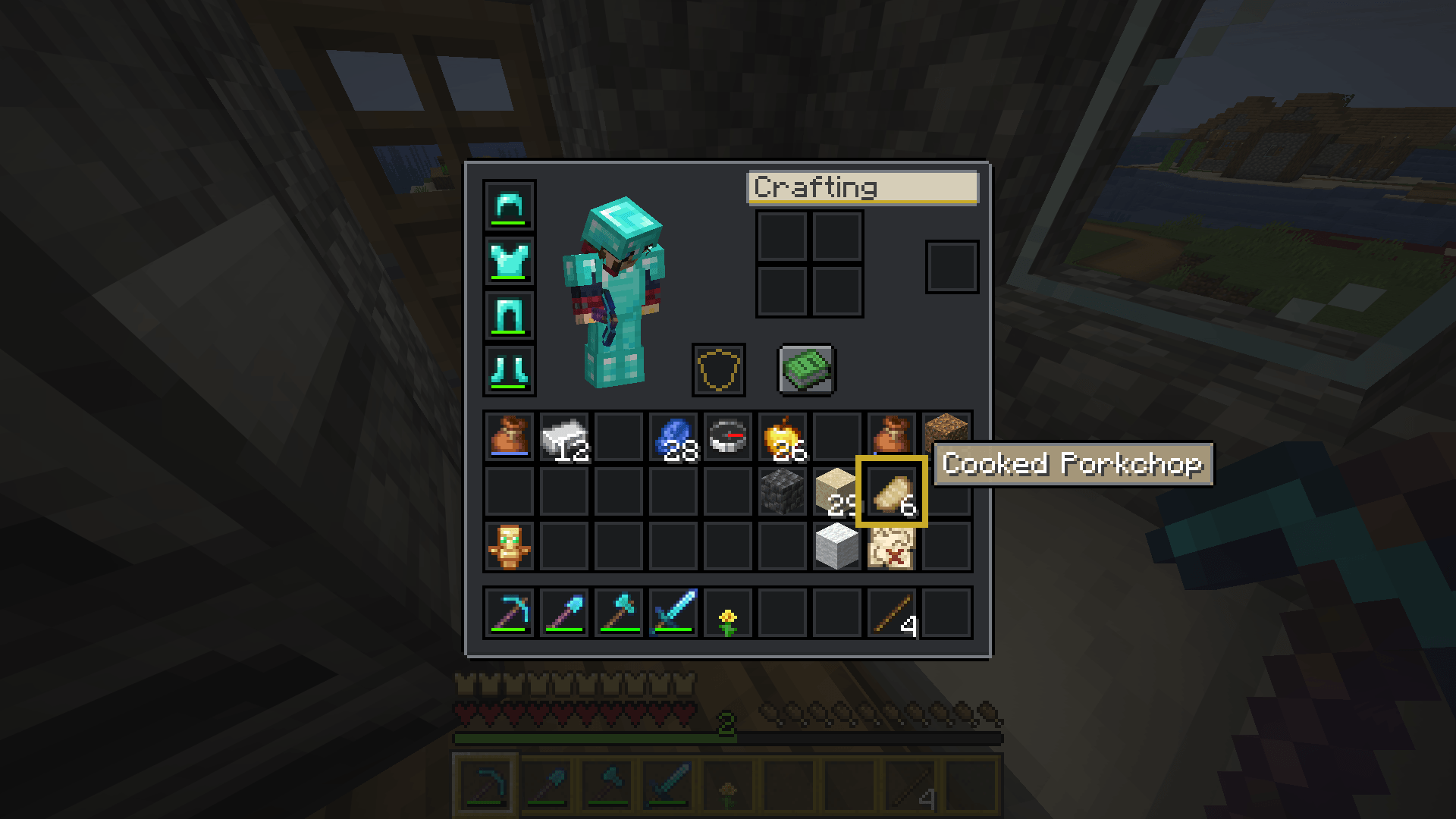
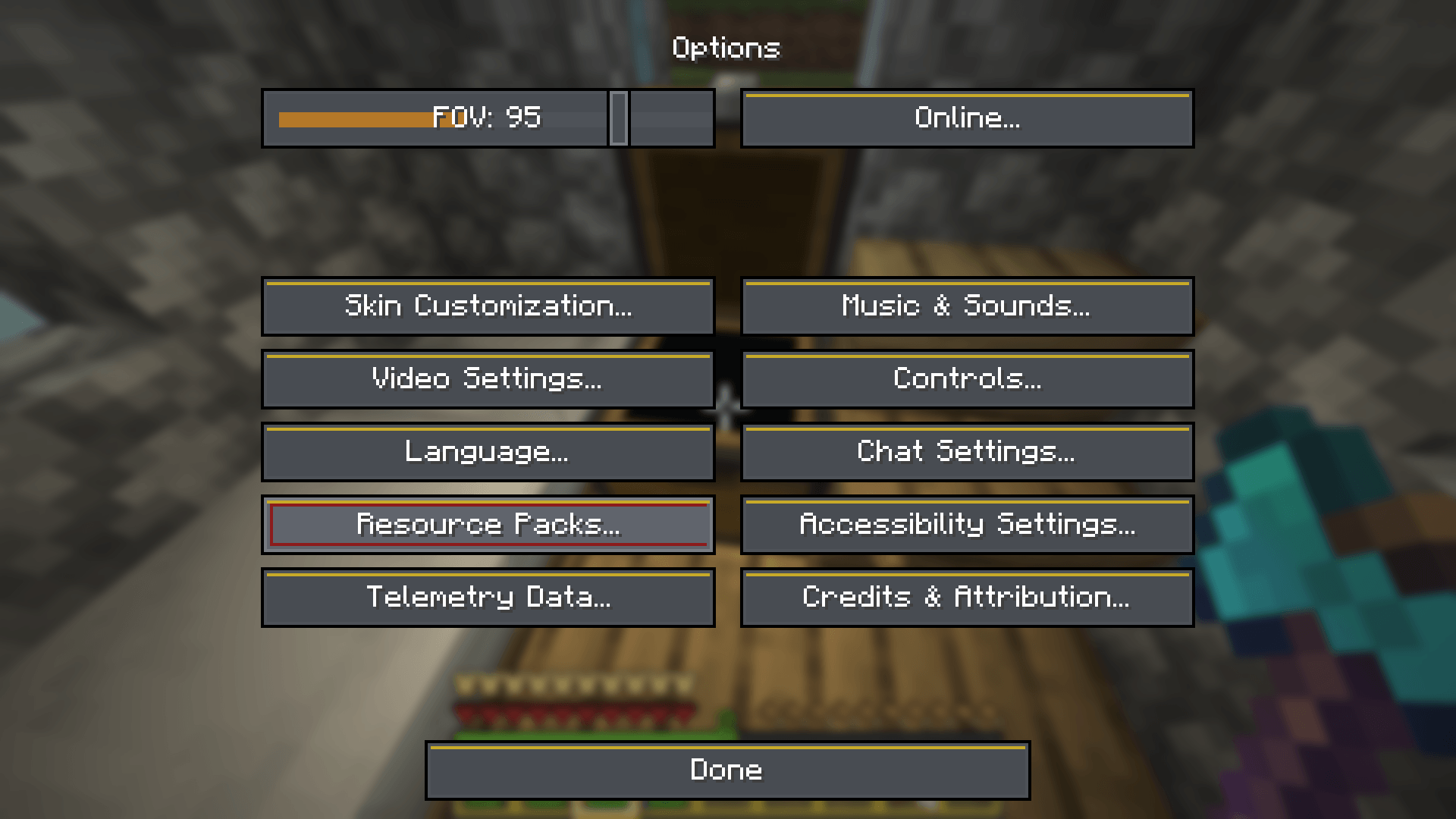
Themed GUI packs for menus, inventories and HUD | Warlock Fantasy, Borderlands 2, Batman Arkham Knight, Resident Evil 5, Skyrim and Warhammer 40K.
截图
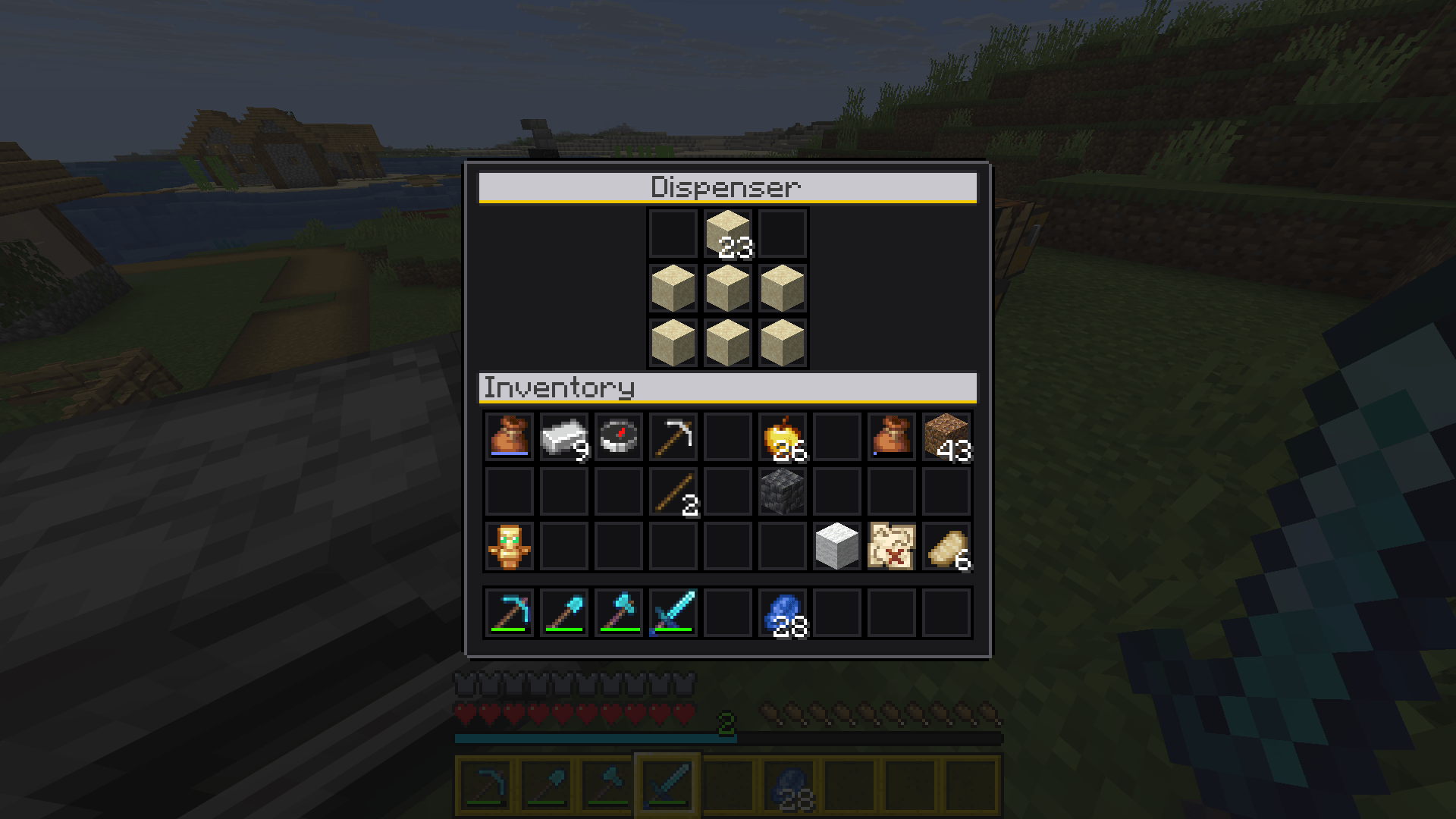
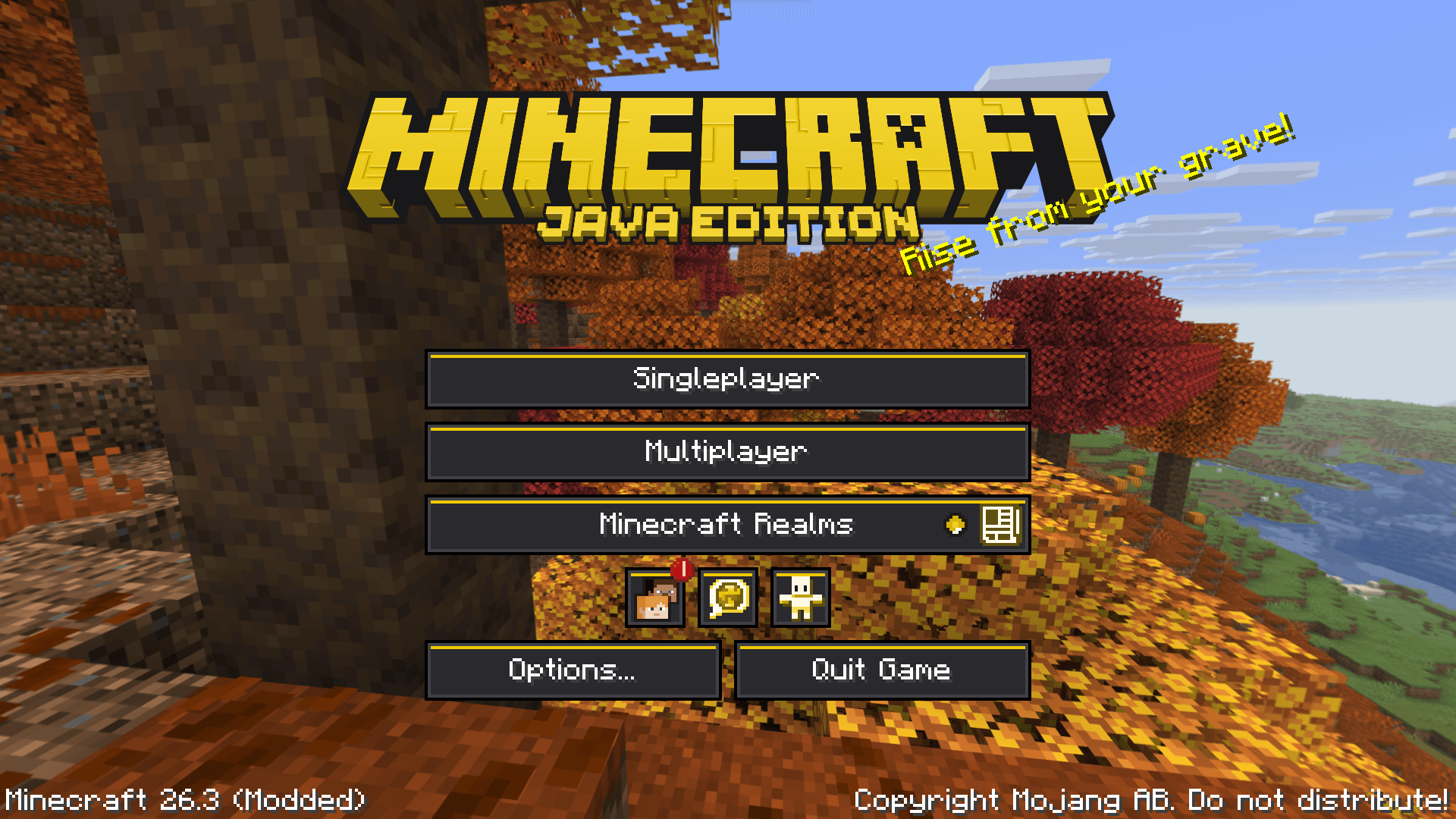
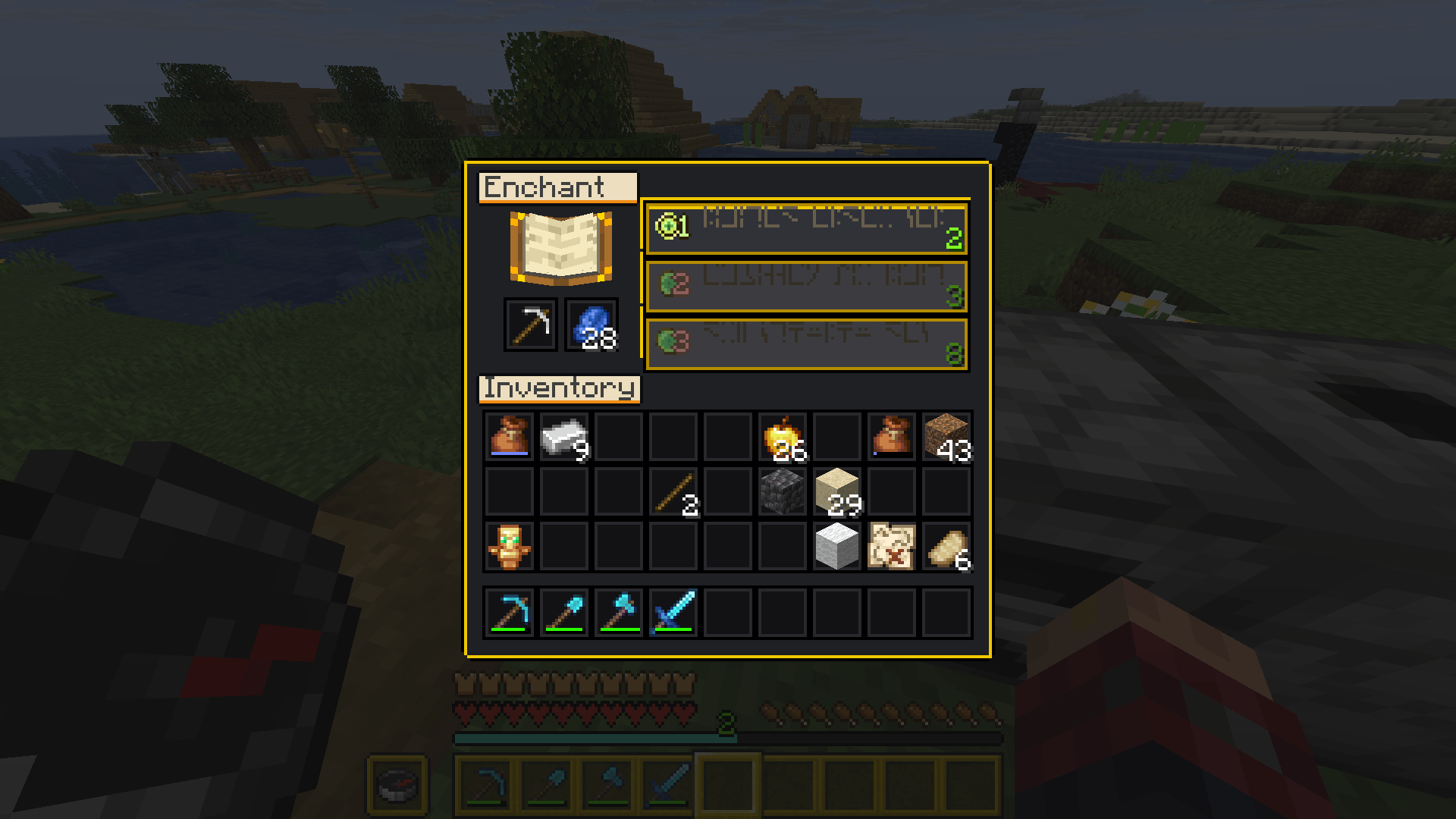
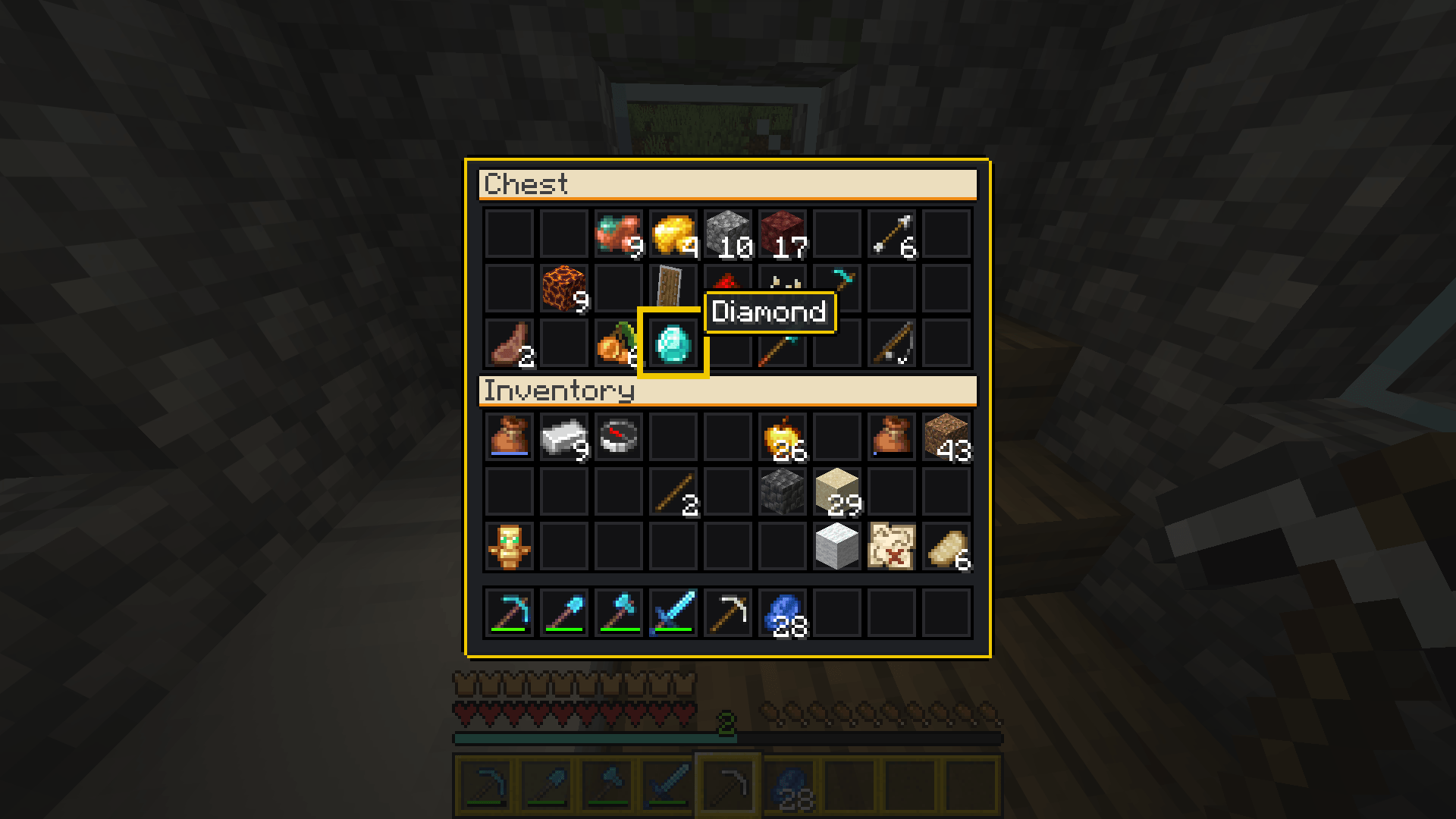
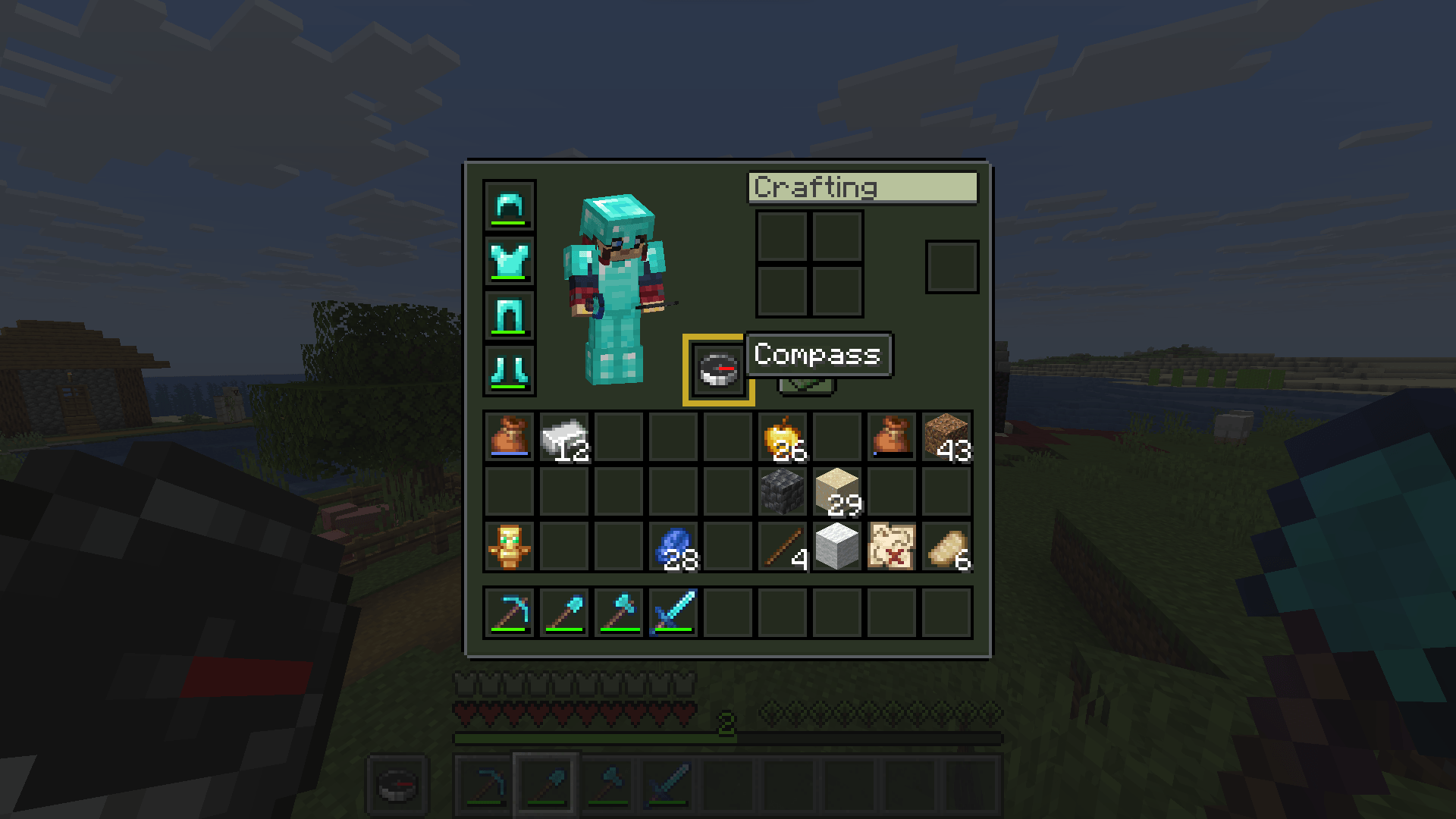
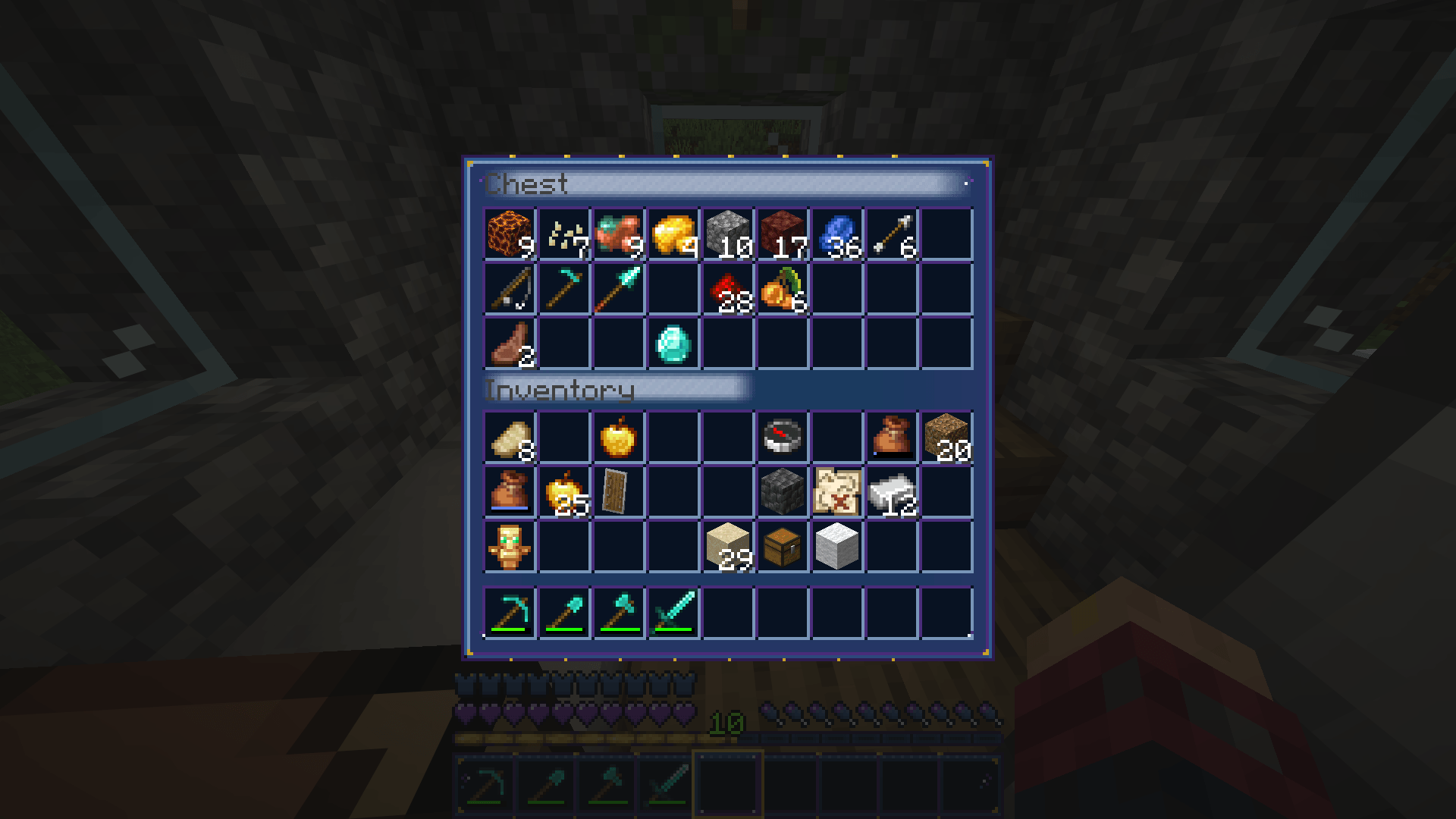
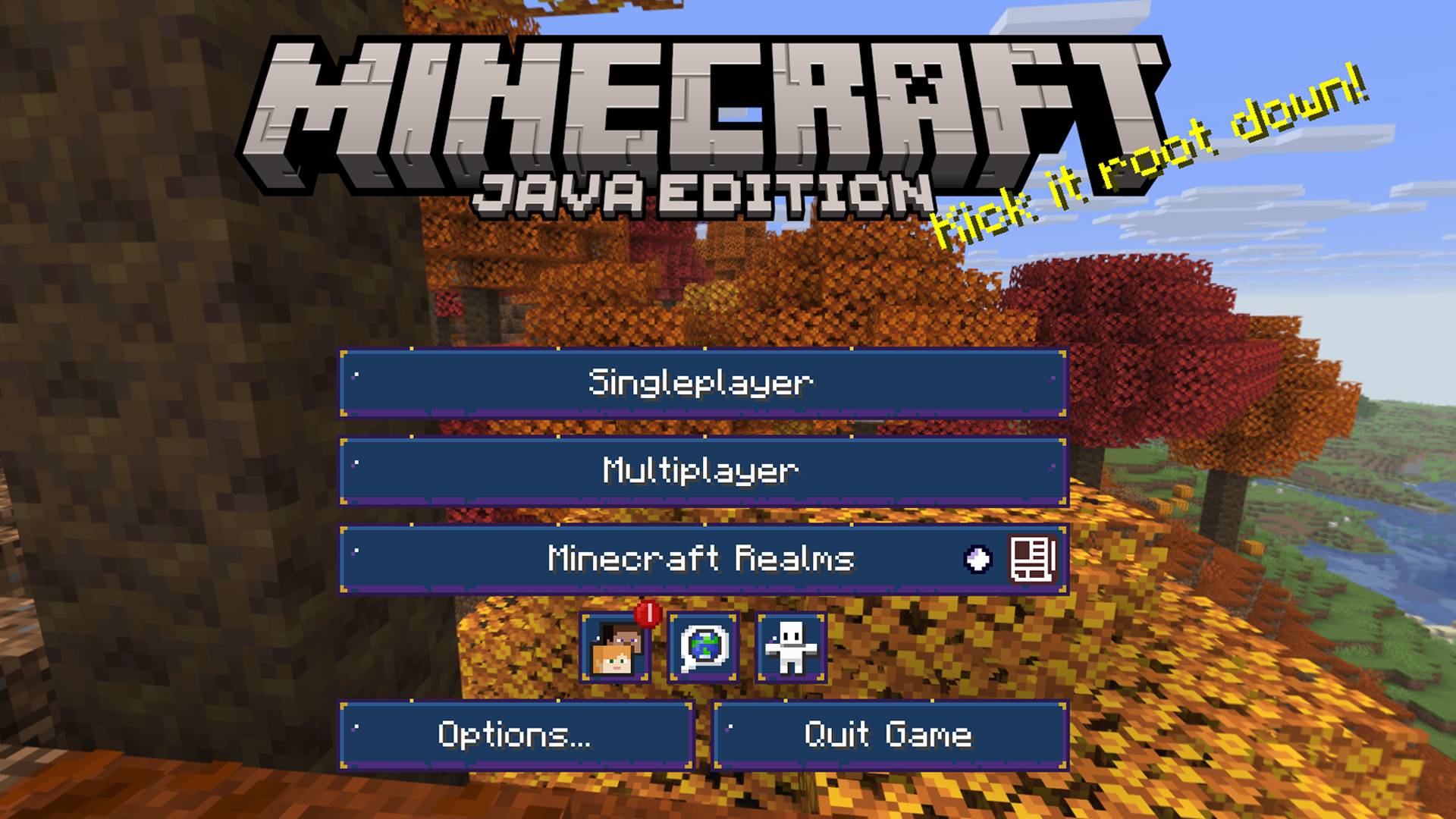
介绍
中文介绍正在准备中,下面暂时显示原文。
Themed GUI/HUD Collections
Batman Arkham Knight, Borderlands 2, Resident Evil 5, Skyrim and Warhammer 40K.
In addition it includes: Warlock Fantasy, a theme made for the Warlock Magic mod here.
Installation
1. Download the zip file. Do not unzip it.
2. In Minecraft, open Options, then Resource Packs, then Open Pack Folder.
3. Copy the zip into that folder.
4. Back in the game, move the pack to the Selected list and click Done.
5. If you use other GUI packs, place this one above them.
常见问题
Themed GUI Packs 支持哪些 Minecraft 版本?
Themed GUI Packs 支持 Minecraft Java 版 26.3。下载时注意选择和你游戏版本一致的文件。
Themed GUI Packs 怎么安装?
把下载的 .zip 文件(不用解压)放进游戏目录的 resourcepacks 文件夹,进游戏后在「选项 → 资源包」里把它移到右边启用。
评论
登录后评论和评分