截图
介绍
Transparent Dark UI – 64x
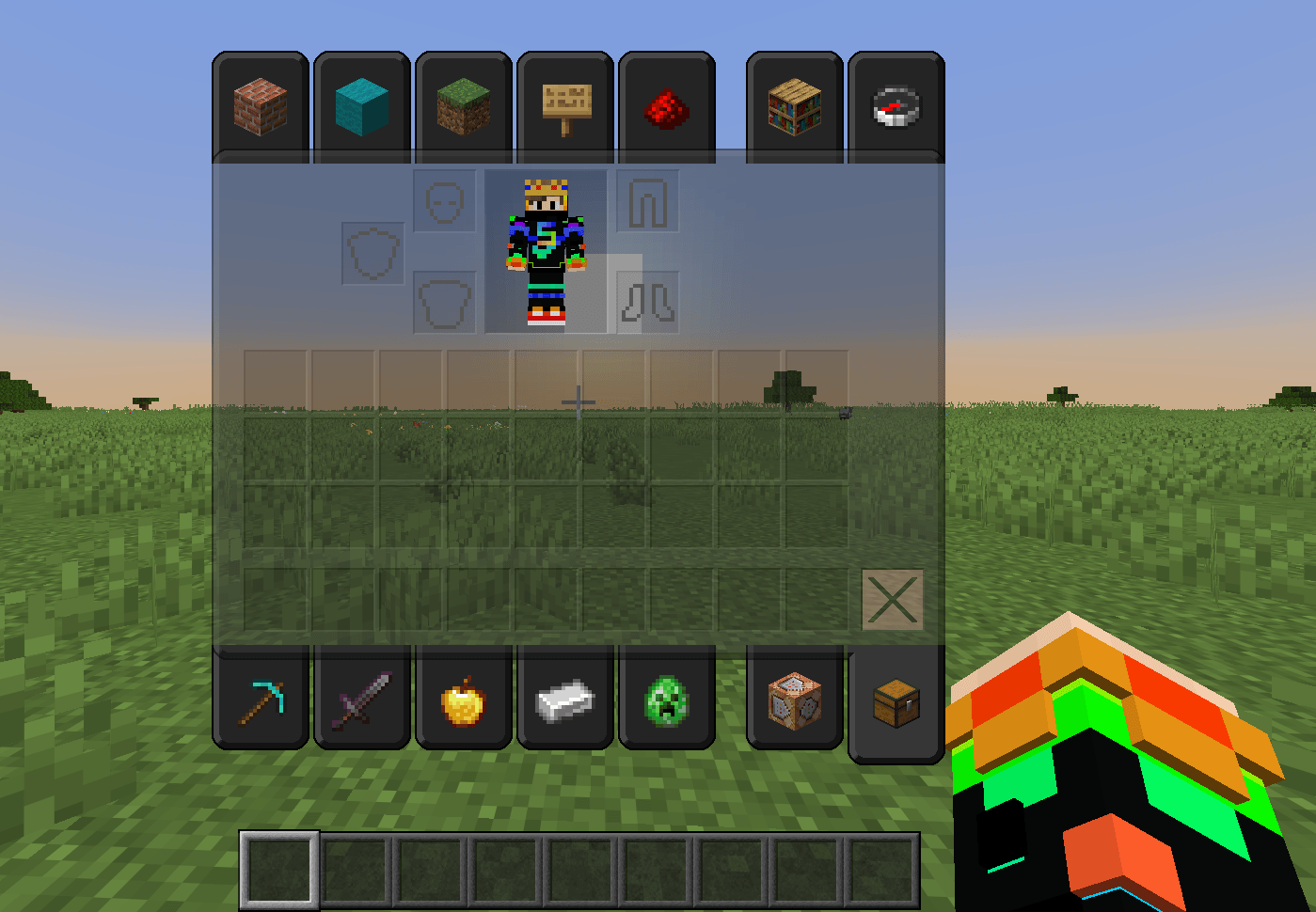
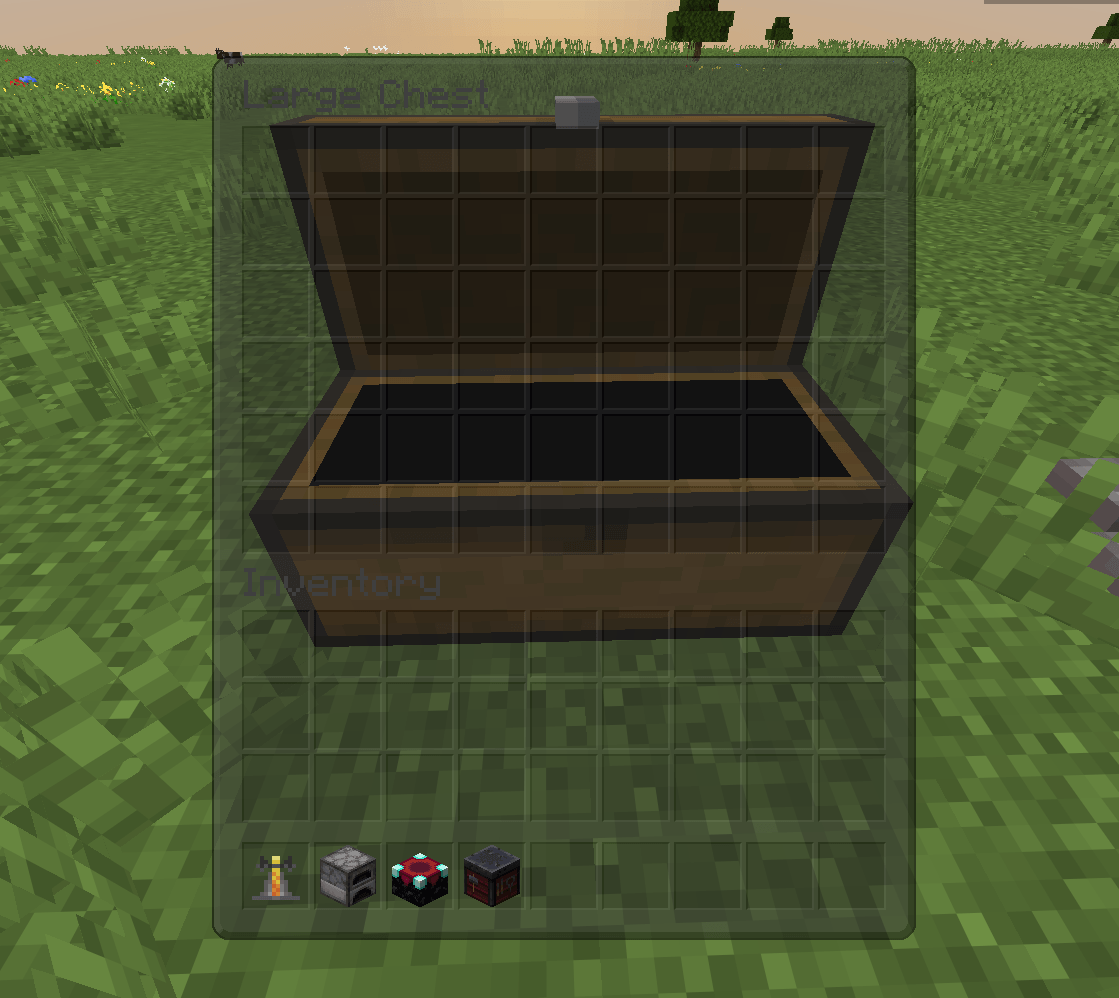
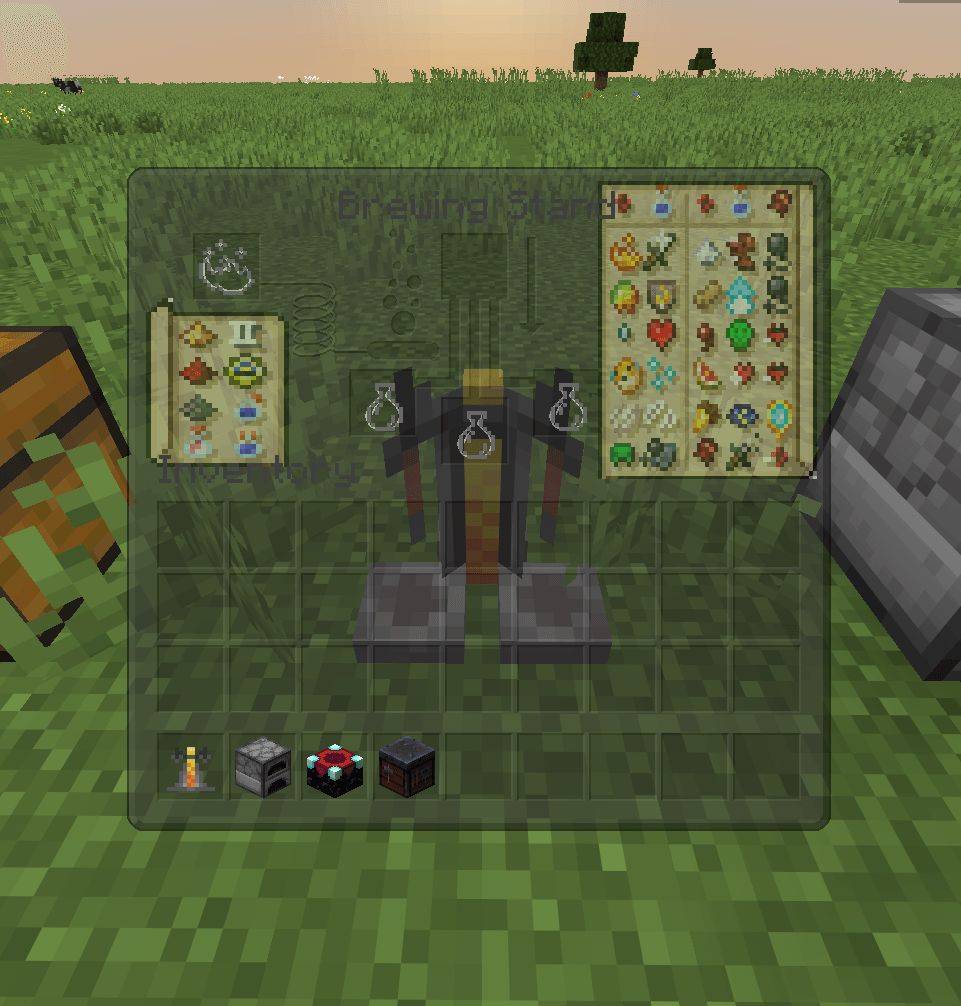
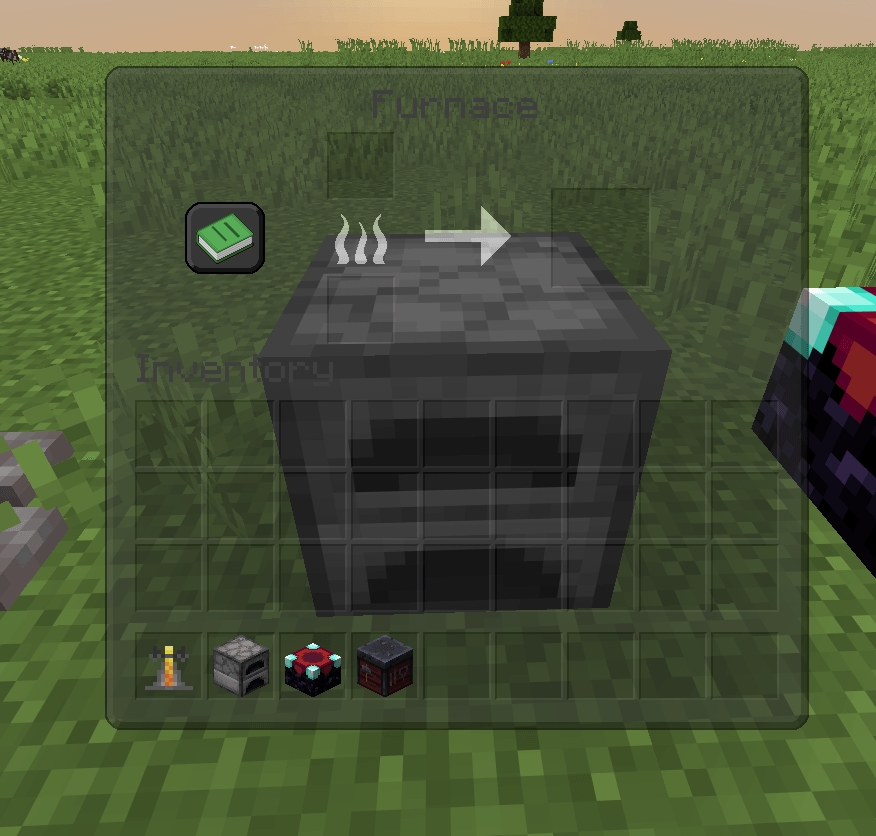
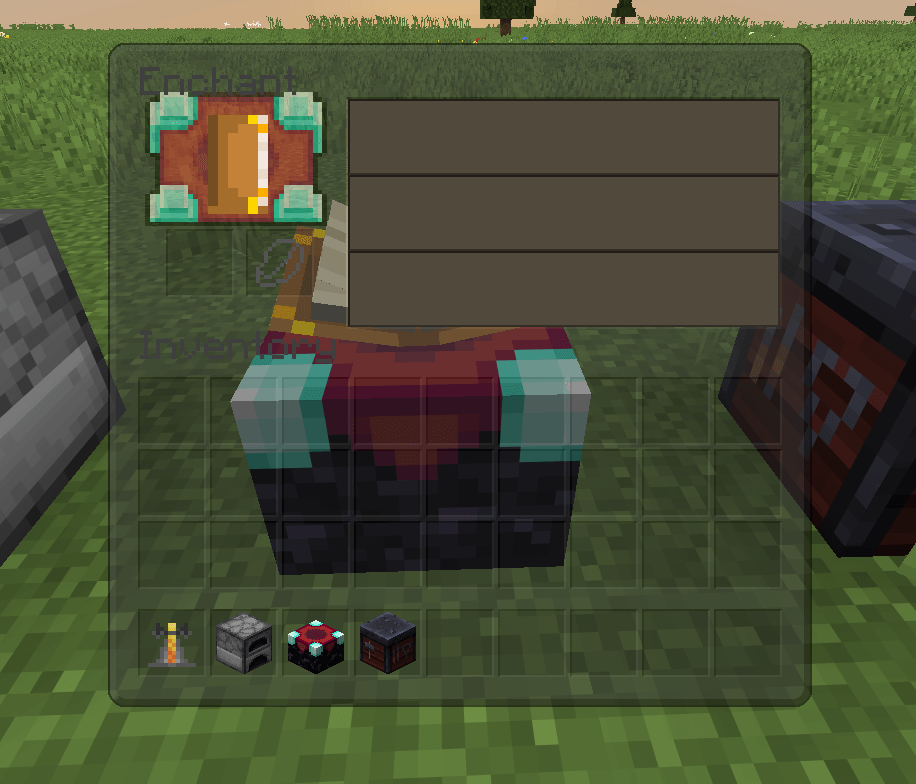
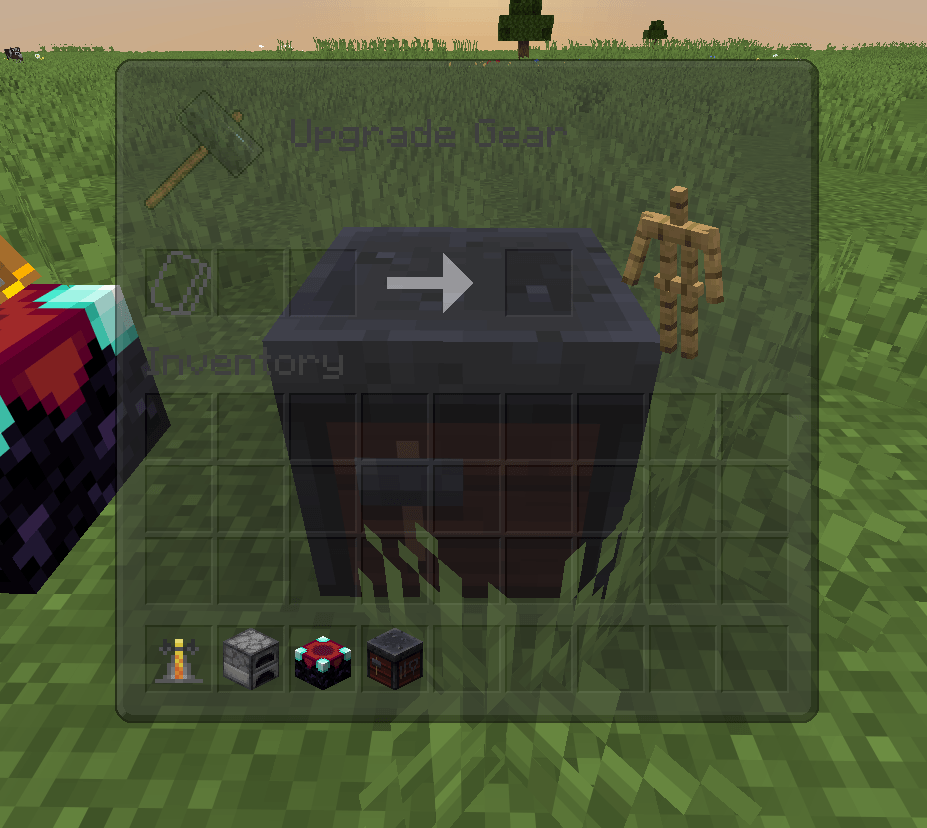
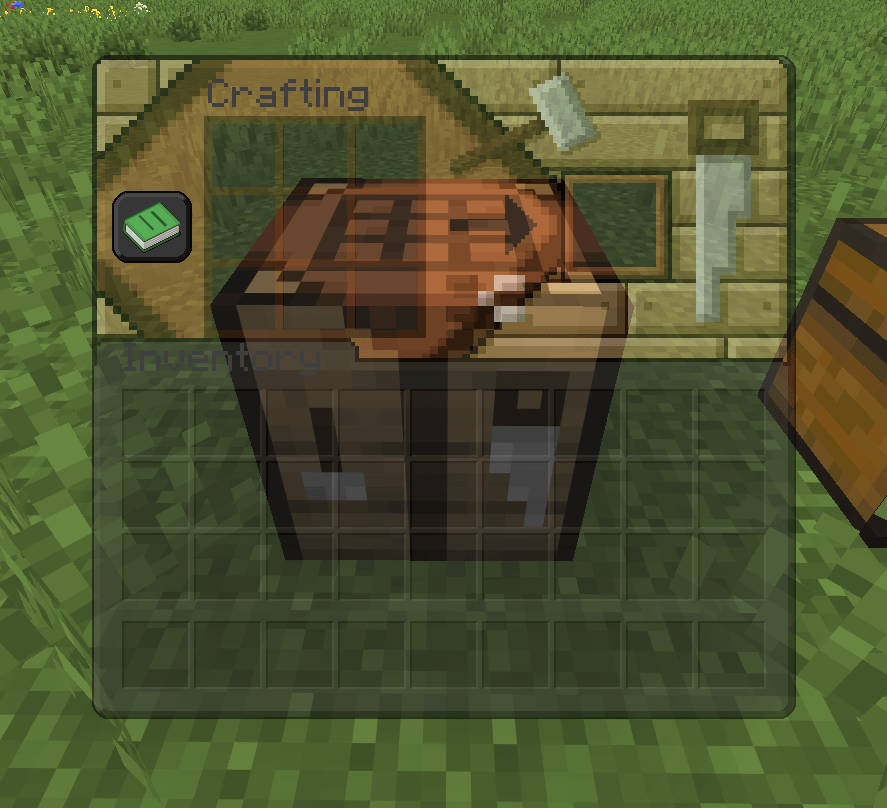
This is a resource pack I put together that replaces the default white Minecraft menus with a clean, dark theme. The main focus of this pack is the transparent backgrounds, which let you see exactly what’s happening around you while you’re managing your items. It’s really helpful for survival and PvP so you don’t get sneaked up on while looking in a chest.
Key Features
64x Resolution: Everything was made in 64x, so the item slots, borders, and icons are a lot sharper than the vanilla textures.
See-Through Menus: Your inventory, chests, and crafting screens have a semi-transparent dark background for better visibility.
Built-In Brewing Guide: I added a full potion recipe chart directly onto the brewing stand screen. You don’t need to alt-tab to the wiki to remember how to make things anymore.
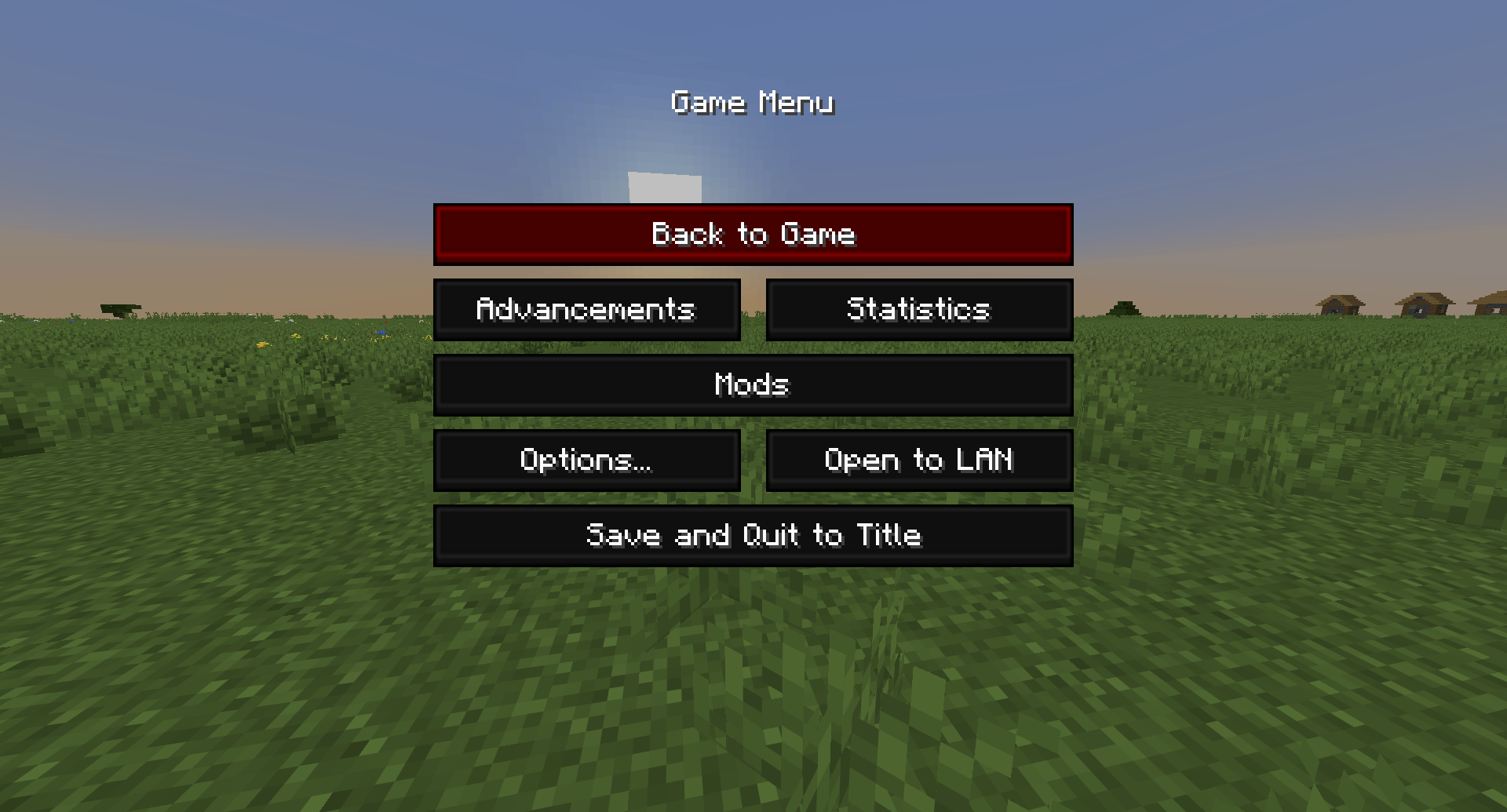
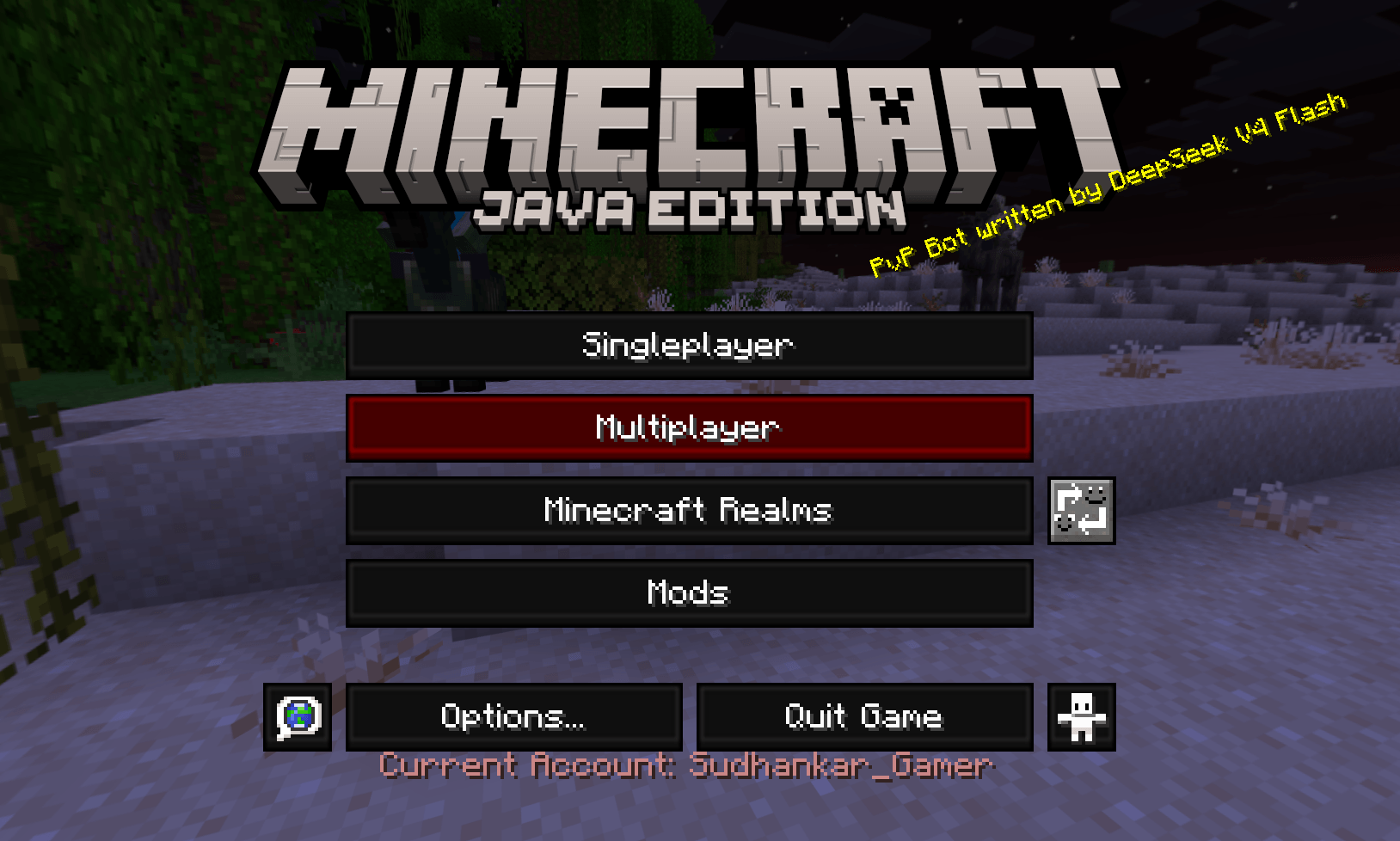
Custom Buttons: The start menu and pause screens are updated with a dark theme and clean red highlight borders.
💬 Feedback
If you guys spot any bugs or need any help
join my discord :- Discord
* This project is a derivative work based on Faithful 64x Gui by the Faithful resourcepack team
* Distributed in compliance with the official Faithful licence, which explicitly permits using, modifying, and distributing derivative works for Minecraft projects.
常见问题
Transparent Dark Ui 64x 支持哪些 Minecraft 版本?
Transparent Dark Ui 64x 支持 Minecraft Java 版 1.21.4–26.1.2,共 11 个版本。下载时注意选择和你游戏版本一致的文件。
Transparent Dark Ui 64x 怎么安装?
把下载的 .zip 文件(不用解压)放进游戏目录的 resourcepacks 文件夹,进游戏后在「选项 → 资源包」里把它移到右边启用。
sudhankar321 的其他作品
查看全部 →
Orbital witherskull Cannon
类似轨道打击炮,但发射的是凋灵骷髅头而非 TNT,并且能够摧毁黑曜石。

Orbital-Strike-Cannon
这个整合包为 Minecraft 添加了 Unstable SMP 轨道炮,支持稳定射击和核弹打击。
Unstable’s Orbital-Strike-Cannon
此资源包为 Minecraft 添加轨道打击炮。包含刺击和核打击两种模式

Wither Skull Cannon multiround
使用特殊钓鱼竿召唤多轮巨大的蓝色凋灵头颅环。
评论
登录后评论和评分