Item HUD Resource Pack
作者:AppleTomaT_o
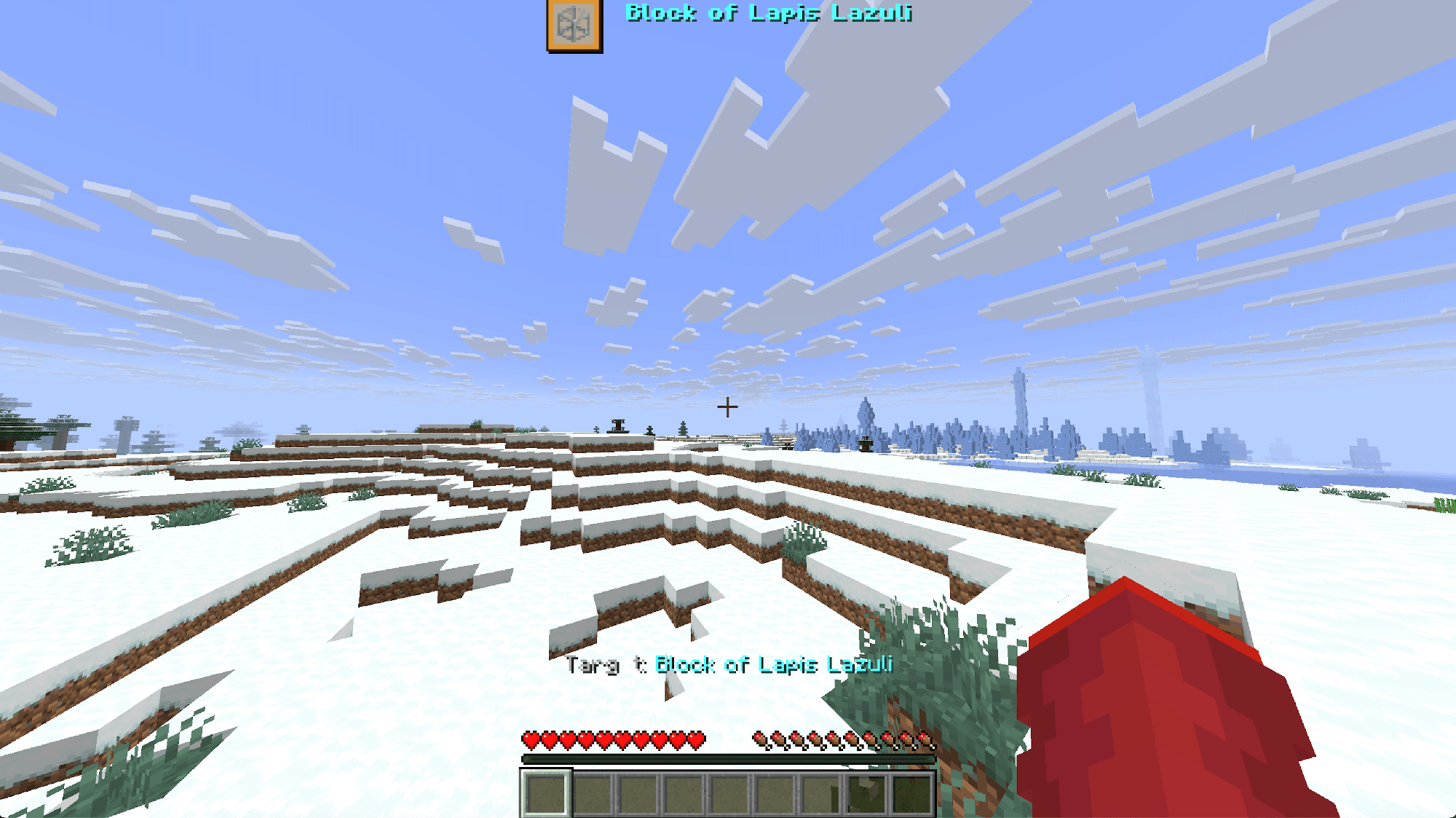
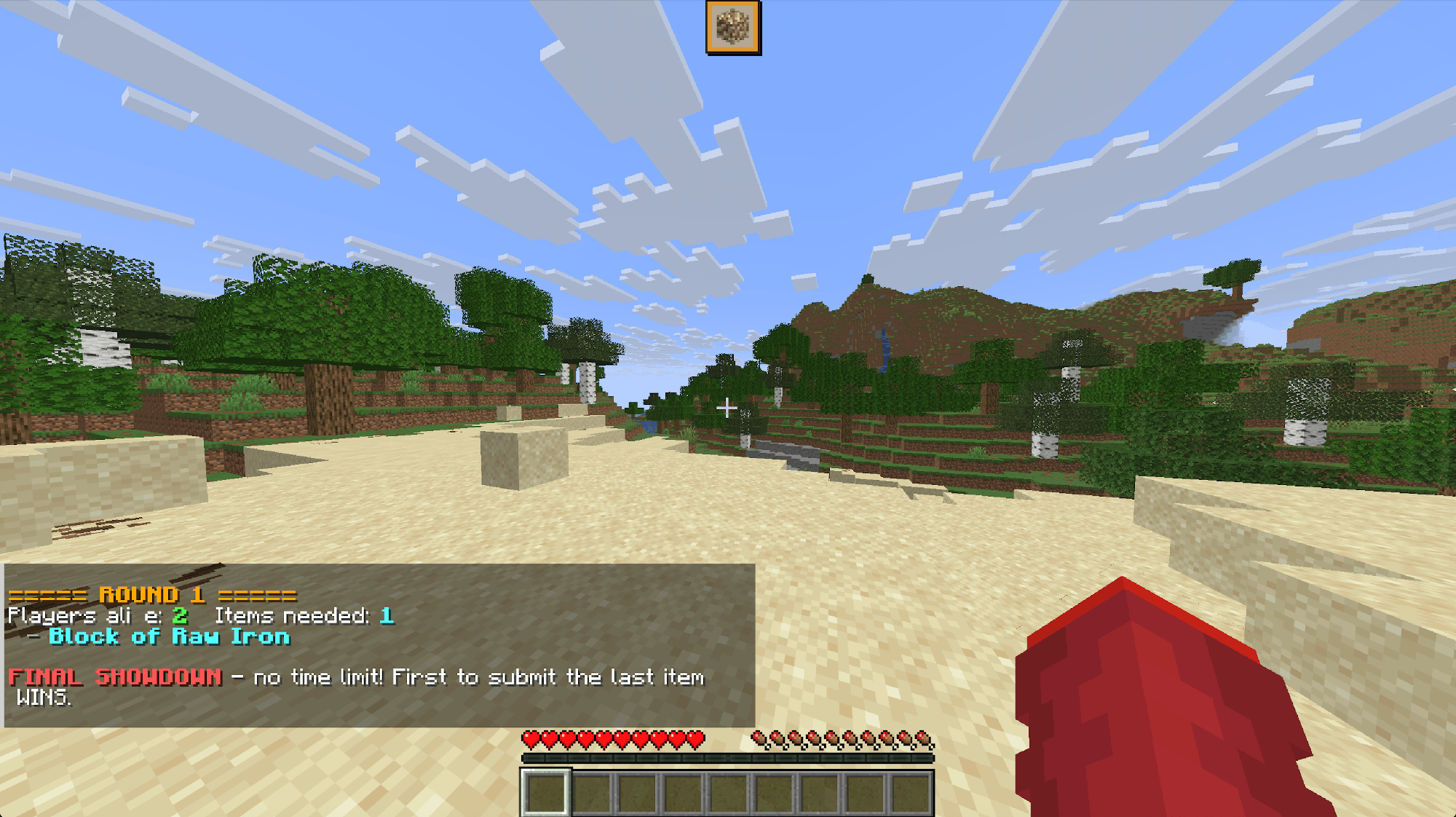
Custom HUD resource pack for Item Survival & Item Hunt data packs. Displays custom item icons, UI fonts, and action bar elements directly on your screen.
截图
介绍
中文介绍正在准备中,下面暂时显示原文。
# Item HUD Resource Pack
**Item HUD** is the official companion resource pack designed specifically for the **Item Survival** and **Item Hunt** minigame data packs.
This pack introduces custom font atlases, HUD icons, and refined UI textures to seamlessly display target items, timer progress, and game status directly on your screen!
—
## Features
* **Custom HUD Item Icons:** Displays clear, custom icons for target items directly on your HUD during gameplay.
* **Custom Font Atlas:** Integrates custom font characters (`itemhud`) for clean in-game UI element rendering.
* **Enhanced Progress Bars:** Features customized boss bar textures for smooth timer and round tracking.
* **Seamless Integration:** Works out-of-the-box when paired with the corresponding data pack.
—
## Requirements & Compatibility
* **Required Data Pack:** Built for **Item Survival** & **Item Hunt** data packs.
* **Minecraft Version:** 26.2+
* **Multiplayer:** Recommended for all players on the server (or set as a Server Resource Pack) so everyone can see the custom HUD icons.
—
## How to Install
### For Clients:
1. Download the **Item HUD Resource Pack** `.zip` file.
2. Open Minecraft and go to **Options** ➔ **Resource Packs…**
3. Click **Open Pack Folder** and drop the downloaded `.zip` file inside.
4. Move **Item HUD** to the right column (*Selected*) and click **Done**.
### For Servers:
* Add the direct download link of this pack to your server’s `server.properties` under `resource-pack=`.
常见问题
Item HUD Resource Pack 支持哪些 Minecraft 版本?
Item HUD Resource Pack 支持 Minecraft Java 版 26.2。下载时注意选择和你游戏版本一致的文件。
Item HUD Resource Pack 怎么安装?
把下载的 .zip 文件(不用解压)放进游戏目录的 resourcepacks 文件夹,进游戏后在「选项 → 资源包」里把它移到右边启用。
AppleTomaT_o 的其他作品
查看全部 →
Bigger Stack Size Limit
by AppleTomaT_o
将可堆叠至 64 和 16 的物品堆叠上限提高到 99!
1,325
1 个月前
CurseForge
Augmented Aspects
by AppleTomaT_o
一个全面的原版+资源包,通过平滑物品动画、3D 模型、可视化盔甲纹饰、发光矿石、自定义附魔书和必要的便利性调整来增强 Minecraft!
734
1 个月前
CurseForge
Armor Trim Synergy
by AppleTomaT_o
Turns armor trims into functional gear! 18 unique pattern bonuses, stackable hybrid stats, and game-changing full-set passive effects.
276
1 个月前
CurseForge
Advanced Anvil
by AppleTomaT_o
Bypasses the vanilla level 40 limit! Forge high-tier enchantments and repair gear with an interactive dialog UI and custom 3D anvil model.
148
1 个月前
CurseForge
评论
登录后评论和评分