截图
介绍
Description
About:
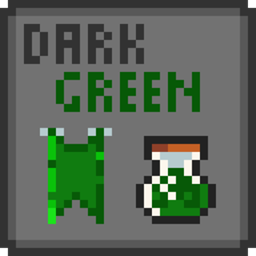
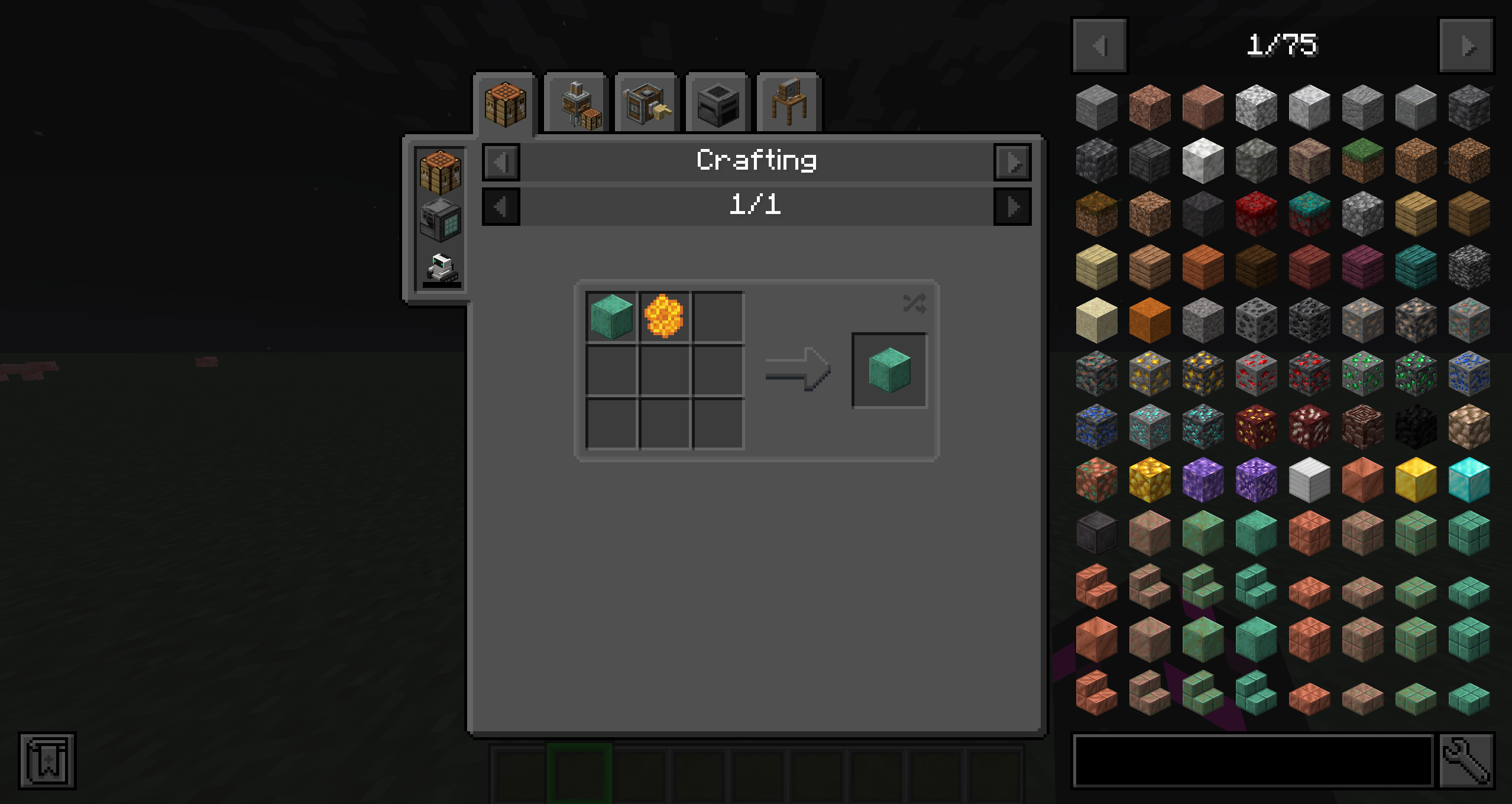
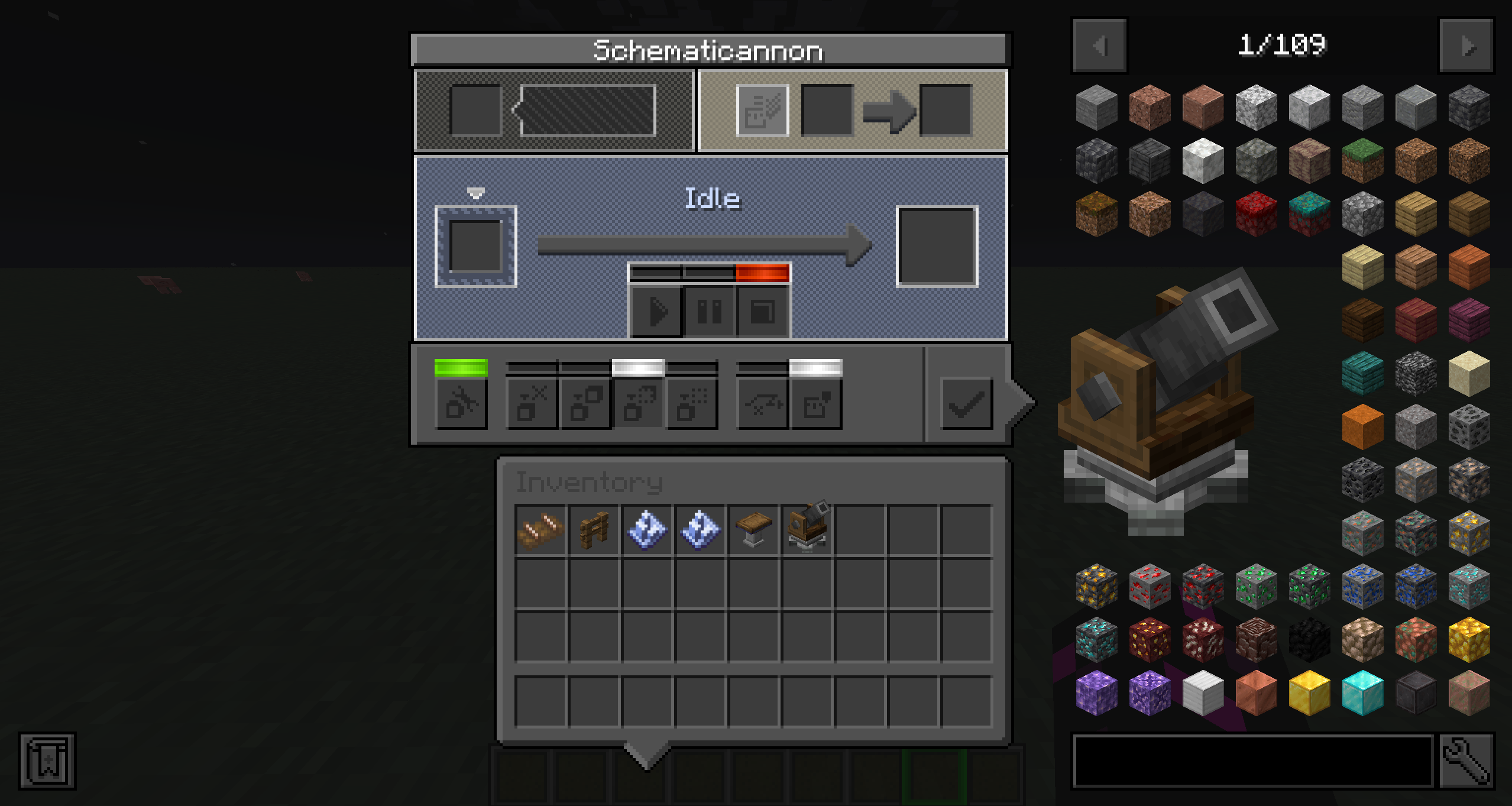
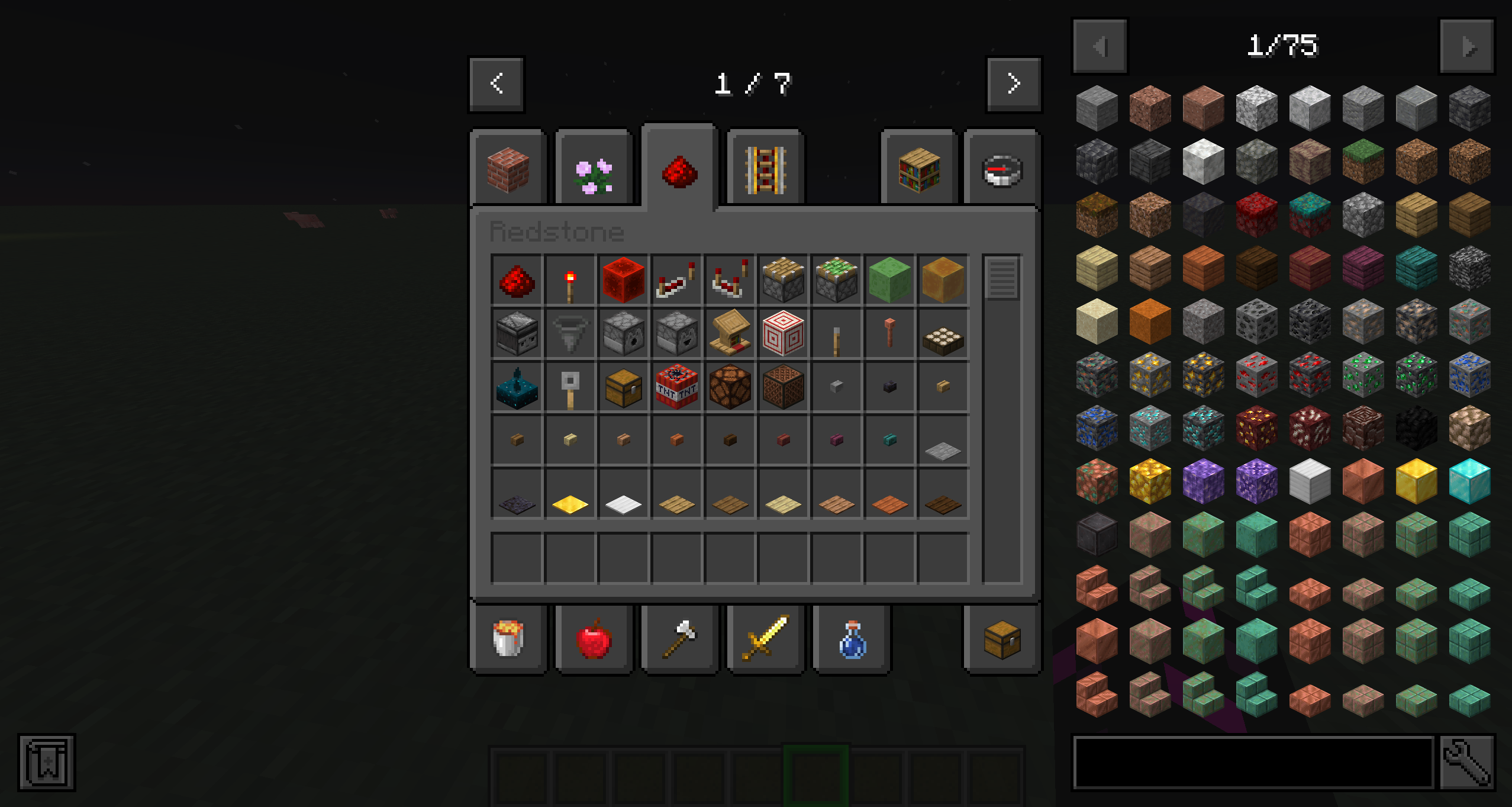
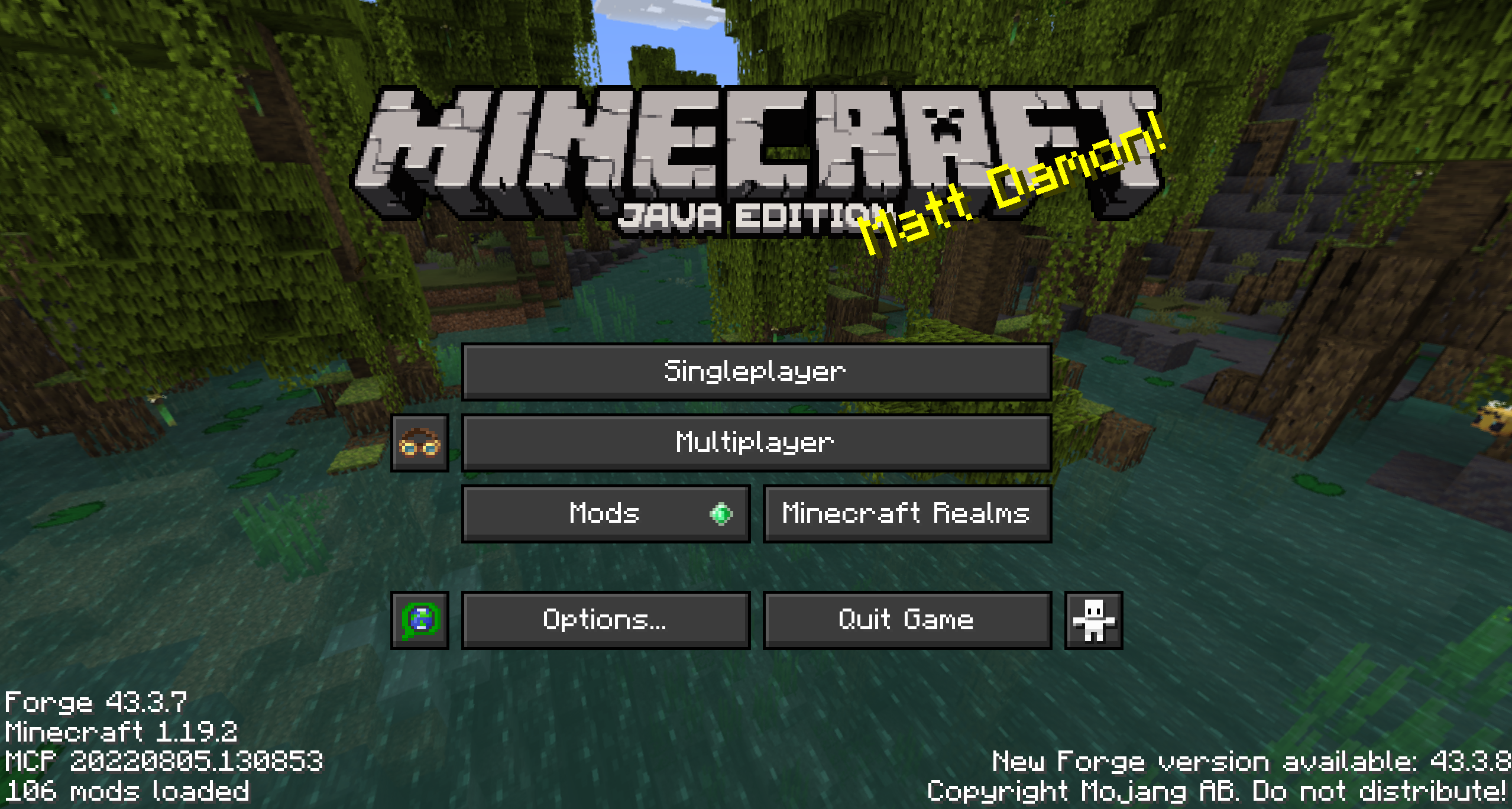
This is a dark theme for GUI in Minecraft.
It use a Gray scale whit color Green as a second color.
Minimalistic style.
Features:
- Dark theme UI
- Simple style
- Gray scale with Green palette
- Compatible with mods
Compatible mods:
Ad Astra
[Let´s Do] Bekery
[Let´s Do] Vinery
[Let´s Do] Nether Vinery
Cosmetis armour reworked
Create
Create central kitchen
Create connected
Create enchantment industry
Create stuff and additionals
Create crystall clear
Curios
DoAPI
Donum ornamentum
Energy contrlol
Farmers delight
Chunkloaders
Industrial forgoing
Jacks economy
Jade
Jei
Jei mekanism multiblocks
Jer
Mekanism
Mekanism generators
Minecolonies (not 100%)
Miners delight
Nether delight
Patchouli
Polymorph
Project red core
Project red expansion
Project red exploration
Project red fabrication
Project red integration
Reactive
Shulker box tooltip
Storage drawers
Storage network
Super martjin 642 core lib
Titanium
Tool belt
Way stones
Xaeros world map
It will work with all mods that do not use their GUI and probably on any version of Minecraft
常见问题
KikiZC Dark Theme – Green 支持哪些 Minecraft 版本?
KikiZC Dark Theme – Green 支持 Minecraft Java 版 1.19–1.19.4,共 5 个版本。下载时注意选择和你游戏版本一致的文件。
KikiZC Dark Theme – Green 怎么安装?
把下载的 .zip 文件(不用解压)放进游戏目录的 resourcepacks 文件夹,进游戏后在「选项 → 资源包」里把它移到右边启用。
评论
登录后评论和评分