Mmnm upscaled
Upscales all MineMineNoMi item and texture assets to a higher resolution; requires MineMineNoMi.
截图
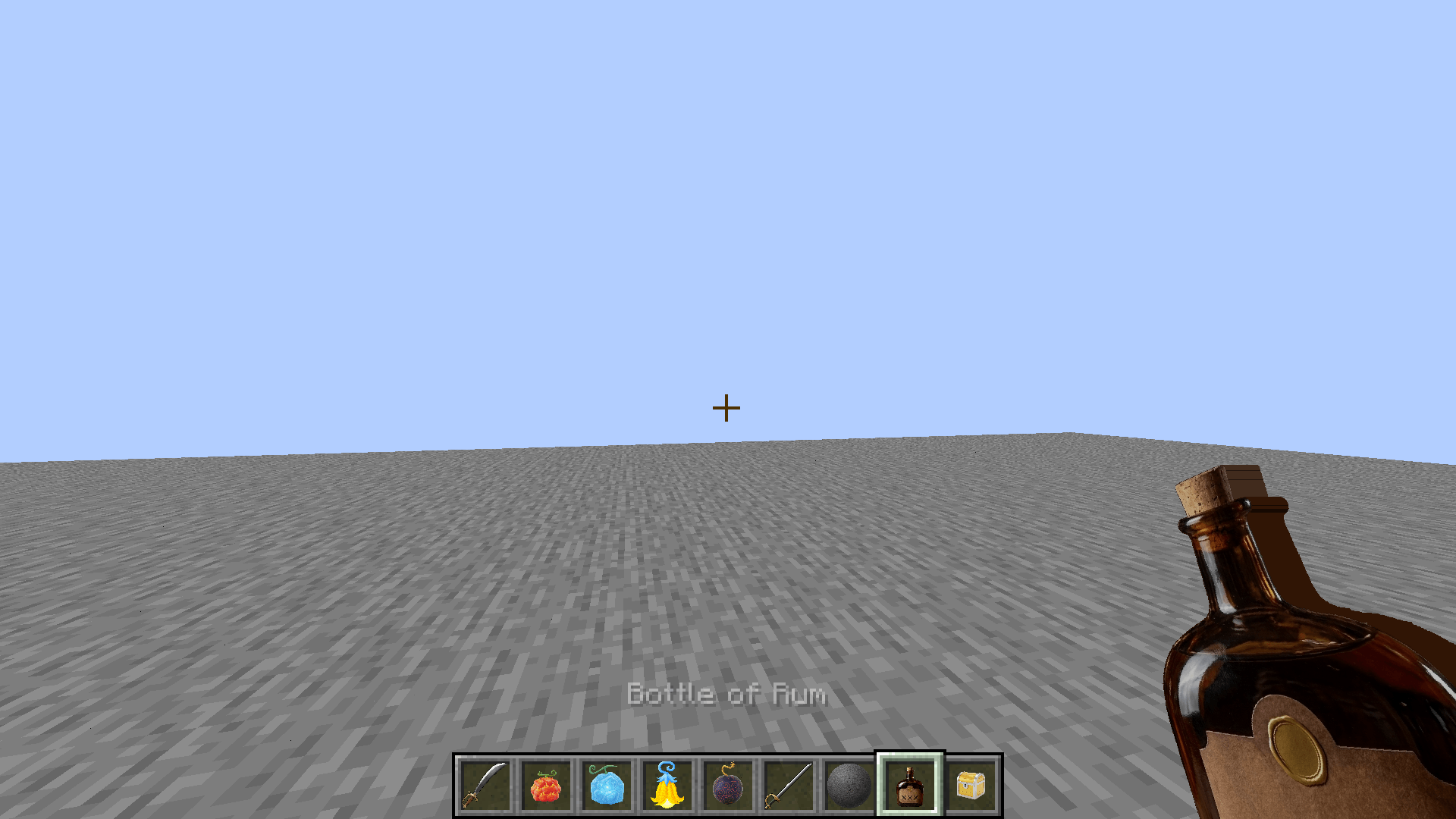
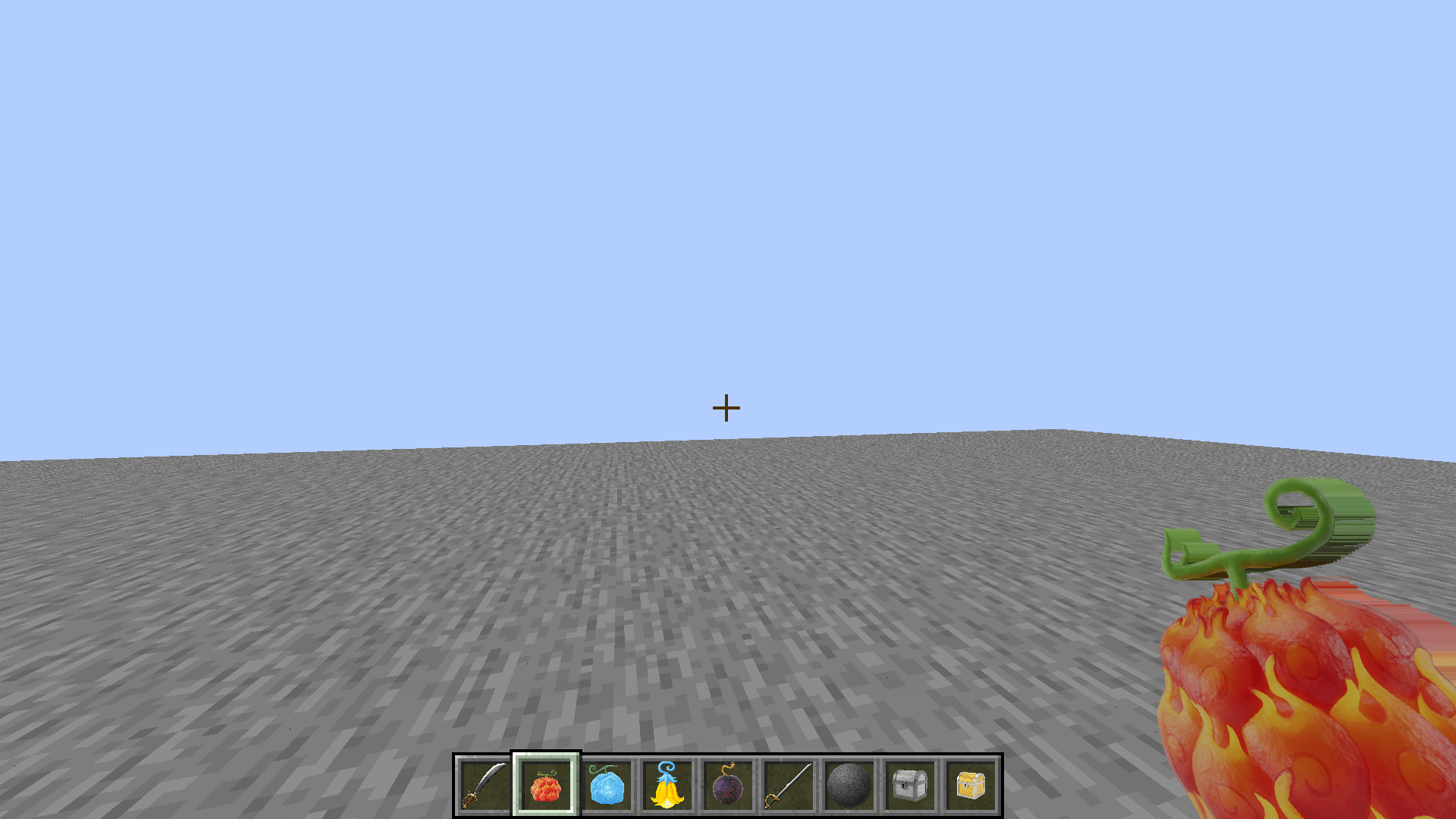
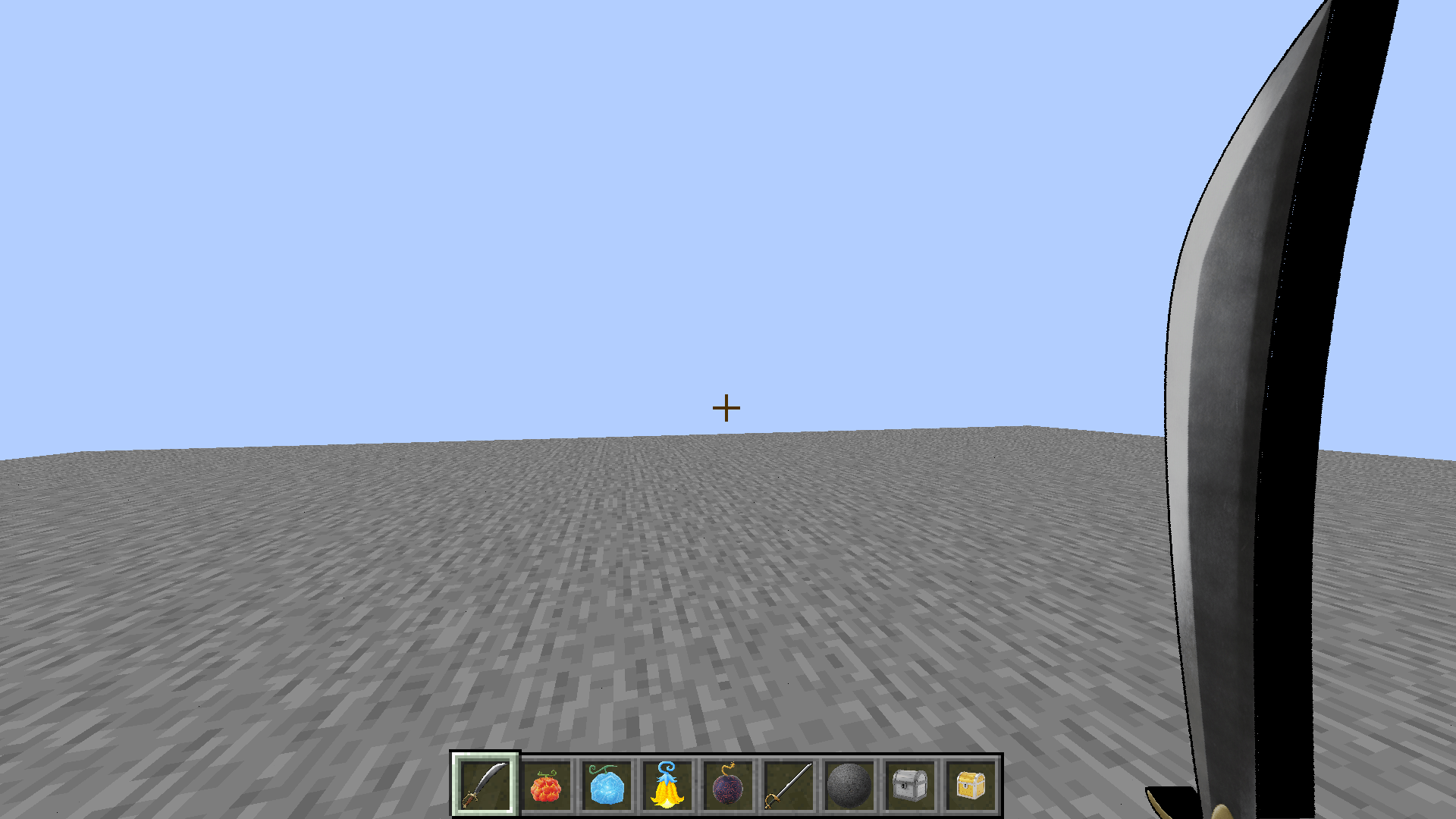
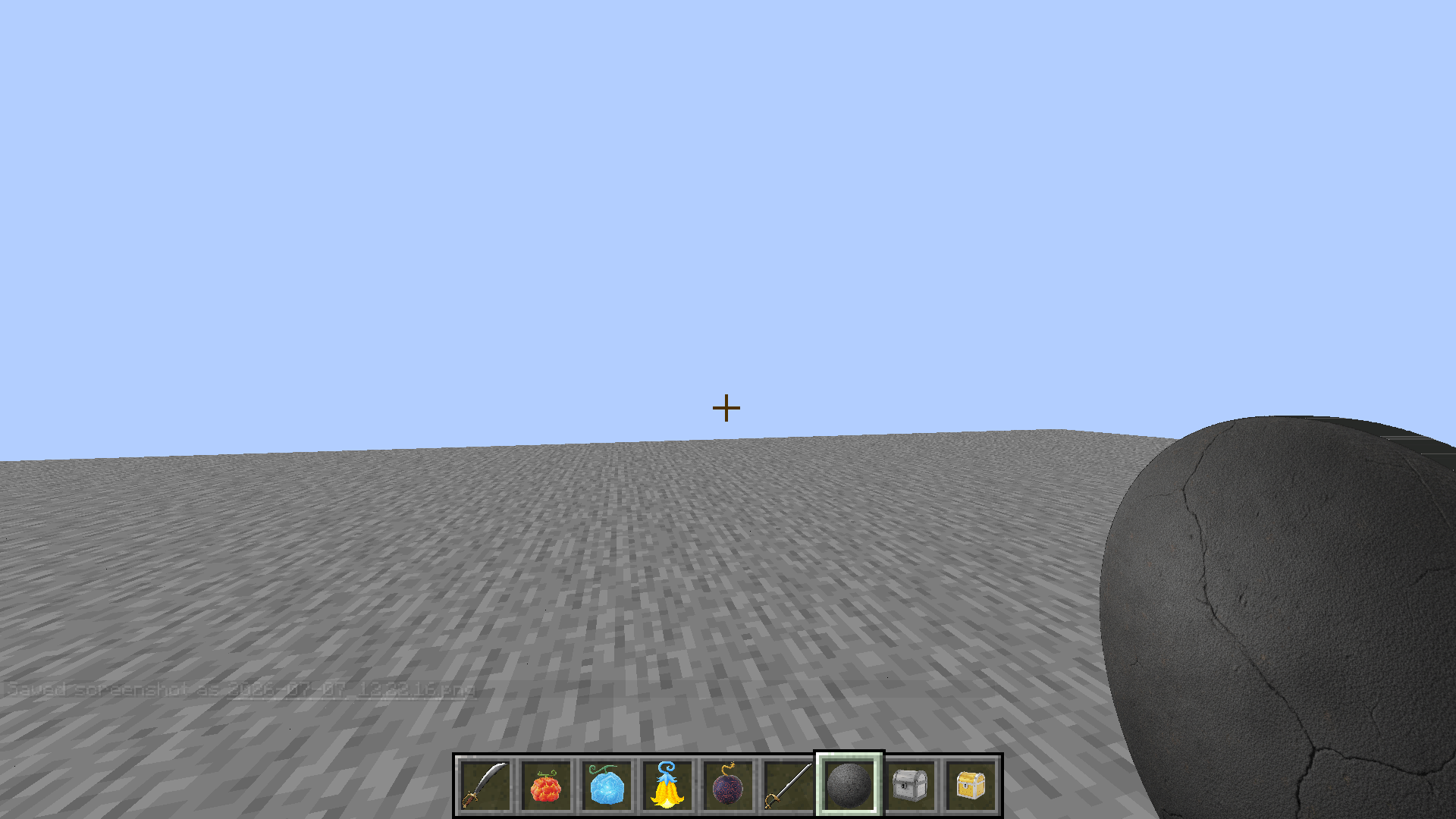
介绍
MineMineNoMi Upscaled (Work in Progress)
Upscales the textures of the MineMineNoMi mod to a higher resolution, giving items, blocks, armor, and entities a sharper, more detailed look while keeping the original art style intact. Textures were upscaled using AI upscaling followed by manual cleanup, to fix artifacts, restore sharp edges, and correct any details lost in the process.
This pack is a work in progress. Not every texture has been upscaled yet — anything not yet covered will simply fall back to the base mod’s original textures. Expect updates over time as more assets get done.
Requirements
- MineMineNoMi — required. This pack only replaces its textures and does nothing without it installed.
What’s included so far
- Upscaled item textures (Devil Fruits, weapons, armor, tools, and more)
- Upscaled block textures
- Upscaled entity/mob textures
- Resolutions vary by asset, upscaled and cleaned individually rather than applying a single flat multiplier across the board
Installation
- Make sure MineMineNoMi is installed on your instance.
- Drop this resource pack into your
resourcepacksfolder. - Enable it in-game under Options → Resource Packs (place it above other packs if you use several).
Compatibility
Built for Minecraft 1.20.1 (Forge). This pack only replaces textures and doesn’t touch any lang files, so it’s safe to use alongside the MineMineNoMi Item Descriptions pack.
常见问题
Mmnm upscaled 支持哪些 Minecraft 版本?
Mmnm upscaled 支持 Minecraft Java 版 1.20.1。下载时注意选择和你游戏版本一致的文件。
Mmnm upscaled 怎么安装?
把下载的 .zip 文件(不用解压)放进游戏目录的 resourcepacks 文件夹,进游戏后在「选项 → 资源包」里把它移到右边启用。
Blast1232 的其他作品
查看全部 →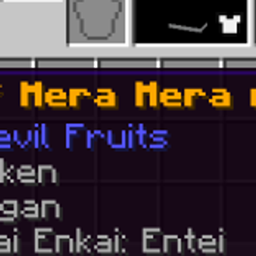
Mmnm Devil Fruit Box Rarity Colors
Recolors Devil Fruit names from Mine Mine no Mi's loot boxes to match rarity — gold for the rarest tier, white for mid-tier, bright green for common, with a flickering enchanted-style effect on the top tier.
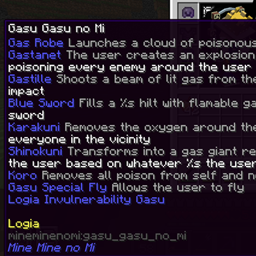
Mineminenomi abilitydescriptions
Resourcepack that tells you what devil fruit abilitie do without eating the fruit
Kill Tracker: Weapon Growth
Weapons grow stronger with every unique player they kill — each sword, axe, or trident permanently gains +1 Attack Damage per new PvP victim, tracked per individual item. No config needed, just install and fight.
评论
登录后评论和评分