截图
介绍

Fire blocking too much of your screen?
Pyron lowers the height of fire by about 40%, making combat and movement clearer while keeping Minecraft’s vanilla look.


Pyron works fully on its own. It can be combined with other resource packs as long as they don’t replace the fire texture.
Features
- Fire height reduced by ~40%
- Keeps the vanilla fire style
- No gameplay changes
- Fully server-friendly
- Resource pack only
- Soul fire support included
Why Pyron?
Fire in vanilla Minecraft can cover a large part of the screen, especially during PvP or when fighting mobs. Pyron reduces the fire height so you can still see what’s happening while keeping the original look of the game.
Screenshots
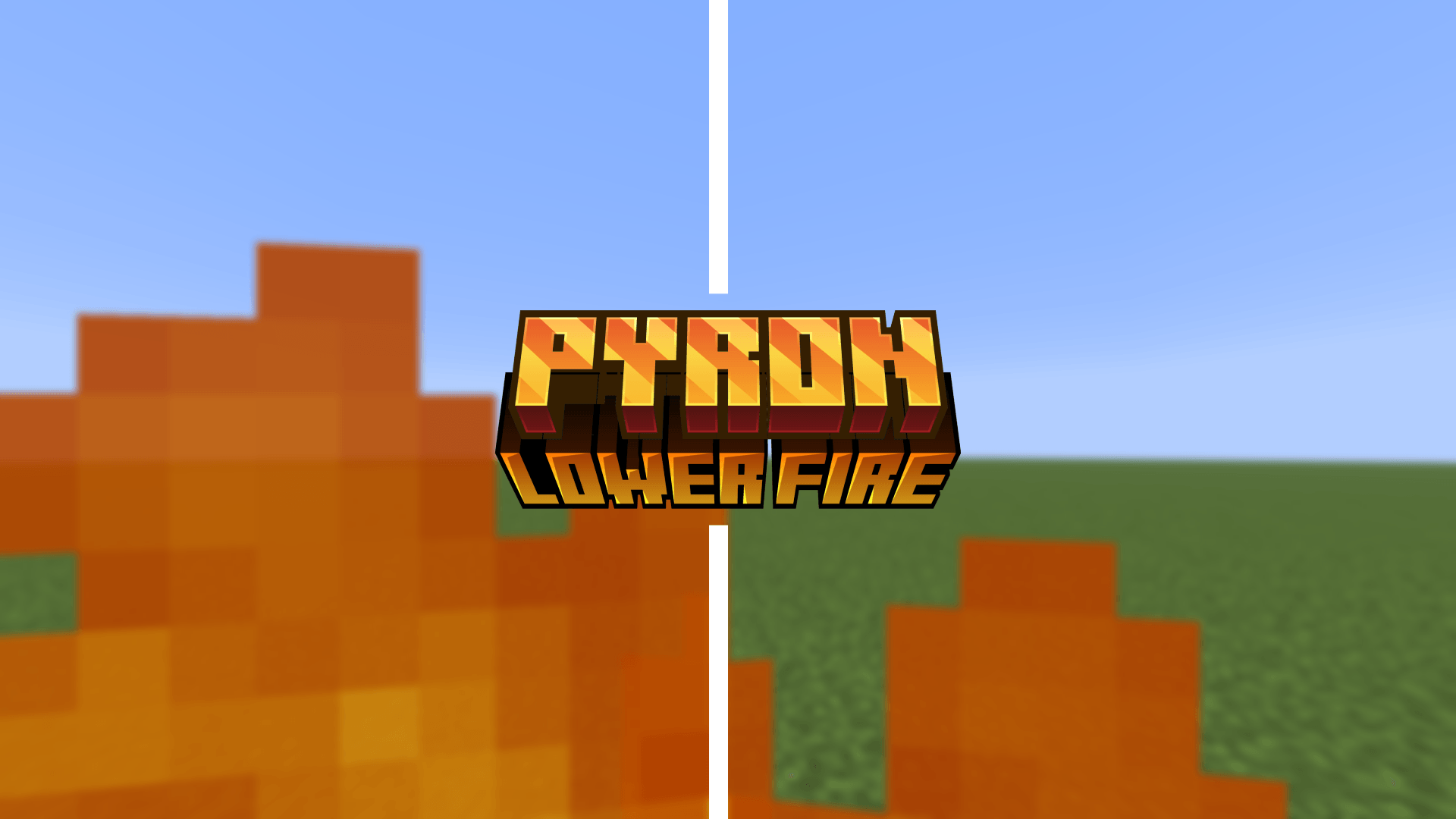
Fire Comparison
Vanilla 
Pyron 
Fire Overlay Comparison
Vanilla
Pyron
Installation
- Download the ZIP file.
- Place it in your Minecraft
resourcepacksfolder. - Enable it from the Resource Pack menu.
Compatibility
- Works with all vanilla-based gameplay
- Compatible with most texture packs that don’t replace fire textures
- No mods required
常见问题
Pyron – Lower Fire 支持哪些 Minecraft 版本?
Pyron – Lower Fire 支持 Minecraft Java 版 1.17–1.21.11,共 28 个版本。下载时注意选择和你游戏版本一致的文件。
Pyron – Lower Fire 怎么安装?
把下载的 .zip 文件(不用解压)放进游戏目录的 resourcepacks 文件夹,进游戏后在「选项 → 资源包」里把它移到右边启用。
PrecisionZero 的其他作品
查看全部 →
Photon – Fullbright
适用于原版、Sodium、OptiFine 和 Vulkan 的简易全亮材质包。
Hydron – Clear Water
一款让水体更清澈的简易材质包,兼容原版、Sodium、Optifine 和 Vulkan。

Veinify – Better Mining
功能最全面的挖矿优化材质包。

Mace Enchant Indicator – Breach and Density
根据破甲和密度效果改变重锤颜色,现已支持风爆。
评论
登录后评论和评分