Cute Cat Totem – Gaming Granny
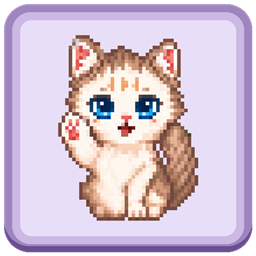
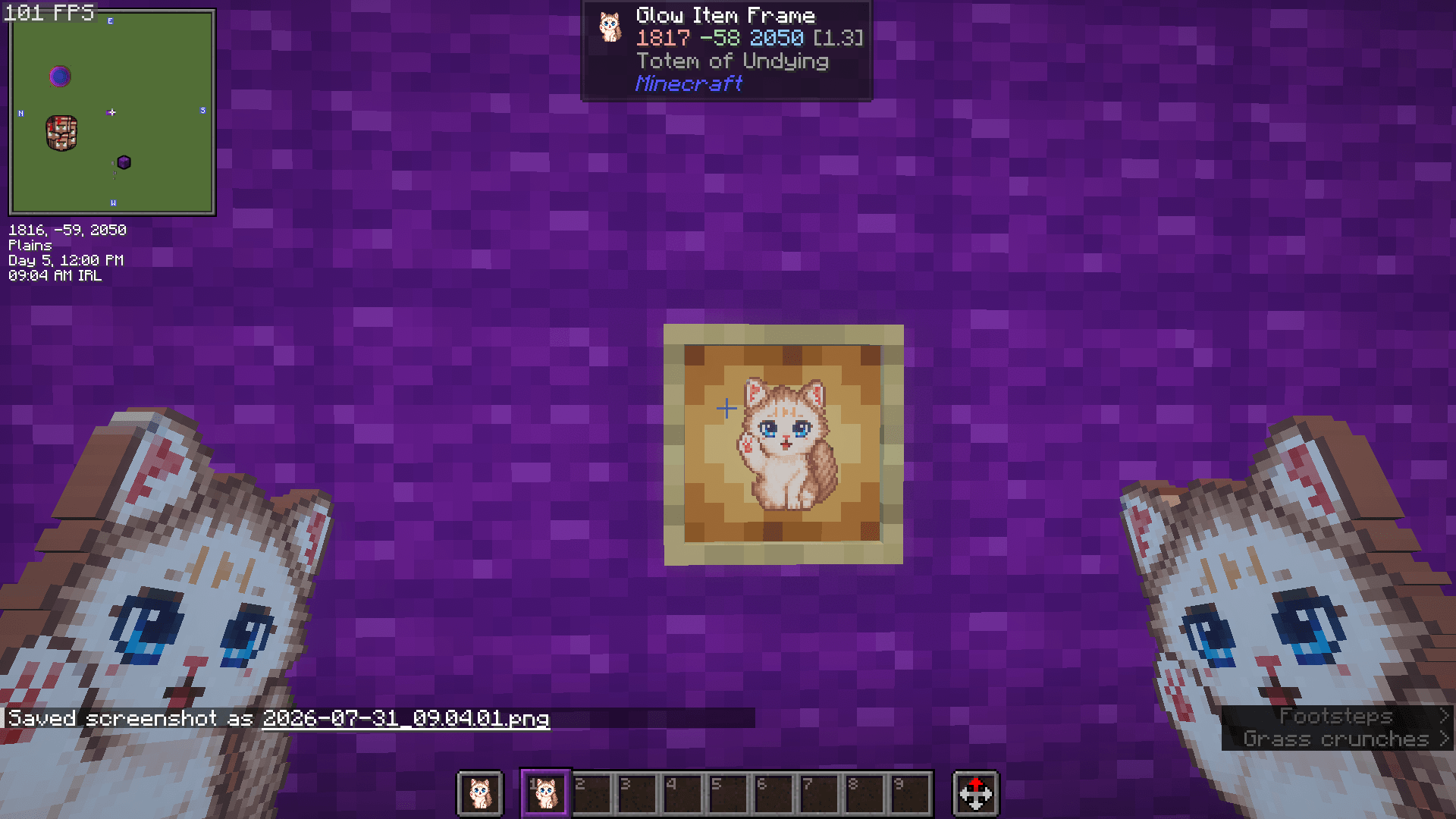
Replaces Minecraft’s Totem of Undying with Shyanne, Gaming_Granny’s cat mascot. A cozy companion for those close calls, with the same life-saving function as the original totem.
截图
介绍
Cute Cat Totem
Keep a cute cat by your side for Minecraft’s closest calls! Cute Cat Totem replaces the Totem of Undying with Shyanne, Gaming Granny’s cat mascot.
The pack changes the totem’s appearance while keeping its original lifesaving function.
Features
- Custom cat texture for the Totem of Undying
- Visible in your hand and inventory
- No gameplay changes
Installation
- Download the resource pack ZIP.
- In Minecraft, go to Options → Resource Packs → Open Pack Folder.
- Place the ZIP in that folder without extracting it.
- Return to Minecraft and move Cute Cat Totem into your selected resource packs.
- Click Done to apply it.
If another pack changes the totem texture, place Cute Cat Totem above it in the selected pack list.
Compatibility
For Minecraft Java Edition. Choose a download marked for your Minecraft version.
Find Gaming Granny
Visit gaminggranny.com for more packs, stream information, and community links.
常见问题
Cute Cat Totem – Gaming Granny 支持哪些 Minecraft 版本?
Cute Cat Totem – Gaming Granny 支持 Minecraft Java 版 1.20.2–26.3,共 22 个版本。下载时注意选择和你游戏版本一致的文件。
Cute Cat Totem – Gaming Granny 怎么安装?
把下载的 .zip 文件(不用解压)放进游戏目录的 resourcepacks 文件夹,进游戏后在「选项 → 资源包」里把它移到右边启用。
Gaming_Granny 的其他作品
查看全部 →
Cute Cat Totem
将 Minecraft 的不死图腾替换为 Gaming_Granny 的猫咪吉祥物 Shyanne。在危急时刻陪伴你的温馨伙伴,拥有与原版图腾相同的救命功能。

Purple HUD
用紫色玩家生命值、坐骑生命值、盔甲图标和经验条为你的 Minecraft HUD 换上紫色新装。

Iron Farm Counter
Track how many iron golems have died in your iron farm with a simple scoreboard counter. Show, hide, or reset the counter using easy in-game commands.
评论
登录后评论和评分