Greyscale | The Best Greyscale Pack
作者:ScorpTheBot
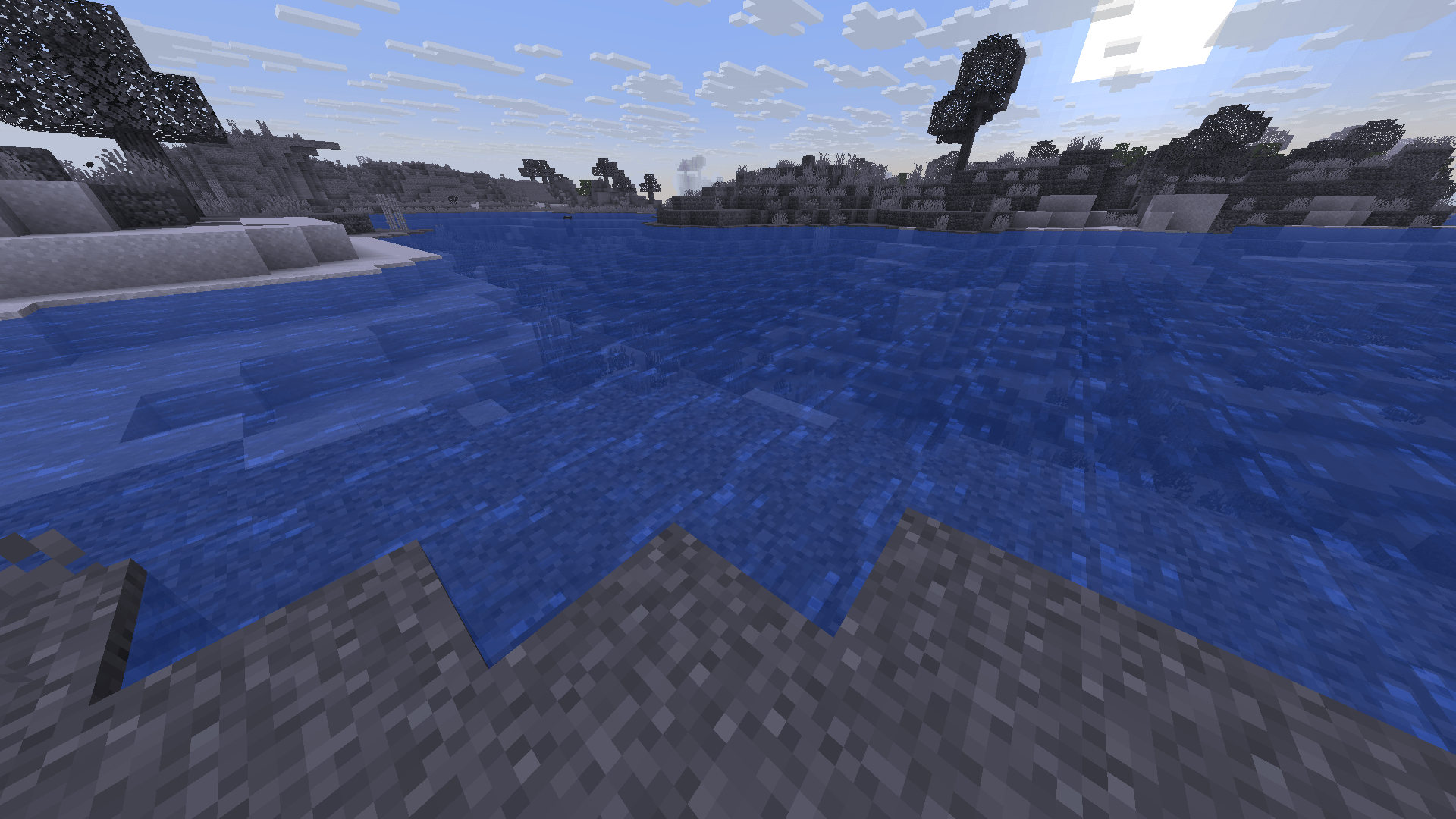
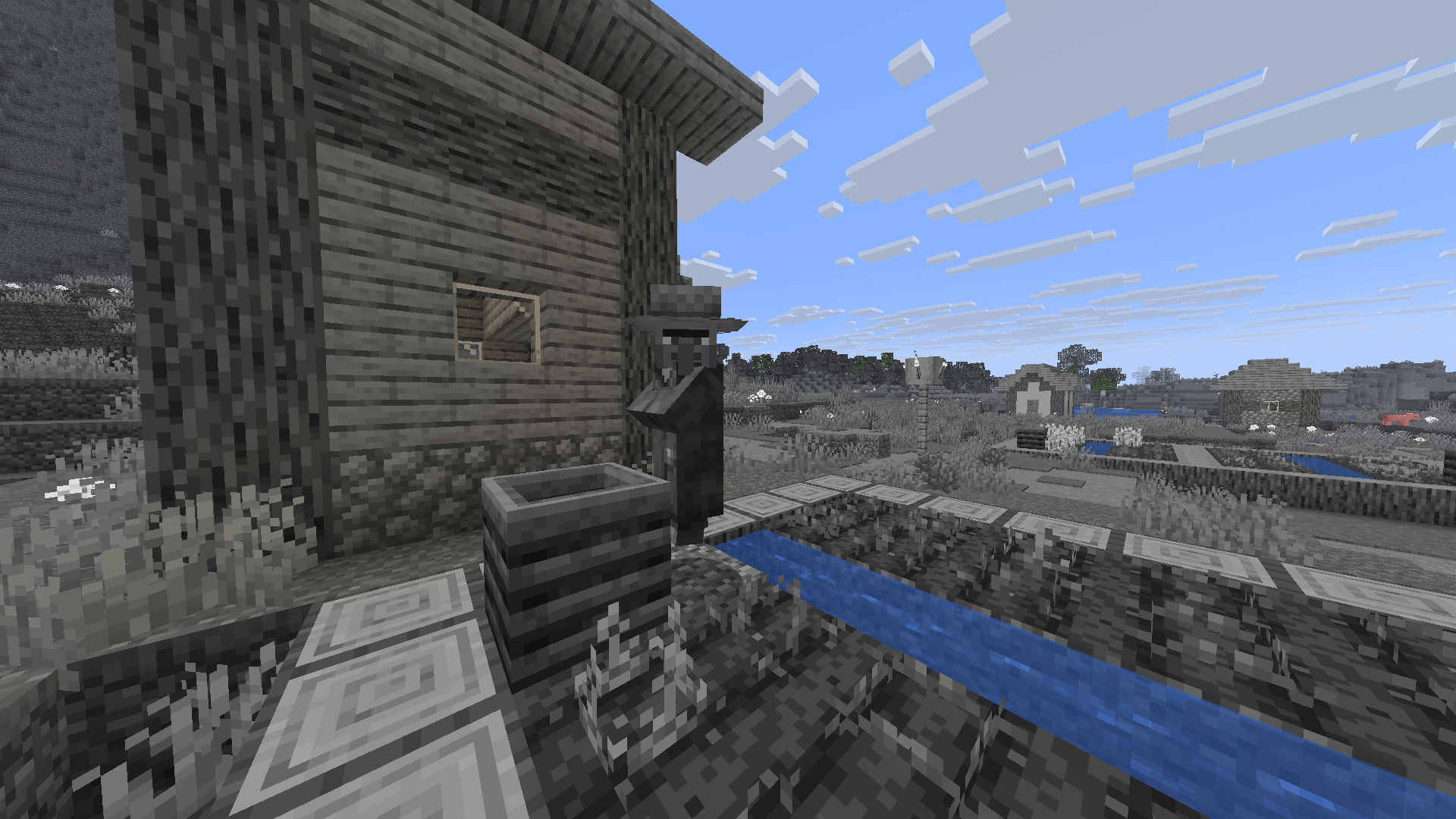
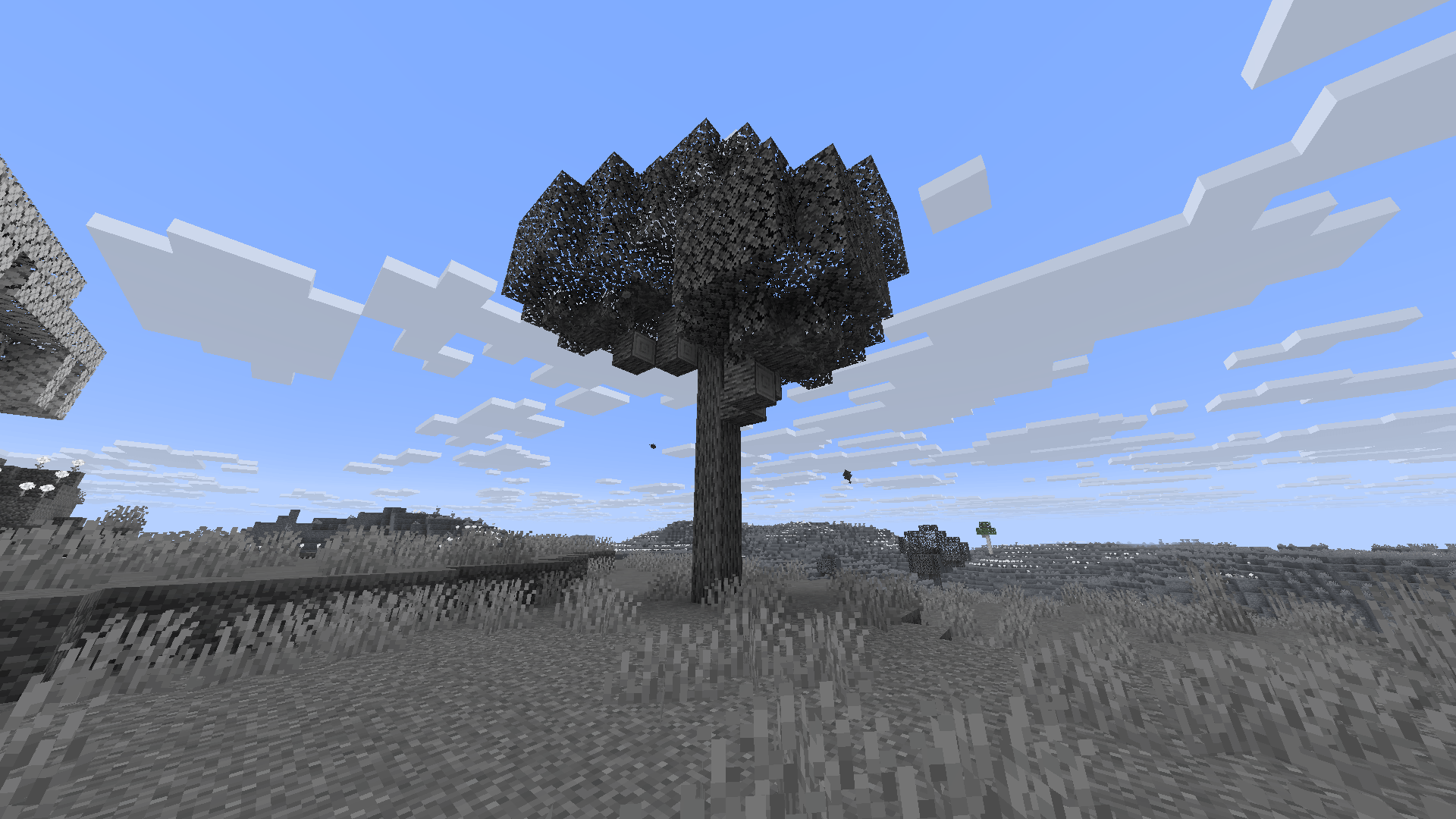
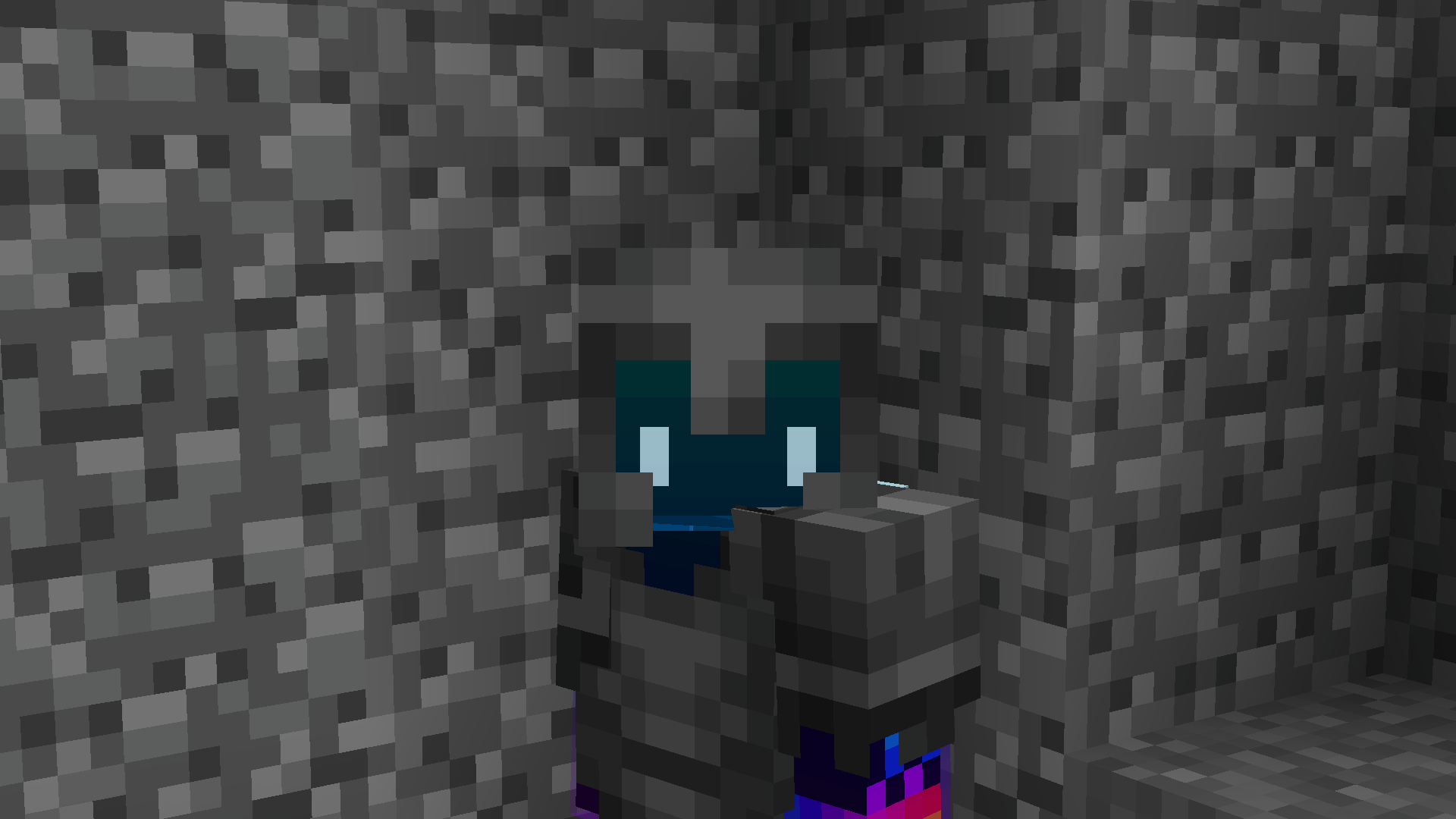
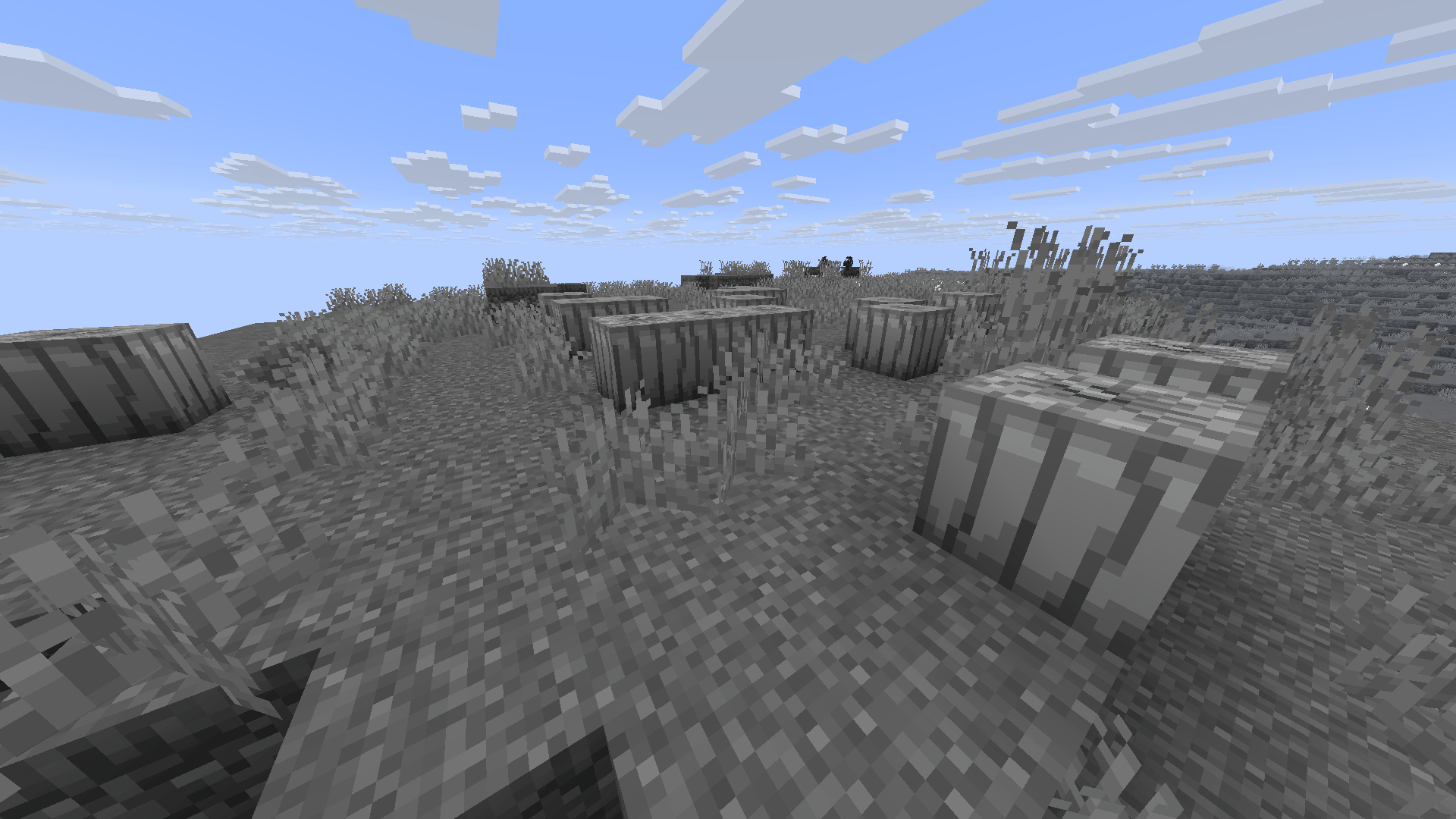
A grayscale resource pack for Minecraft Java Edition transforms all standard in-game colors into shades of black, white, and gray.
截图
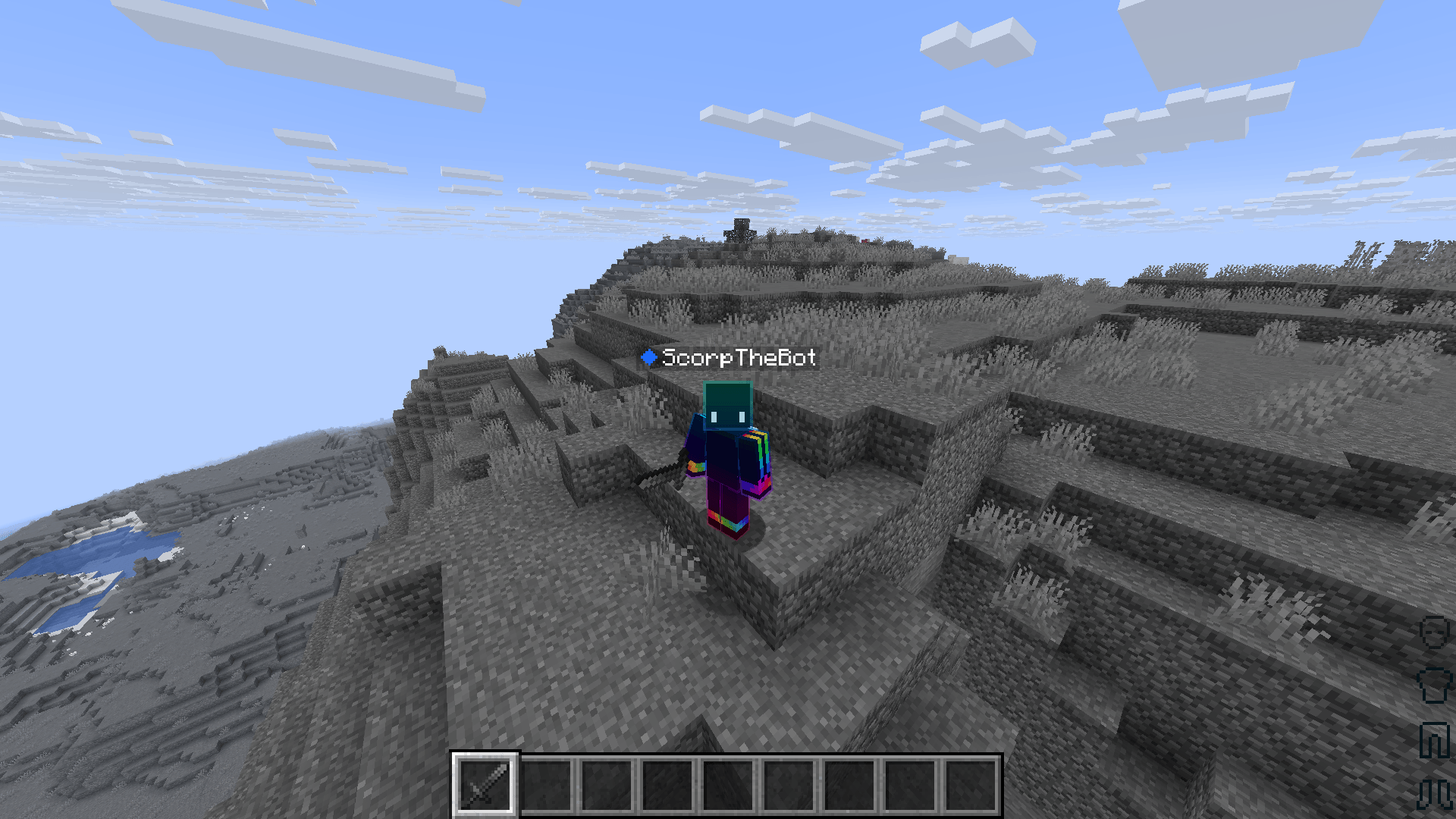
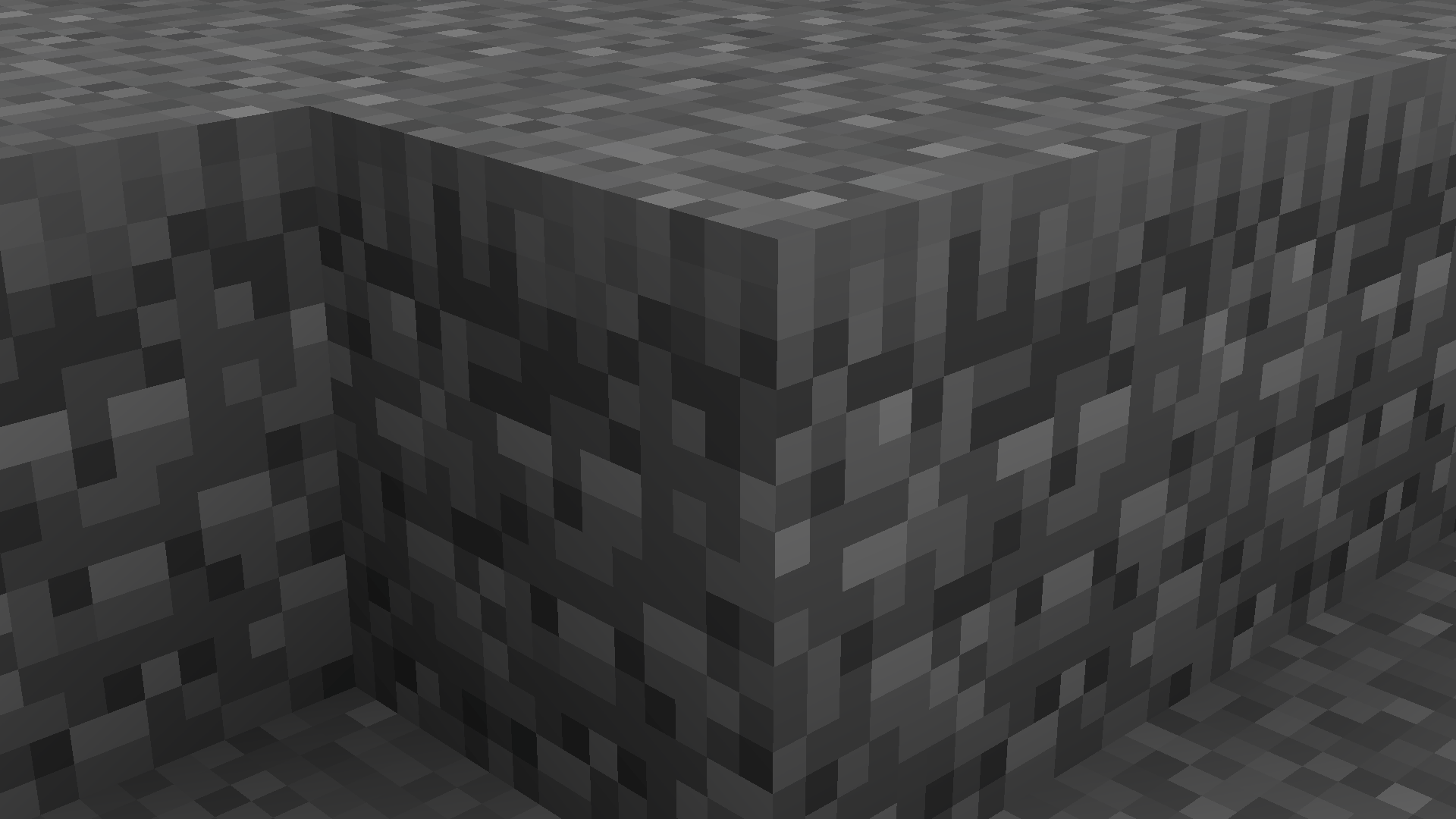
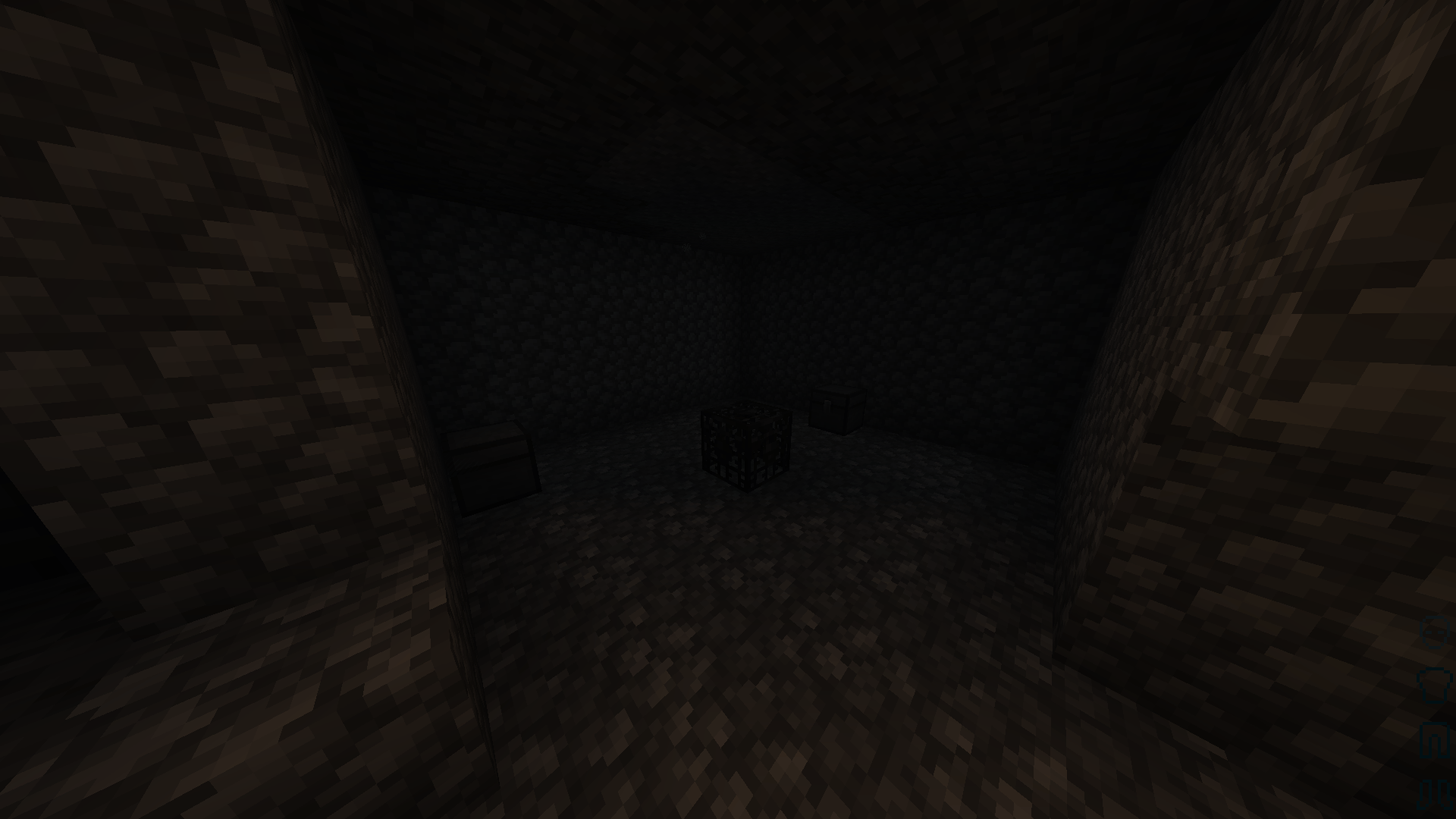
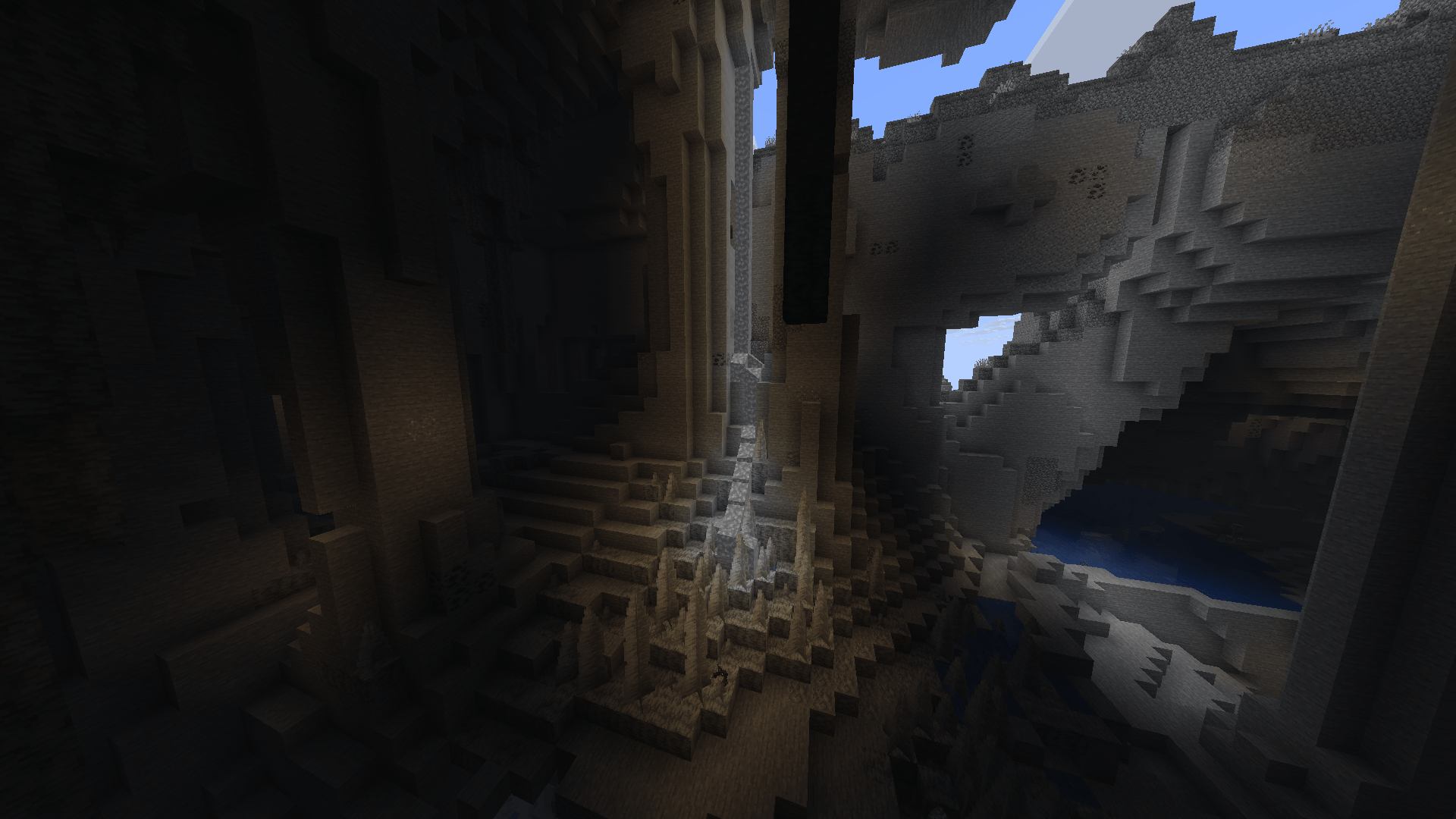
介绍
中文介绍正在准备中,下面暂时显示原文。
Grayscale: A Monochrome Minecraft Experience
Step into a world stripped of color and redefined by shade, contrast, and shadow. Grayscale completely transforms Minecraft Java Edition by converting every block, item, entity, and user interface element into a striking black-and-white aesthetic.
Whether you are looking to record a vintage film noir gameplay series, want a moody and artistic survival challenge, or simply prefer a clean, minimalist look, this pack delivers a completely fresh perspective on the familiar world.
🎨 Key Features
- Full Monochrome Overhaul: Every single texture—from the brightest concrete to the deepest netherrack—is converted into calibrated shades of gray.
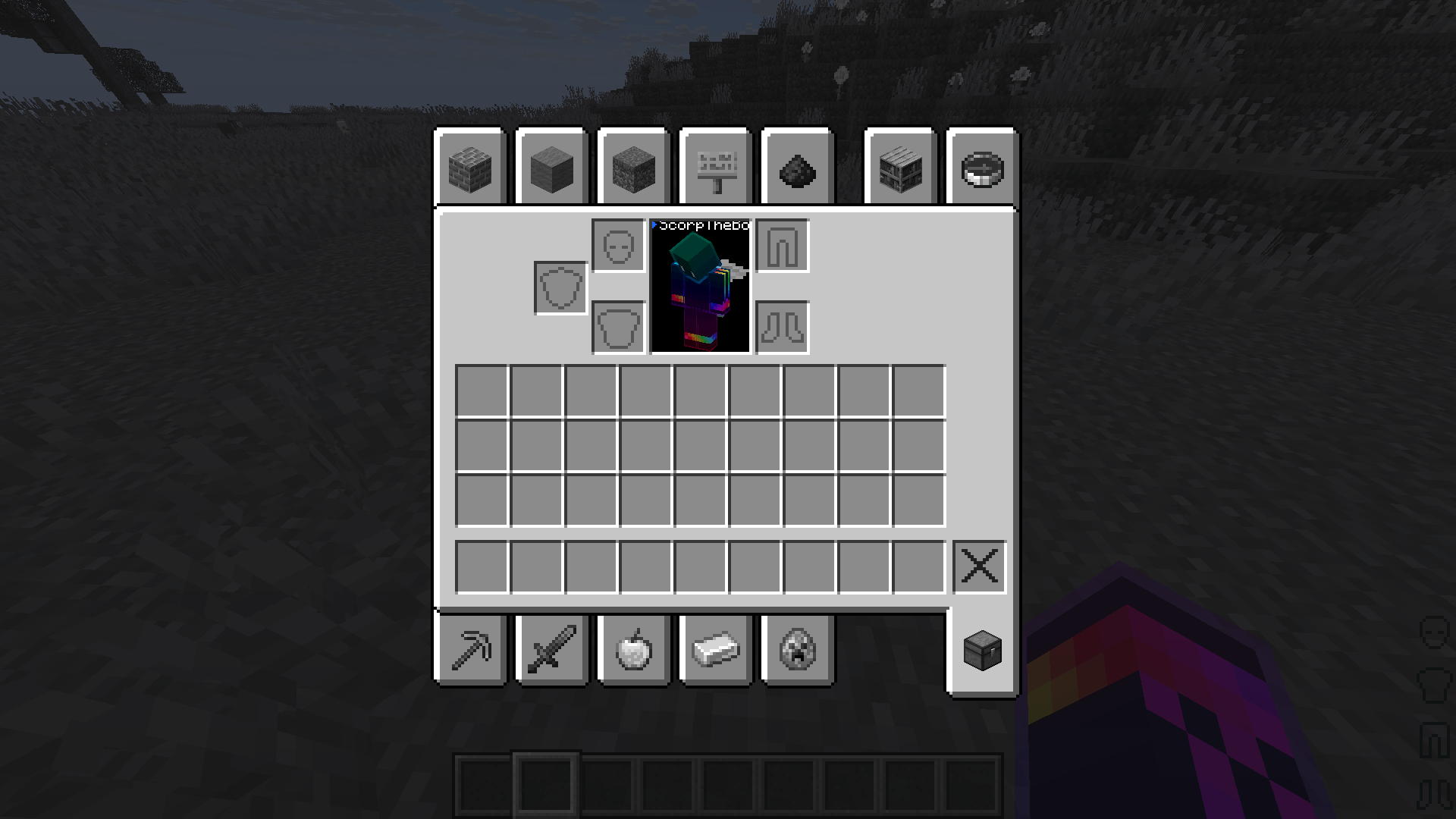
- Classic UI & Menus: Clean, retro-inspired black-and-white menus, inventory screens, and heads-up displays (HUD).
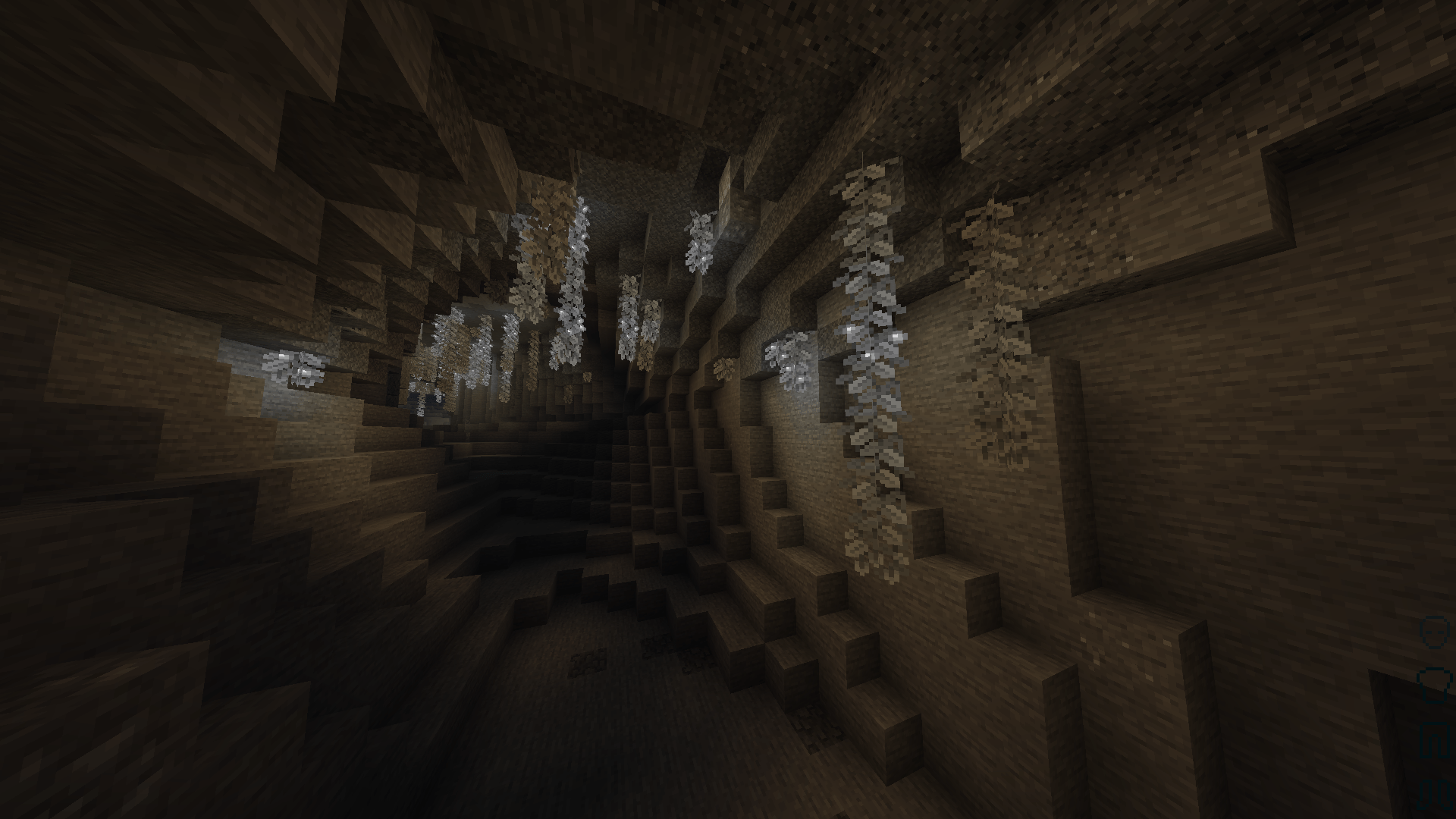
- Enhanced Contrast: Textures are carefully adjusted so outlines, depth, and details remain crisp and highly visible despite the lack of color.
- The Ultimate Challenge: Standard gameplay mechanics are given a unique twist. Distinguishing between different colored wools, terracottas, and potion effects now relies entirely on memory, icons, and tooltips.
⚙️ Compatibility & Installation
- Versions: Compatible with modern versions of Minecraft Java Edition.
- Requirements: Works entirely with the vanilla resource pack engine. No external mods required!
- Load Order: For the best experience, place this pack at the very top of your Active Resource Packs list in-game.
REPORT ANY BUGS, FEATURES, COMPATABILITY ISSUES, ETC. IN THE COMMENTS!
常见问题
Greyscale | The Best Greyscale Pack 支持哪些 Minecraft 版本?
Greyscale | The Best Greyscale Pack 支持 Minecraft Java 版 1.8–26.2,共 22 个版本。下载时注意选择和你游戏版本一致的文件。
Greyscale | The Best Greyscale Pack 怎么安装?
把下载的 .zip 文件(不用解压)放进游戏目录的 resourcepacks 文件夹,进游戏后在「选项 → 资源包」里把它移到右边启用。
ScorpTheBot 的其他作品
查看全部 →
Fullbright | The Best Fullbright Pack
by ScorpTheBot
一款简单的 Java 版全亮资源包,兼容钠!
7.6万
1 个月前
CurseForge
Scorp’s Vanilla CPVP Pack | The Best Crystal PVP Pack
by ScorpTheBot
Scorp 的原版 CPVP 整合包可减少卡顿、增强材质、提升帧率、缩小物品尺寸、降低盾牌和火焰高度,还有更多功能。
1.7万
14 天前
CurseForge
No Particles+ | Best No Particles Pack
by ScorpTheBot
No Particles+是一个轻量级性能资源包,通过关闭Minecraft中沉重或分散注意力的视觉粒子效果来清理屏幕杂乱并提升帧率。
2,025
1 个月前
CurseForge

0 Ping
by ScorpTheBot
A Modpack that feels like you're on super low ping.
1,317
4 个月前
Modrinth
评论
登录后评论和评分