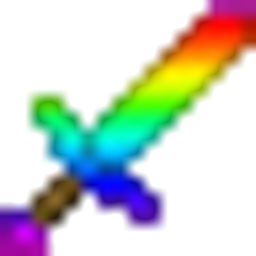
Rainbow Diamond Sword
A vibrant and colorful rainbow re-texture for the classic Diamond Sword
截图
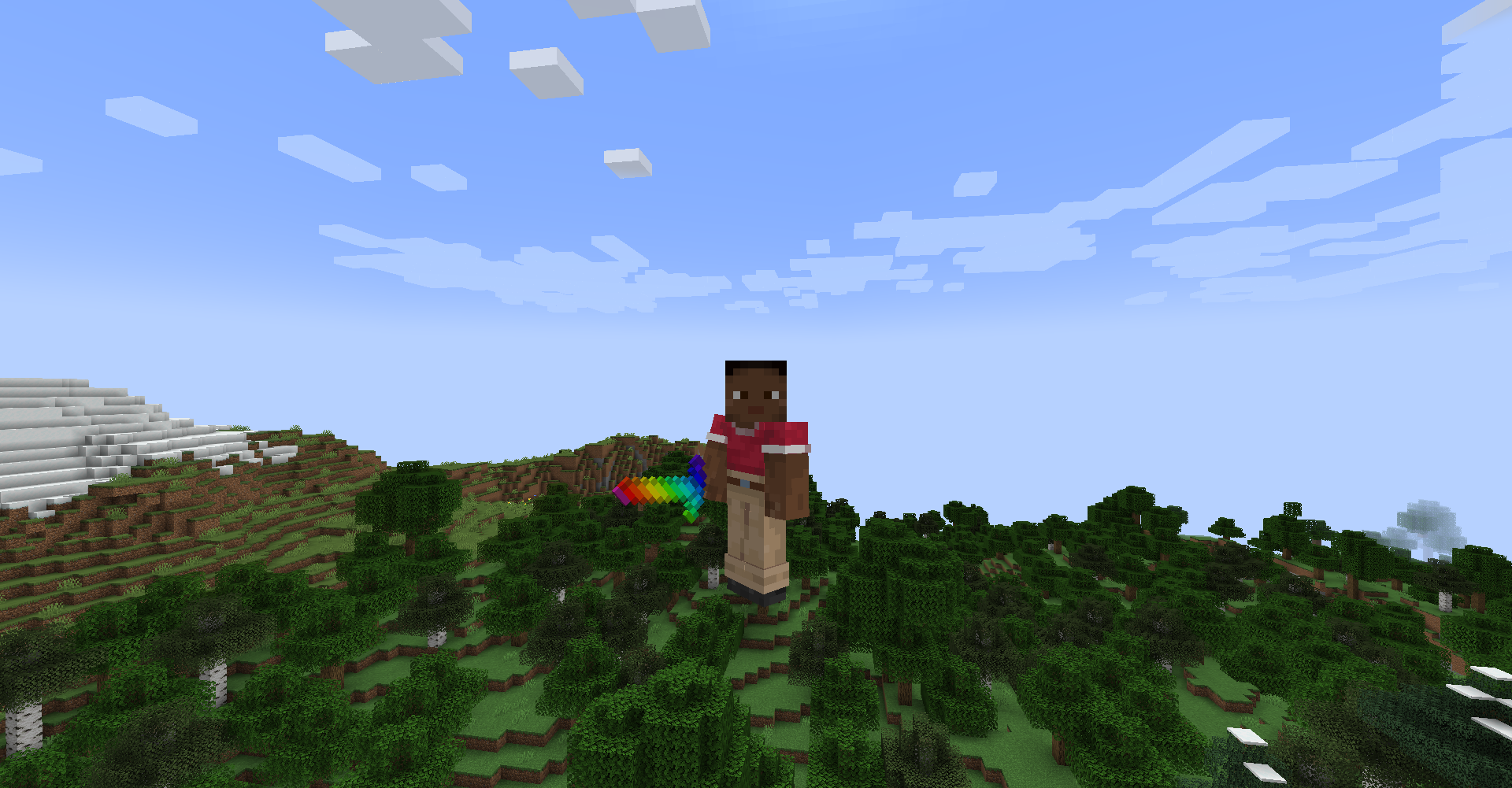
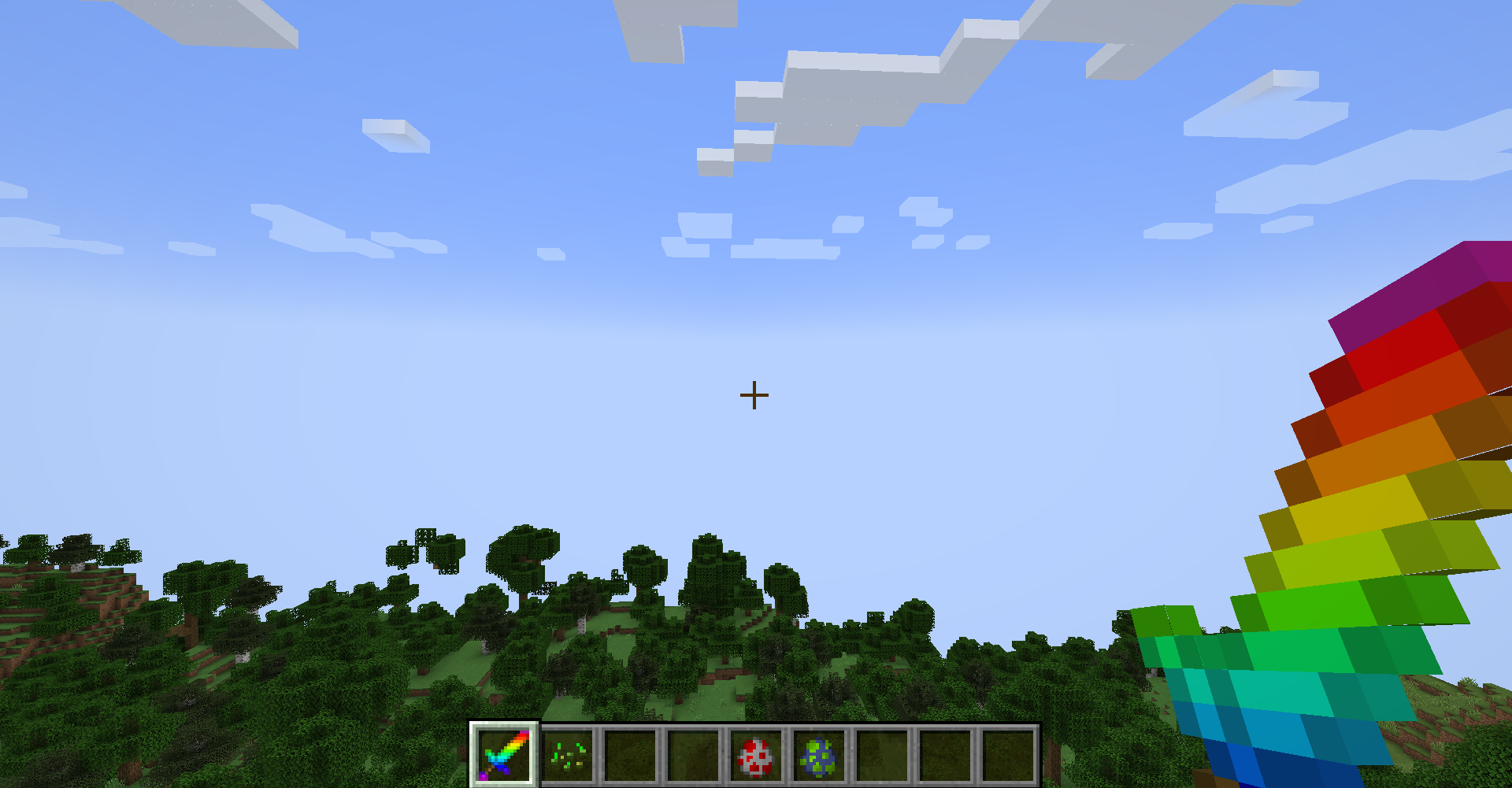
介绍
Brighten up your combat with the Radiant Rainbow Diamond Sword!
This simple yet beautiful resource pack replaces the standard blue Diamond Sword with a vibrant, multi-colored rainbow design. Perfectly crafted in 16×16 resolution to maintain the classic Minecraft feel while adding a splash of color to your inventory.
Features:
-
Rainbow Aesthetic: A smooth color transition from red to purple across the blade.
<button class="button ng-star-inserted" aria-label="Kaynak ayrıntılarını görüntüler. Yan paneli açar." data-hveid="0" data-ved="0CAAQvoAQahgKEwibvd2t5baUAxUAAAAAHQAAAAAQzQo"></button> -
Vanilla Friendly: Designed to fit perfectly with the original Minecraft art style.
<button class="button ng-star-inserted" aria-label="Kaynak ayrıntılarını görüntüler. Yan paneli açar." data-hveid="0" data-ved="0CAAQvoAQahgKEwibvd2t5baUAxUAAAAAHQAAAAAQzgo"></button> -
Performance: Lightweight 16x resolution that won’t lag your game.
<button class="button ng-star-inserted" aria-label="Kaynak ayrıntılarını görüntüler. Yan paneli açar." data-hveid="0" data-ved="0CAAQvoAQahgKEwibvd2t5baUAxUAAAAAHQAAAAAQzwo"></button>
How to Install:
-
Download the RainbowProject.zip file.
-
Open Minecraft and navigate to Options > Resource Packs.
-
Click Open Pack Folder.
-
Drag and drop the downloaded ZIP file into the folder.
-
Select the pack in-game and click Done.
Note: If the game says the pack is made for an older/newer version, you can safely ignore the warning and click “Yes”—it will still work perfectly!
常见问题
Rainbow Diamond Sword 支持哪些 Minecraft 版本?
Rainbow Diamond Sword 支持 Minecraft Java 版 1.20–1.21.11,共 11 个版本。下载时注意选择和你游戏版本一致的文件。
Rainbow Diamond Sword 怎么安装?
把下载的 .zip 文件(不用解压)放进游戏目录的 resourcepacks 文件夹,进游戏后在「选项 → 资源包」里把它移到右边启用。
评论
登录后评论和评分