
截图


介绍

Armor Trims Backport allows you to decorate your armor with various materials.
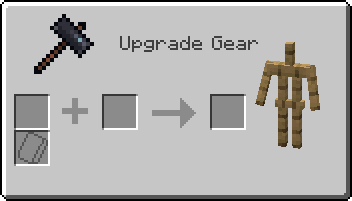
When interacting with a smithing table, this is what you’ll see instead of the normal GUI:
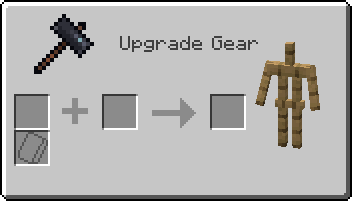
Regular smithing recipes can still be laid out as normal, ignoring the smithing template slot.
This excludes netherite upgrading—which has been disabled in favor of the Netherite Upgrade Smithing Template, but can be reenabled if you so desire.
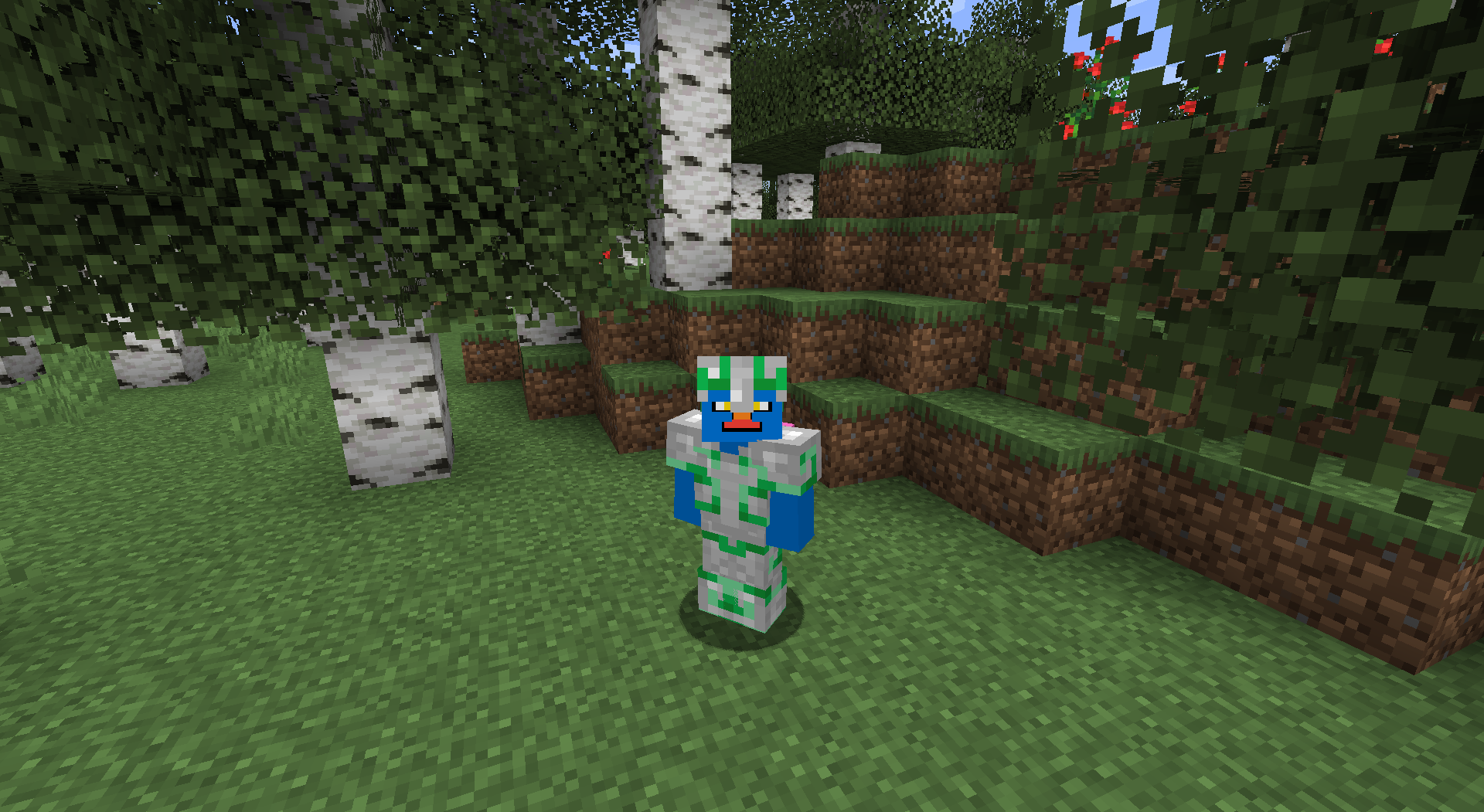
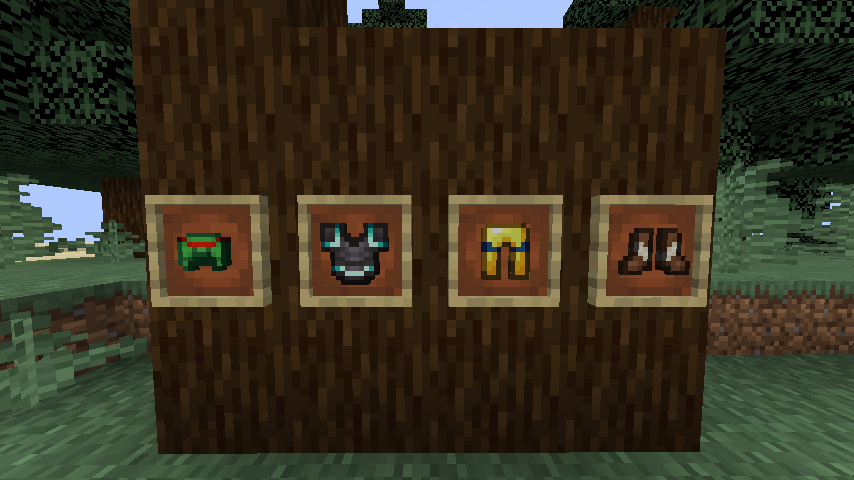
Trims are visible on the player (obviously) and are also displayed on the item.
常见问题
Armor Trims Backport 支持哪些 Minecraft 版本?
Armor Trims Backport 支持 Minecraft Java 版 1.16.5–1.19.3,共 8 个版本,可用的加载器:Fabric / Forge。下载时注意选择和你游戏版本一致的文件。
Armor Trims Backport 怎么安装?
先用 PCL2 或 HMCL 启动器安装对应版本的 Fabric / Forge,再把下载的 .jar 文件放进游戏目录的 mods 文件夹,重新启动游戏即可。开启了版本隔离的,mods 文件夹在 versions/版本名 下面。运行环境:客户端和服务端都要装。
Hipposgrumm 的其他作品
查看全部 →
Corrosive Sculk
Sculk Blocks act like Gloom from TotK

Armor Trims Backport
Backport of the Armor Trims from 1.20

Torchflower Arrows
Attach a torchflower to an arrow and fire it off into the darkness to light your way.

Corrosive Sculk
Sculk Blocks act like Gloom from TotK
评论
登录后评论和评分