
Aeronautics: Interstellar Expansion
AeroIE is an addon for aeronautics, which adds new systems like control system, weapon, turret and more
截图


介绍
 Aeronautics: InterStellar Expansion
Build a starship, Link its systems. Command it as one block.
Welcome to AeroIE, an addon for Create: Aeronautics that focuses only on fully controllable spacecraft built for flight, combat, defense, and long-range travel.
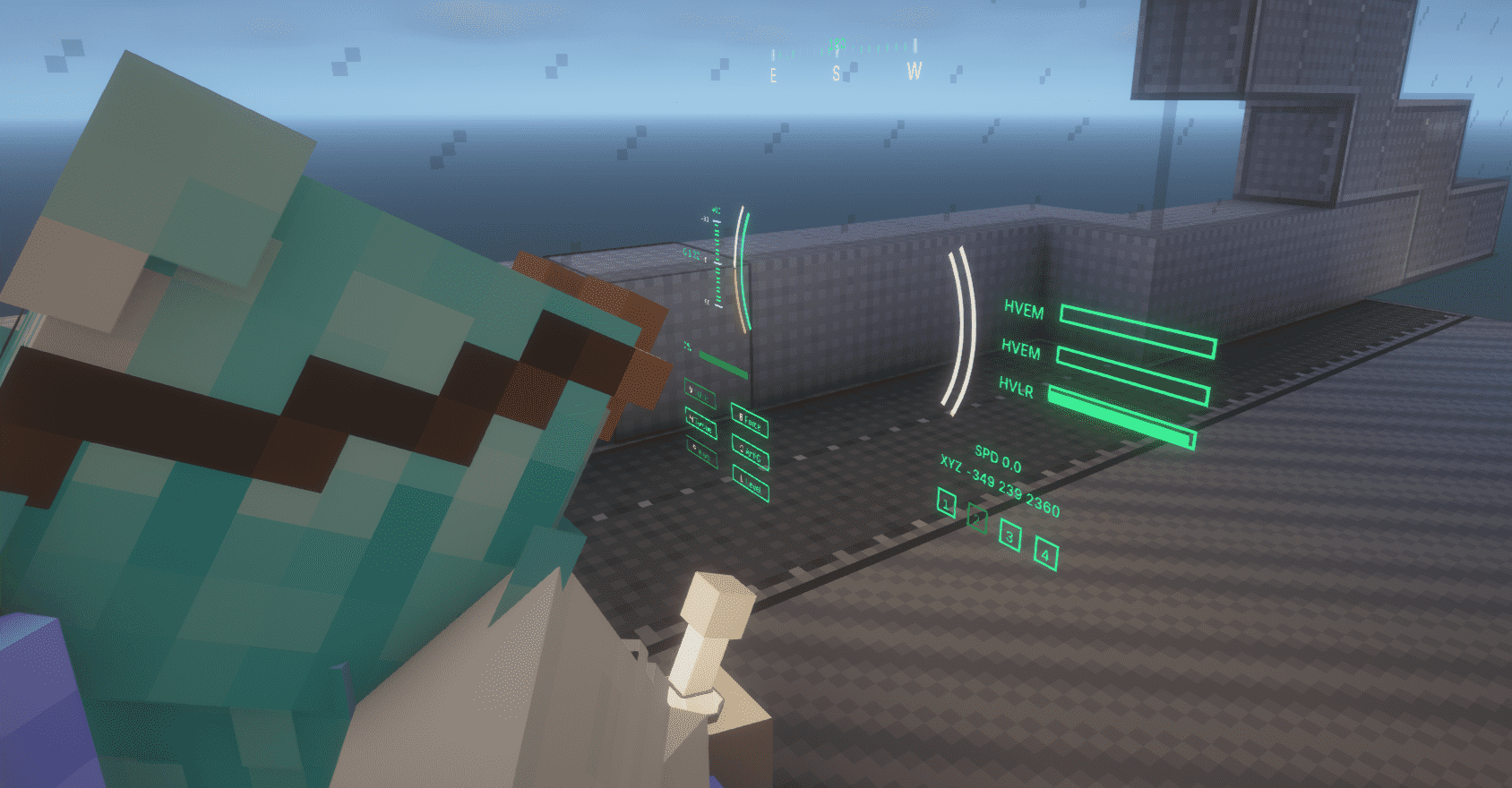
At its heart is the Control Seat. Connect a ship’s engines, weapons, sensors, shields, and storage into one integrated network—without tedious thruster placement or UI-heavy micromanagement.
Key Features
- Integrated flight control with automatic thrust allocation and vector thrusters
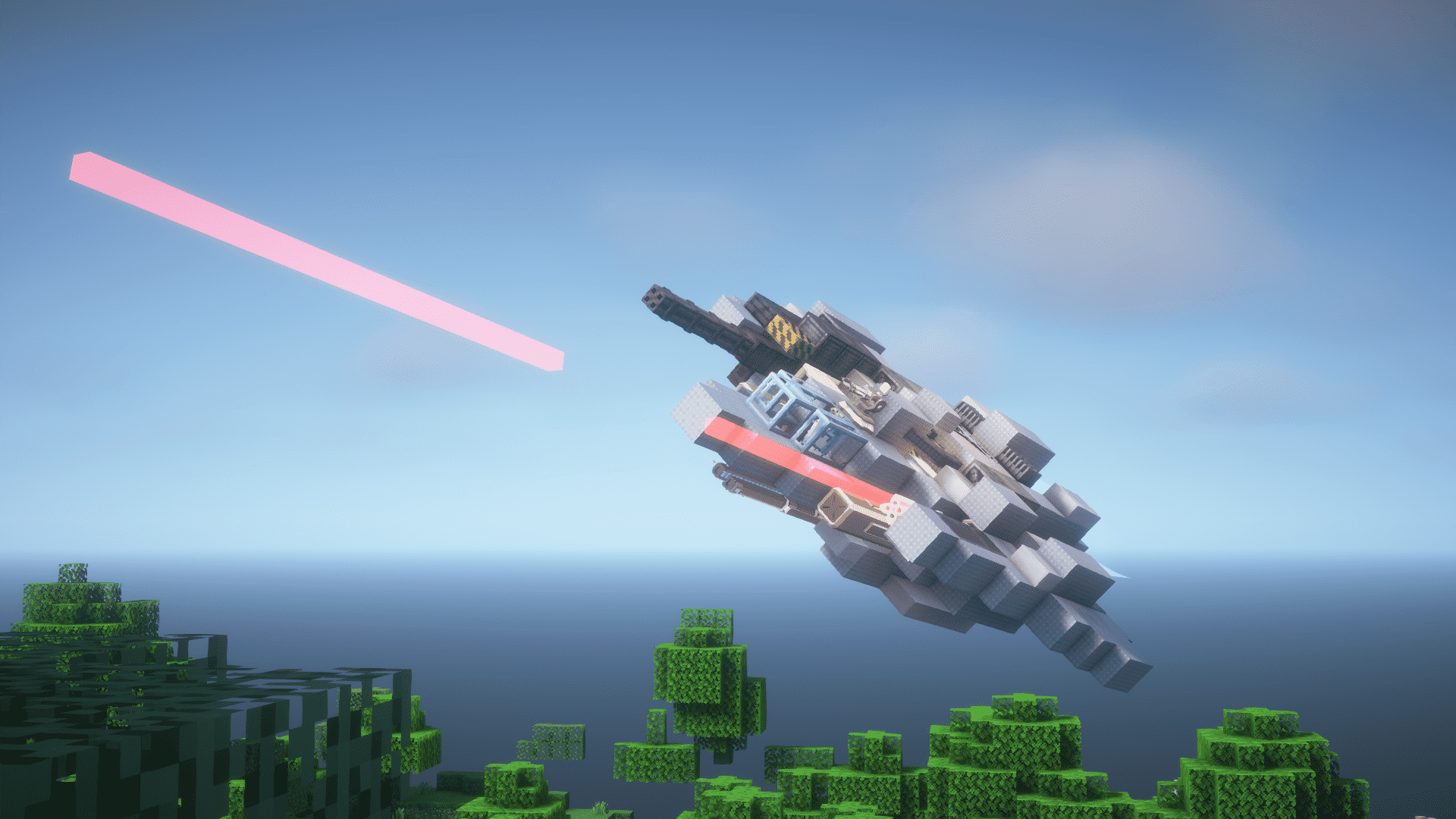
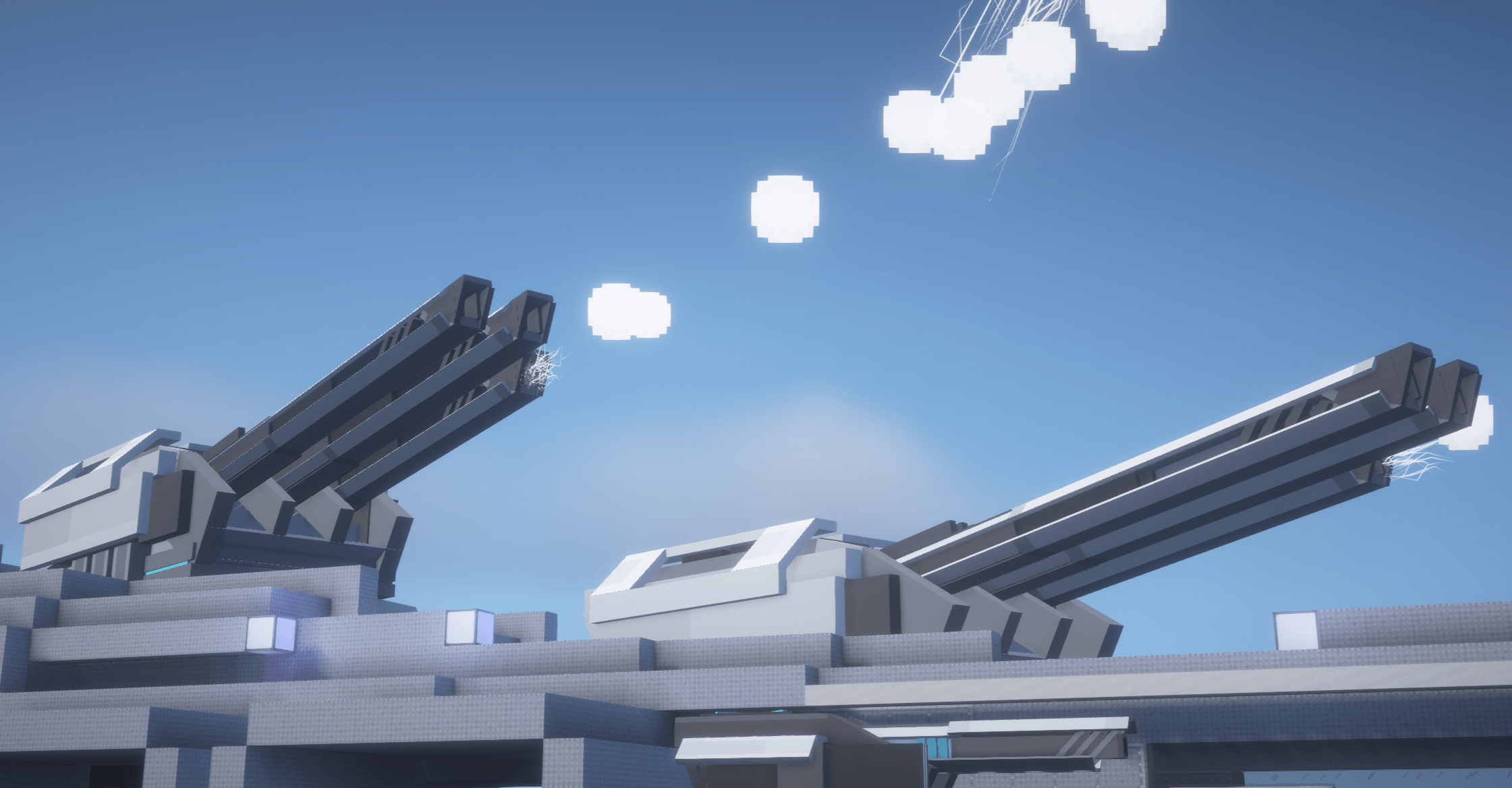
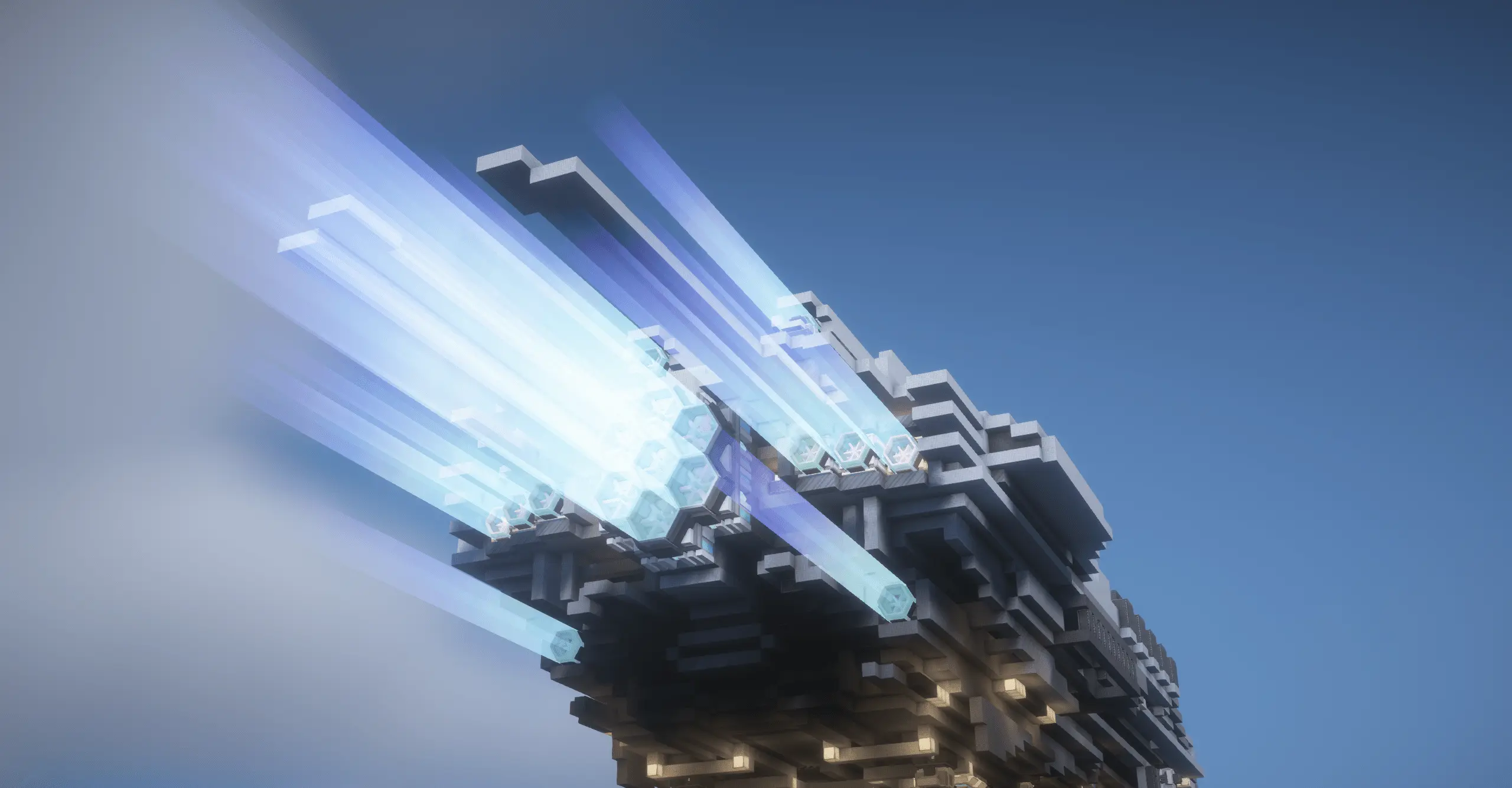
- Ship-mounted weapons, guided missiles, automated turrets, and CIWS
- Radar and IFF systems for detecting and identifying targets
- Modular shields for protecting vessels of different shapes and sizes
- Fuel tanks, batteries, and ammunition systems designed for moving ships
- Warp travel across long distances within the same dimension
- Electromagnetic rails for launching and accelerating entire vessels
and with more exciting peripherals incoming!
AeroIE is designed to make complex spacecraft systems reliable, interconnected, and easy to control, while leaving the ship’s appearance, layout, and purpose entirely up to you.
Requirements
| Component | Status |
|—|—|
| Ritchie’s Projectile Lib | Required |
| Geckolib | Required |
| Create: Aeronautics | Required |
| Photon Editor | Required |
| Patchouli | Optional |
Installing Patchouli enables AeroIE’s in-game guide, which explains its systems and equipment.
Feel free to create github issues when encountering bugs!
常见问题
Aeronautics: Interstellar Expansion 支持哪些 Minecraft 版本?
Aeronautics: Interstellar Expansion 支持 Minecraft Java 版 1.21.1–1.21.11,共 11 个版本,可用的加载器:NeoForge。下载时注意选择和你游戏版本一致的文件。
Aeronautics: Interstellar Expansion 怎么安装?
先用 PCL2 或 HMCL 启动器安装对应版本的 NeoForge,再把下载的 .jar 文件放进游戏目录的 mods 文件夹,重新启动游戏即可。开启了版本隔离的,mods 文件夹在 versions/版本名 下面。运行环境:客户端和服务端都要装。

评论
登录后评论和评分