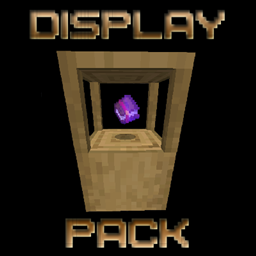
Display Texture Pack
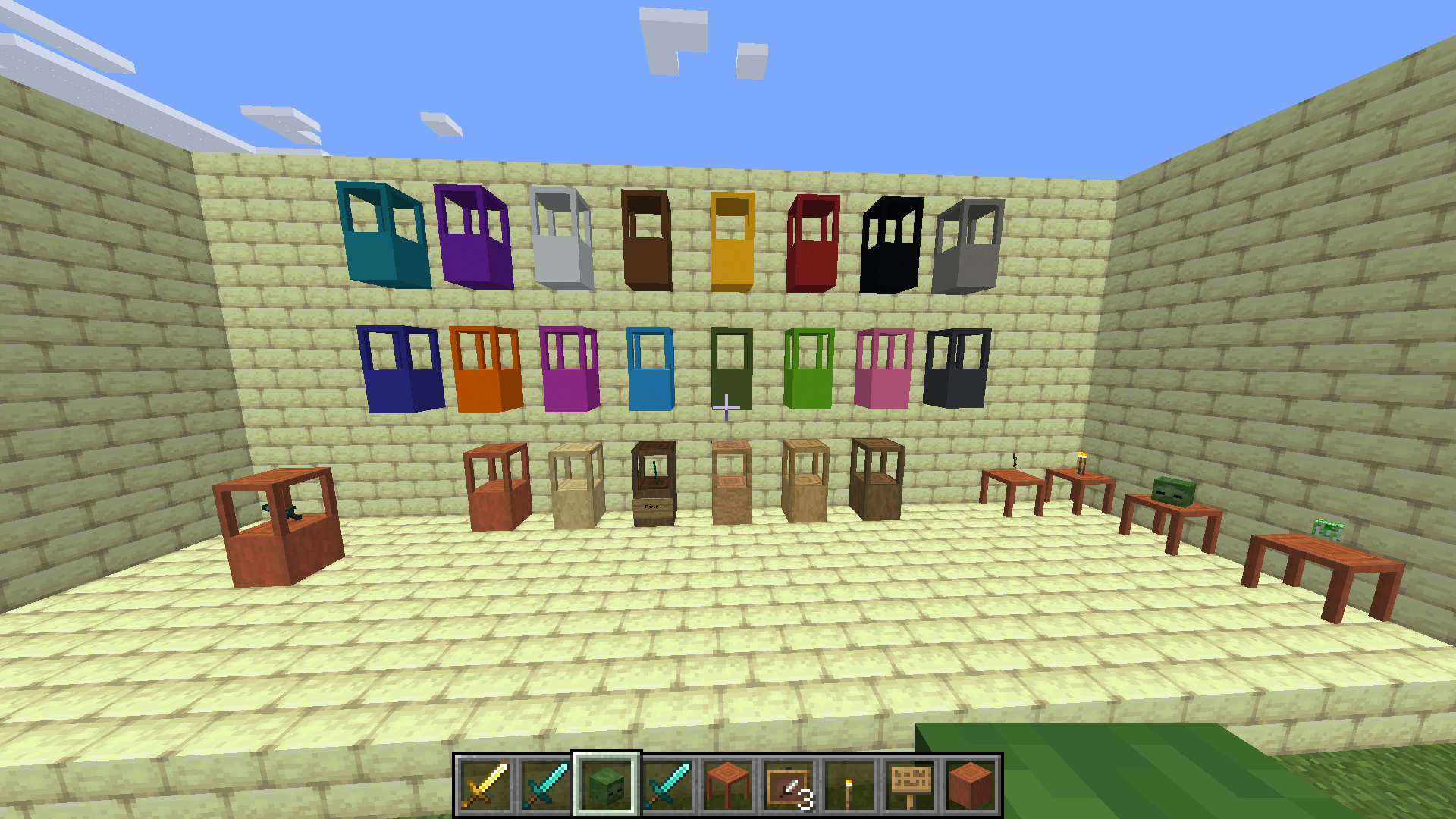
This adds 22 Display Tables and Enables Stripped Logs/Concrete Blocks to Display too
截图
介绍
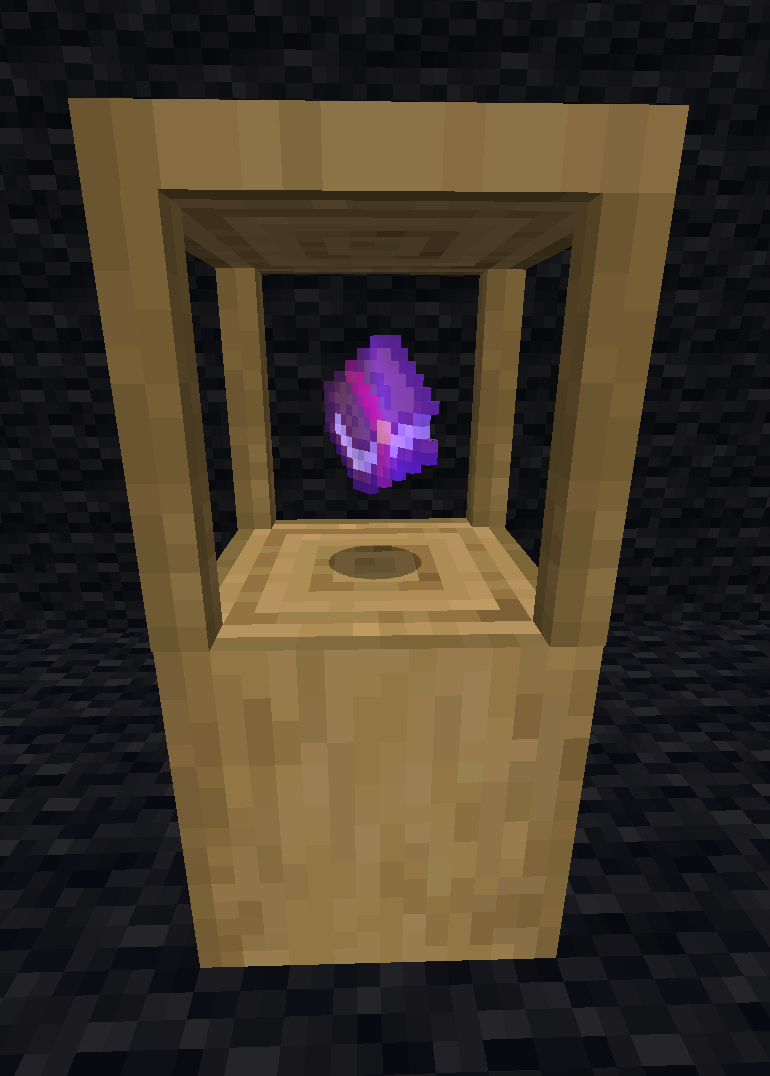
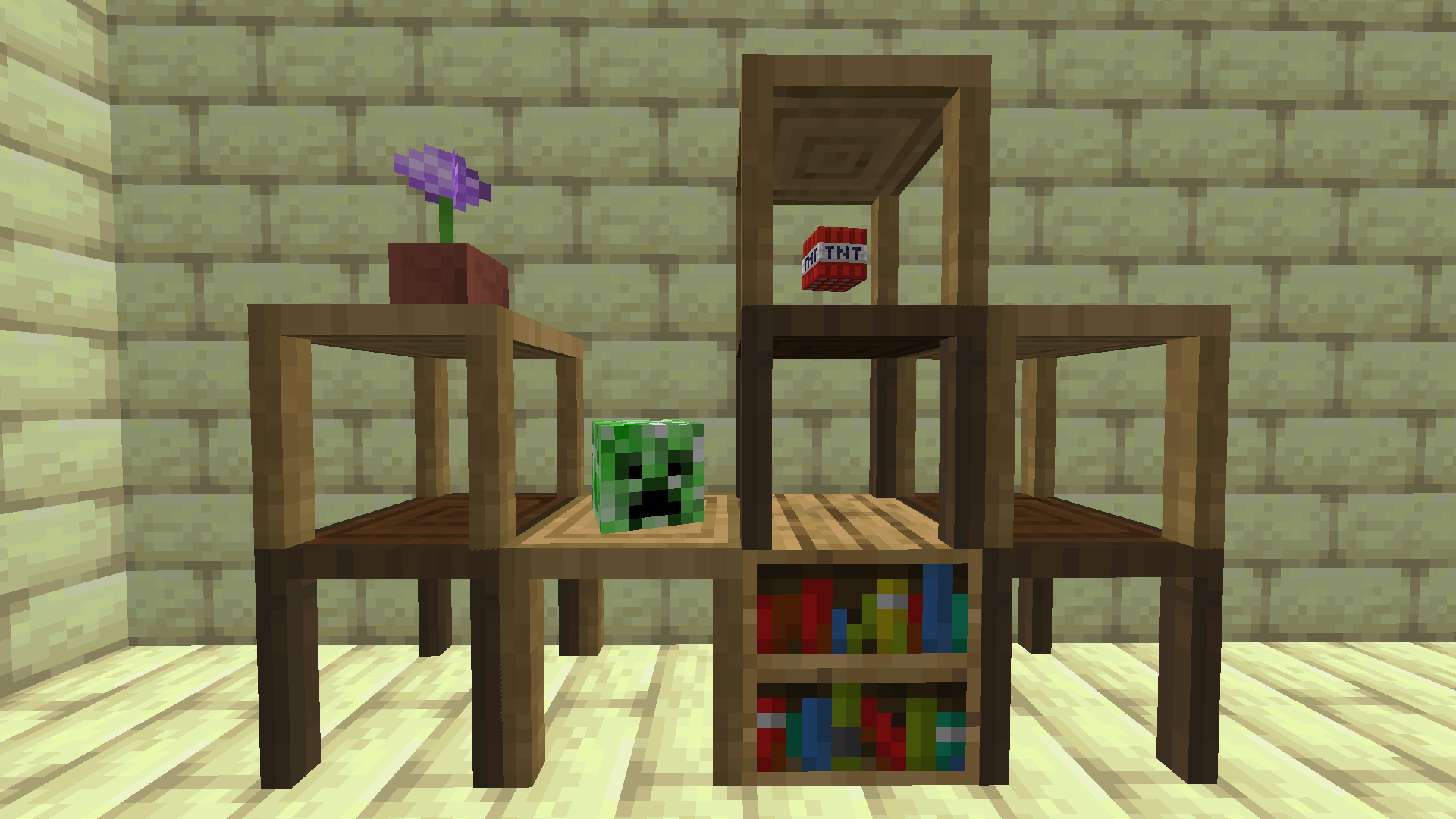
This pack adds 22 new Tables to Minecraft but with an advantage, you can display floating rotating items on them.
You can attain these Tables from a Display Trader Villager for a price, to gain access to this Villager do the following:
Rename a Nametag to ‘Display Trader’, find a Wandering Trader and click on him with the Nametag, tadaaaa you now have access to the tables for a price.
Also all the Stripped Wood Logs and Concrete Blocks in the game are now Display Blocks, The Tables and the Blocks can be used for Displaying Items and how to do so is as follows:
Throw the item you wish to display on top of the Table or Block, then throw an Item Frame on top of the Block, this will center the Item and make it unattainable, that is unless you break the Table or Block, at which point the Item will be dropped.
You can also create a Display Case by placing a Block and then a Table on top of the Block, if you wish to use this Display Case then you must always place the Table on top of the Block first, before throwing the Item and Item Frame on top of the Block, same for placing Tables on top of Tables.
In Survival you use the Display Trader Name Tag to access the Tables and craft the Blocks as normal.
In Creative you can access the Tables with the following code:
/function give:table/
Full Troubleshooting instructions are within this pack.
This pack consists of a Texture Pack and a Datapack, both must be installed in the correct folders for this pack to work properly.
You can get the Datapack here on Curseforge
常见问题
Display Texture Pack 支持哪些 Minecraft 版本?
Display Texture Pack 支持 Minecraft Java 版 1.14–1.15.2,共 8 个版本。下载时注意选择和你游戏版本一致的文件。
Display Texture Pack 怎么安装?
把下载的 .zip 文件(不用解压)放进游戏目录的 resourcepacks 文件夹,进游戏后在「选项 → 资源包」里把它移到右边启用。



评论
登录后评论和评分