
CS:2 Lootbox – Music Kit
Optional music kits for CS2 Lootbox v1.1.0+, with artwork, a music player and jukebox support. One ZIP per kit.
截图
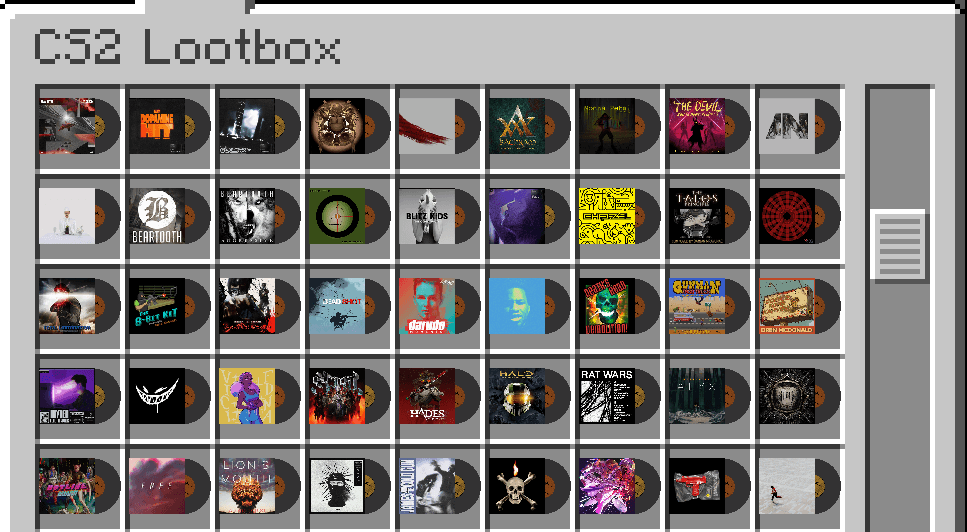
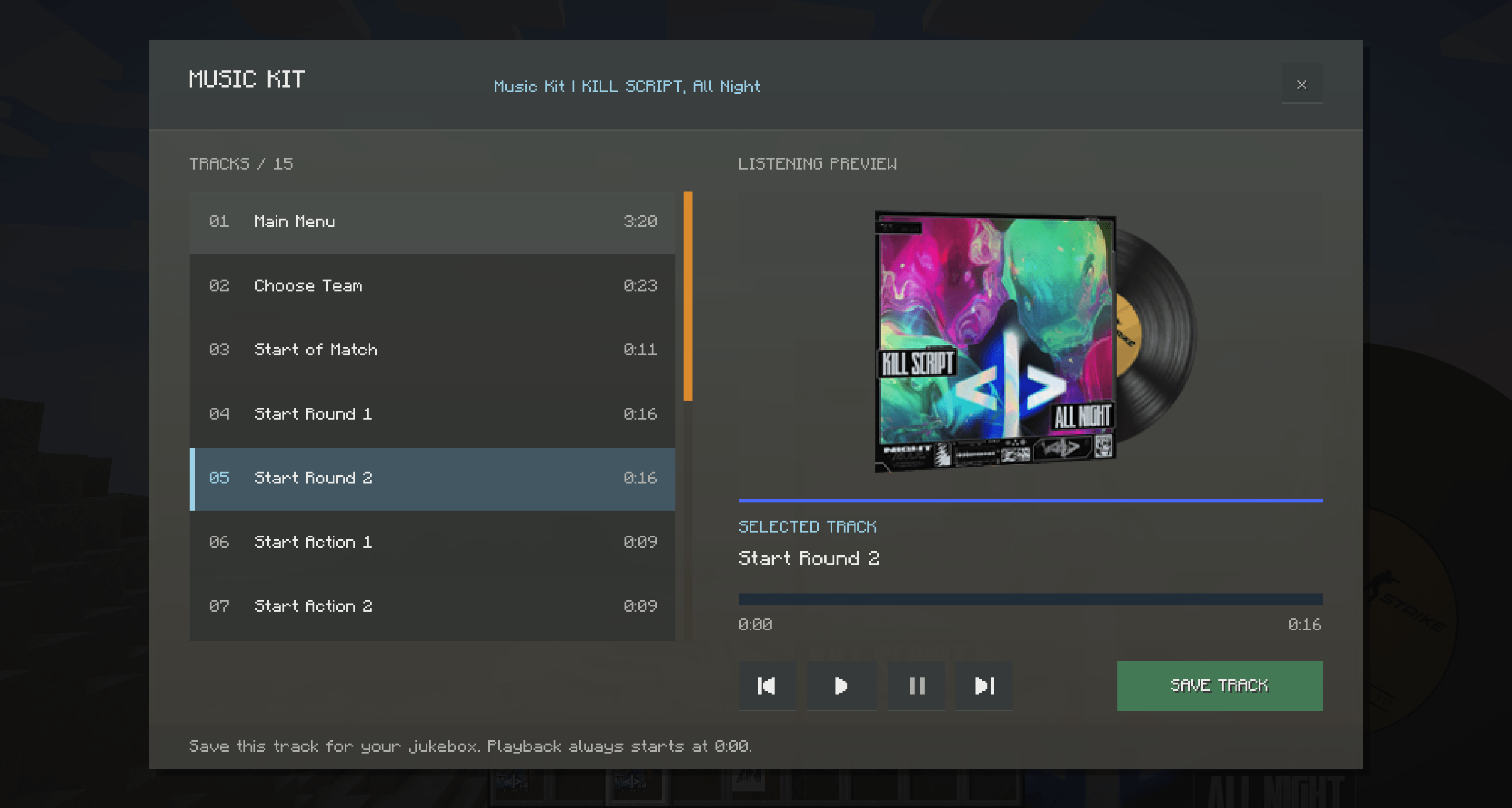
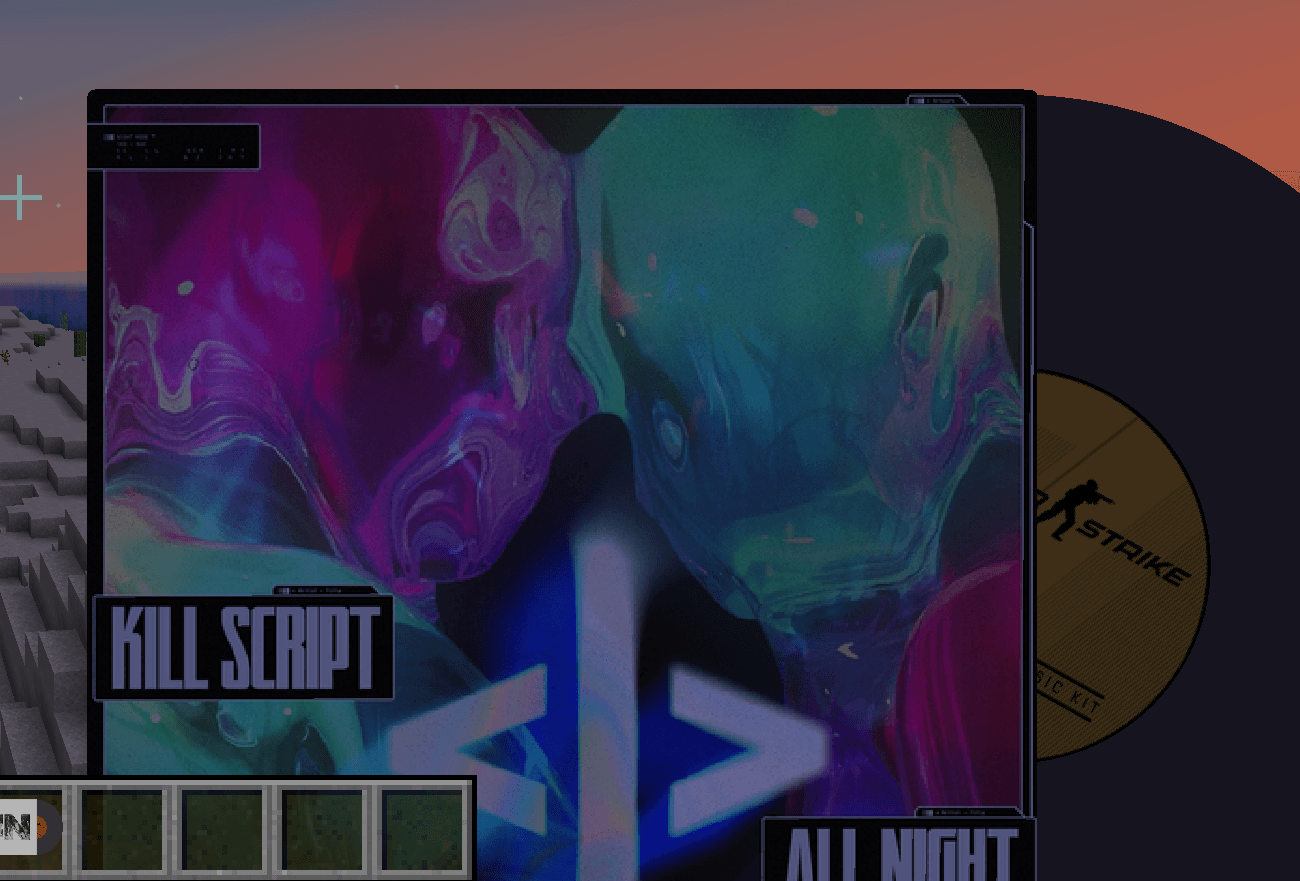
介绍
CS2 Lootbox – Music Kits
Bring Counter-Strike music kits to Minecraft with this collection of optional resource packs for CS2 Lootbox. Choose the kits you want and enjoy their music and cover artwork in-game.
One project, separate downloads
Each ZIP contains one music kit. Download and enable any combination of packs to build your own collection. Only kits whose required resources are enabled become available in the mod.
Features
- 100+ music kits to choose from, each offered as a separate download.
- Original cover artwork, also used as each pack’s icon.
- A dedicated music player with track selection, playback progress, previous/next, play/stop and pause/resume controls.
- Save your favorite track to a kit and play it in a vanilla jukebox.
- Music-kit items shown as a 3D sleeve-and-record model or their original 2D cover artwork, depending on the kit.
- Playback volume controlled by Minecraft’s Jukebox/Note Blocks slider.
Requirements
CS2 Lootbox v1.1.0+, its required dependencies, and Minecraft Forge 1.20.1.
Installation
- Install CS2 Lootbox v1.1.0+ and its dependencies.
- Choose a music-kit ZIP from this project’s downloads. Install additional kit ZIPs if you want more music kits.
- Place the ZIP files in your Minecraft resourcepacks folder (if not already).
- Enable them through Options → Resource Packs.
The enabled kits appear in the CS2 Lootbox creative tab. Right-click a kit to listen, select a track and choose Save. Insert it into a jukebox to play the saved track from the beginning.
The shared models are supplied by CS2 Lootbox; each kit pack contains its own audio and textures. Dedicated servers do not need these packs, but players need the relevant packs enabled to hear the music.
常见问题
CS:2 Lootbox – Music Kit 支持哪些 Minecraft 版本?
CS:2 Lootbox – Music Kit 支持 Minecraft Java 版 1.20.1。下载时注意选择和你游戏版本一致的文件。
CS:2 Lootbox – Music Kit 怎么安装?
把下载的 .zip 文件(不用解压)放进游戏目录的 resourcepacks 文件夹,进游戏后在「选项 → 资源包」里把它移到右边启用。
TokyoSU 的其他作品
查看全部 →
RarityJS
通过 KubeJS 为整合包添加新的稀有度。
ApocalypseLib
TokyoSU 模组的核心前置库。

Item Overlay Border
为物品添加动态边框,兼容 JEI物品管理器、REI物品管理器、EMI 及我的模组。
CS:2 Lootbox
CS2-inspired cases, 3D rewards and music kits for Forge 1.20.1, with KubeJS customization and jukebox support.
评论
登录后评论和评分