Arabic Clean Font (32x)
A clean and readable Arabic font for Minecraft, designed to improve clarity and provide a smooth, distraction-free experience.
截图
介绍
Arabic Clean Font – Built to improve the Adhkar mod experience
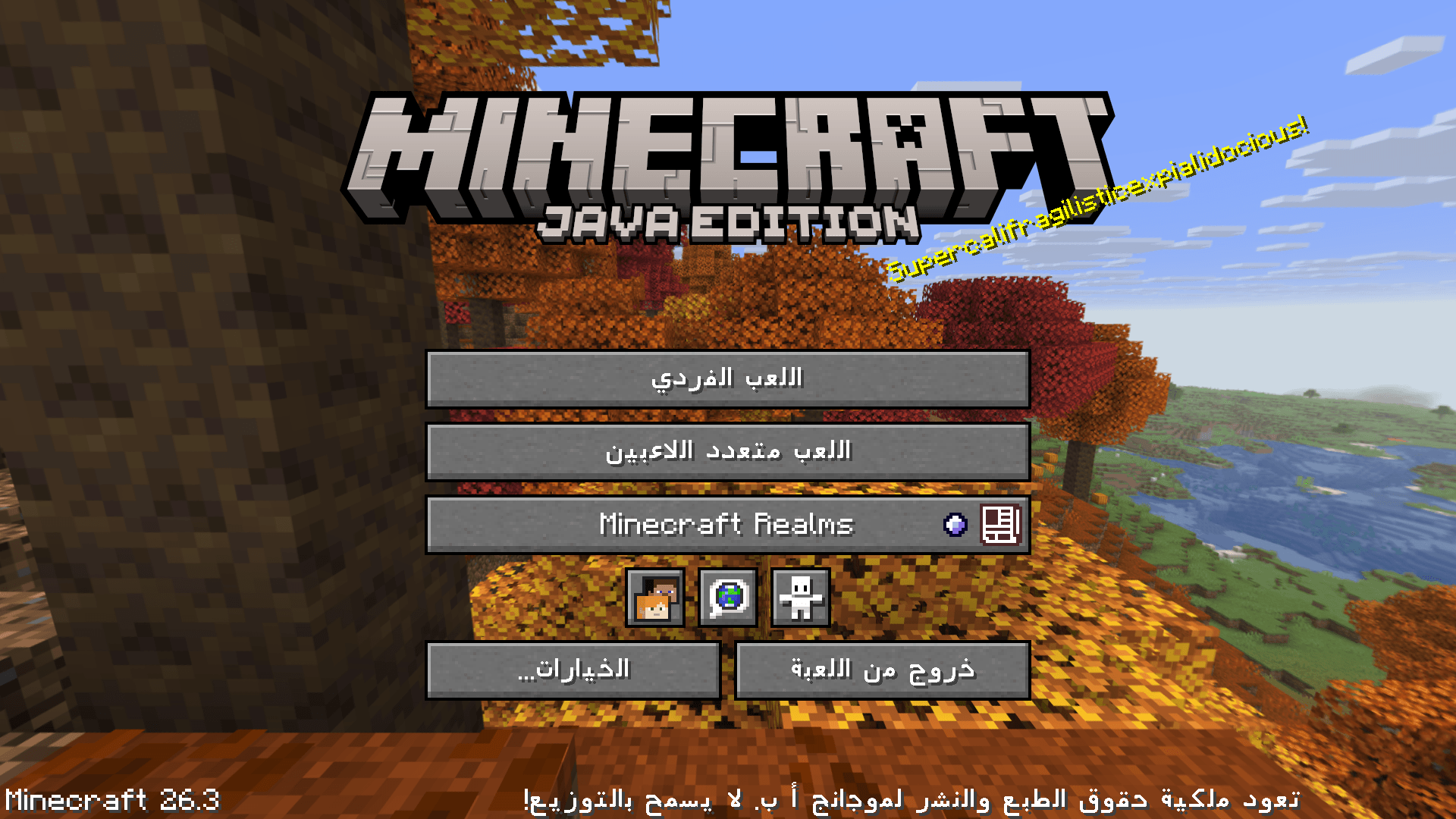
Arabic Clean Font is a Minecraft resource pack designed to improve Arabic text readability with a clean, modern font.
Perfect for players who want better Arabic support, clearer UI, and a smoother experience in Minecraft.
Why Arabic Clean Font?
Minecraft does not fully support Arabic text rendering. This resource pack helps improve:
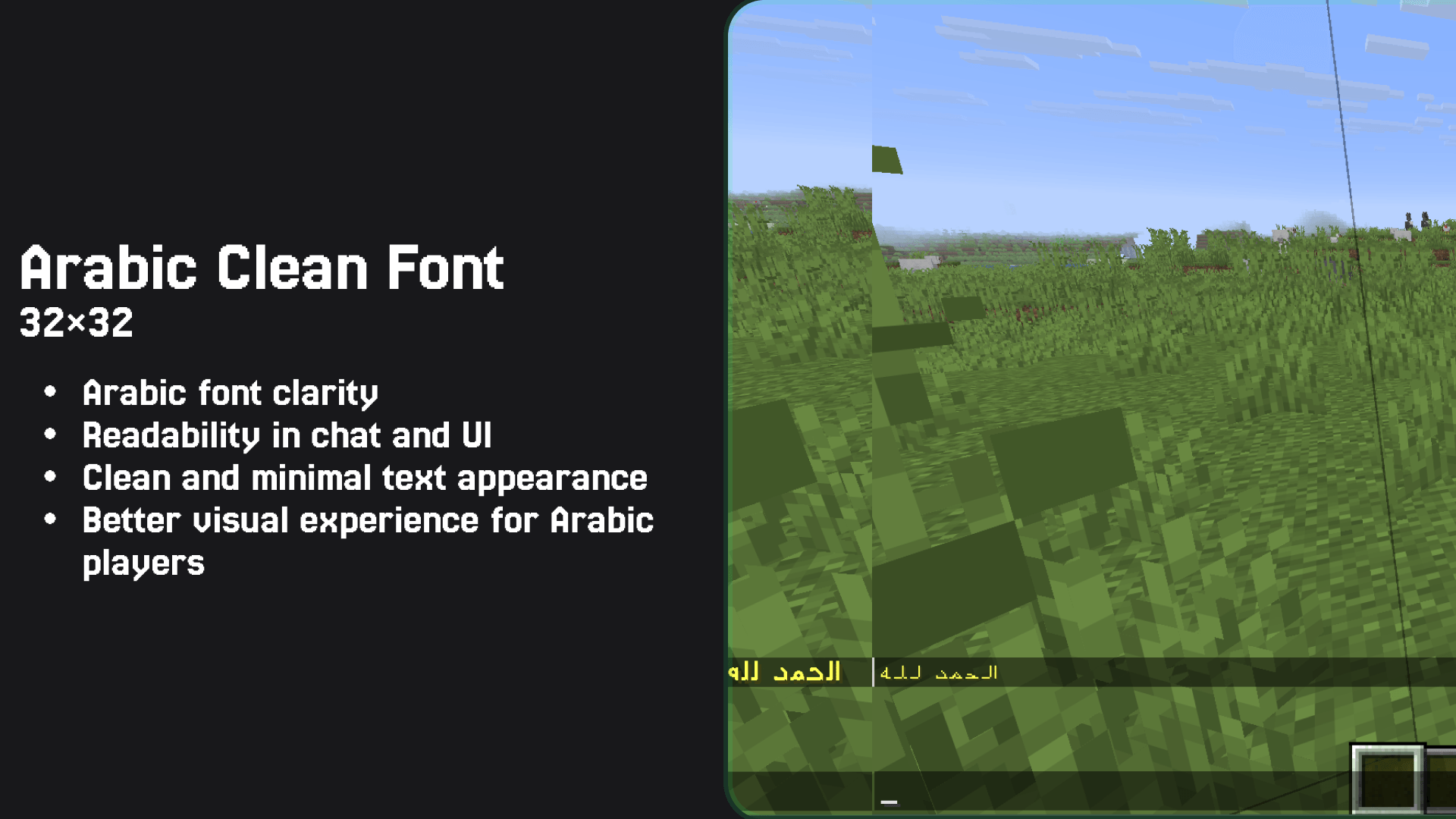
- ✔ Arabic font clarity
- ✔ Readability in chat and UI
- ✔ Clean and minimal text appearance
- ✔ Better visual experience for Arabic players
Installation
-
Download the resource pack
-
Move the
.zipfile to:.minecraft/resourcepacks/ -
Open Minecraft
-
Go to:
Options → Resource Packs -
Enable Arabic Clean Font
⚠️ Important Notes
- Minecraft does not fully support Arabic shaping (RTL)
- Some text may appear:
- Separated
- Reversed
- This is a limitation of the game engine, not the resource pack
Best Experience Tips
- Use short sentences
- Avoid heavy diacritics (Arabic tashkeel)
常见问题
Arabic Clean Font (32x) 支持哪些 Minecraft 版本?
Arabic Clean Font (32x) 支持 Minecraft Java 版 26.1.2–26.3,共 3 个版本。下载时注意选择和你游戏版本一致的文件。
Arabic Clean Font (32x) 怎么安装?
把下载的 .zip 文件(不用解压)放进游戏目录的 resourcepacks 文件夹,进游戏后在「选项 → 资源包」里把它移到右边启用。
EnissayCula 的其他作品
查看全部 →
Easy Netherite
Original Published 2019 - You can smelt any Netherite tool in a furnace to obtain a Netherite Ingot, giving you a new way to recycle your gear.

Arabic Clean Font (32x)
A clean and readable Arabic font for Minecraft, designed to improve clarity and provide a smooth, distraction-free experience.

Adhkar
Beautiful Islamic prayers are sent to you periodically in the chat.

CharWood
Recycle wooden structures into charcoal with balanced smelting recipes.
评论
登录后评论和评分