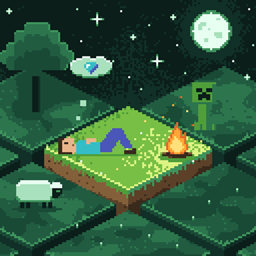
AFK Chunks
Idle players stop loading chunks and causing mob spawns and random ticks until they move again.
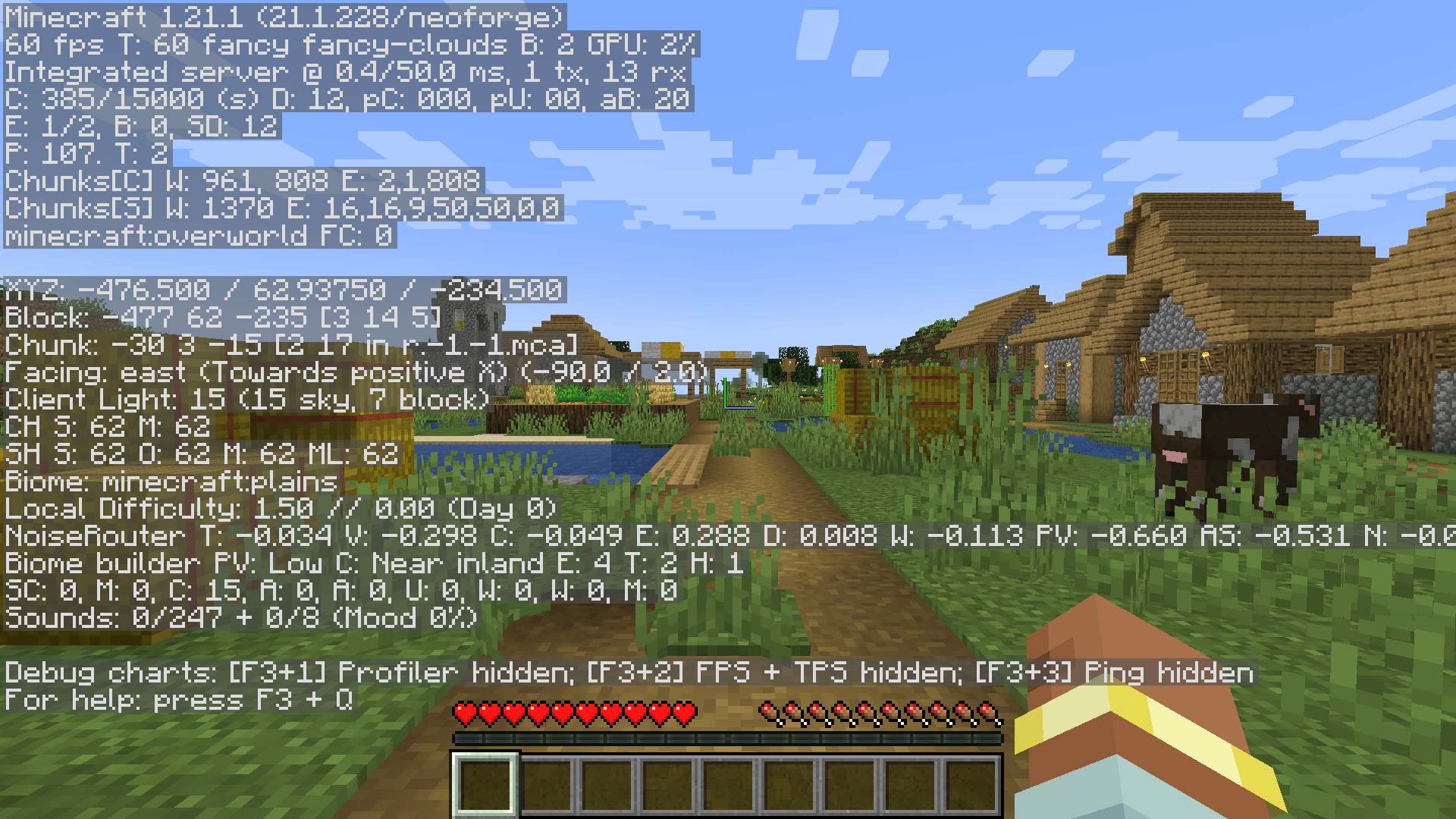
截图
介绍
AFK Chunks
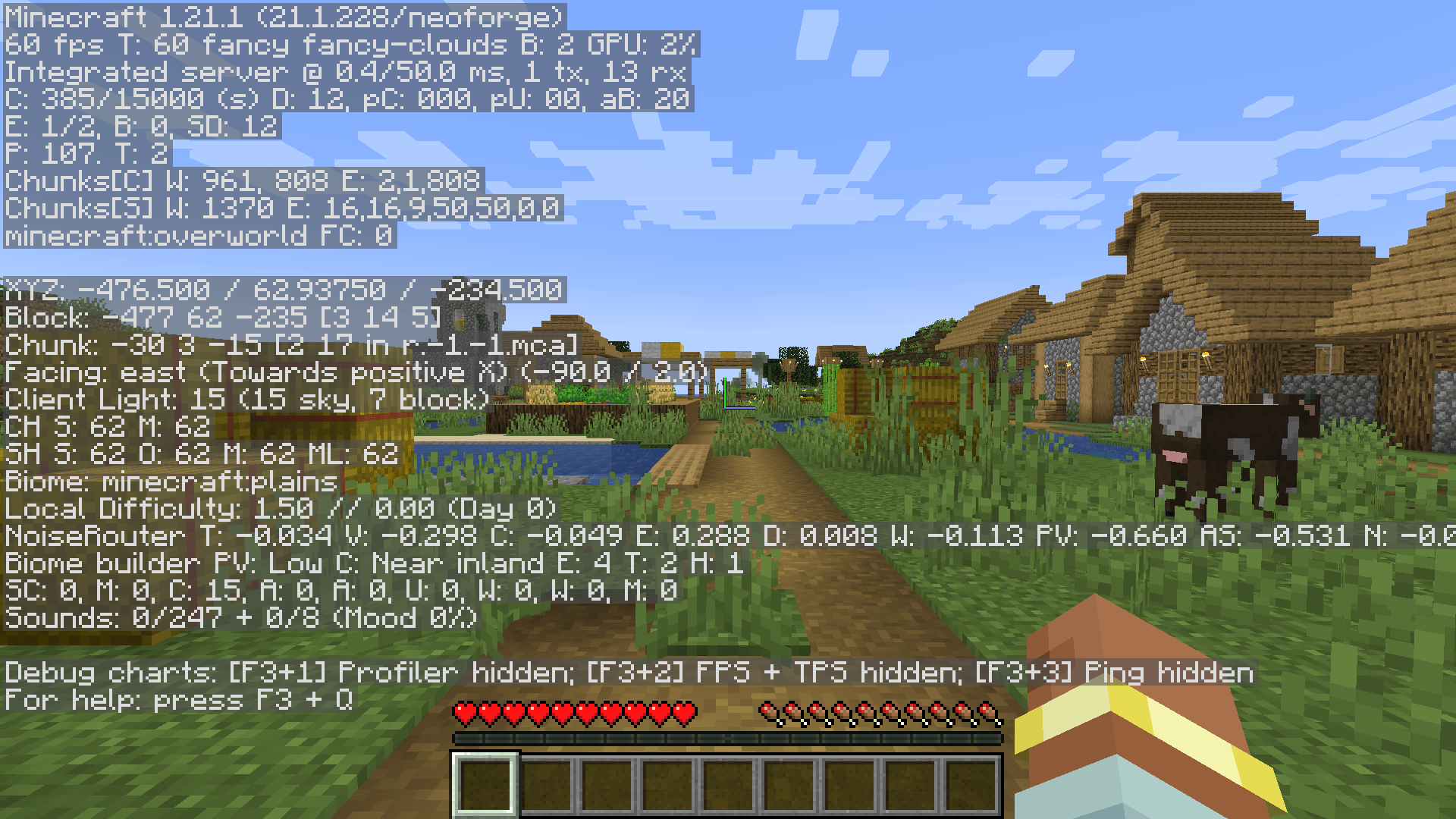
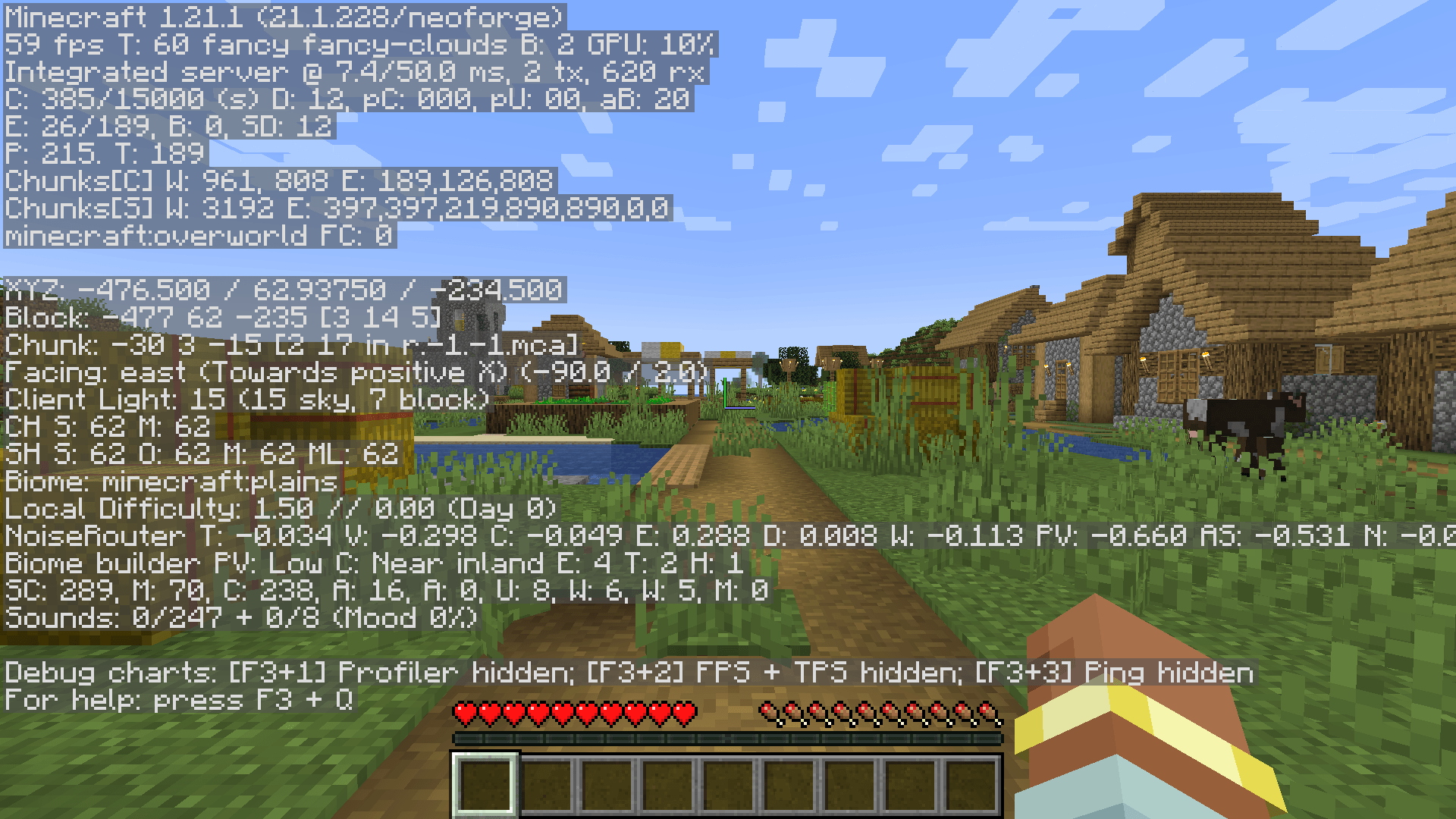
A server-side mod for NeoForge 1.21.1. A player who stays idle for a set number of minutes stops loading the chunks around them, and stops causing mob spawns and random ticks there, until they move again. It reuses what vanilla already does for spectators. Clients do not need it.
Support me and get early access on my Patreon.
Who counts as AFK
- A player whose position and view have not changed, and who has not interacted, chatted, clicked in a container or used an item, for
afkMinutes: 5 by default, 1 to 720. - Any movement counts as activity, so someone riding a minecart or a train is never AFK.
- Spectators are never marked AFK.
- Players are checked every
pollIntervalTicks: 20 ticks by default, 1 to 200.
What stops
- The server drops the AFK player’s chunk tickets, the way vanilla does for a spectator when
spectatorsGenerateChunksis off. The chunks around them unload unless something else keeps them loaded. - Chunks that stay loaded for another reason, such as another player, a claim or a chunk loader, get no mob spawns or random ticks on account of the AFK player.
- A mob farm that runs on an idle player standing next to it stops once they are marked AFK.
Coming back
- Moving, looking around or interacting ends it at the next check, and the player’s chunks load again.
- The server log notes both changes:
<name> is AFK after 5 min: releasing their chunksand<name> is active again: loading their chunks. - There are no commands and no messages to players.
Requirements
Minecraft 1.21.1, Java 21, NeoForge 21.1. Server side only: clients do not need it. Both settings are in config/afkchunks-common.toml.
This mod has been abandoned. It works fine, but it will not receive updates
[](https://discord.com/invite/Ja2Cbmrne4)
NeoForge 1.21.1, server side. Free to use in modpacks.
常见问题
AFK Chunks 支持哪些 Minecraft 版本?
AFK Chunks 支持 Minecraft Java 版 1.21.1,可用的加载器:NeoForge。下载时注意选择和你游戏版本一致的文件。
AFK Chunks 怎么安装?
先用 PCL2 或 HMCL 启动器安装对应版本的 NeoForge,再把下载的 .jar 文件放进游戏目录的 mods 文件夹,重新启动游戏即可。开启了版本隔离的,mods 文件夹在 versions/版本名 下面。
falling_colud96 的其他作品
查看全部 →
Better Clouds Reforged
与原生风格完美融合的精美云朵。
Better Inventory And Backpacks
彻底重做Minecraft物品栏

Realistic Waves
为 Minecraft 带来逼真的波浪效果。

Fantasia RPG Slimes
新增 14 种拥有独特能力的史莱姆!
评论
登录后评论和评分