
MisterGriimm’s Accurate Woodcutter’s Axes
Vanilla friendly axe models to give them a Vanilla+ feel!
截图
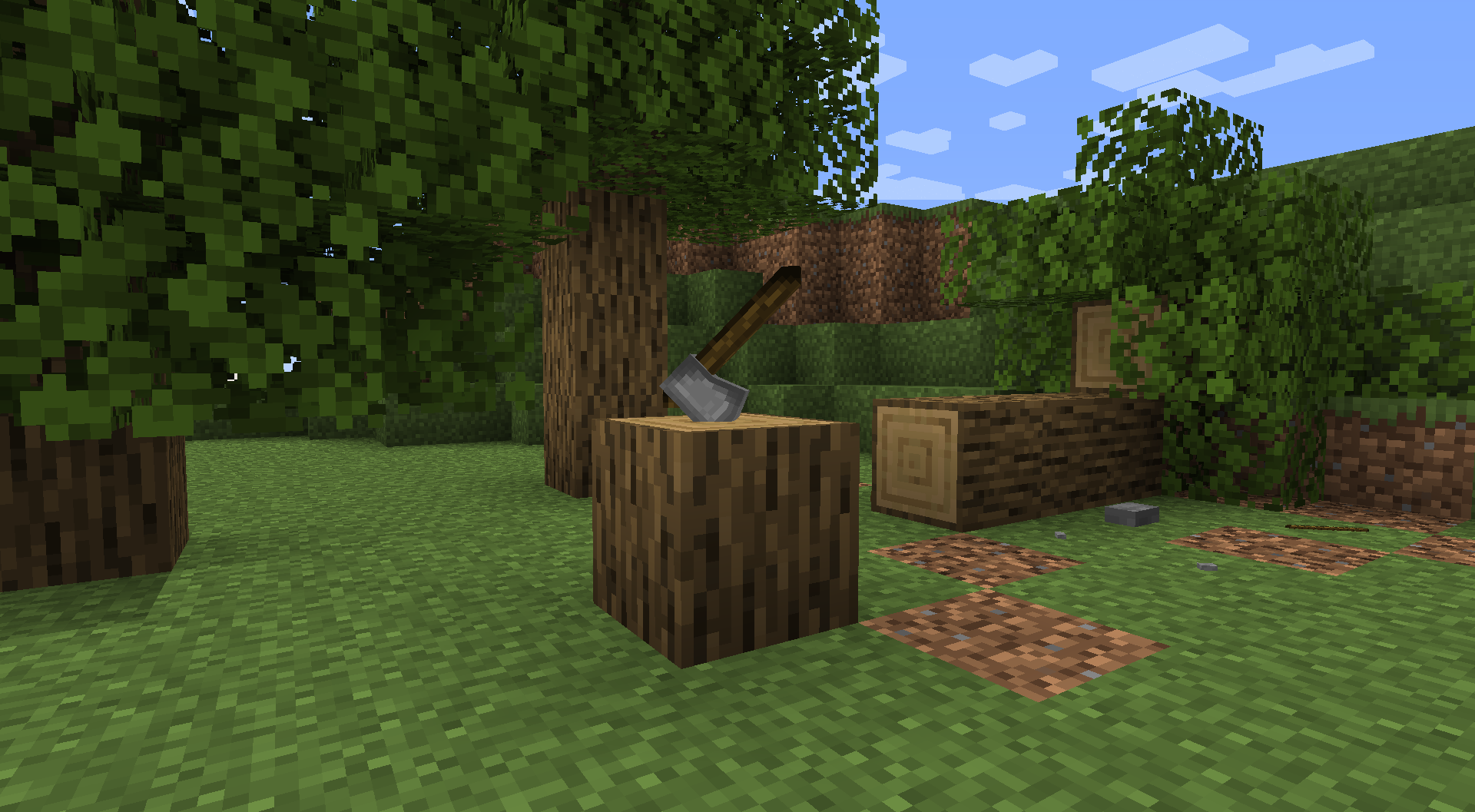
介绍
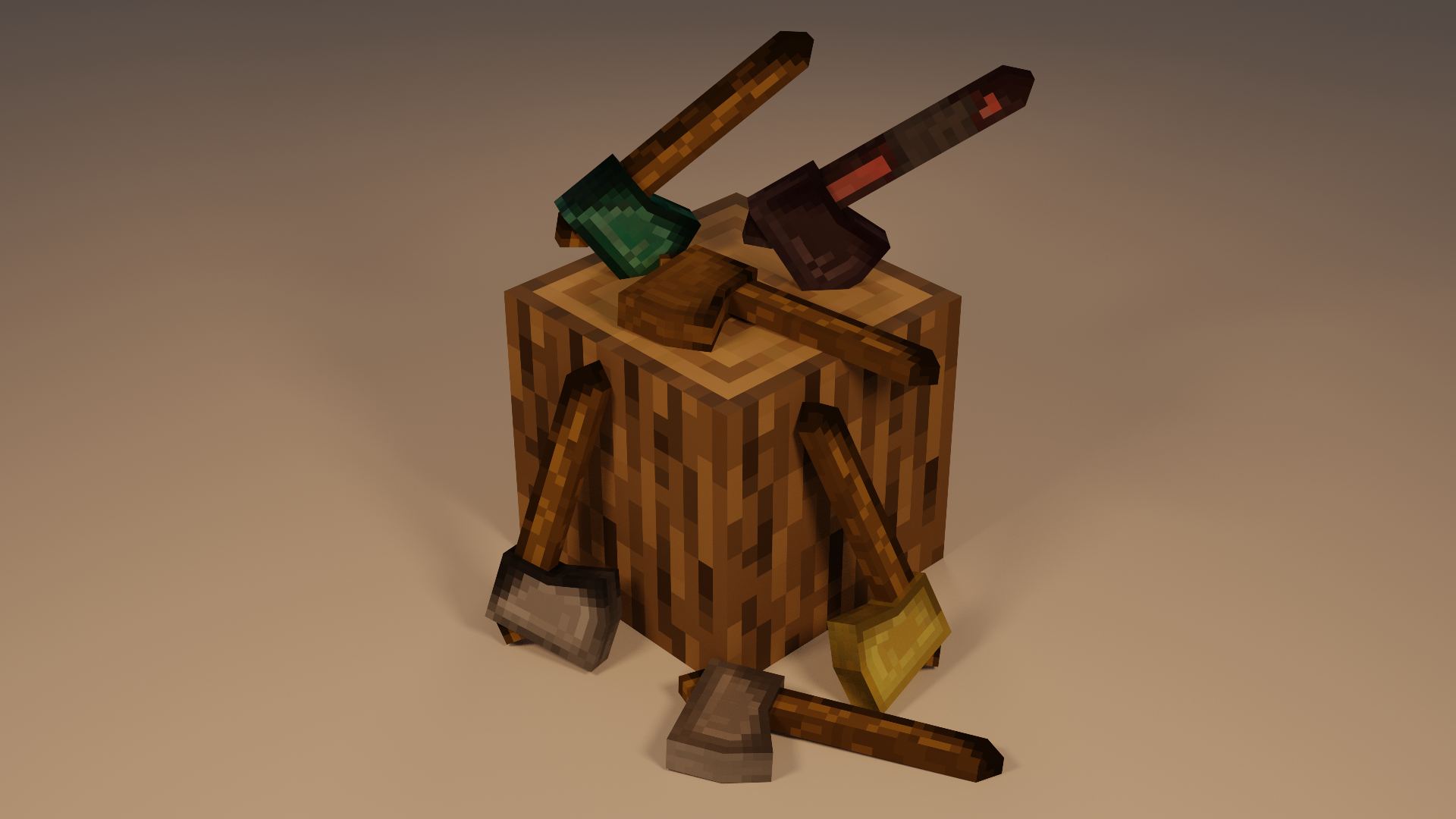
I’ve never really been a fan of the vanilla axes in Minecraft. So I decided to make some more accurate “woodcutting” axes.
I used Blockbench to make the models in a relatively vanilla (plus) style so it doesn’t feel too much like a different game.
The 16x texture on the model looked like straight garbage, so I changed to a 32x and I was much happier with that.
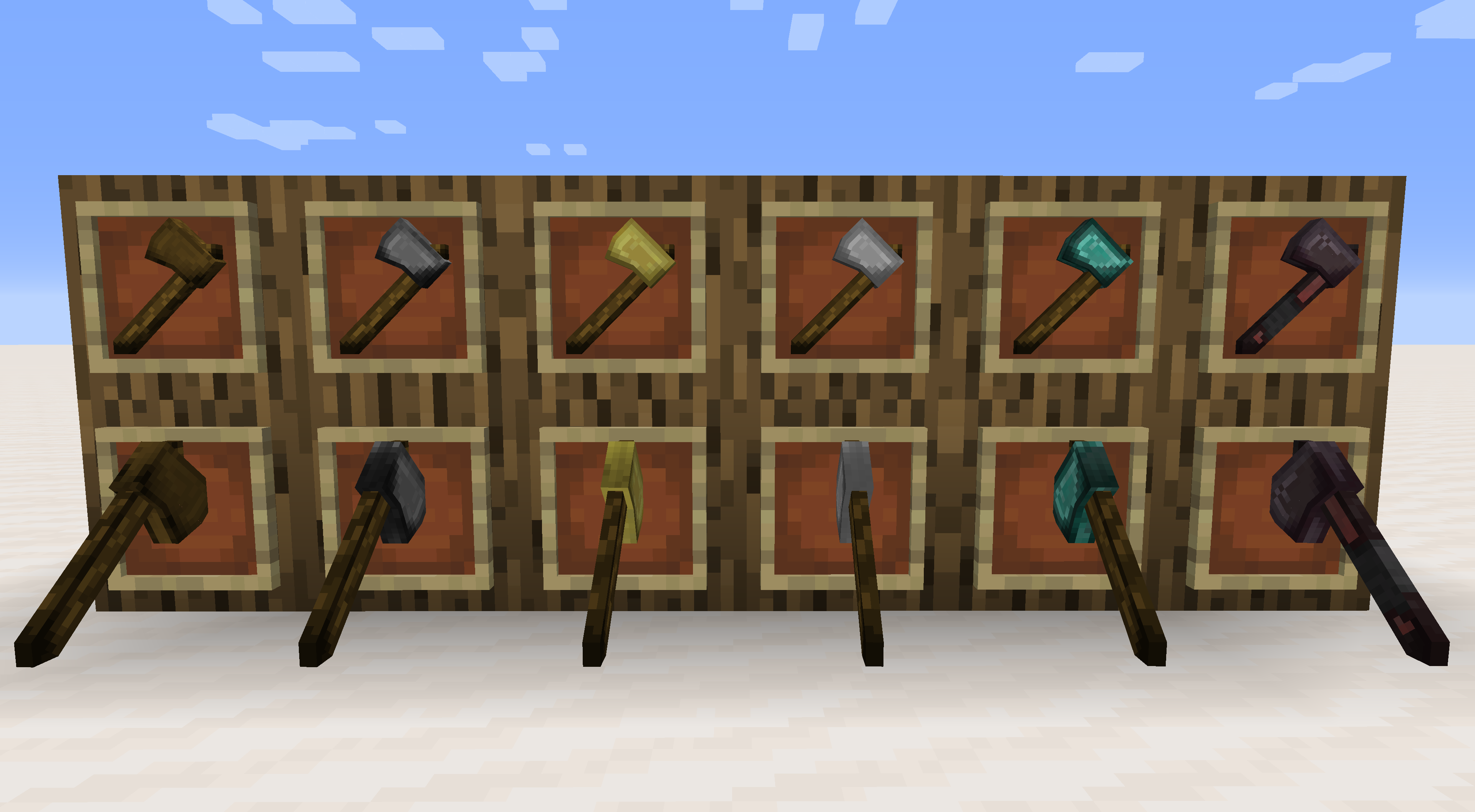
As shown in the photos above there are two options for placement in item frames. The default wall placement is available and usable in survival mode. The second orientation where the axe is stuck in the chopping position can only be achieved by using commands (listed below).
I am considering the possibility of adding alternate models for more weapon-based models (rather than tool/utility).
Let me know in the comments what kind of axes you’d like to see!
These models are all Vanilla Friendly – OPTIFINE NOT REQUIRED
To get the custom orientation axes you will need to enter the following command:
If you want other types then just replace the material with what you want (i.e. stone for diamond, or gold, etc.)
/give @p stone_axe{CustomModelData:1000}
常见问题
MisterGriimm’s Accurate Woodcutter’s Axes 支持哪些 Minecraft 版本?
MisterGriimm’s Accurate Woodcutter’s Axes 支持 Minecraft Java 版 1.14–1.17,共 4 个版本。下载时注意选择和你游戏版本一致的文件。
MisterGriimm’s Accurate Woodcutter’s Axes 怎么安装?
把下载的 .zip 文件(不用解压)放进游戏目录的 resourcepacks 文件夹,进游戏后在「选项 → 资源包」里把它移到右边启用。
评论
登录后评论和评分