
截图
介绍
⚡ ContextWheel
The Smartest Item Switcher Minecraft Has Ever Seen.
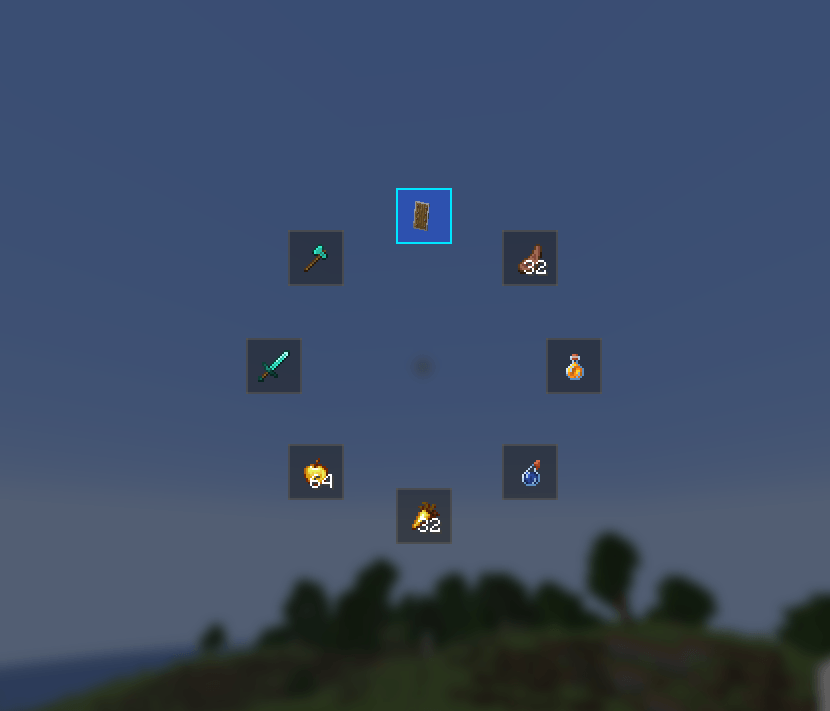
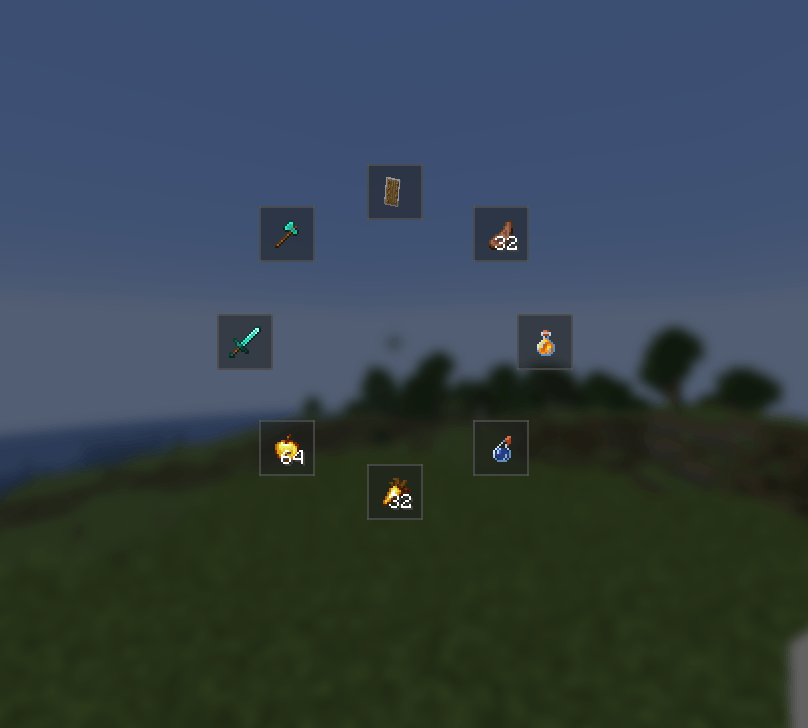
ContextWheel is a lightweight, ultra-fast radial quick-action menu that reads your situation in real-time and surfaces the most relevant items from your inventory — so you never have to fumble through your inventory mid-combat, mid-mining, or mid-exploration ever again.
Hold R → move your mouse → release. Done. The right tool is now in your hand.
🎯 Why ContextWheel?
Every Minecraft player knows the pain:
- You’re fighting a Warden and your sword breaks — you panic-scroll through your hotbar looking for a backup.
- You walk into a pitch-black cave and waste 10 seconds opening your inventory to find torches.
- You’re starving at 1 heart and can’t find your Golden Apple fast enough.
ContextWheel solves all of this. It watches what’s happening around you and automatically ranks the most useful items at the top of the wheel. No setup. No item lists. No macros. Just pure contextual intelligence.
Press R to open a radial wheel that automatically suggests the best items from your inventory based on what you're doing — mining, fighting, exploring dark caves, or starving. Swap instantly without ever opening your inventory. 100% Client-Side.常见问题
ContextWheel 支持哪些 Minecraft 版本?
ContextWheel 支持 Minecraft Java 版 26.1,可用的加载器:Fabric。下载时注意选择和你游戏版本一致的文件。
ContextWheel 怎么安装?
先用 PCL2 或 HMCL 启动器安装对应版本的 Fabric,再把下载的 .jar 文件放进游戏目录的 mods 文件夹,重新启动游戏即可。开启了版本隔离的,mods 文件夹在 versions/版本名 下面。
评论
登录后评论和评分