
Helium Client
A Custom Client That Customizes Every Aspect Of The Game Whilst Improving Performance.
截图

介绍
Welcome to Helium Client!
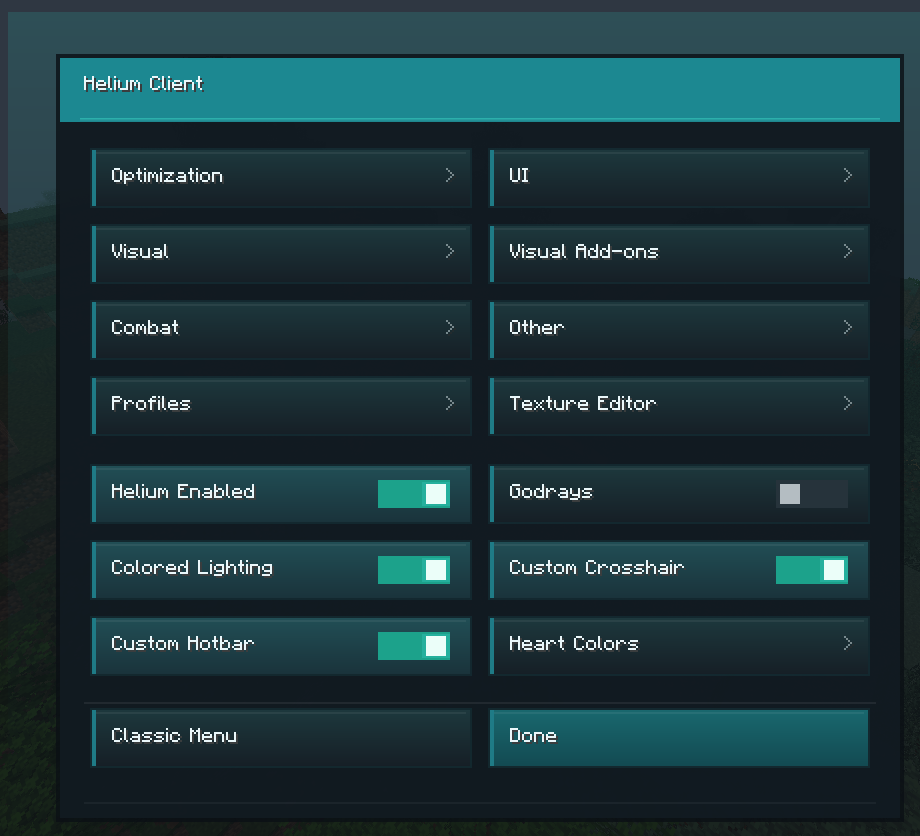
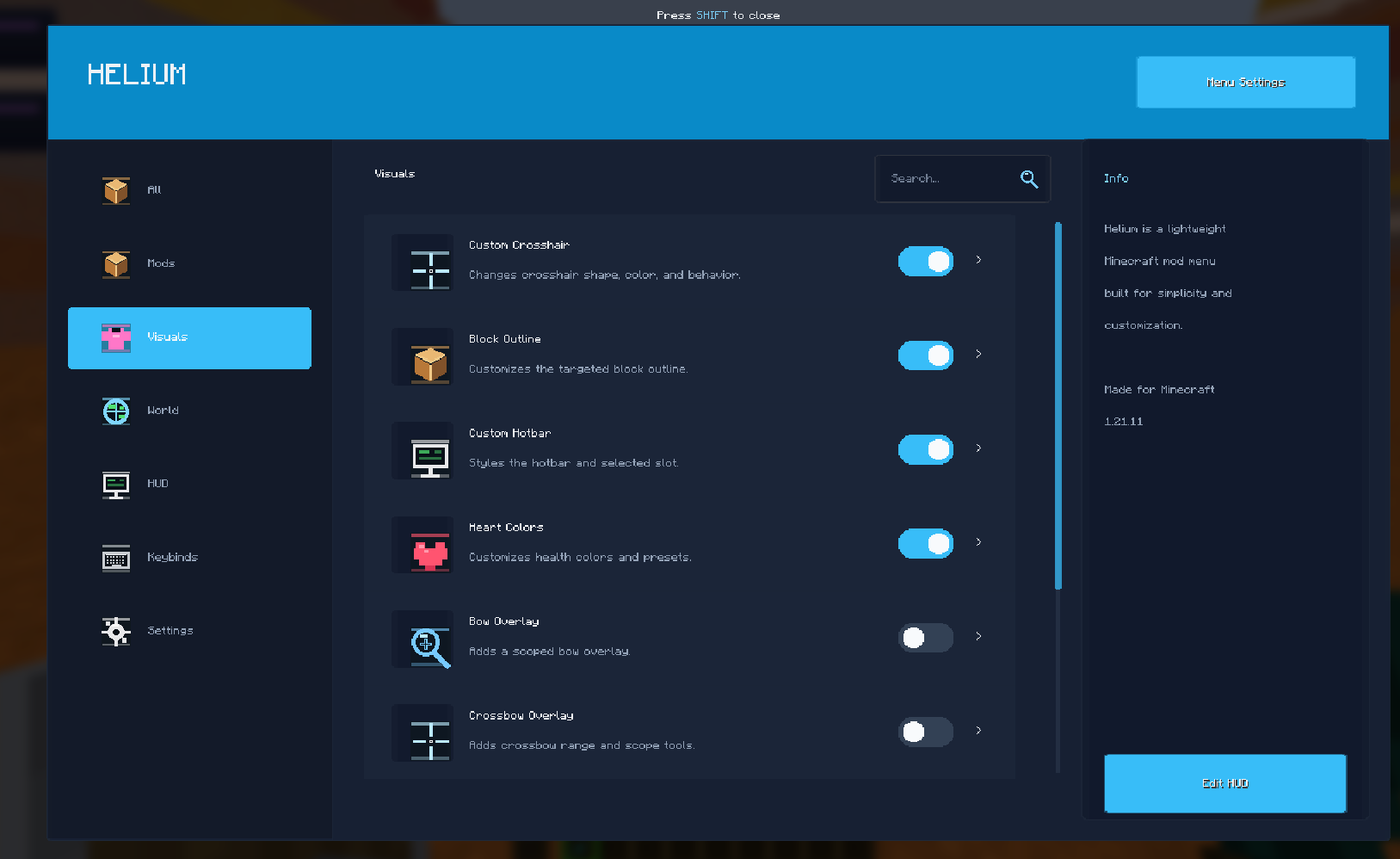
Helium client is a client based minecraft mod that allows you to customize the game in real time.
IMPORTANT NOTE:
ALL SETTINGS MUST BE TURNED ON VIA HELIUM CLIENT SETTINGS.

Summary:
Helium client optimizes the game with settings such as
- Adaptive Scaling
- Culling Behind Camera
- Throttle Particles
- Disable Map Rendering.
Helium client also lets players customize the game!
- Custom Block Outlines
- Complete Color Overhaul of UI / GUI
- Custom Inventory Hotbars. And Much More!
You can see the Helium Settings by either
- Pressing Right Shift / The Selected Keybind
- Options -> Helium Settings

Tips
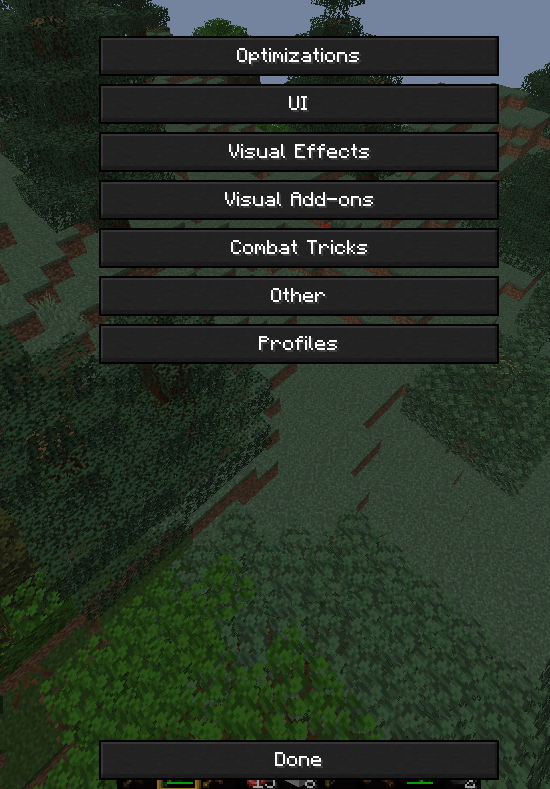
- Enable Optimizations!
- Visual Effects Increases FPS!
- Customize Your UI!
In helium client, You can use Profiles to share your Minecraft Settings OR By Using Others.

You can save a profile. Then go into the folder. Then send it to someone. They can import it by clicking “Import JSON” or “Import TXT” depending on what format it was exported on.

Texture Pack Editor / Resource Pack Editor

How it works.
- Create A Pack.
- Rename it to whatever you want.
- Search for any texture and edit it!
- You can import textures if you dont want to edit them with the ingame editor
- You can Change Keybinds for tools Via the Minecraft Keybinds menu.
- Save to pack, Then Apply Changes. Then click Done.
Thanks for Using Helium!
常见问题
Helium Client 支持哪些 Minecraft 版本?
Helium Client 支持 Minecraft Java 版 1.21.10–26.1.2,共 3 个版本,可用的加载器:Fabric。下载时注意选择和你游戏版本一致的文件。
Helium Client 怎么安装?
先用 PCL2 或 HMCL 启动器安装对应版本的 Fabric,再把下载的 .jar 文件放进游戏目录的 mods 文件夹,重新启动游戏即可。开启了版本隔离的,mods 文件夹在 versions/版本名 下面。运行环境:仅客户端。
KrafterMC 的其他作品
查看全部 →
Renford Tomlinson
Best Shaderpack for Youtube Videos / Thumbnails / Horror Content

Damien Eltzwright
A stalker that learns. A mimic that watches. A horror that waits for you to notice it.

GolemBlood
From the ARG: Those Aren't Golems. [Forge]

Krafter’s Nextbots
A Horror Mod that adds Naturally Spawning Nextbots.
评论
登录后评论和评分