
Snake Hunters
Hunt and capture King Cobras in a desert encounter, then trade tickets with a hunter villager.
截图
介绍
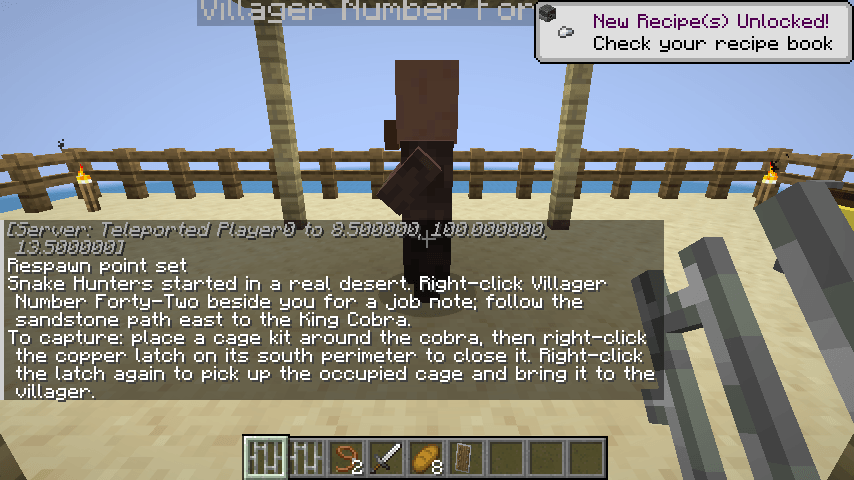
Snake Hunters adds a first King Cobra hunting and capture adventure. Start in a new Survival world, meet Villager Number Forty-Two at a small desert hub, and track a specific Cobra to its encounter area.
What you can do
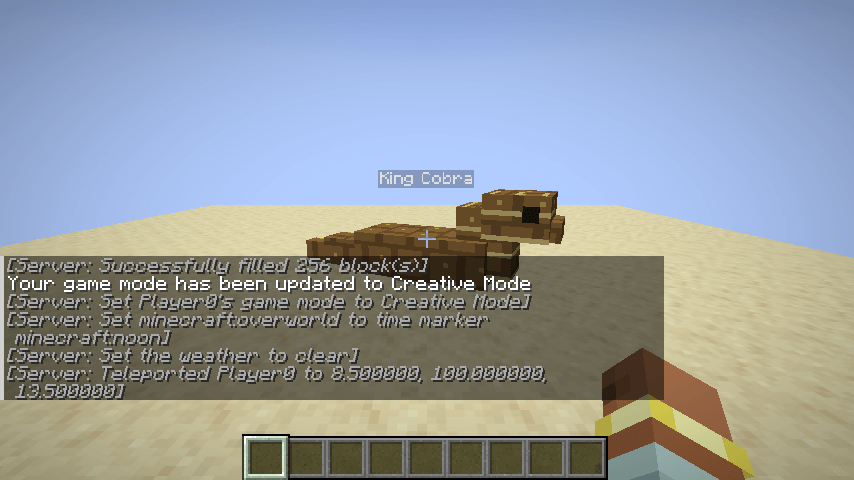
- Fight a King Cobra that warns, poisons after repeated front attacks, and tries to flee when badly hurt.
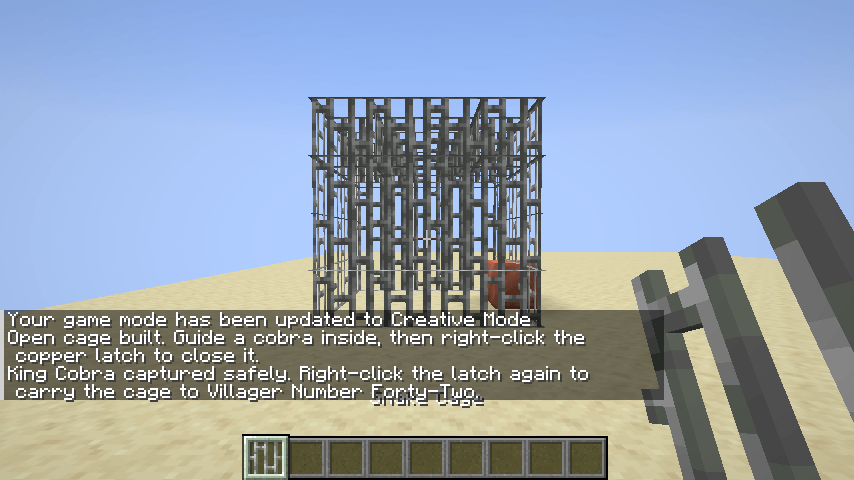
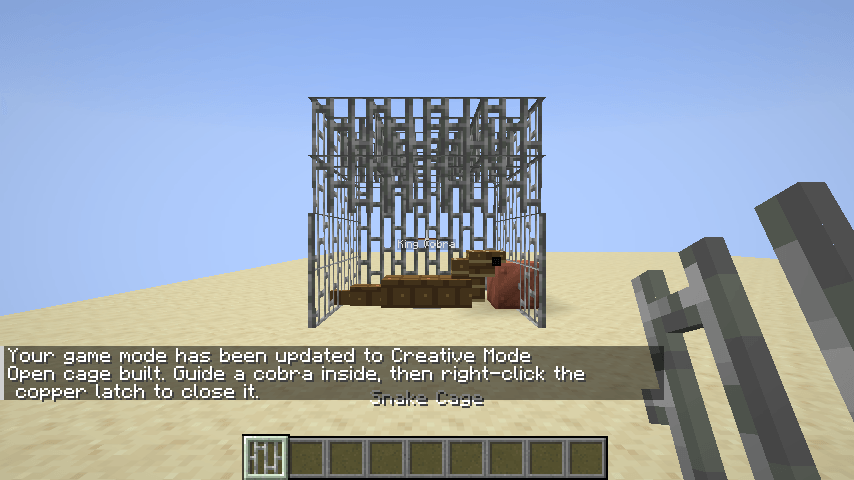
- Build a bar cage around a Cobra, close its latch to capture it, then carry the occupied cage back to the villager.
- Take a capture job for a specific Cobra or defeat one to earn a weapon ticket. Redeem a ticket for a sword, bow, or random choice.
- Use the hub bed, east gate, and free replacement cage kits from the villager when you have no empty kit.
Getting started
Install this mod alongside Fabric API in a Minecraft Java Edition 26.3 Fabric profile (Fabric Loader 0.19.5 or newer; Java 25 or newer). Create a new Survival world on Easy with commands enabled. Press T, run /snakehunters start, and follow the on-screen directions. This command searches for a suitable desert before building a hub; installing the mod alone does not alter an existing world. Right-click Villager Number Forty-Two for a job. Hold a Snake Cage and press B while aiming at clear ground or a Cobra to build; sneak and press B for a larger cage. Click the copper latch to close the cage and again to pick it up. In chat, press T and click a ticket reward choice.
This is an early play-test with King Cobras only. The full capture handoff, Windows installation, and multiplayer play have not yet been verified by the family. Use a new test world and keep backups of worlds you care about. The illustrated logo is AI generated; gameplay screenshots show the actual Mac development build. This is an original project, not a fork.
常见问题
Snake Hunters 支持哪些 Minecraft 版本?
Snake Hunters 支持 Minecraft Java 版 26.3,可用的加载器:Fabric。下载时注意选择和你游戏版本一致的文件。
Snake Hunters 怎么安装?
先用 PCL2 或 HMCL 启动器安装对应版本的 Fabric,再把下载的 .jar 文件放进游戏目录的 mods 文件夹,重新启动游戏即可。开启了版本隔离的,mods 文件夹在 versions/版本名 下面。
评论
登录后评论和评分