
Better Square Fonts
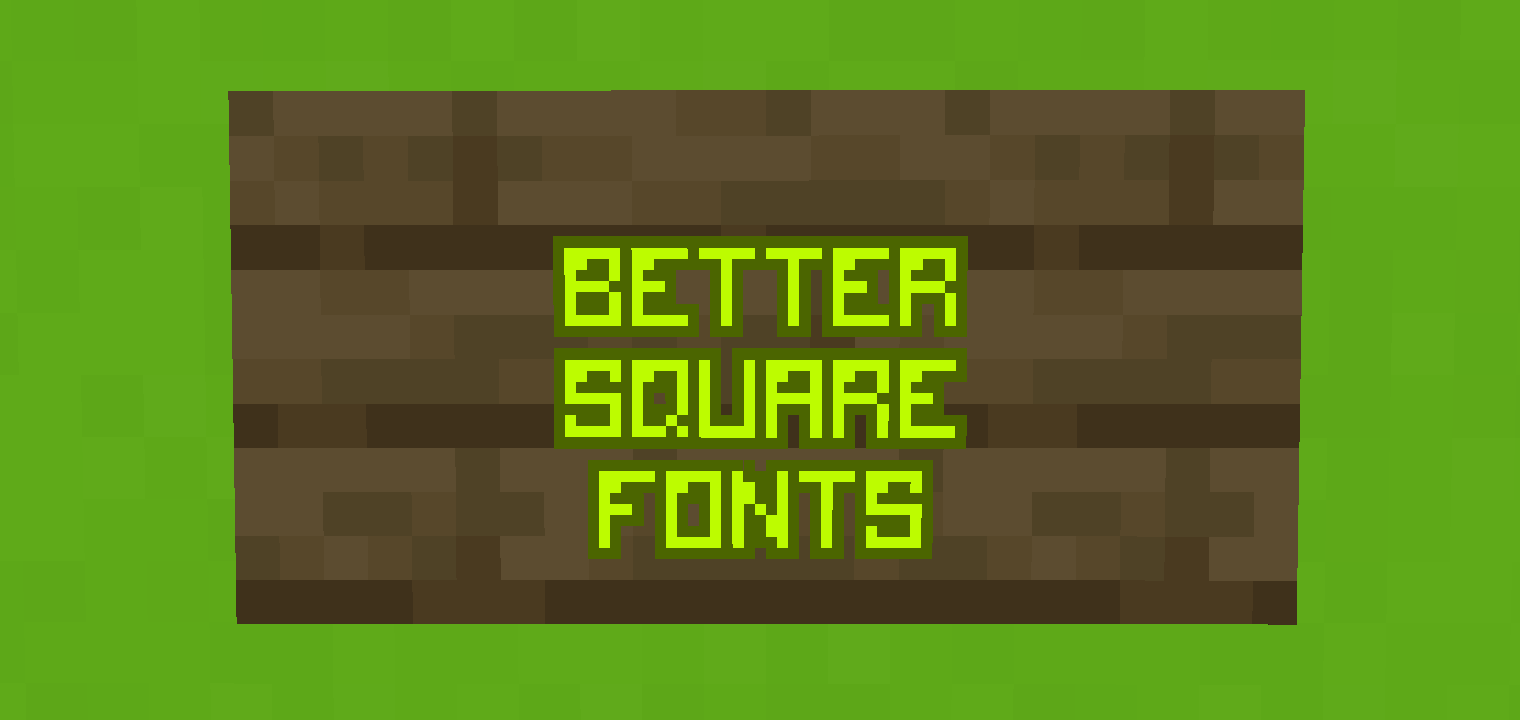
This resource pack changes the vanilla minecraft fonts to much more square ones.
截图


介绍
Better Square Fonts
Better Square Fonts is a resource pack that replaces Minecraft’s default vanilla font with a more square, clean, and visually pleasing style. The font is designed to feel cute yet readable, while still fitting naturally within the game’s UI.
This font pack is accent-edited, meaning accented characters such as ā, ñ, é, and similar glyphs have been carefully redesigned to match the square aesthetic, ensuring visual consistency across all supported languages.
Installation Guide
- Download the resource pack for your desired Minecraft version.
- Launch Minecraft and navigate to Settings → Resource Packs → Open Pack Folder.
- Drag the downloaded
.zipfile into the resource pack folder. - Return to the game. If the pack does not appear immediately, press F3 + T to reload resources.
- Enable Better Square Fonts from the Available section.
- Click Done — and you’re ready to go! ☺️

常见问题
Better Square Fonts 支持哪些 Minecraft 版本?
Better Square Fonts 支持 Minecraft Java 版 1.19.2–1.21.11,共 22 个版本。下载时注意选择和你游戏版本一致的文件。
Better Square Fonts 怎么安装?
把下载的 .zip 文件(不用解压)放进游戏目录的 resourcepacks 文件夹,进游戏后在「选项 → 资源包」里把它移到右边启用。
FlareRaider 的其他作品
查看全部 →
Dreamy Beds
This texture pack changes the beds to funny and beautiful ones so that you enjoy your sleep!

PURPLE pvp particles
Texture pack that changes how pvp particles look.

RED Pvp Particles
Texture pack that changes how pvp particles look.

I.AM…IRON MAN
Changes the texture of ghast in Minecraft to iron man without affecting that little chip. Very easy to install and super easy to enjoy!
评论
登录后评论和评分