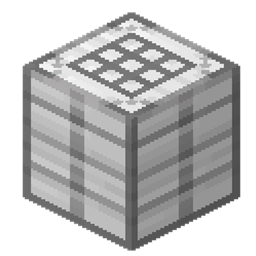
Recipe Workbench
Save time building modpacks: create and edit crafting recipes in-game with a visual workbench that generates KubeJS scripts.
介绍
Recipe Workbench is designed for modpack makers who want to save time creating and modifying crafting recipes. Build recipes directly in Minecraft using a familiar crafting interface, and let the mod generate the KubeJS scripts for you.
Features
- Visual recipe editor: place item copies in a 3×3 grid and select the output.
- Shaped and shapeless recipes: choose whether ingredient positions matter.
- Adjustable output count: change the amount produced using the + and − buttons.
- Add or replace recipes: create alternative recipes or replace existing crafting recipes for the selected output.
- Automatic KubeJS scripts: no JavaScript editing required.
- Load saved recipes: reopen and edit recipes previously created with the workbench.
- Remove saved changes: delete a saved definition and reload your recipes.
- Portable exports: copy the generated KubeJS folder into another modpack.
- No item consumption: editing recipes does not consume your ingredients.
- English and French interface.
With KubeJS installed, run /reload after saving to apply your changes.
Getting the workbench
The table has no crafting recipe. Find it in the Functional Blocks creative tab or use:
/give @s recipe_workbench:workbenchRequirements :
- Minecraft 1.21.1
- NeoForge
- KubeJS to apply generated recipes
- Operator permission level 2, or cheats enabled in single player
For multiplayer, install Recipe Workbench on both the client and server.
常见问题
Recipe Workbench 支持哪些 Minecraft 版本?
Recipe Workbench 支持 Minecraft Java 版 1.21.1,可用的加载器:NeoForge。下载时注意选择和你游戏版本一致的文件。
Recipe Workbench 怎么安装?
先用 PCL2 或 HMCL 启动器安装对应版本的 NeoForge,再把下载的 .jar 文件放进游戏目录的 mods 文件夹,重新启动游戏即可。开启了版本隔离的,mods 文件夹在 versions/版本名 下面。
评论
登录后评论和评分