截图
介绍
Inventory Calculator
Required Version:
– Minecraft Java Edition: 26.2
– Mod Loader: NeoForge
– Required NeoForge Version: 26.2.0.90 or newer
About
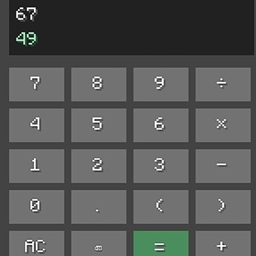
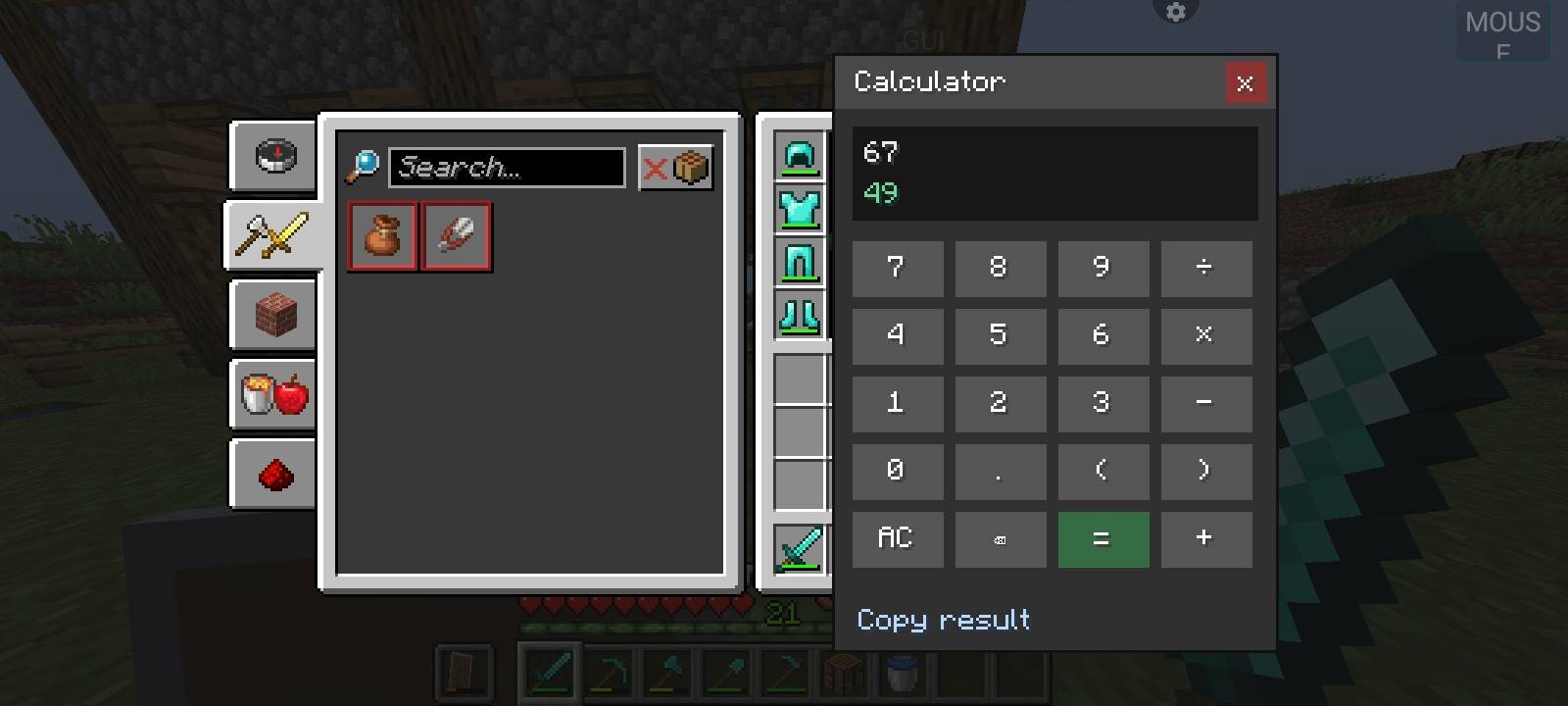
Inventory Calculator adds a fully functional arithmetic calculator directly beside your Minecraft player inventory. No need to open another app or leave your game just to perform a quick calculation!
The calculator features a compact, draggable interface designed to fit naturally into Minecraft’s vanilla-style GUI.
Features
– Inventory Integration: Access the calculator directly from a button beside your player inventory.
– Compact GUI: A clean and compact calculator interface.
– Draggable Window: Move the calculator panel wherever you want.
– Keyboard Support: Enter calculations using your keyboard.
– Mouse Support: Click the on-screen buttons to enter expressions.
– Basic Operations: Addition (+), subtraction (-), multiplication (×) and division (÷).
– Advanced Expressions: Supports parentheses and decimal numbers.
– Operator Precedence: Calculates expressions using standard mathematical rules.
– Negative Numbers: Supports negative values and unary operators.
– AC / Clear: Clear the current calculation.
– Backspace: Remove the last entered character.
– Copy Result: Copy your calculated result to the clipboard.
– Enter Key: Calculate expressions instantly.
– Escape Key: Close the calculator panel.
– Calculation Memory: Remembers your last calculation when reopening the inventory.
– Inventory Safe: Does not change, move or modify your inventory items.
Why Use It?
Whether you’re calculating building dimensions, item quantities, resource requirements or doing quick mathematics while playing, Inventory Calculator lets you do it without leaving Minecraft.
A small utility designed to make everyday calculations easier.
Made by MODSFINDER
常见问题
INVENTORY CALCULATOR 支持哪些 Minecraft 版本?
INVENTORY CALCULATOR 支持 Minecraft Java 版 26.2,可用的加载器:NeoForge。下载时注意选择和你游戏版本一致的文件。
INVENTORY CALCULATOR 怎么安装?
先用 PCL2 或 HMCL 启动器安装对应版本的 NeoForge,再把下载的 .jar 文件放进游戏目录的 mods 文件夹,重新启动游戏即可。开启了版本隔离的,mods 文件夹在 versions/版本名 下面。
评论
登录后评论和评分