
Winnie’s Computed
In-game visual programming with sandboxed Lua nodes. Wire it, run it, share it. NeoForge 1.21.1.
截图
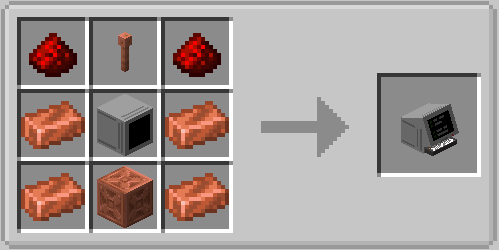
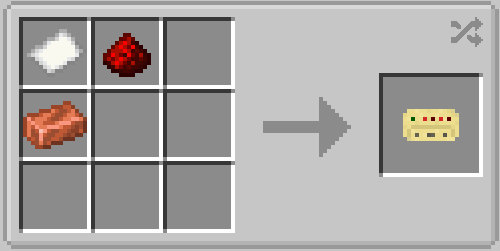
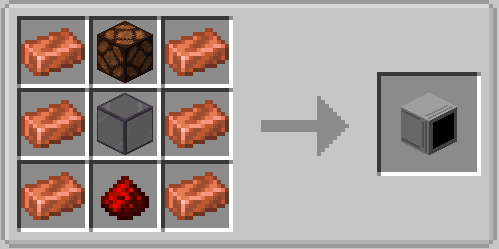
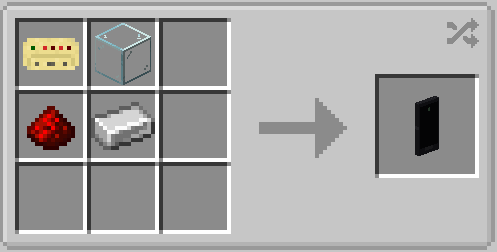
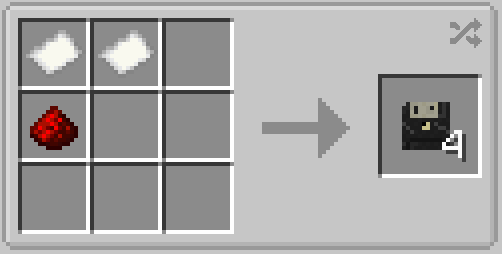
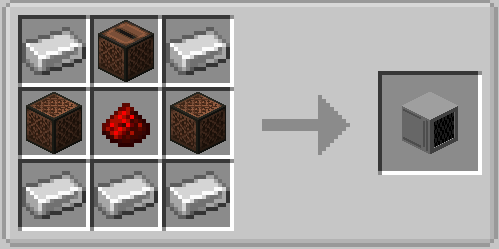
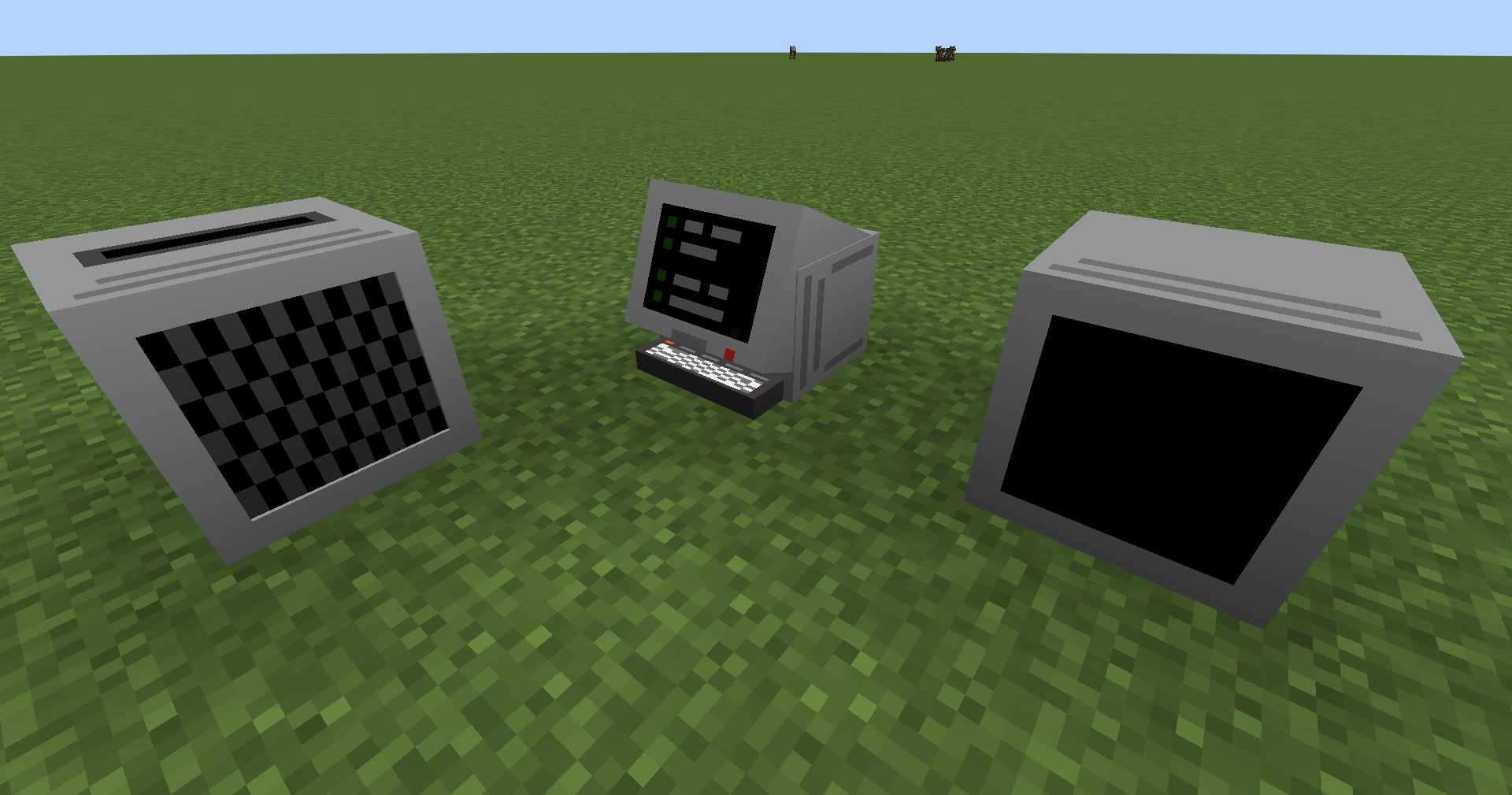
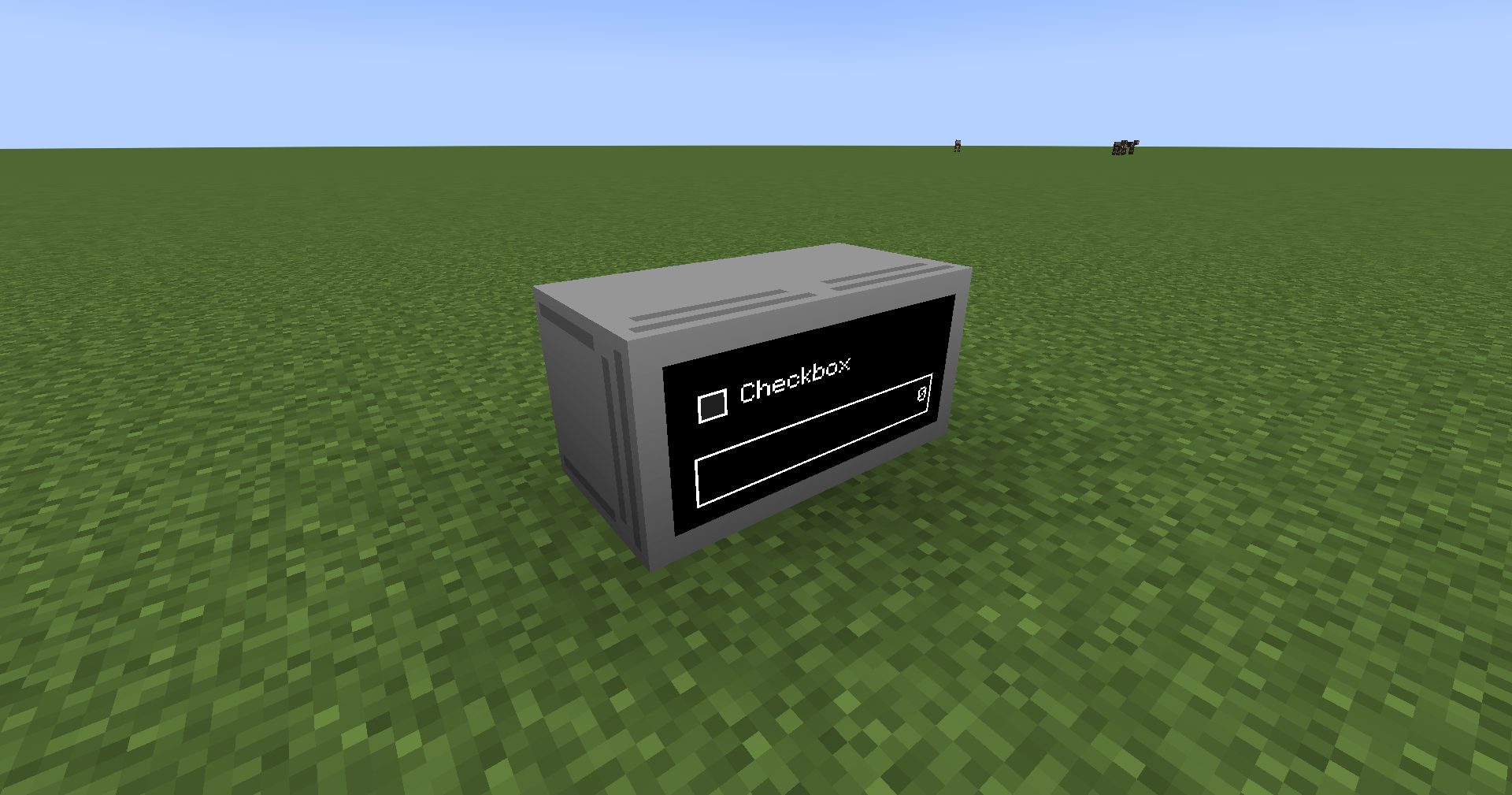
介绍
Winnie’s Computed
Turn a computer block into anything that reads the world and acts on it.
Winnie’s Computed is a programmable node-graph mod for NeoForge 1.21.1. You place a Computer block, open the in-game editor, wire nodes together — and every node can run its own sandboxed Lua code. No external IDE, no file juggling: edit, preview, and run everything inside Minecraft.
Fork of The Propulsion Team’s Computed, re-themed and reworked with fully original CC0 assets and new features.
Features
- In-game node editor — drag, drop, wire, and zoom your logic on a canvas with live graph preview and validation
- Embedded Lua sandbox — every custom node runs in a budgeted, isolated VM; a broken node fails safely without taking the game down
- User Lua nodes — author your own nodes (
user:*) with typed ports, fields, sliders and persistent state; they travel inside your saved graphs - Monitors & widgets — number inputs, buttons, checkboxes, sliders, progress bars and text on Computed’s own monitor blocks
- Safe Minecraft endpoints — world data is exposed through typed endpoints; Lua never touches Java or MC objects directly
- Per-computer filesystem — CraftOS-style isolated storage for every computer
.computedpackages — graphs + embedded node library in a single shareable file (program format 3)- Live preview — validate logic and fixtures before touching the world
Integrations (all optional)
| Mod | What you get |
|---|---|
| Create | Kinetic endpoints — read and react to rotational speed |
| Create Aeronautics | Ship telemetry (position, velocity, heading, yaw rate) |
| CC:Tweaked | Computed appears as a peripheral — read graph state from Lua programs |
| Jade / WTHIT | Info tooltips |
Quick start
- Place a Computed Computer and open the Node Editor
- Drop a
ticknode, wire it into a bundled node, watch the ports light up - Attach a monitor for widgets, or a speaker, or Create endpoints
- Want your own logic? User Nodes → New Lua Node… and write it right there
- Save, export a
.computedpackage, share it
Documentation
Full guides live in the repository:
- Lua Authoring Guide — create your first node
- Lua API Reference — every definition & context method
- Types & State, Sandbox & Budgets, Live Preview, Import/Export
- CC:Tweaked bridge reference
Credits
- Fork of Computed by The Propulsion Team
- Portions of the editor/built-in nodes derived from Web’s Node Lib (MIT) by webyep
- All visual assets in this fork are original CC0 1.0 replacements
Code: GPL-3.0 · Assets: CC0 1.0
Program once. Run it in-world.
常见问题
Winnie’s Computed 支持哪些 Minecraft 版本?
Winnie’s Computed 支持 Minecraft Java 版 1.21.1,可用的加载器:NeoForge。下载时注意选择和你游戏版本一致的文件。
Winnie’s Computed 怎么安装?
先用 PCL2 或 HMCL 启动器安装对应版本的 NeoForge,再把下载的 .jar 文件放进游戏目录的 mods 文件夹,重新启动游戏即可。开启了版本隔离的,mods 文件夹在 versions/版本名 下面。
Winnie_3 的其他作品
查看全部 →
Create:Tuff (port)
simple Create: Tuff for 1.21.1 | 100% customizable recipe for tuff

Braggestbacons OneBlock
modpack to speed up the process or find a new one. It's therefore not necessary to follow the one-block world as usual. Instead, you can find your own way to progress without making it too OP. However, the ija-one-block world is required separately.
评论
登录后评论和评分