FOH
Show lighting, SFX and rigging for Minecraft - moving heads, lasers, LED walls, flames and pyro on a real console - plus ambience: dim your lamps and build haunted houses with a node-based flow editor.
截图
介绍
Run a real show in Minecraft – or make a place come alive
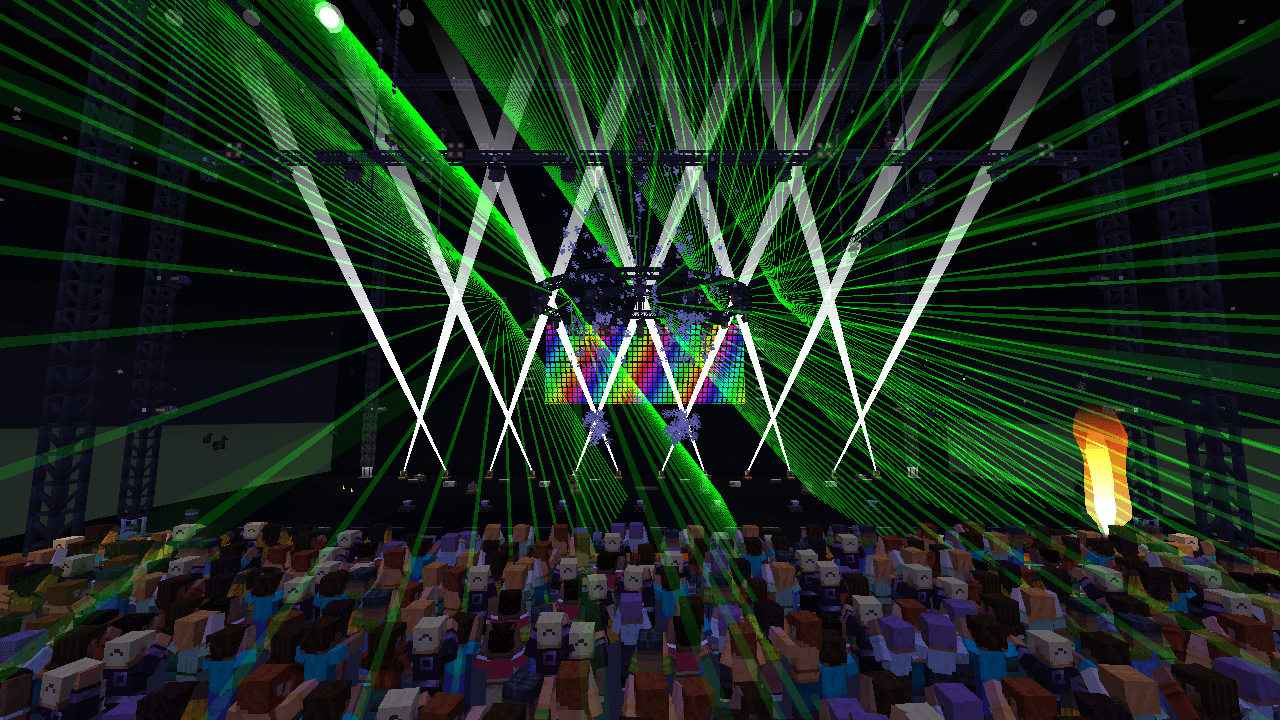
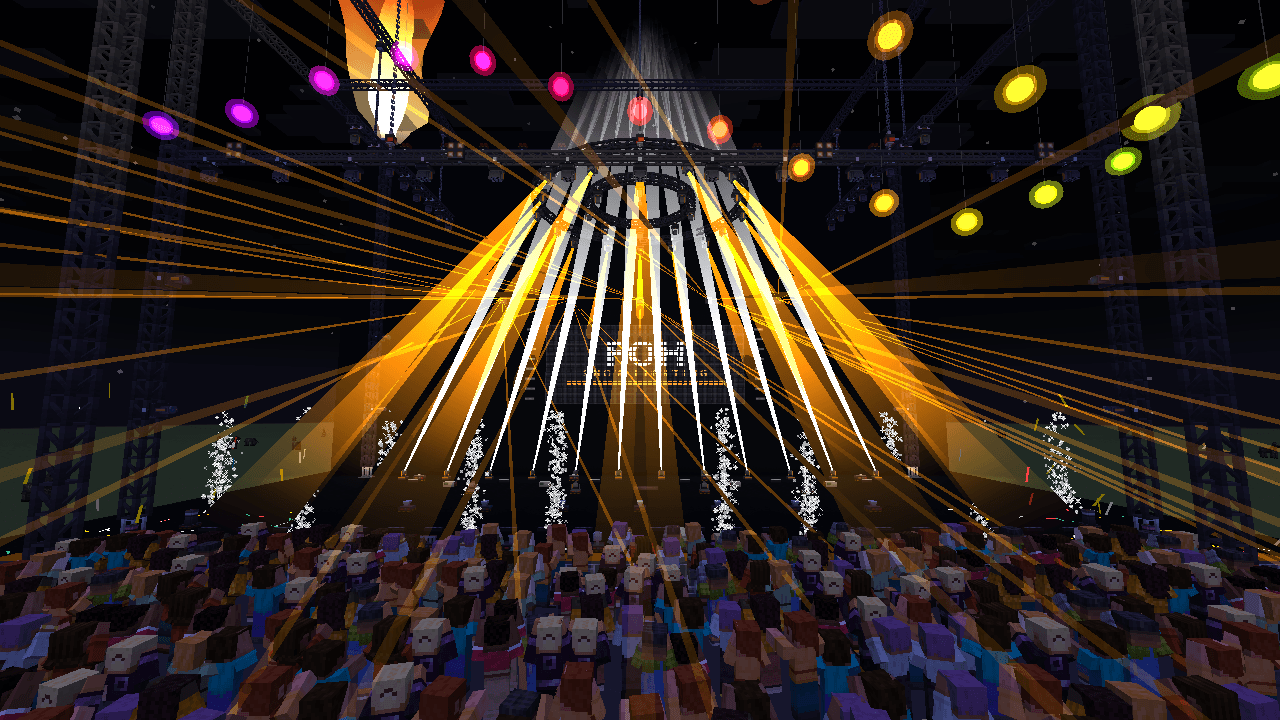
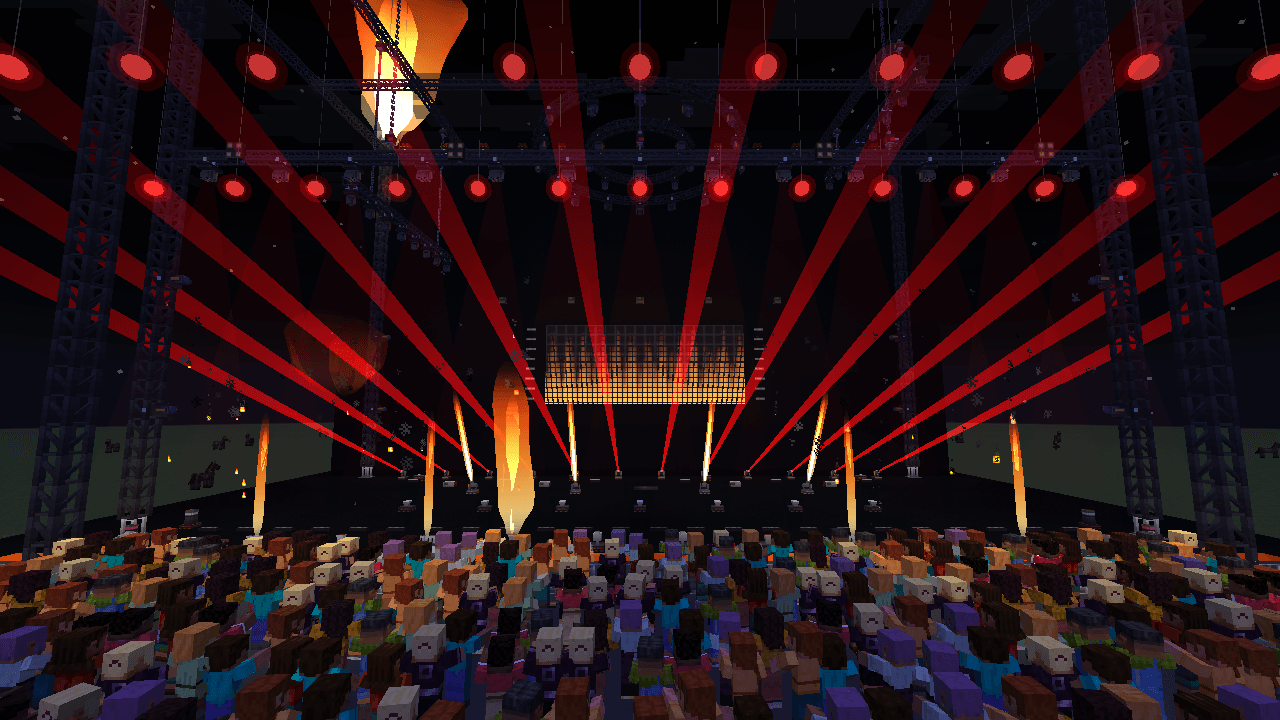
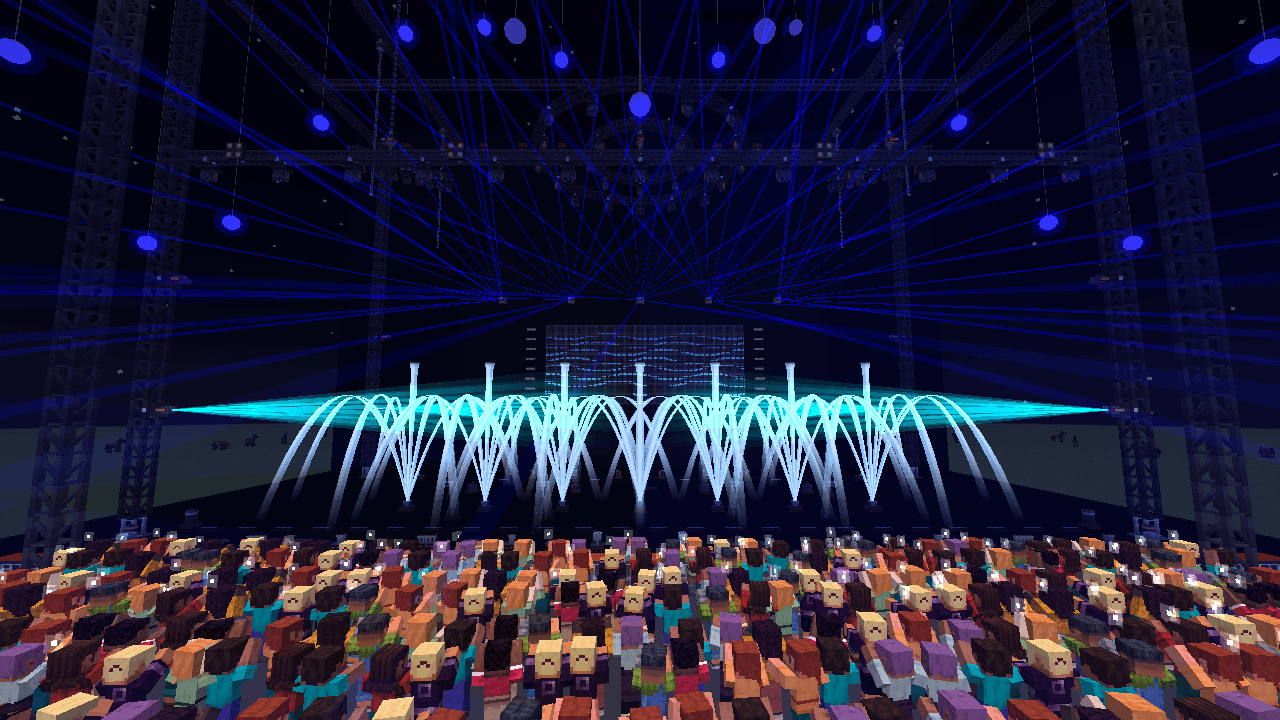
FOH turns Minecraft into a concert stage and a haunted house. Build a rig with truss, moving heads, lasers, LED walls, flames and pyro, patch it to a console and program the show with cues, effects and timecode, the way it is done at front of house on a real tour. Or skip the console: dim the lamps you already have, make them flicker, and let a room react to the players walking through it.
Lighting
- PAR, moving head (gobos, gobo spin, zoom), beam, LED wash, LED bar, pixel bar, blinder, strobe, conventional spot and followspot
- Lasers with fan, tunnel, sheet and scan shapes
- LED panels that join into one video wall, with built-in content and your own PNG/JPG images
- Haze-reactive beams: faint in clean air, full in the haze of haze machines and low fog
SFX and pyro
- Flame units S, M, XL and Mega, moving flame and five-finger flame, each with three nozzle shapes
- Water jets and fountains, CO2, confetti, streamers, sparkulars, low fog, haze and pyro positions loaded with fireworks
- Safety as on a real show: arm/safe per device, firing key, emergency stop, server config for damage and fire spread
Ambience: haunted houses, adventure maps, escape rooms
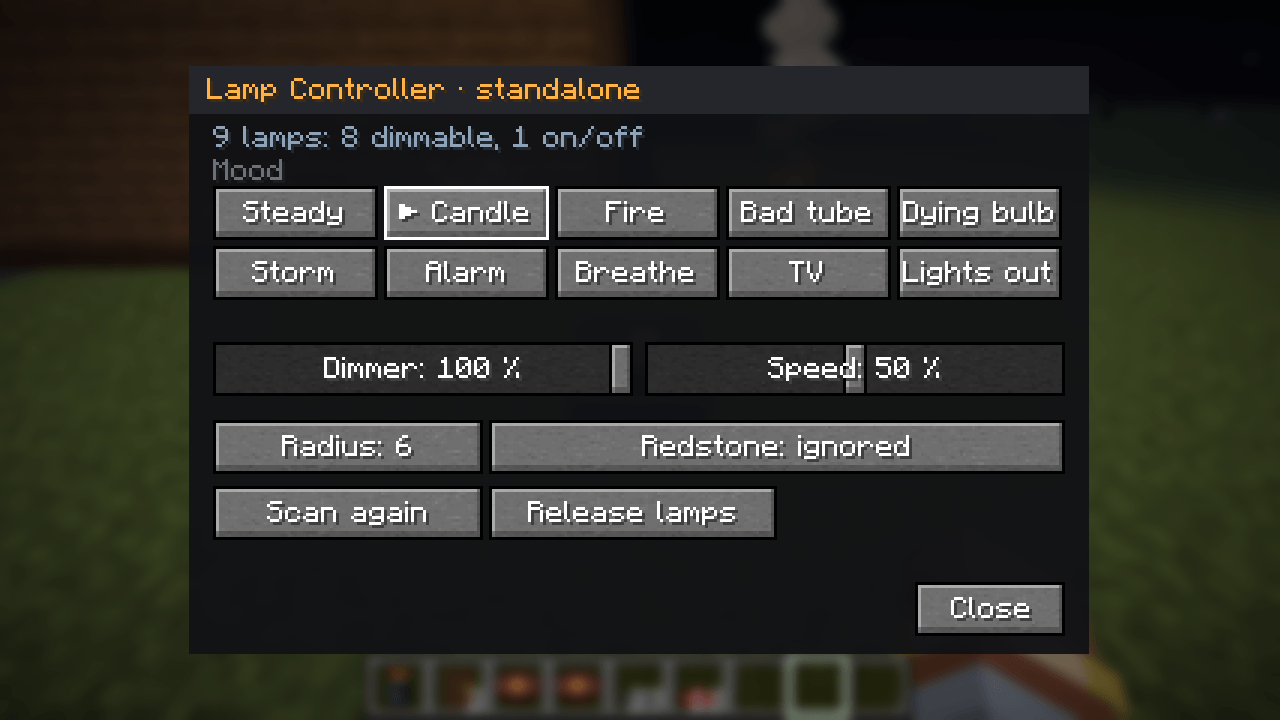
- Lamp controller: takes over the lamps you already have – lanterns, candles, glowstone, redstone lamps, campfires and lamps from other mods – and really dims them (the block light goes down, the room gets darker). Moods: candle, fire, bad tube, dying bulb, storm, alarm, breathe, TV, lights out.
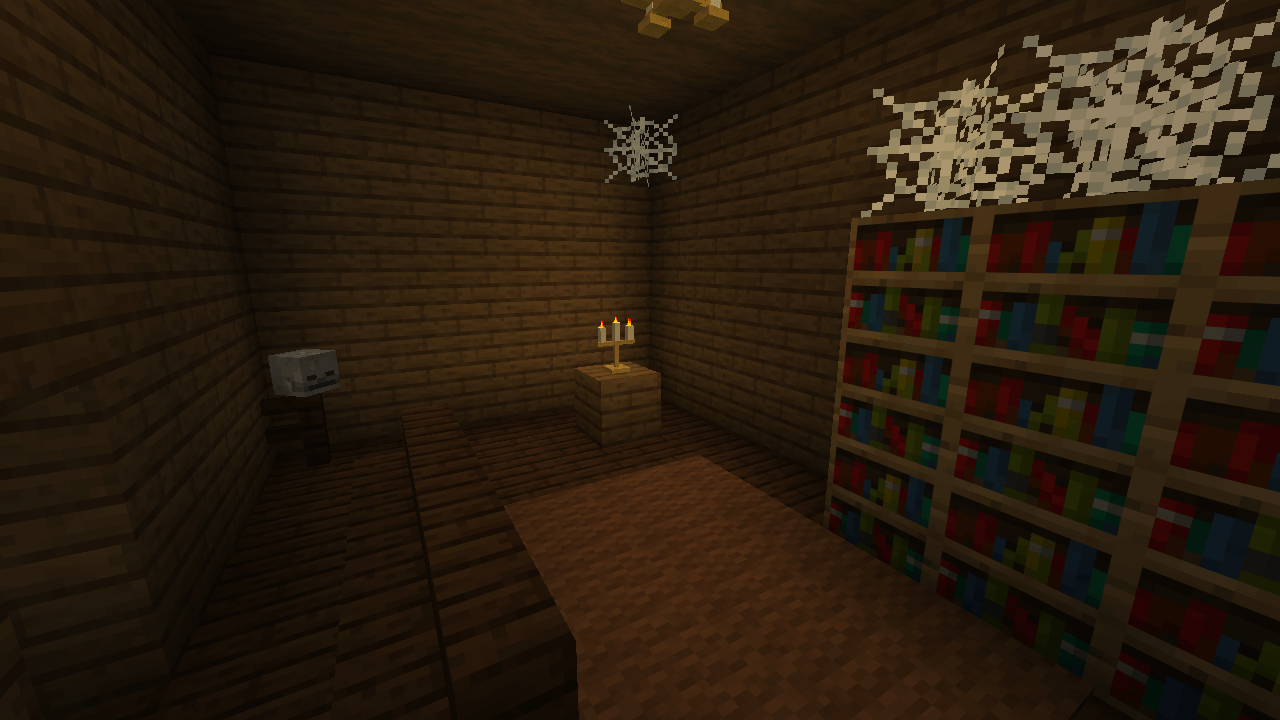
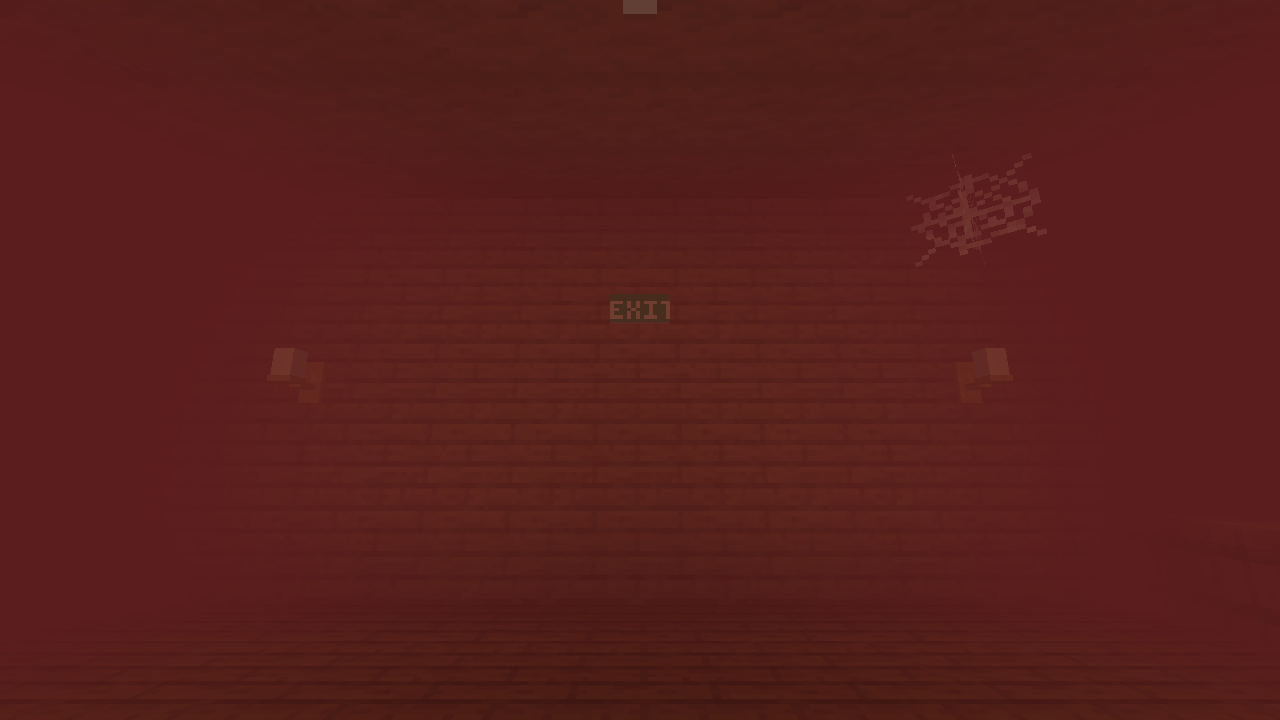
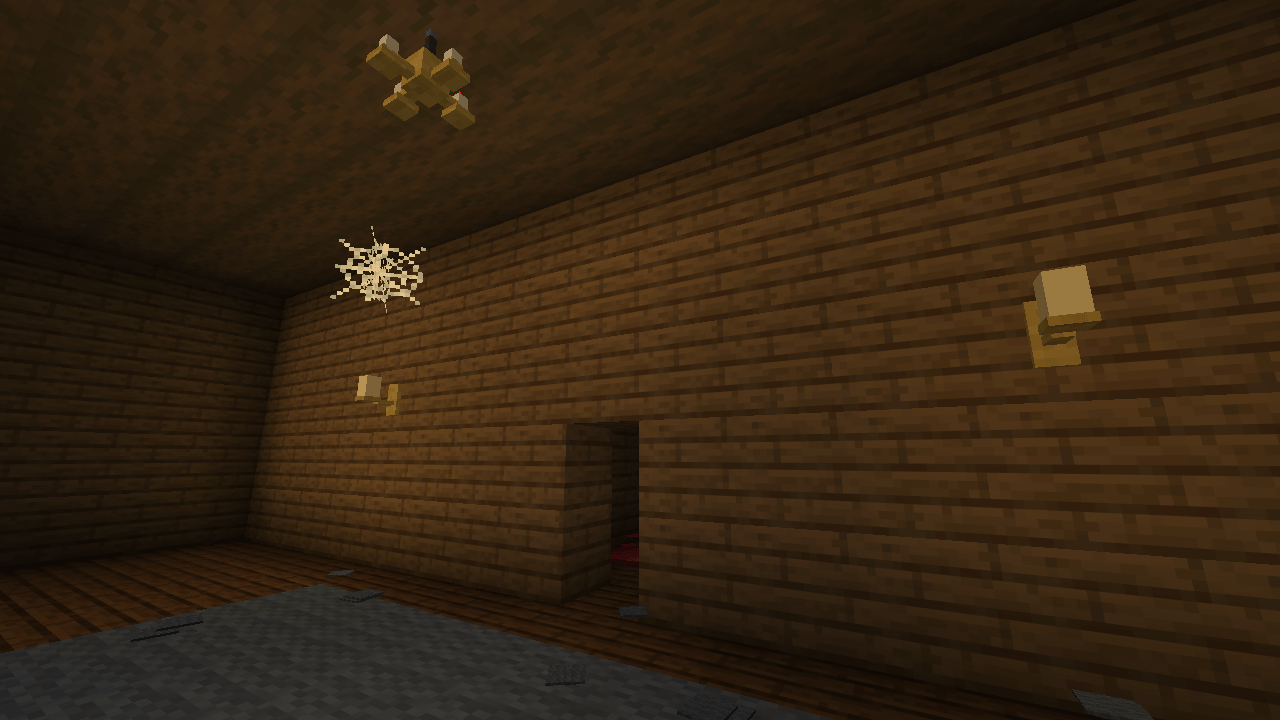
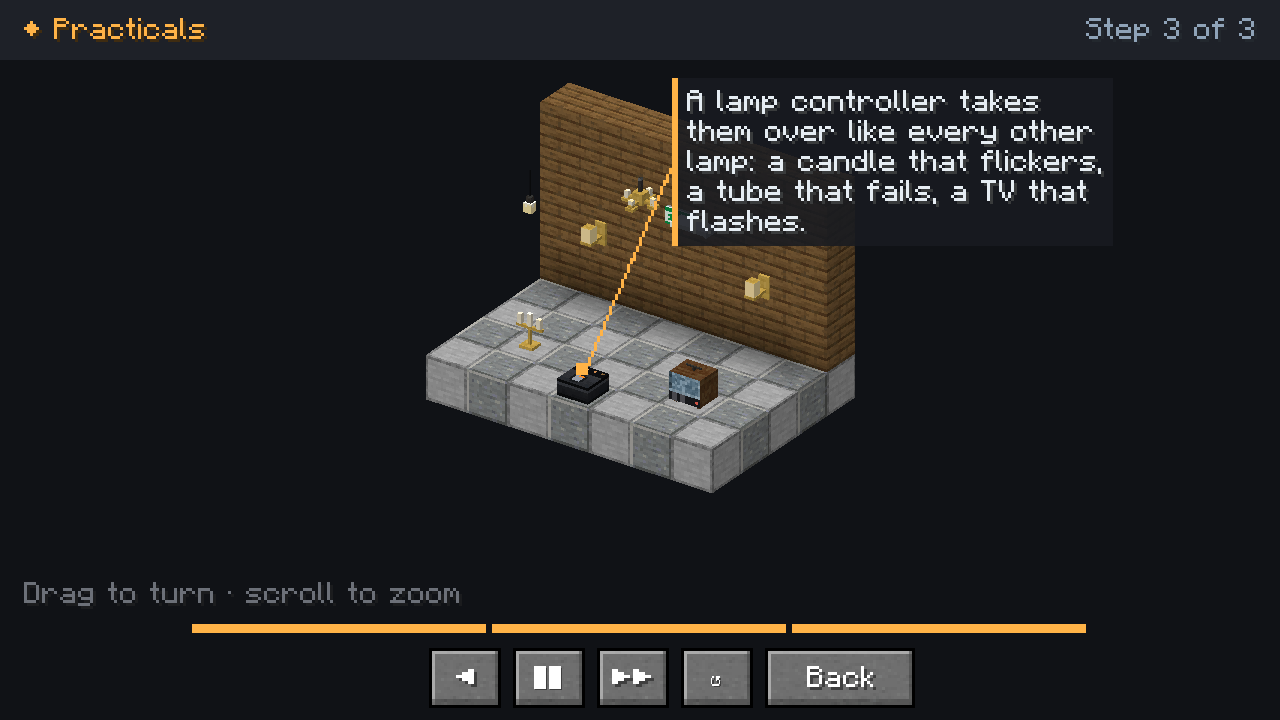
- Practicals: chandelier, wall sconces, hanging bulb, tube fixture, exit sign, candelabra and an old TV.
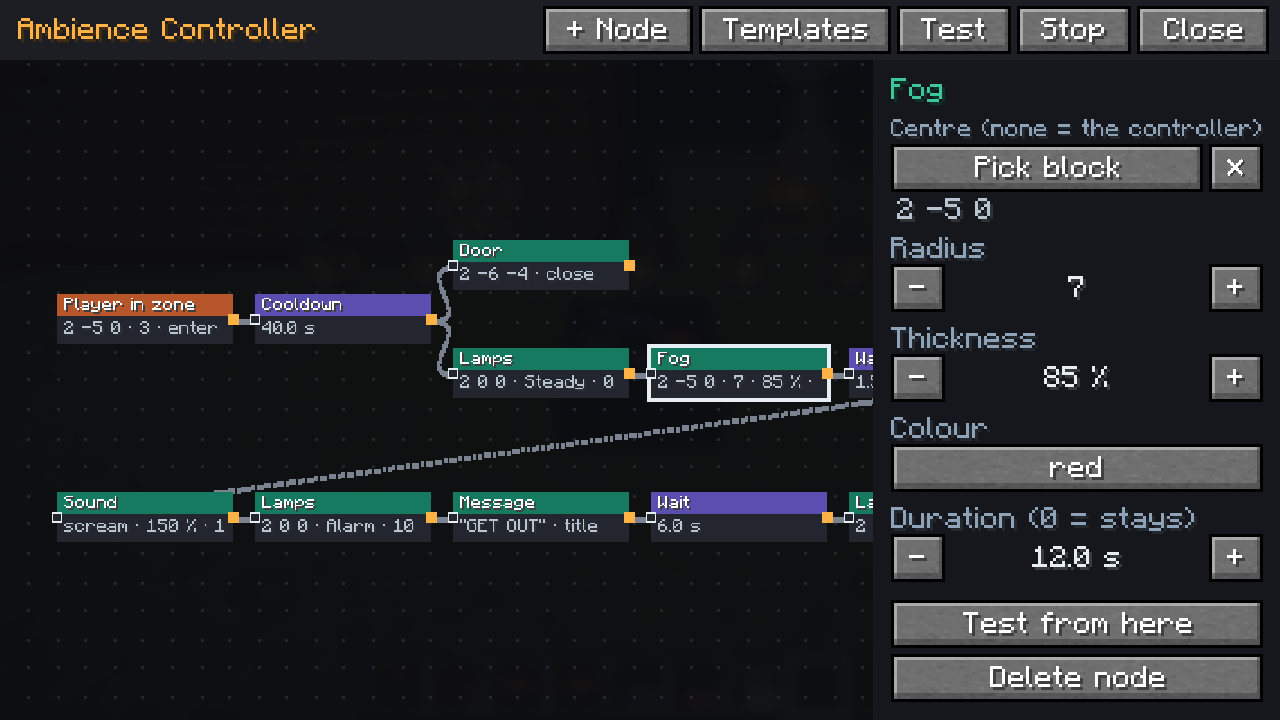
- Ambience controller with a node-based flow editor: drag nodes onto a canvas and wire them together. Triggers (player enters a zone, looks at a block, presses a button or lever, time of day, a show cue), logic (chance, if, wait, cooldown, random, in turn, counter, loop) and actions (lamp moods with fades, sounds, doors, redstone, particles, coloured fog, lightning, titles, fire an SFX device, start a cue, camera shake). Nodes light up live while a flow runs, so you see why something does or does not fire.
- Every player gets their own run: one player gets the scare, the next one walks in behind them fresh.
- Templates (jump scare, haunted corridor, thunderstorm, flickering cellar, alarm), and flows on a USB stick or as a file to share.
Console and programming
- Consoles in three sizes, fader and command wings, playback panel, stage manager desk, SFX status panel and cue lights
- Cues with fade and follow, executors, groups, presets and palettes, a grandMA-style command line and a full-screen cue list
- Effects (chase, wave, circle, ballyhoo, rainbow and more) with MAtricks, spatial effects across the rig and tap tempo / BPM
- Busking page with look pads, flash pads, shapes (fan, focus, cross, spread) and live recording onto timecode
- Timecode from an internal clock, game time or a jukebox: program your show to music. Import pyro firing scripts from CSV.
Rigging and staging
- Box, black, heavy-duty, triangle and ladder truss that joins itself, chain hoists, scaffold, catwalks and light stands with automatic clamps
- Free truss shapes at any angle: spans, circles, triangles, hexagons and more
- Kinetic rigging: motor hoists that fly truss with the lights running, kinetic balls on winch cables for wave sculptures
- Stage lifts that bring the artist up through the stage floor, with players riding along
- An audience that jumps, raises its hands and holds up phone lights on your cue
Network and real consoles
- Racks with network nodes, uplinks, timecode readers, firing interfaces, dimmer racks, backup processors and UPS
- Art-Net output and Art-Net / sACN input: drive the fixtures from a real lighting console and use Minecraft as a visualiser. GDTF files for every device.
- Adapter for redstone, items, fluids and energy, USB sticks and show export/import
Getting started
Hold W over any FOH item to watch its visual guide: a small 3D scene that shows step by step how it works.
Want to see everything at once? Stand on a flat area, face south and run:
/function foh:megashow/buildand then/function foh:megashow/program– a full arena show with designed looks, kinetic rigging, an artist lift and a pyro finale/function foh:hauntedhouse/build– a haunted house with practicals, flickering tubes, a TV that switches on when you look at it and a back room you want to get out of (best at night)
Details
- NeoForge, Minecraft 26.3. Needed on both client and server.
- English and Dutch (Nederlands)
常见问题
FOH 支持哪些 Minecraft 版本?
FOH 支持 Minecraft Java 版 26.3,可用的加载器:NeoForge。下载时注意选择和你游戏版本一致的文件。
FOH 怎么安装?
先用 PCL2 或 HMCL 启动器安装对应版本的 NeoForge,再把下载的 .jar 文件放进游戏目录的 mods 文件夹,重新启动游戏即可。开启了版本隔离的,mods 文件夹在 versions/版本名 下面。
评论
登录后评论和评分