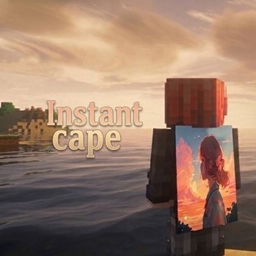
截图
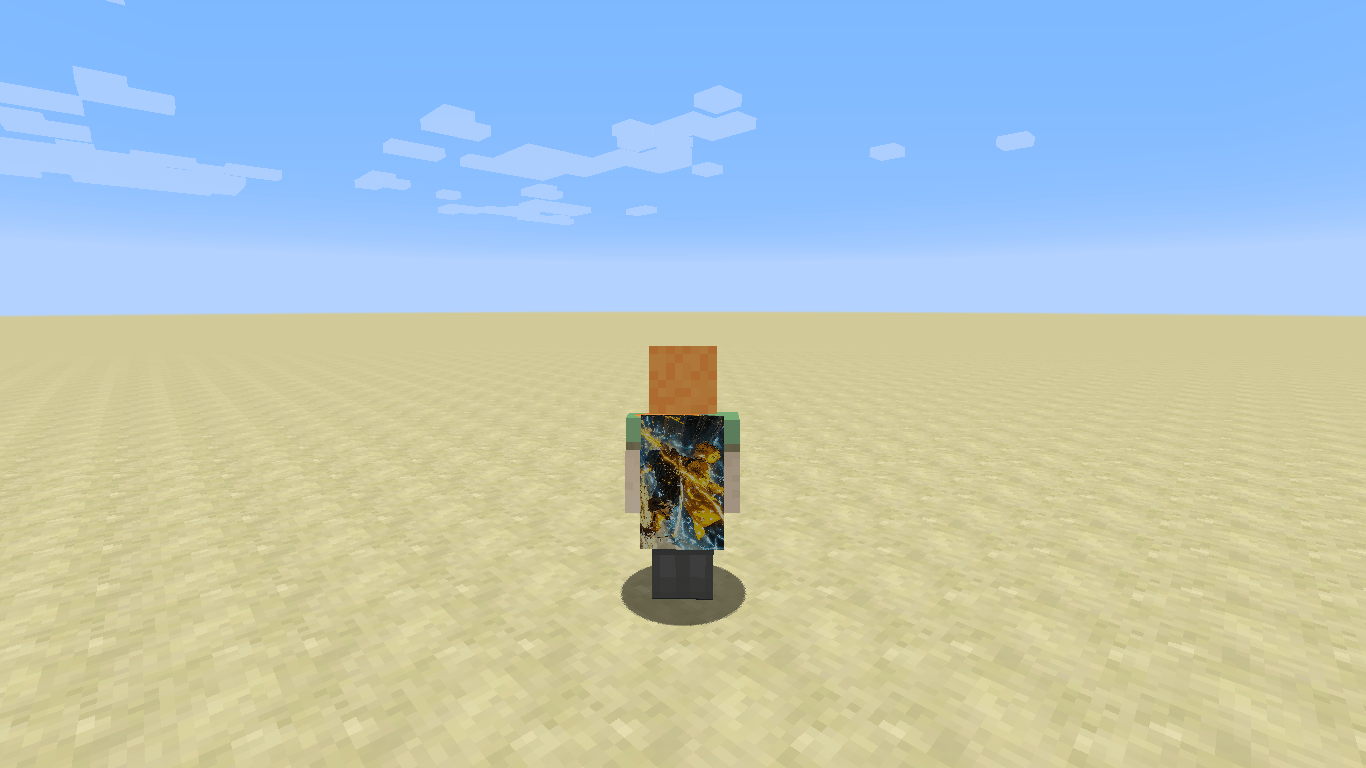
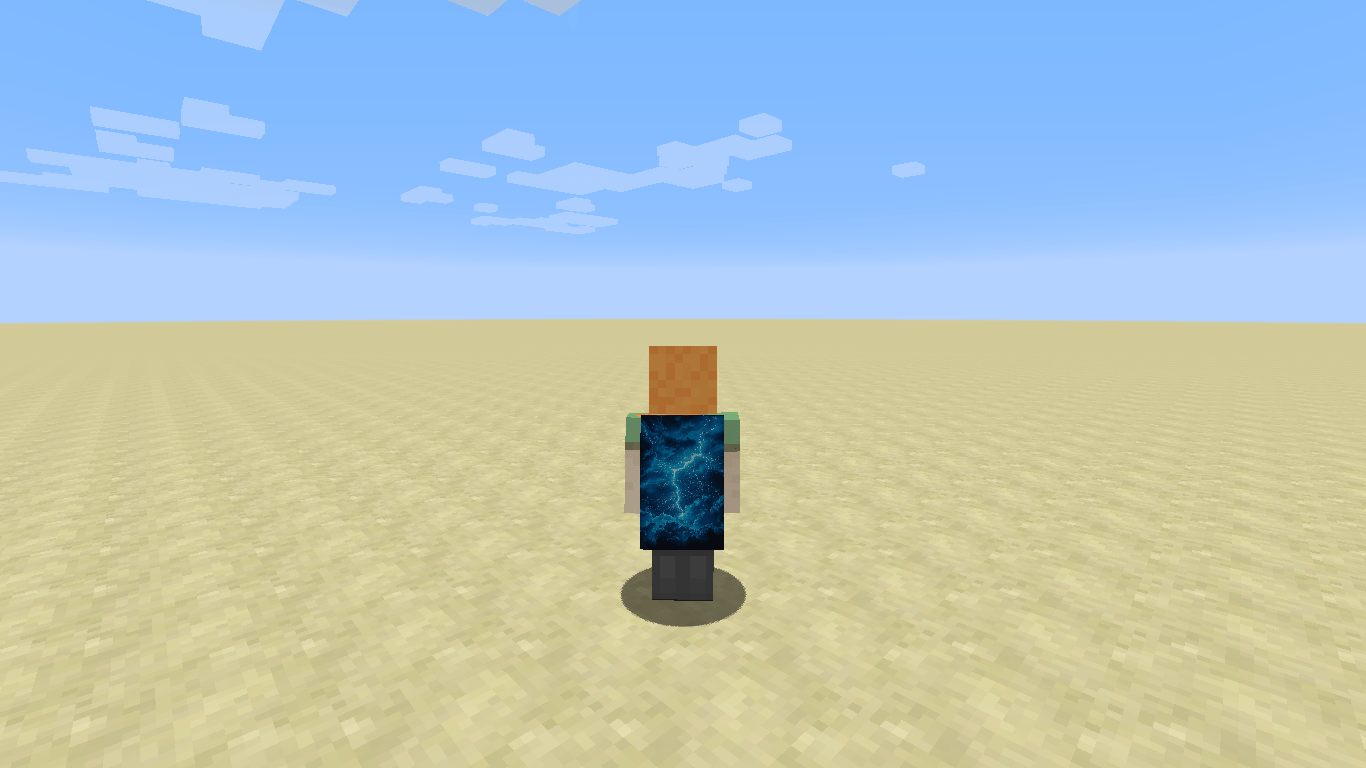
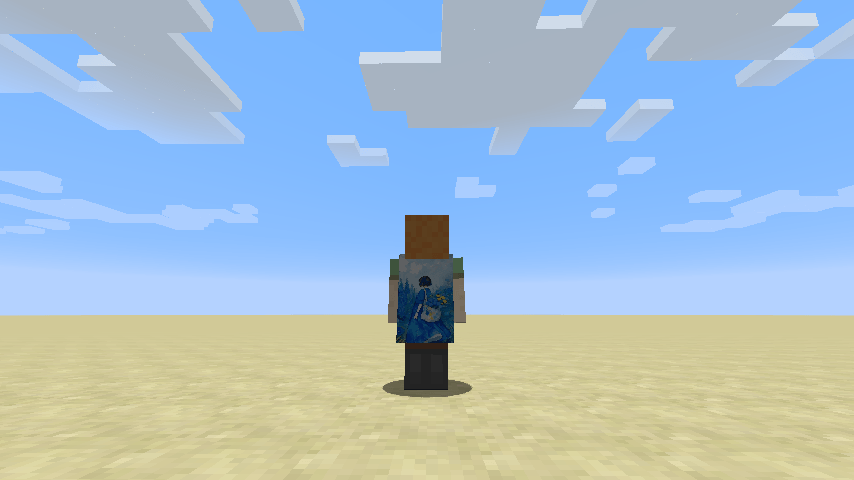
介绍
InstantCapes is a lightweight, modern 1.8.9 cape utility mod designed for seamless local and animated cape rendering. Drop your favorite designs into your game, paste straight from your clipboard, or watch GIFs come to life with a smart dual-resolution rendering engine built for performance.
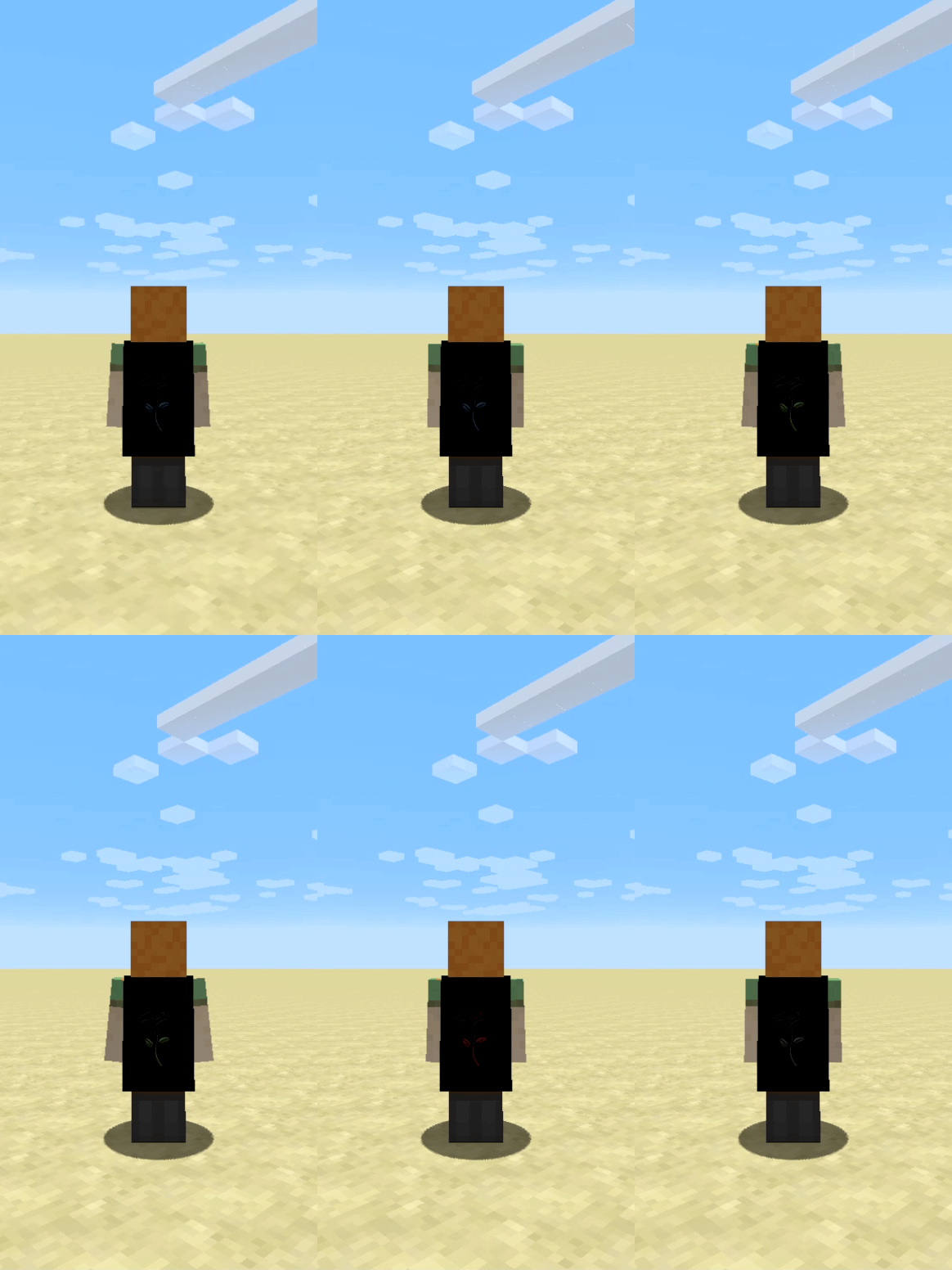
How to Use
- Place your cape image files (.png, .jpg, .jpeg, .bmp, or .gif) into the instantcapes folder inside your Minecraft directory
C:\Users\YourName\AppData\Roaming\.minecraft\instantcapes(Note: you will have to start the game with the mod first to create the folder). - Open Minecraft and use the
/cape load [your file name]to load your cape by name—no extensions required if the name is unique! - Alternatively, copy any image to your system clipboard and run /cape clipboard for instant application.
Commands
All commands support /cape, /capes, and /instantcapes as aliases.
- /cape help — Show the full command list.
- /cape on and /cape off — Enable or disable cape rendering.
- /cape load — Load a cape by its filename. Extensions are optional for unique names; if conflicts occur, the mod lists available options. Tab completion also helps you cycle through files.
- /cape list — Display all available files in the cape folder with interactive clickable links to instantly load them on click.
- /cape clipboard — Instantly load and apply an image copied to your clipboard.
- /cape reload — Reload your currently selected cape.
- /cape check — Toggle background update notifications.
- /cape update — Automatically check CurseForge, download, and install the latest mod update right into your mods folder.
❓ FAQ
Q: Can other players see my custom capes? A: No. InstantCapes is entirely client-side. The custom textures and animated GIFs are rendered locally on your own character for your eyes (and screenshots/videos) to enjoy.
Q: What image formats are supported? A: The mod supports PNG, JPG/JPEG, BMP, and animated GIFs (up to 300 frames and optimized performance limits to prevent lag). It also automatically recognizes standard 64×32 Minecraft cape layouts and crisp HD resolutions without unwanted distortion or upscaling blur.
Q: Do the mods support animated capes? A: Yes, it supports animated capes through GIF files. However, lower framerates are recommended; higher animation speeds and complex frames will have a higher impact on your FPS.
Q: Does it support 4K or ultra-quality images? A: Yes, it supports ultra-quality images! However, a 1:2 aspect ratio is recommended; otherwise, the image may get squeezed or distorted.
Q: Do I need to restart my game to change capes or add new ones? A: No, no restart is needed to change capes. You also don’t need to restart when adding new cape files to the folder—the mod automatically refreshes and detects any changes made to the main directory folder live!
Q. Does spacing in image or GIF names cause any issues? A: No, spacing in filenames is fully supported. However, if you run into any issues finding a file, use /cape list—if it appears in the list, just click it to enable your cape. If you don’t find it there, feel free to contact the mod authors personally through Discord or other channels!
Q: How do I update the mod? A: You can check for updates anytime using /cape check or instantly download and install new versions directly in-game using /cape update. Just restart your game afterward to load the latest file!
常见问题
Instant Cape 支持哪些 Minecraft 版本?
Instant Cape 支持 Minecraft Java 版 1.8.9,可用的加载器:Forge。下载时注意选择和你游戏版本一致的文件。
Instant Cape 怎么安装?
先用 PCL2 或 HMCL 启动器安装对应版本的 Forge,再把下载的 .jar 文件放进游戏目录的 mods 文件夹,重新启动游戏即可。开启了版本隔离的,mods 文件夹在 versions/版本名 下面。
Rakib_The_Gamer_Boy 的其他作品
查看全部 →
Lunar toggle Sneak/Sprint
月相潜行/疾跑
Advance Perspective
Advanced Perspective Mod(Forge 1.8.9)——分别用专属按键切换第三人称后视角和前视角!无需等待烦人的前视角延迟,即可在 PvP 中立刻查看周围情况。Bedwars 和 Skywars 玩家的必备模组!

Simple Capes
这个模组可能无法正常运行,请改用我的新模组 Instant Capes

Item Counter – Bedwars Resource HUD
用简洁的 HUD 实时追踪你的起床战争资源——无需打开物品栏。
评论
登录后评论和评分